
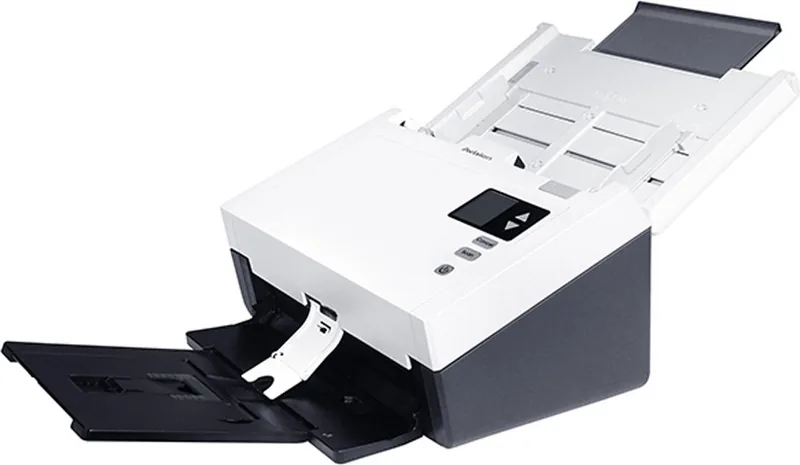
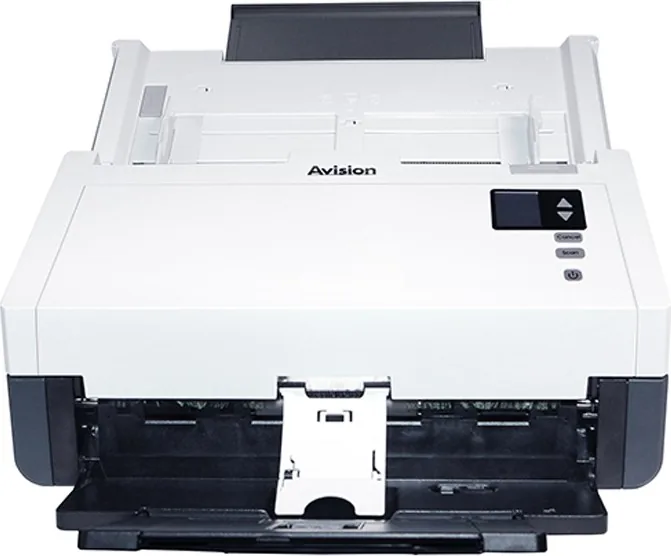
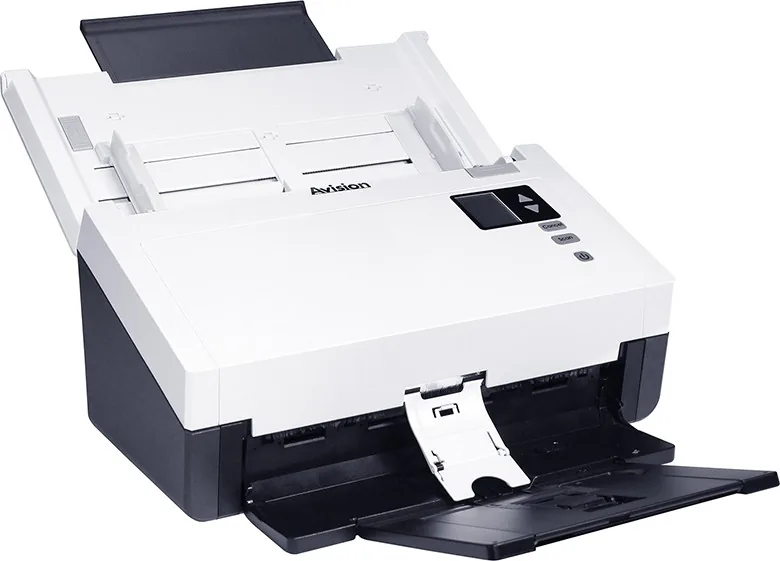
Avision AD345 Manual
PDF manual · 157 Pages
English



Quick check
Incorrect answer, please try again.
Chat with your Avision AD345 manual using AI
Get instant AI answers from your Avision AD345 manual
Ask anything about the Avision AD345. Answers come from this manual, with the pages they are based on.
Ask a Question
Do you recommend AD345?
Yes NoFrequently Asked Questions
The scanner is compatible with Microsoft Windows XP SP3, Vista, 7, 8.x, and 10 in both 32-bit and 64-bit versions.
Is this answer helpful?
Yes, the Avision AD345 features a duplex scanning capability that captures both sides of a page in a single pass.
Is this answer helpful?
Use the provided LAN cable to connect to your switch or router. Ensure Virtual Scanner Link software is installed to establish the connection.
Is this answer helpful?
Yes, the package includes the specific DA-48M24 power adapter required for safe operation and warranty validity.
Is this answer helpful?
The automatic feeder supports documents weighing between 27 g/m² and 413 g/m².
Is this answer helpful?
Yes, the separation tab allows for the detection of various one-dimensional and two-dimensional barcodes.
Is this answer helpful?
Advantages and Disadvantages
Advantages

- Supports high-speed USB 3.1 and dual-mode network connectivity
- Advanced image processing with automatic color detection and despeckling
- Intuitive LCD control panel with customizable button functions via software
Disadvantages

- Requires specific driver installation before connecting via USB
- Some advanced features like carrier sheet mode vary by model configuration
- Initial setup may take time for users unfamiliar with TWAIN interfaces
Product Specification
Type
Document Scanner (CIS)
Resolution
600x600dpi
Speed
60/60 ppm (BW/Color)
Paper/Film Format
Letter
Paper/Film Feeder
100-sheet DADF, Duplex Unit
Display
Monochrome
Software
OCR Software
Dimensions
12.44x9.41x26.77in
Product Description
Discover the Avision AD345 Scanner
The Avision AD345 Manual serves as a comprehensive guide for users seeking to maximize the efficiency of their document scanning workflow. This high-performance scanner is designed for businesses and home offices that require reliable, fast, and versatile digitization capabilities. Whether you are managing large volumes of legal documents, archiving photographs, or processing invoices, the Avision AD345 offers a robust solution that adapts to your specific needs.
At the heart of this device lies its advanced Automatic Document Feeder (ADF), capable of handling various paper sizes and weights with precision. The unit supports both single-pass duplex scanning and flatbed operations, ensuring that even delicate items like books or fragile photos can be captured without damage. The intuitive control panel features an LCD display that provides real-time status updates, allowing users to monitor scan progress and adjust settings directly from the hardware.
Connectivity is seamless, with support for USB 3.1 Gen 1 ports to ensure rapid data transfer speeds. For networked environments, the built-in Ethernet port and Wi-Fi Protected Setup (WPS) enable multiple users to access the scanner simultaneously through a local area network. The inclusion of Button Manager V2 software further enhances productivity by allowing users to assign custom functions to physical buttons, streamlining repetitive tasks into a single press.
Image quality is paramount, and the Avision AD345 delivers with adjustable resolution settings ranging from 75 dpi up to 600 dpi. Advanced image processing features such as automatic color detection, background removal, and despeckling ensure that final digital copies are clean and professional. Users can also customize compression levels using JPEG or G4 formats to balance file size against visual fidelity. The software suite includes tools for OCR compatibility, barcode detection, and patch code recognition, making it ideal for automated document management systems.
Safety and regulatory compliance are strictly maintained, adhering to FCC Class B standards and European Union directives regarding low voltage and electromagnetic compatibility. The device comes with detailed instructions on proper setup, maintenance, and troubleshooting, ensuring longevity and consistent performance. By integrating the Avision AD345 into your daily operations, you gain a powerful tool that simplifies document handling while maintaining high standards of quality and security.
Search for 67,706 Manuals online


Type-in Brand or Model