
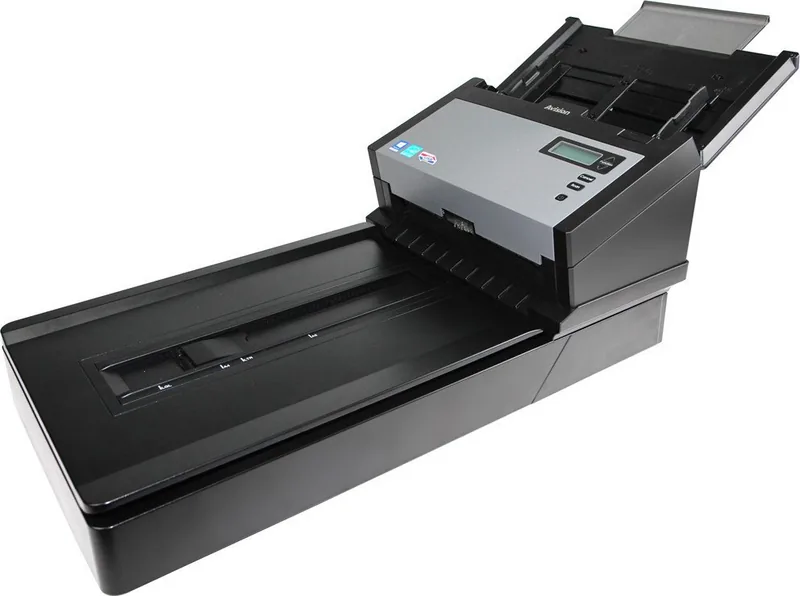
Avision AD280F Manual
PDF manual · 137 Pages
English



Quick check
Incorrect answer, please try again.
Chat with your Avision AD280F manual using AI
Get instant AI answers from your Avision AD280F manual
Ask anything about the Avision AD280F. Answers come from this manual, with the pages they are based on.
AD280F Maintenance Schedule
Soak a cotton swab in 95% isopropyl alcohol. Open the ADF and document cover, then wipe the glass surfaces with side-to-side motions.
Soak a clean cloth in 95% isopropyl alcohol. Press the ADF release button, open the front flap, and wipe and rotate the roller until dust is removed.
Ask a Question
Do you recommend AD280F?
Yes NoFrequently Asked Questions
It works well for mixed office scanning, including multi-page stacks, double-sided forms, receipts, books, and delicate pages that need flatbed handling. Its feeder and flatbed design make it versatile for daily document digitizing.
Is this answer helpful?
Yes. It is designed to scan both sides of a page in one pass, which saves time and reduces manual handling. Duplex support is especially useful for contracts, reports, and archived records.
Is this answer helpful?
Yes. Features like color dropout, line removal, despeckle, and background processing can improve text clarity before OCR. These tools help create cleaner scans that are easier for recognition software to read.
Is this answer helpful?
Yes. The flatbed section is ideal for books, curled pages, photos, and other delicate originals. It gives you a safer way to scan items that should not be fed through the ADF.
Is this answer helpful?
It uses USB and supports USB 3.0 for faster data transfer. It is also compatible with USB 2.0 and 1.1, which makes it easier to connect in different computer environments.
Is this answer helpful?
Clean the flatbed glass and feeder rollers regularly, follow the safety guidance, and replace worn ADF parts when needed. Routine maintenance helps prevent jams, skewing, and feed issues.
Is this answer helpful?
Advantages and Disadvantages
Advantages

- Fast duplex scanning for multi-page workflows and double-sided documents.
- Combines ADF and flatbed for both stacks and fragile originals.
- Advanced image tools improve OCR, cleanup, and scan consistency.
- USB 3.0 support helps speed up transfers and daily productivity.
Disadvantages

- Some advanced settings may feel complex for first-time users.
- Best performance depends on regular roller and glass cleaning.
- Large feature set can be overkill for very simple scanning tasks.
- Certain functions vary by model and may not be available everywhere.
Product Specification
Type
Document scanner (CCD)
Resolution
600x600dpi
Speed
80/80 ppm (B/W/Color)
Paper/Film format
A4
Paper/Film feeder
100 sheets DADF, Duplex unit
Memory
128MB (RAM)
Connections
1x USB 3.0
Wireless
N/A
Display
monochrome
Software
OCR software
Dimensions
12.72x12.99x31.85in
Weight
20.50lbs
Special features
LED lighting
Product Description
Avision AD280F: Practical Speed for Everyday Document Work
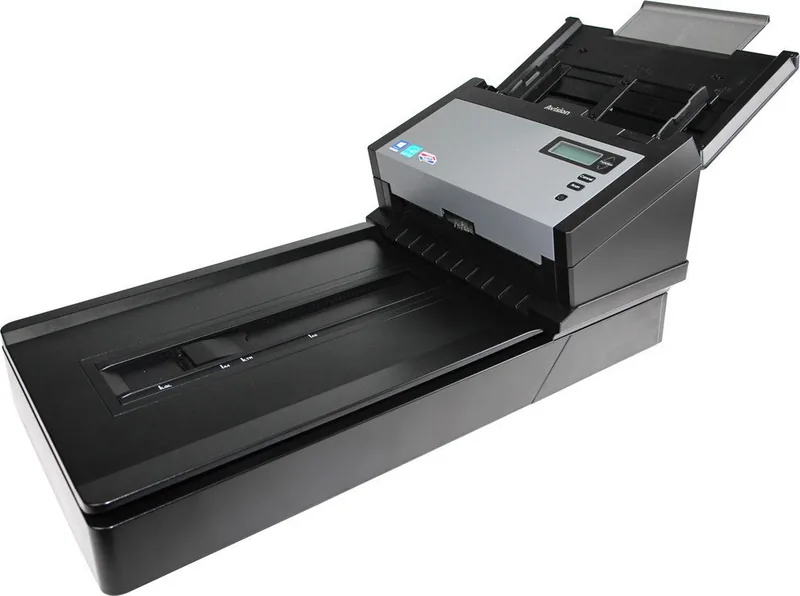
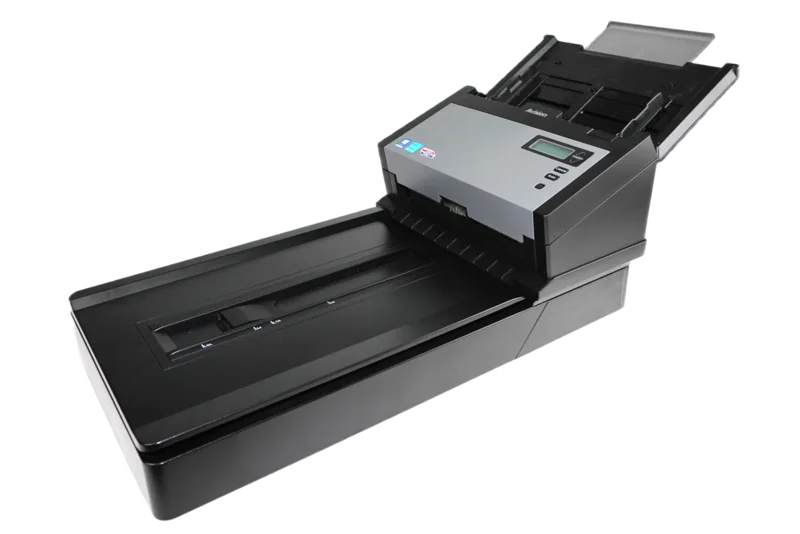
The Avision AD280F is built for people who need a reliable scanner that can keep up with real office workloads. It combines an auto document feeder with a flatbed, making it useful for both stacked paper batches and delicate items that need careful handling. In the spirit of the Avision AD280F Manual, this model is clearly designed with productivity, image quality, and straightforward operation in mind.
One of its biggest strengths is flexibility. You can scan multi-page documents quickly through the feeder, or switch to the flatbed for books, receipts, wrinkled pages, and ID cards. With support for duplex scanning, the AD280F helps reduce manual work by capturing both sides in one pass. That makes it a smart fit for offices, administrative teams, and anyone digitizing frequent paper records.
The scanner also focuses on image control. Users can fine-tune brightness, contrast, resolution, cropping, background handling, and color settings to match different document types. Features like color dropout, blank page removal, deskew, line cleanup, punch-hole removal, and multi-feed detection help produce cleaner results and reduce the need for rescans. For OCR workflows, these tools can make text more readable and file organization easier.
Another advantage is its practical speed and connection options. A USB 3.0 interface supports faster transfer and remains compatible with older USB standards, while broad Windows support makes setup easier in mixed environments. The included software tools and button-based workflow also help simplify repetitive scanning tasks, so users can move from paper to digital files with fewer steps.
For daily use, the AD280F feels like a scanner made to last. The manual emphasizes proper cleaning, roller maintenance, and easy access to service information, which is a good sign for long-term operation. If you want a document scanner that balances speed, quality, and useful automation, the Avision AD280F is a strong contender.
Notes
- Best for offices, archives, and mixed-document scanning
- Useful for both batch scanning and fragile originals
- Image enhancement tools can improve OCR accuracy
- Regular cleaning helps maintain feeding reliability
Search for 67,706 Manuals online


Type-in Brand or Model