
Avision AD240U Manual
PDF manual · 138 Pages
English



Quick check
Incorrect answer, please try again.
Chat with your Avision AD240U manual using AI
Get instant AI answers from your Avision AD240U manual
Ask anything about the Avision AD240U. Answers come from this manual, with the pages they are based on.
AD240U Maintenance Schedule
After scanning approximately 200,000 pages via the automatic document feeder, replace the ADF roller if paper feeding issues occur.
Clean friction and feed rollers with a cloth soaked in 95% isopropyl alcohol to remove ink or dust preventing proper paper feeding.
Wipe the glass and white area with a lint-free cloth dampened with 95% isopropyl alcohol to remove dust or dirt.
Ask a Question
Do you recommend AD240U?
Yes NoFrequently Asked Questions
The scanner supports Windows XP (SP3) through Windows 10 (32/64-bit) and connects via Hi-Speed USB 2.0. Drivers include TWAIN, ISIS, and WIA to enable compatibility with a wide range of imaging and document-management applications.
Is this answer helpful?
Fan and align pages before loading, remove staples/clips and sticky notes, ensure correct paper weight and width settings, adjust paper guides snugly, and clean or replace feeding rollers per maintenance instructions. Use ultrasonic multi-feed detection if supported.
Is this answer helpful?
Use grayscale or high-contrast B&W with dynamic binarization or fixed threshold tailored to document tone, enable color dropout for colored form backgrounds, apply despeckle and line removal to reduce noise, and choose 200–300 dpi for balanced OCR accuracy and file size.
Is this answer helpful?
Yes. It supports separation via blank-page removal, barcode detection, and patch-code detection. Configure detection zones, resolution, and thresholds to match your document layout for reliable automatic splitting.
Is this answer helpful?
Regularly clean feeding rollers and glass with 95% isopropyl alcohol, replace reverse and ADF rollers after the recommended page counts, clear paper jams carefully via the front access, and reset roller counters after servicing.
Is this answer helpful?
Use a carrier sheet if available for fragile, odd-sized, or folded media; center the document inside the carrier, load it gray-side down, and adjust guides to prevent skewing. Some features may be disabled while using carrier sheets.
Is this answer helpful?
The scanner accepts documents from about 50 x 50 mm up to 216 x 356 mm (standard operation), supports long-page modes for longer scans (model-dependent), accepts paper weights roughly 27–413 g/m2, and the ADF capacity is typically up to around 80 pages (20 lb / 75 g/m2).
Is this answer helpful?
Advantages and Disadvantages
Advantages

- Reliable sheet-fed ADF with mixed-size handling and duplex scanning support.
- Comprehensive image controls (dynamic binarization, color dropout, despeckle) to improve OCR and output quality.
- One-touch Button Manager integration routes scans to apps, OCR, folders, or email for streamlined workflows.
- Multiple separation options: barcode, patch-code, and blank-page detection for automated batch splitting.
- Serviceable feed components and clear maintenance procedures to sustain long-term performance.
Disadvantages

- Some advanced modes (e.g., Dynamic Threshold AD, high-resolution processing) can slow scanning speed.
- Carrier sheet and certain functions may be model-dependent or unavailable on all configurations.
- High-resolution color scans produce very large files and require significant memory and storage.
- Certain features (e.g., long-page scanning) disable others like multi-feed detection or auto-crop.
- Maintenance (roller replacement) may require authorized service and periodic part replacement.
Product Specification
Type
Document scanner (CCD)
Resolution
600x600dpi
Speed
40/40 ppm (BW/color)
Paper/film format
A4
Paper/film feeder
100 sheets DADF, duplex unit
Memory
128MB (RAM)
Ports
1x USB 2.0
Wireless
N/A
Software
OCR software
Power consumption
24W (typical), 7.5W (standby), 2.5W (sleep)
Dimensions
12.44x6.61x7.52in
Weight
9.26lb
Special features
LED lighting
Product Description
Avision AD240U Manual — A Practical Guide to the Avision AD240U Scanner
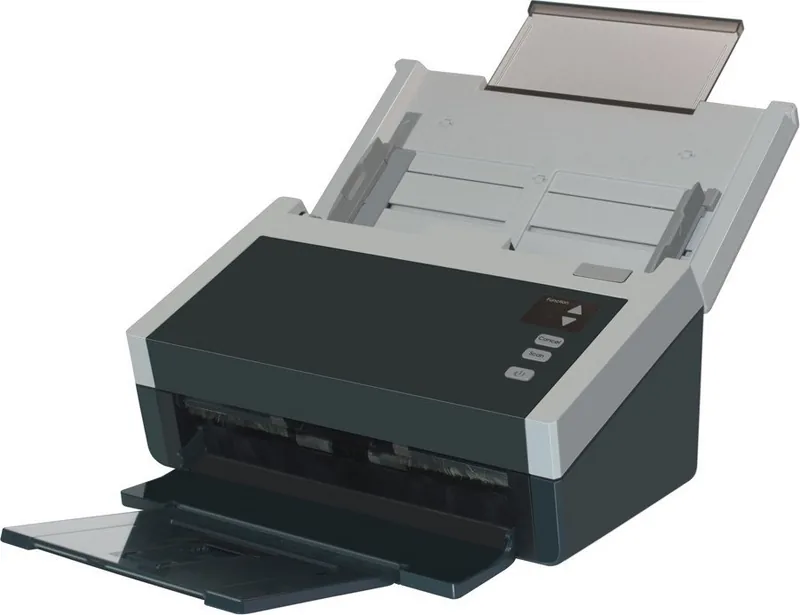
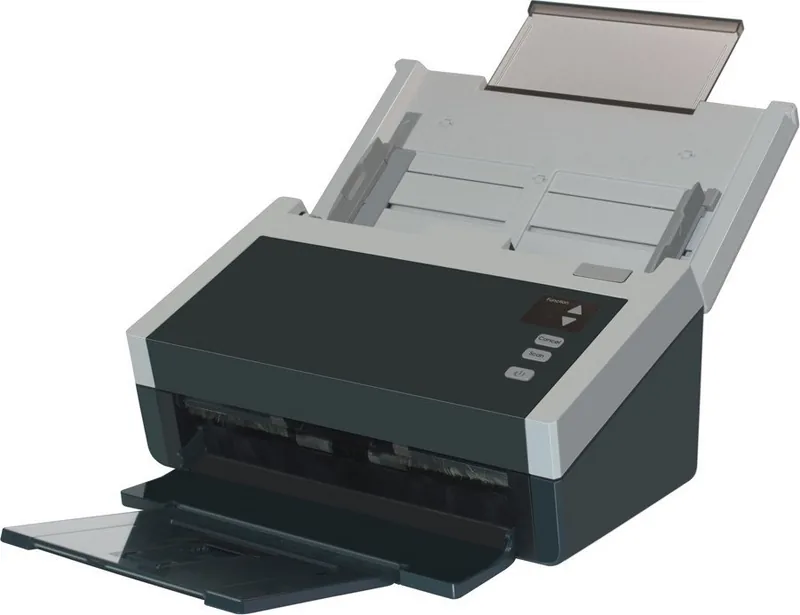
The Avision AD240U is a compact sheet-fed color scanner designed for office and small-business environments where speed, reliability, and straightforward operation matter. Built to handle everyday scanning tasks, it supports a broad range of document sizes and weights, including thin papers and ID cards, and includes features to manage mixed batches, duplex scanning, and long-page scanning. The AD240U pairs USB connectivity with broad Windows compatibility, making it easy to integrate into common desktop workflows.
Key features and workflow
The AD240U excels at batch scanning through its automatic document feeder (ADF), which can accept many pages at once and supports mixed-size stacks when prepared correctly. Supported resolutions run up to 600 dpi for detailed captures, while common defaults like 200–300 dpi balance quality and file size. Scanning profiles let users save preferred settings for recurring tasks — color, grayscale, or bi-tonal modes; JPEG or TIFF compression; and custom cropping or long-page handling.
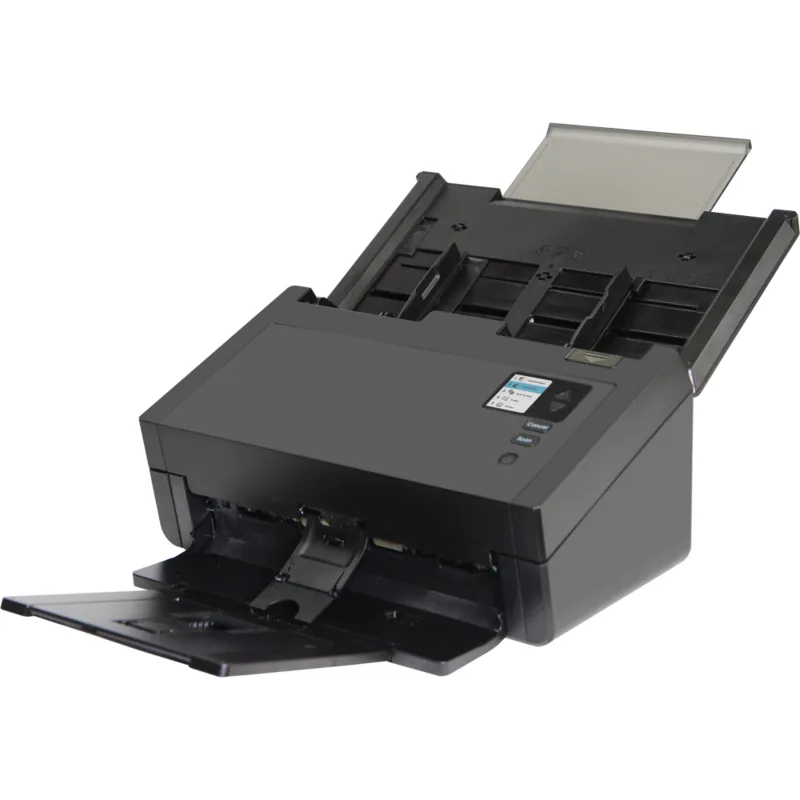
Operator-facing controls include a simple button panel and a small LCD for quick job selection. A companion Button Manager utility maps one-touch buttons to destinations and formats so scans can be routed directly to applications, OCR, folders, or email. The software bundle also includes drivers (TWAIN, ISIS, WIA) and utilities for previewing, cropping, and basic image enhancement.
Reliability, media handling and maintenance
The AD240U is engineered for frequent use: feeding rollers and ADF mechanics are serviceable, and consumables like ADF rollers and reverse rollers are replaceable to maintain consistent performance. The unit offers safeguards such as multi-feed detection (ultrasonic and length-based), blank-page removal, and patch-code/barcode separation to automate document batching. Practical maintenance steps — cleaning rollers and glass with isopropyl alcohol and following recommended replacement intervals — help avoid jams and skewed scans.
Advanced image controls
Image pre-processing options include dynamic binarization for tough black-and-white pages, color dropout for form cleanup, background smoothing/removal for forms, despeckle and line removal to improve OCR results, and color matching modes for accurate reproduction. Imprinter functionality (digital or external) stamps counters, timestamps, and custom text onto images when needed.
System integration and compliance
The scanner works with Windows XP through Windows 10 (32/64-bit) and uses USB 2.0 connectivity. It meets regulatory standards for EMI/EMC and environmental directives, and the product adheres to energy-efficiency guidelines. For organizations that scan high volumes, driver options, separation features, and configurable cache settings help optimize throughput and resource usage.
Notes:
- Best practice: fan and align pages before loading; remove staples and clips.
- Use the supplied AC adapter and cables only.
- Replace ADF rollers per recommended cycles and reset counters after service.
Search for 67,706 Manuals online


Type-in Brand or Model