
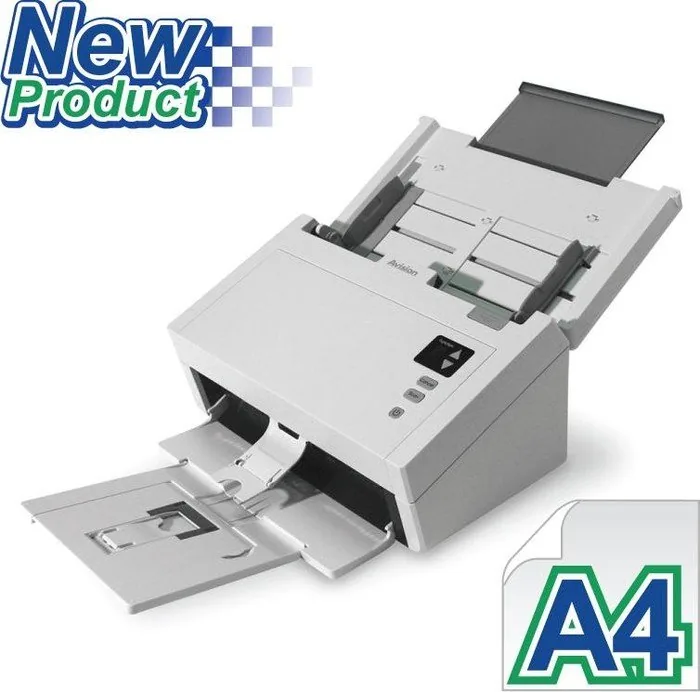
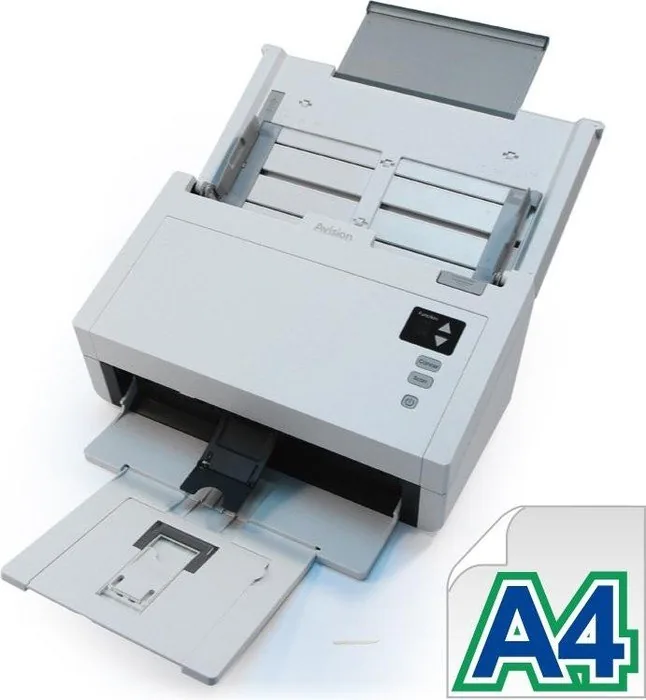
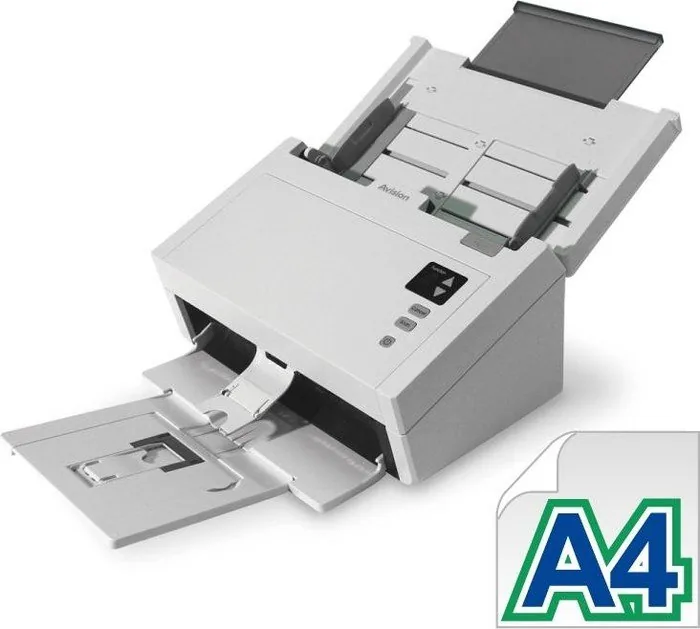
Avision AD230U Manual
PDF manual · 133 Pages
English



Quick check
Incorrect answer, please try again.
Chat with your Avision AD230U manual using AI
Get instant AI answers from your Avision AD230U manual
Ask anything about the Avision AD230U. Answers come from this manual, with the pages they are based on.
AD230U Maintenance Schedule
After scanning approximately 200,000 pages via the ADF, replace the roller if paper feeding issues occur due to wear.
Soak a cloth in isopropyl alcohol and wipe the friction and feed rollers to remove ink or dust if paper intake is poor.
Wipe the glass and white area with a lint-free cloth moistened with isopropyl alcohol to remove dust or dirt.
Ask a Question
Do you recommend AD230U?
Yes NoFrequently Asked Questions
It is best for everyday office scanning such as invoices, forms, receipts, ID cards, and other stacked paper workflows. Its feeder and image tools make routine capture quick and organized.
Is this answer helpful?
Yes. It supports color, grayscale, and black-and-white scanning, so you can choose the mode that fits the original and the desired output quality.
Is this answer helpful?
Yes. It can handle mixed sizes when the sheets are aligned properly and the paper guides are adjusted. Using the auto-crop and deskew options can also help with uneven batches.
Is this answer helpful?
It supports TWAIN, ISIS, and WIA, which makes it compatible with many scanning, editing, and archiving applications on Windows systems.
Is this answer helpful?
Fan the sheets before loading, keep the paper guides snug, avoid damaged or curled paper, and clean the feed rollers regularly. These steps improve feeding stability.
Is this answer helpful?
Regular cleaning of the rollers and glass is important. Over time, worn feed parts may need replacement to keep document handling smooth and reliable.
Is this answer helpful?
Advantages and Disadvantages
Advantages

- Fast batch scanning with an 80-sheet feeder for busy workloads.
- Supports color, grayscale, and black-and-white scanning modes.
- TWAIN, ISIS, and WIA compatibility fits many software environments.
- Advanced image tools help improve OCR, cleanup, and document separation.
Disadvantages

- No flatbed design, so fragile or bound materials need extra care.
- Some features depend on the scanner model and installed software.
- Rollers and glass need regular cleaning for best feeding performance.
- High-resolution scans can use more memory and slow advanced processing.
Product Specification
Type
Document Scanner (CIS)
Resolution
600x600dpi
Speed
30/30 ppm (B/W/Color)
Paper/Film Format
A4
Paper/Film Feed
80 sheets DADF, Duplex Unit
Connections
1x USB 3.0
Wireless
N/A
Software
OCR Software (PaperPort 14)
Power Consumption
17W (typical), 5.5W (standby), 2.6W (sleep)
Dimensions
12.44x6.61x7.52in
Weight
8.60lb
Features
LED Lighting
Product Description
Avision AD230U Manual: Scanning Made Simple
The Avision AD230U is a practical sheet-fed scanner built for offices, home workspaces, and service counters that need fast, dependable capture. It focuses on speed, clean output, and easy operation, making it a smart fit for everyday tasks like invoicing, record keeping, and form processing. The Avision AD230U Manual is especially useful for learning how to set up the device, choose the right scan mode, and get consistent results with minimal effort.
One of its strongest advantages is the automatic document feeder, which supports batch scanning and helps users move through stacks of paper quickly. With support for color, grayscale, and black-and-white output, the scanner adapts well to different jobs, from detailed artwork to text-heavy forms. It also handles a broad range of paper sizes and weights, so mixed office workloads are easier to manage without constant reloading.
The AD230U is built for productive workflows. Front-panel buttons, an LCD destination display, and Button Manager software make one-touch scanning straightforward once settings are configured. Users can create profiles for common tasks, apply auto-cropping, remove blank pages, detect barcodes or patch codes, and use color dropout to improve OCR accuracy. These tools save time and reduce the need for manual cleanup after scanning.
Image quality is another highlight. With resolution options up to 600 dpi, the scanner can capture fine details when needed, while lower settings help keep speed high for routine jobs. Brightness, contrast, threshold, inversion, and background processing settings provide extra control for difficult originals. That flexibility makes the AD230U more than a basic scanner; it is a reliable capture tool for everyday business use.
Maintenance and reliability are also clearly emphasized. Cleaning the rollers and glass, replacing worn feed parts, and clearing jams are all part of keeping the scanner in top shape. Safety guidance, energy-saving features, and compliance notes show that the product is designed with long-term use in mind.
Notes
- Fan and align sheets before feeding to reduce skew and jams.
- Use lower resolutions for large batches to keep scanning smooth.
- Keep rollers clean to maintain feeding performance over time.
Search for 67,706 Manuals online


Type-in Brand or Model