
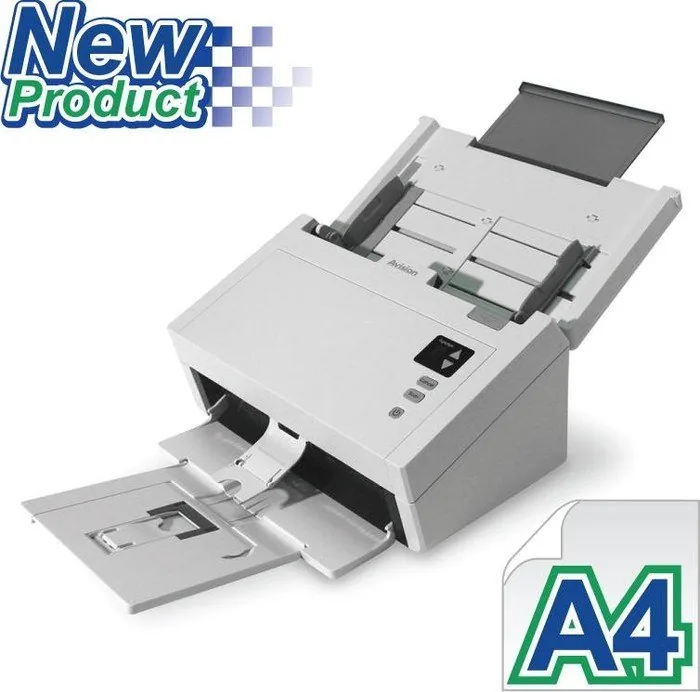
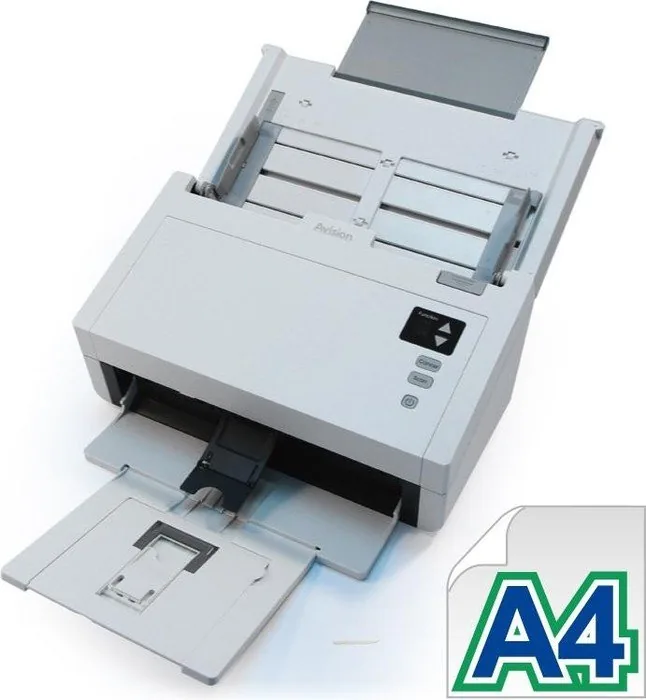
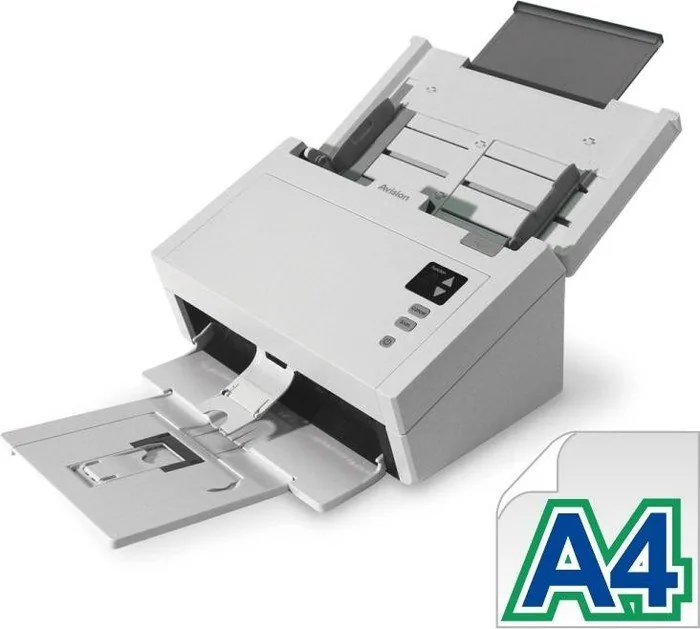
Avision AD230 Manual
PDF manual · 132 Pages
English



Quick check
Incorrect answer, please try again.
Chat with your Avision AD230 manual using AI
Get instant AI answers from your Avision AD230 manual
Ask anything about the Avision AD230. Answers come from this manual, with the pages they are based on.
AD230 Maintenance Schedule
After scanning approximately 200,000 pages, replace the ADF roller if paper feeding problems occur.
Wipe the friction and feed rollers with a cloth soaked in 95% isopropyl alcohol to remove ink or dust.
Wipe the glass and white area with a lint-free cloth moistened with 95% isopropyl alcohol using a cotton swab.
Ask a Question
Do you recommend AD230?
Yes NoFrequently Asked Questions
Insert the included CD and run setup.exe. Follow the screen prompts to install the scanner driver first. Then connect the USB cable and allow the certificate confirmation. Finally, install Button Manager V2 for button functionality.
Is this answer helpful?
Open the front flap of the feeder. Gently pull the paper out from the path. Close the flap. Ensure paper is straight and fanned before reloading. Check roller condition if jams persist frequently.
Is this answer helpful?
The device supports Microsoft Windows XP, Vista, 7, 8, and 10. It works on both 32-bit and 64-bit versions. Minimum requirements include an Intel Core 2 Duo processor and 2 GB of RAM for 32-bit systems.
Is this answer helpful?
Clean the glass whenever you notice debris or smudges affecting scan quality. Use a soft cloth dampened with isopropyl alcohol. Wipe gently to avoid scratching the surface. Keep the area dust-free for best results.
Is this answer helpful?
Standard resolutions include 75, 100, 150, 200, 300, 400, and 600 dpi. The default is 200 dpi. Higher resolutions produce larger file sizes and require more processing time for accurate detail capture.
Is this answer helpful?
Yes, the product includes a warranty covering manufacturing defects under normal use conditions. Refer to the Avision AD230 Manual for specific terms and durations. Keep your receipt for proof of purchase when claiming service.
Is this answer helpful?
Advantages and Disadvantages
Advantages

- Versatile scanning options include both automatic document feeder and flatbed capabilities.
- Broad software compatibility supports TWAIN, ISIS, and WIA protocols across many Windows versions.
- Energy saving features help reduce power consumption when unit is idle.
- Clear instructions provided for maintenance tasks like roller cleaning to ensure longevity.
Disadvantages

- Drivers must be installed before connecting the device via USB interface.
- Roller wear requires periodic replacement after scanning approximately 200 thousand pages.
- Specific power adapter supplied must be used to avoid damage or voiding warranty.
Product Specification
Type
Document Scanner (CIS)
Resolution
600x600 dpi
Speed
30/30 spm (BW/Color)
Paper/Film Format
A4
Paper/Film Input
80 Sheets DADF, Duplex Unit
Interfaces
1x USB 3.0
Wireless
N/A
Software
OCR Software (PaperPort 14)
Power Consumption
17W (typical), 5.5W (standby), 2.6W (sleep)
Dimensions
12.44x6.61x7.52 in
Weight
8.60 lbs
Features
LED Lighting
Product Description
Avision AD230 Overview
The Avision AD230 stands out as a reliable tool for modern offices needing efficient digitization. This device offers seamless integration into existing workflows with robust support for various operating systems. Its design prioritizes speed and accuracy, making it suitable for high-volume tasks. Users will appreciate the comprehensive software suite included with the hardware, which simplifies configuration and everyday operation. Reference to the Avision AD230 Manual ensures users understand setup and ongoing performance optimization regarding system requirements.
Features and Performance
Installing the unit is straightforward given instructions found within the packaging. It supports both automatic material feeding and flatbed scanning for versatility. This dual capability allows users to handle everything from single sheets to multi-sheet stacks without switching hardware. The optical resolution options ensure high fidelity for both text and photos. Drivers for TWAIN, ISIS, and WIA protocols are available for broad application compatibility across multiple versions of Windows.
Power management features contribute to energy savings when the device is idle. The front panel includes intuitive buttons for starting scans or canceling jobs instantly. Regular maintenance keeps rollers clean to prevent feeding issues over time. The automatic material feeder handles standard paper sizes efficiently without manual intervention during batches. Performance benchmarks indicate suitability for small to medium business needs.
It connects via standard USB ports compatible with legacy interfaces. Noise levels remain low during operation compared to competitors. Color accuracy meets professional standards right out of the box. It handles cards and thick media with specific adjustments to settings. The built-in color correction algorithms enhance image quality significantly for archival purposes.
Setup and Support
Warranty details cover manufacturing defects under normal use. Customer support channels are accessible for technical assistance globally. The content from the Avision AD230 Manual continues to serve as a reference for troubleshooting common scenarios involving connectivity or feed alignment. Updates to firmware ensure long-term reliability. Overall, this scanner balances cost and capability effectively for daily use in diverse settings.
Search for 67,706 Manuals online


Type-in Brand or Model