Get instant AI answers from your ASUS Webcam C3 manual
Ask anything about the ASUS Webcam C3. Answers come from this manual, with the pages they are based on.
Ask a Question
0/1000
Do you recommend Webcam C3?
YesNo
Frequently Asked
Questions
A
The package includes the ASUS Webcam C3 and user documentation.
Is this answer helpful?
A
Connect the webcam's USB cable to an available USB port on your computer.
Is this answer helpful?
A
The listed supported operating systems are Windows 10, Windows 8.1, and Windows 7.
Is this answer helpful?
A
Yes. The product features directional microphones for audio capture during calls and online communication.
Is this answer helpful?
A
The activity light indicates when the webcam is active, giving users a visible status signal.
Is this answer helpful?
A
Yes. Installing optional software requires at least 100 MB of available hard drive space. An internet connection is needed to download that software.
Is this answer helpful?
M: gpt-5.6-terra
Advantagesand
Disadvantages
Advantages
Simple USB connection to a computer for quick physical setup.
Supports Windows 10, Windows 8.1, and Windows 7.
Includes directional microphones for voice capture during calls.
Activity light provides a visible indication when the webcam is active.
Package includes the webcam and user documentation.
VS
Disadvantages
The supplied details do not state video resolution, frame rate, or field of view.
Compatibility is specifically listed for older Windows versions only.
Optional software needs 100 MB of free storage and an internet connection.
No information is provided about mounting options or compatibility with non-Windows systems.
M: gpt-5.6-terra
Product
Specification
Type
Webcam
Image sensor
1x CMOS
Resolution
1920 x 1080 pixels (30 fps)
Pan
360 degrees
Tilt
90 degrees
Wireless
N/A
Camera cover
N/A
Microphone
integrated (stereo)
Speaker
N/A
Lighting
N/A
Power supply
via USB
Mount
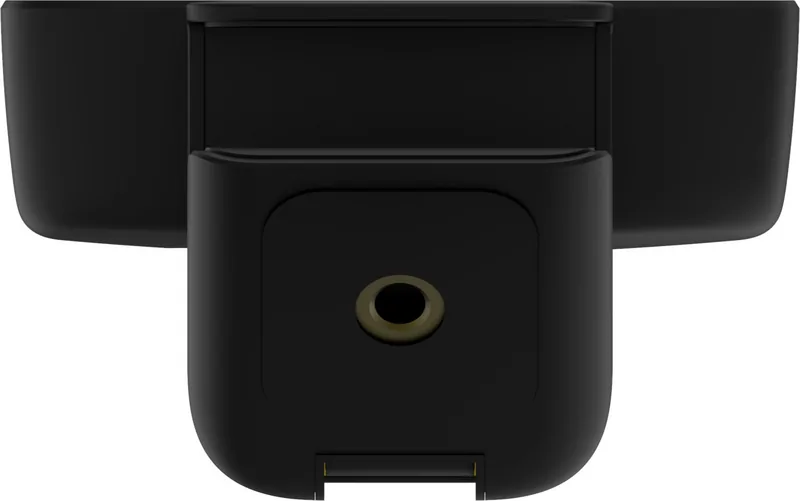
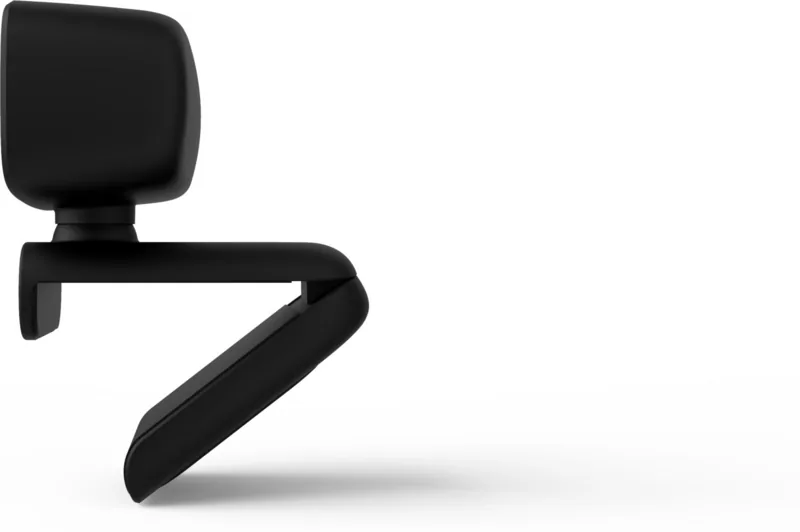
mounting clip, with 1/4 in. thread
M: gpt-5.6-terra
Product
Description
ASUS Webcam C3 - Read, Download & Print Free
The ASUS Webcam C3 is a straightforward USB webcam designed for everyday computer communication. It provides an approachable option for video calls, remote meetings, online classes, and casual chats, with a simple connection process that helps users get started quickly. Connect its USB cable to a compatible computer port and prepare for camera use without a complicated physical setup.
Simple setup for daily communication
The ASUS Webcam C3 supports Windows 10, Windows 8.1, and Windows 7. For users who choose to install optional software, the system needs at least 100 MB of available hard drive space. An internet connection is also needed when downloading optional software. These requirements make it easy to check whether an existing PC is ready before setting up the camera.
The included USB connection is central to the product's convenience. Rather than requiring a separate power source, the webcam connects directly to a computer's USB port. This practical design can suit home desks, office workstations, and temporary setups where users want a dedicated camera ready for calls and collaboration.
Key hardware details
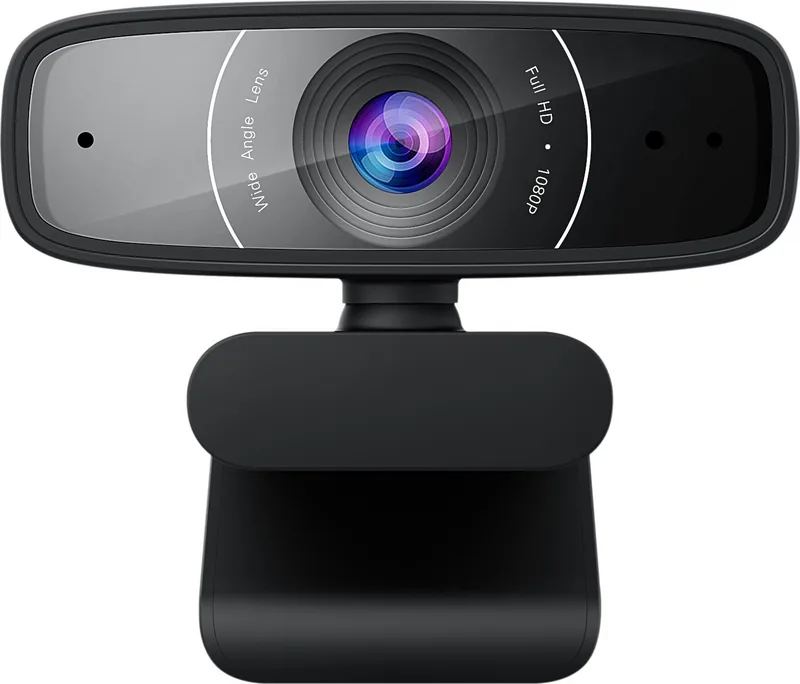
The camera includes a lens, directional microphones, and an activity light. The directional microphones are intended to support voice capture during conversations, while the lens handles video input for compatible communication applications. The activity light gives a visible status indication when the webcam is active, helping users know when it is in use.
ASUS Webcam C3 - Read, Download & Print Free is a useful reference for people comparing basic setup information and supported operating systems. The product package includes the ASUS Webcam C3 and user documentation, giving buyers the essential hardware and setup material needed to begin.
A practical webcam choice
This webcam is best suited to users who value a clear, uncomplicated connection process and core webcam functions. It focuses on essentials rather than making unverified performance promises. Before purchase or installation, confirm that your computer has an available USB port and runs one of the listed Windows versions.
Notes
Optional software requires 100 MB of free storage and an internet connection.
Follow local electronic recycling rules when disposing of the device.
Do not disassemble the webcam, short its contacts, or expose it to fire.