
ASUS Manuals
Manuals
Categories


ASUS Manuals: The Complete Guide to Finding, Using, and Mastering ASUS Documentation
Introduction
ASUS Manuals are the official documentation resources provided by ASUS for their wide range of products, including laptops, desktops, motherboards, monitors, routers, graphics cards, servers, peripherals, and more. These manuals serve as comprehensive guides for setup, operation, troubleshooting, maintenance, and optimization. Whether you are a home user configuring a new laptop, a gamer tuning a motherboard BIOS, an IT professional deploying networking hardware, or a technician performing repairs, ASUS Manuals deliver detailed, product-specific instructions and best practices.
What Are ASUS Manuals?
ASUS Manuals are structured documents that explain product features, installation procedures, safety instructions, specifications, firmware guidance, and support resources. They can be found in digital formats (PDF, HTML) and, in some cases, included as printed booklets. Manuals typically include:
- Product overview and diagrams
- Safety and regulatory information
- Setup and installation steps
- Operating instructions and feature explanations
- BIOS/UEFI or firmware guidance
- Troubleshooting and FAQ sections
- Maintenance and care recommendations
- Warranty and support details
Types of ASUS Manuals
User Manuals
User Manuals provide end-to-end guidance for everyday users. They explain basic functions, ports and buttons, software features, and step-by-step setup. Ideal for first-time configuration and daily use.
Quick Start Guides
Concise, visual documents that focus on unboxing, connections, initial power-on, and essential settings. Perfect for rapid deployment or first-time installation.
Service and Repair Manuals
Technical documents intended for advanced users and technicians. They include disassembly instructions, part numbers, board layouts, and diagnostic procedures. Access may be more limited and focused on authorized service channels.
BIOS/UEFI and Firmware Guides
Manuals that explain firmware interfaces, overclocking options, boot settings, RAID configurations, security features like TPM and Secure Boot, and profile management. Common for motherboards and gaming systems.
Networking and Enterprise Manuals
For routers, switches, access points, servers, and storage devices. They detail CLI/GUI configuration, VLANs, QoS, security policies, monitoring, firmware upgrades, and deployment best practices.
Software and Utility Guides
Documentation for ASUS software such as Armoury Crate, AI Suite, GPU Tweak, MyASUS, and ASUS Router app. They explain installation, feature configuration, performance tuning, and diagnostics.
Where to Find ASUS Manuals
Official ASUS Support Website
- Navigate to the ASUS Support page.
- Enter your product name or model number.
- Select the exact model from the search results.
- Open the "Manual & Document" or "Support" section.
- Download manuals in your preferred language and format.
MyASUS and ASUS Router Apps
Some manuals or contextual help links are accessible directly within ASUS software, guiding you to the correct documentation version.
Product Packaging
New products often include a Quick Start Guide or abbreviated manual. For detailed information, the online manual is recommended.
Common Sections in ASUS Manuals
Safety and Compliance
Includes electrical safety, handling precautions, battery care, environmental disposal, and regulatory certifications (FCC, CE, RoHS). Essential for safe operation and compliance.
Product Overview
Visual diagrams of ports, buttons, airflow directions, mounting points, or slot locations. Helps identify components and their functions quickly.
Setup and Installation
Step-by-step guides for:
- Connecting power, display, peripherals, and network
- Installing storage, RAM, GPUs, or M.2 modules (for desktops and motherboards)
- Mounting hardware in cases or racks
- Initial configuration and first boot
BIOS/UEFI Configuration
Detailed explanations of menus such as Advanced, AI Tweaker, Boot, and Monitor. Covers CPU, memory profiles (XMP/EXPO/DOCP), fan curves, voltage settings, secure boot, virtualization, and hardware monitoring.
Software and Utilities
Instructions for installing drivers, ASUS utilities, and companion apps. Covers performance profiles, RGB lighting, fan control, and diagnostics.
Troubleshooting
Symptoms and solutions for common issues:
- No power or POST
- Overheating and thermal throttling
- Network connectivity problems
- Display and peripheral detection
- BIOS recovery and firmware rollback
Maintenance and Care
Guidelines for cleaning, thermal paste replacement (where applicable), battery health, firmware updates, and data backups.
Specifications
Detailed technical specs: CPU support lists, memory compatibility, display resolutions, I/O ports, power requirements, wireless standards, and physical dimensions.
Warranty and Support
Coverage details, RMA procedures, serial number identification, and contact channels. Often includes links to online support and community forums.
Using ASUS Manuals Effectively
Identify the Exact Model
ASUS product lines often have similar names. Use the model number from the device label, packaging, BIOS screen, or system information.
Match Firmware and Revision
Ensure the manual version corresponds to your hardware revision and firmware/BIOS version. Features and menus can differ between revisions.
Follow Safety Notes
Observe ESD precautions, battery handling rules, and power guidelines. This prevents damage and preserves warranty coverage.
Use Visual Aids
Exploded diagrams, port maps, and screenshots in manuals make installation and configuration more reliable.
Cross-Reference With Compatibility Lists
For motherboards and components, consult the QVL (Qualified Vendor List) for memory and storage compatibility.
Popular Categories and Highlights
Laptops and Notebooks
- Initial setup, Windows/OOBE walkthrough
- Function key map (brightness, volume, performance profiles)
- Battery optimization and charging thresholds
- MyASUS features: diagnostics, fan profiles, noise/performance modes
- Ports, display modes, external monitor setup
Motherboards
- Socket and chipset details
- CPU and RAM installation with seating diagrams
- M.2 and SATA storage placement, PCIe lane sharing notes
- BIOS profiles, overclocking basics, VRM monitoring
- Q-LED/Q-Code diagnostic indicators
Gaming and ROG Series
- Armoury Crate profiles, Aura Sync lighting
- Fan tuning, thermal sensors, and curves
- GPU Tweak for graphics optimization
- Overclocking safeguards and stability testing
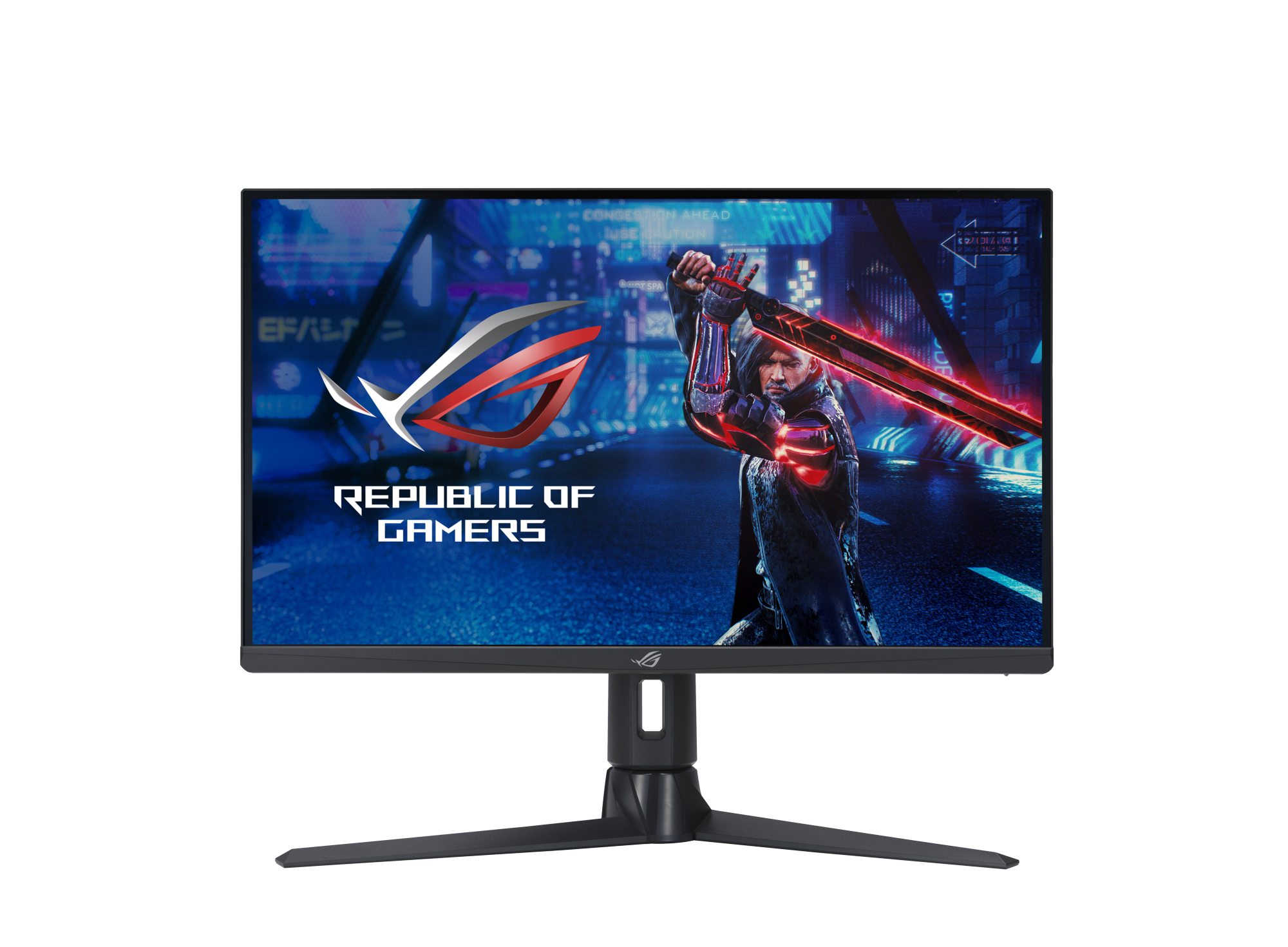
Monitors
- OSD navigation, color and HDR settings
- Adaptive sync (G-SYNC Compatible/FreeSync) setup
- Calibration and gaming presets
- KVM, USB-C DP Alt Mode, and Daisy Chaining
Routers and Networking
- Initial setup via web UI or mobile app
- SSID, encryption, WPA3, guest networks
- QoS, parental controls, traffic analyzer
- AiMesh configuration, firmware updates, VPN
Peripherals and Accessories
- Key remapping, macro setup, and RGB control
- Firmware and driver updates
- Cross-compatibility with ASUS ecosystems
Troubleshooting with ASUS Manuals
Power and POST Issues
- Verify PSU connections, power switch headers, and memory seating
- Use Q-LED or beep codes to identify faulty components
- Clear CMOS or use BIOS FlashBack where available
Thermal and Performance
-
Ensure proper cooler mounting and thermal paste
-
Optimize fan curves via BIOS or utility
-
Check for dust buildup and case airflow
Connectivity and Driver Problems
- Update chipset, GPU, and network drivers
- Reinstall utilities if conflicts arise
- Reset network settings and verify cables/ports
Firmware and BIOS
- Use EZ Flash or equivalent tools for safe updates
- Avoid power interruptions; back up settings profiles
- Roll back carefully if instability appears
Best Practices and Tips
- Download the latest manual and keep a local copy
- Read the revision history or change log if provided
- Bookmark key pages (pin headers, I/O layouts, BIOS menus)
- Use the manual during assembly to avoid missed standoffs or misaligned headers
- Follow torque and screw size guidelines for mounts and M.2 heatsinks
- Leverage diagrams to route cables cleanly and avoid airflow obstruction
Accessibility and Languages
ASUS Manuals are commonly available in multiple languages and often include accessible formatting with clear diagrams. PDF versions support search, bookmarks, and zoom for easy navigation.
When to Contact ASUS Support
If the manual does not resolve your issue, contact ASUS Support when encountering:
- Hardware defects, DOA components, or repeated POST failures
- Warranty concerns and RMA requests
- BIOS corruption without recovery options
- Network security incidents or firmware bugs
Keeping Manuals Up to Date
Product features evolve with firmware updates and driver releases. Periodically check the official support page for updated manuals, errata, and addendums that reflect new capabilities or fixes.
Conclusion
ASUS Manuals are indispensable resources for understanding, installing, configuring, and maintaining ASUS products. By leveraging the correct manual for your exact model and firmware version, you ensure safer operation, better performance, and faster problem resolution. From initial setup to advanced tuning, the documentation provides clear, structured guidance tailored to each device category. Keep your manuals accessible, verify versions, and integrate them into your workflow for a smooth, optimized ASUS experience.
Quick Checklist
- Identify model and hardware revision
- Download the latest manual from ASUS Support
- Review safety and installation sections first
- Match BIOS/firmware instructions to your version
- Use troubleshooting and diagnostics tables for issues
- Update firmware and drivers per guidance
- Retain warranty and RMA information for future needs
Search for 1 Mio. Manuals online


Type-in Brand or Model