
ASUS VivoBook Flip 14 TP401MA-EC307RA Manual
PDF manual · 104 Pages
English


Quick check
Incorrect answer, please try again.
Chat with your ASUS VivoBook Flip 14 TP401MA-EC307RA manual using AI
Get instant AI answers from your ASUS VivoBook Flip 14 TP401MA-EC307RA manual
Ask anything about the ASUS VivoBook Flip 14 TP401MA-EC307RA. Answers come from this manual, with the pages they are based on.
VivoBook Flip 14 TP401MA-EC307RA Maintenance Schedule
Update Windows to ensure applications have the latest security settings.
Use an antivirus program to protect data and keep it up to date.
Backup your data regularly and store the backup on an external storage device.
Disconnect power and remove battery. Wipe with a soft cloth dampened with mild detergent and warm water. Dry with a clean cloth.
Free maintenance reminders
Timed to your purchase date. Always free, unsubscribe anytime.
Ask a Question
Do you recommend VivoBook Flip 14 TP401MA-EC307RA?
Yes NoDo you recommend VivoBook Flip 14 TP401MA-EC307RA?
Yes NoFrequently Asked Questions
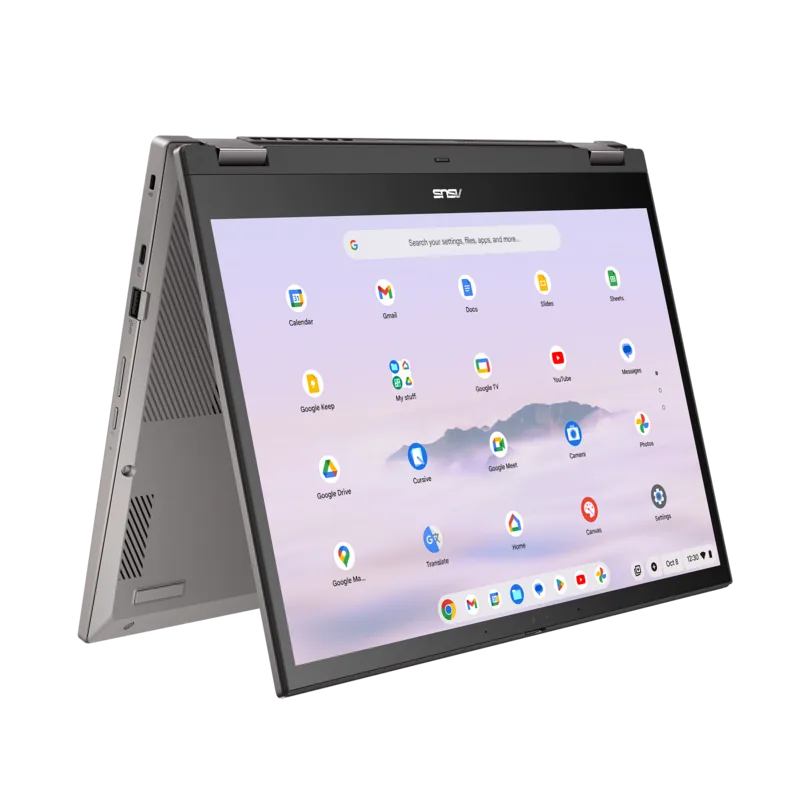
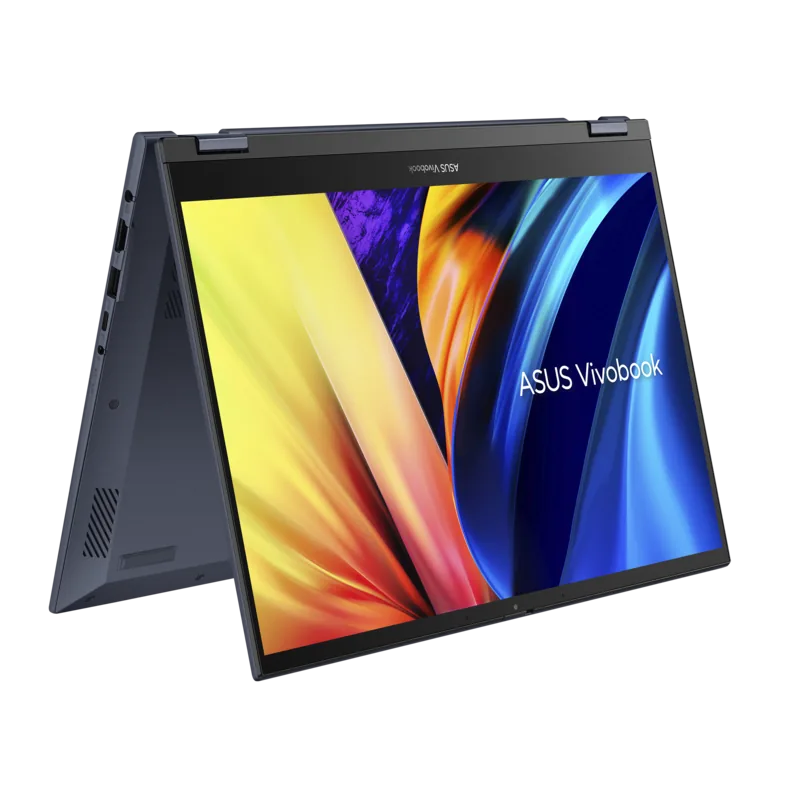
Its touchscreen display can rotate through 360 degrees. This lets you use it as a conventional laptop, a touch-focused tablet, a stand for media viewing, or a tent-style device for compact spaces.
Is this answer helpful?
When the display is rotated into stand, tent, or tablet mode, the keyboard and touchpad are disabled. This helps avoid accidental key presses or cursor movement while using the touchscreen.
Is this answer helpful?
The listed connections include USB Type-C, Micro-USB 2.0, Micro-HDMI, a headset or microphone jack, and a memory card reader supporting SD, SDHC, and SDXC cards.
Is this answer helpful?
Yes. The notebook supports Wi-Fi for network access and Bluetooth for pairing with compatible wireless devices. Airplane mode disables wireless communication when required.
Is this answer helpful?
Yes. The Micro-HDMI port can connect the notebook to a compatible external display. The display mode can then be adjusted with the keyboard display controls and Windows settings.
Is this answer helpful?
A fingerprint sensor is available on certain configurations. When present, it can be configured through Windows Hello after setting up the required password and PIN.
Is this answer helpful?
Advantages and Disadvantages
Advantages

- 360-degree touchscreen design supports laptop, tablet, stand, and tent modes.
- Touchscreen and multi-finger touchpad gestures provide flexible Windows navigation.
- USB Type-C, Micro-USB, Micro-HDMI, audio jack, and SD card reader support everyday connectivity.
- Windows 10 tools include app snapping, Task View, wireless setup, recovery, and BIOS access.
- Selected models offer a fingerprint sensor for Windows Hello sign-in.
Disadvantages

- Port selection uses Micro-HDMI and Micro-USB, which may require adapters for some accessories.
- Keyboard and touchpad are disabled in stand, tent, and tablet positions.
- USB Type-C transfer speed may vary by model configuration.
- The integrated battery is not intended for user removal.
- Manual specifications are from 2017 and software instructions focus on Windows 10.
Product Specification
Type
Notebook, convertible
Display
14 in, 1920x1080 (FHD), 16:9, 157 ppi, 60 Hz, multi-touch, glossy, IPS
CPU
Intel Celeron N4020, 2 cores/2 threads, 1.10-2.80 GHz, 4 MB cache, 4.8 W SDP, codename "Gemini Lake Refresh" (Goldmont Plus, Intel 14 nm)
RAM
4 GB LPDDR4 (4 GB soldered, 1 slot)
SSD
N/A
HDD
N/A
Flash
128 GB eMMC
Graphics
Intel UHD Graphics 600 (iGPU), 12 EU/96 SP, 0.20-0.65 GHz, "Gen 9.5" architecture (Gemini Lake GT1)
Operating System
Windows 10 Pro 64-bit
Input
Keyboard with German layout (rubber dome), touchpad
Ports
1x USB-C 3.0 (5 Gb/s), 1x USB 2.0 Micro-B (480 Mb/s), 1x Micro HDMI, 1x microSD, 1x DC-in barrel jack (power connector, 0.16 in)
Wireless
Wi-Fi 5 (WLAN 802.11a/b/g/n/ac), Bluetooth 4.1
Authentication
N/A
Camera
0.3 megapixel
Optical Drive
N/A
Battery
Built-in, Li-polymer, 2 cells, 39 Wh
Power Adapter
1x barrel plug (33 W/19 V/1.75 A, 0.16 in)
Weight
3.53 lb
Dimensions
12.87 x 8.94 x 0.61 in (W x D x H)
Color
Gray, manufacturer designation: Light Gray
Warranty
One year (mail-in)
Note
Education version for students and teachers!
USB Notation
Link
Product Description
ASUS VivoBook Flip 14 TP401MA-EC307RA - Read, Download & Print Free
The ASUS VivoBook Flip 14 TP401MA-EC307RA is a flexible convertible notebook designed for users who value simple everyday computing and adaptable viewing positions. Its defining feature is a 360-degree adjustable touchscreen, allowing the device to move smoothly between traditional laptop, tablet, stand, and tent modes. This versatility makes it well suited to browsing, writing, streaming, video calls, and touch-based Windows tasks.
Designed for Flexible Everyday Use
The rotating display helps the VivoBook Flip 14 adapt to different routines. Use laptop mode for typing emails and working with the full-size keyboard, then fold the screen back for casual touchscreen use. Stand mode can provide a convenient angle for watching videos, while tent mode is useful when space on a desk or table is limited. When the display is folded into tablet-oriented positions, the keyboard and touchpad are disabled to help prevent accidental input.
The high-resolution touchscreen supports familiar gestures such as tapping, dragging, scrolling, zooming, and swiping from the screen edges. These controls complement the touchpad, which supports multi-finger gestures for scrolling, switching between applications, viewing open tasks, and reaching notifications. This combination gives users several practical ways to navigate Windows 10.
Connectivity and Everyday Features
The ASUS VivoBook Flip 14 TP401MA-EC307RA includes useful ports for common accessories and displays. A USB Type-C port supports data transfers of up to 5 Gbps depending on the configuration, while a Micro-USB 2.0 port supports compatible peripherals. The Micro-HDMI connection allows a compatible external display to be connected, and the integrated card reader supports SD, SDHC, and SDXC memory cards.
Built-in speakers, a headset and microphone jack, an integrated camera, volume controls, and wireless connectivity add to its everyday convenience. Wi-Fi and Bluetooth make it easier to connect to networks, wireless accessories, and nearby compatible devices. Selected configurations also include a fingerprint sensor for Windows Hello sign-in, offering a faster biometric option after initial account setup.
Windows Tools and System Care
The notebook is designed around Windows 10 features such as the Start menu, Task View, app snapping, Action Center, Bluetooth pairing, and power-saving modes. It also includes BIOS access and recovery options for troubleshooting, restoring settings, or preparing the system for service when needed.
Notes
- Charge the notebook for three hours before first use.
- Use the supplied 33W power adapter for charging and power.
- Keep ventilation openings clear during operation.
- Specifications and included features can vary by regional configuration.
Search for 67,732 Manuals online


Type-in Brand or Model