Get instant AI answers from your ASUS ROG Eye S manual
Ask anything about the ASUS ROG Eye S. Answers come from this manual, with the pages they are based on.
Ask a Question
0/1000
Do you recommend ROG Eye S?
YesNo
Frequently Asked
Questions
A
The webcam is fully compatible with Windows 10, Windows 8.1, and Windows 7. It supports plug-and-play functionality on these systems without needing additional drivers for basic operation.
Is this answer helpful?
A
No, the camera works immediately upon connecting the USB cable. However, you can download optional drivers from the ASUS website to access advanced features if desired.
Is this answer helpful?
A
The integrated directional microphones are designed to capture sound primarily from the front, effectively minimizing background noise from other directions for clearer voice transmission.
Is this answer helpful?
A
The package contains the ROG EYE S webcam, a user manual or quick start guide, and a standing base to keep the camera stable on your desk.
Is this answer helpful?
A
The ROG Eye S features a fixed lens design. While you cannot change the optical zoom, the image quality is optimized to ensure clarity across the entire field of view.
Is this answer helpful?
A
The standard package does not include a physical privacy shutter. Users should rely on software controls or external covers if privacy is a primary concern.
Is this answer helpful?
M: QW-35-FL
Advantagesand
Disadvantages
Advantages
Directional microphones provide superior audio clarity by reducing background noise.
Simple plug-and-play installation works directly with Windows 10, 8.1, and 7.
Compact design with a stable standing base fits perfectly on any desk.
High-quality camera lens performs well in various lighting conditions.
Distinctive ROG aesthetic appeals to gamers and streamers.
VS
Disadvantages
Requires a USB port which may limit connectivity on some older laptops.
Optional advanced software requires an internet connection to download.
Micro USB 2.0 connector may be less convenient than modern Type-C standards.
Fixed lens cannot be manually adjusted for zoom or focus.
No built-in privacy shutter included in the standard package.
M: QW-35-FL
Product
Specification
Type
Webcam
Image Sensor
1x CMOS 5.0 MP
Resolution
1920x1080 pixels (60fps)
Wireless
N/A
Focusing
Autofocus
Camera Cover
N/A
Microphone
Integrated
Speaker
N/A
Lighting
N/A
Power Supply
Via USB
Mounting
Clip
Dimensions
3.19x1.13x0.65 inches
Weight
4.16 oz
M: QW-35-FL
Product
Description
ASUS ROG Eye S: Elevate Your Streaming Experience
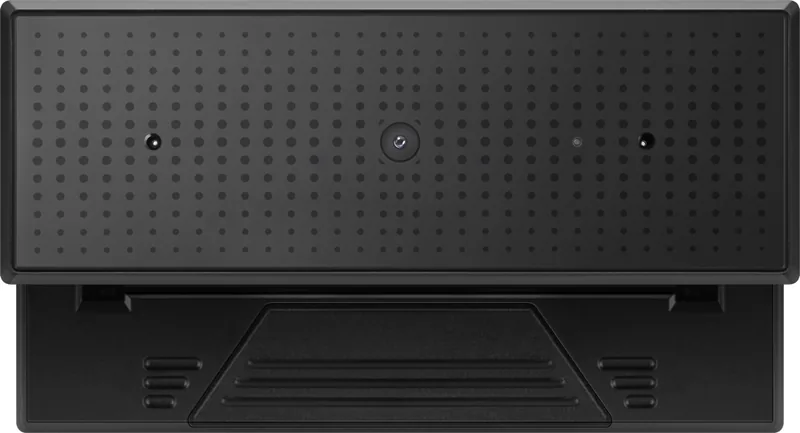
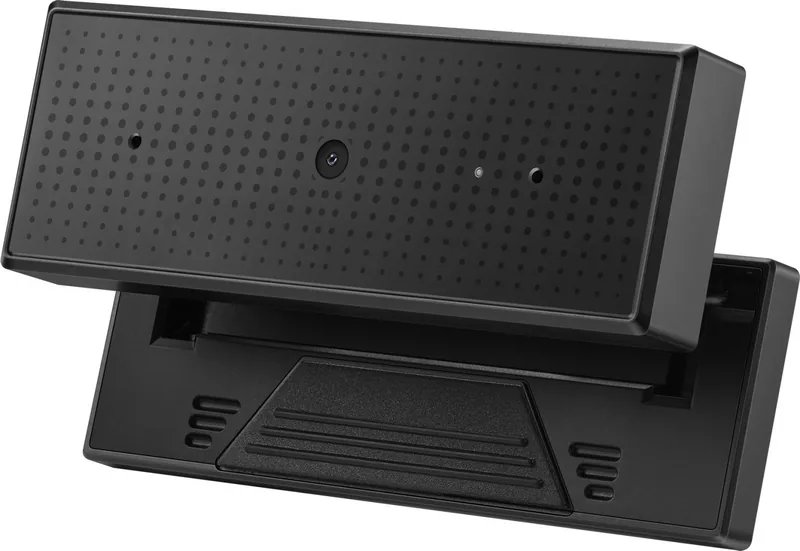
The ASUS ROG Eye S webcam represents a significant leap forward for content creators and gamers seeking professional-grade video quality without the complexity of external hardware. Designed with the iconic ROG aesthetic, this device blends high-performance capabilities with a sleek form factor that fits seamlessly into any gaming setup. Whether you are broadcasting live to thousands of viewers or participating in high-stakes video conferences, the ROG Eye S delivers crisp, clear visuals that capture every detail.
At the heart of the ROG Eye S is its advanced directional microphone system. This feature ensures that your voice comes through loud and clear while effectively filtering out ambient noise from your keyboard, fans, or roommates. The camera lens is optimized for low-light conditions, allowing you to maintain visibility even when your lighting isn't perfect. The compact design includes a sturdy standing base, providing stability on desks of all sizes, ensuring your frame remains steady during intense moments.
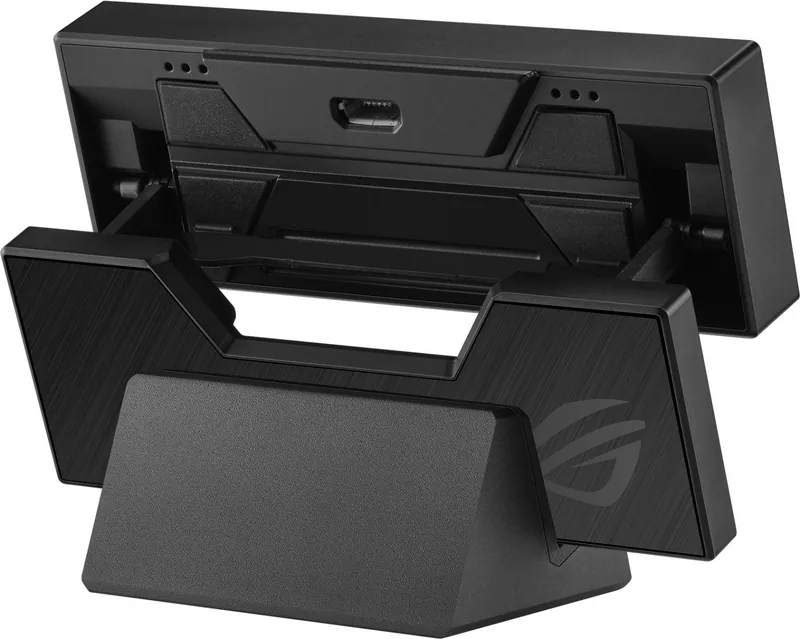
Setup is incredibly straightforward, requiring no complex software suites to get started immediately. Simply connect the included Micro USB 2.0 cable to your computer's USB port, and the device is recognized instantly by Windows 10, 8.1, or 7. For those who wish to unlock further customization options, optional drivers can be downloaded from the official ASUS support site. The package includes the webcam unit, user documentation, and the essential standing base, making it a complete solution right out of the box.
Key Highlights
Crystal Clear Audio: Directional microphones isolate your voice from background distractions.
Optimized Lens: Engineered for clarity in various lighting environments.
Plug-and-Play Simplicity: Compatible with major Windows versions via standard USB connection.
Gaming Aesthetic: Features the distinctive ROG branding and design language.
Stable Mounting: Includes a dedicated base for secure placement on any surface.
Important Notes
Ensure you have at least 100 MB of free hard disk space if you choose to install optional software features. An active internet connection is required only for downloading these drivers. Always check local regulations for proper disposal of electronic devices to support environmental sustainability efforts.