
ASUS BW-16D1X-U Manual
PDF manual · 36 Pages
English


Quick check
Incorrect answer, please try again.
Chat with your ASUS BW-16D1X-U manual using AI
Get instant AI answers from your ASUS BW-16D1X-U manual
Ask anything about the ASUS BW-16D1X-U. Answers come from this manual, with the pages they are based on.
Ask a Question
Do you recommend BW-16D1X-U?
Yes NoFrequently Asked Questions
The drive supports Windows 10/8/7/Vista/XP (SP3) and Mac OS X 10.6 and above. Specific Blu-ray playback or authoring may require additional third-party software on either platform.
Is this answer helpful?
Yes. The BW-16D1X-U includes a power adapter and cord; the drive requires external power rather than being solely bus-powered. Use the power adapter supplied and the correct regional power cord from the package.
Is this answer helpful?
You can connect the drive via USB 2.0, but data transfer speeds will be limited to USB 2.0 performance. For maximum read/write rates and optimal Blu-ray burning speed, use the included USB 3.0 cable and a USB 3.0 port.
Is this answer helpful?
Use your operating system’s safe-eject function (Safely Remove Hardware on Windows or eject via Finder/Disk Utility on Mac). Wait for the confirmation message that the device can be safely removed, and avoid unplugging the USB cable while the activity LED is blinking or the system is booting.
Is this answer helpful?
Mac and Windows can burn Blu-ray discs, but playback of Blu-ray movies may require third-party playback software and sufficient CPU/GPU resources. Check CyberLink or other vendors for compatible players and system recommendations.
Is this answer helpful?
Do not insert damaged discs, avoid liquids and metal ingress, do not disassemble the unit, avoid abrupt temperature changes, and wait for discs brought in from cold environments to reach room temperature before use.
Is this answer helpful?
On Windows, open Device Manager and expand the DVD/CD-ROM drives node—if detected, the drive name appears. On Mac, open Disk Utility (Applications > Utilities) to confirm the drive is listed.
Is this answer helpful?
Advantages and Disadvantages
Advantages

- High-speed USB 3.0 connection for faster read/write operations when paired with a USB 3.0 port.
- 16x Blu-ray writing capability suitable for archival burns and data backup to BD media.
- Cross-platform compatibility: supports modern Windows versions and Mac OS X 10.6+, with Disk Utility and Device Manager detection instructions.
- Portable external half-height design with bundled power adapter, cable, and basic burning software included.
- Clear safety and handling guidance plus support for plug & play and safe ejection workflows.
Disadvantages

- Blu-ray movie playback may require third-party software and stronger CPU/GPU—out-of-box playback not guaranteed.
- Requires external power adapter which reduces portability compared with bus-powered drives.
- Performance falls back to USB 2.0 speeds if connected to older ports or cables.
- No mention of advanced bundled authoring tools; users may need to purchase software for full Blu-ray authoring/playback.
- Manual emphasizes do-not-disassemble and temperature precautions; delicate handling needed for longevity.
Product Specification
Form factor
5.25" (external)
Loading mechanism
Tray
BD-R
SL: 16x, DL: 12x, TL: 8x, QL: 6x
BD-RE
SL: 2x, DL: 2x, TL: 2x, QL: N/A
BD-ROM
SL: 12x, DL: 8x
DVD+R
SL: 16x, DL: 8x
DVD-R
SL: 16x, DL: 8x
DVD+RW
8x
DVD-RW
6x
DVD-RAM
5x
DVD-ROM
16x
CD-R
40x
CD-RW
24x
CD-ROM
40x
Special features
M-DISC, BDXL
Dimensions
9.57x2.48x6.50in
Weight
2.56 lb
Product Description
ASUS BW-16D1X-U, USB 3.0 Manual: Compact Powerhouse for Optical Media
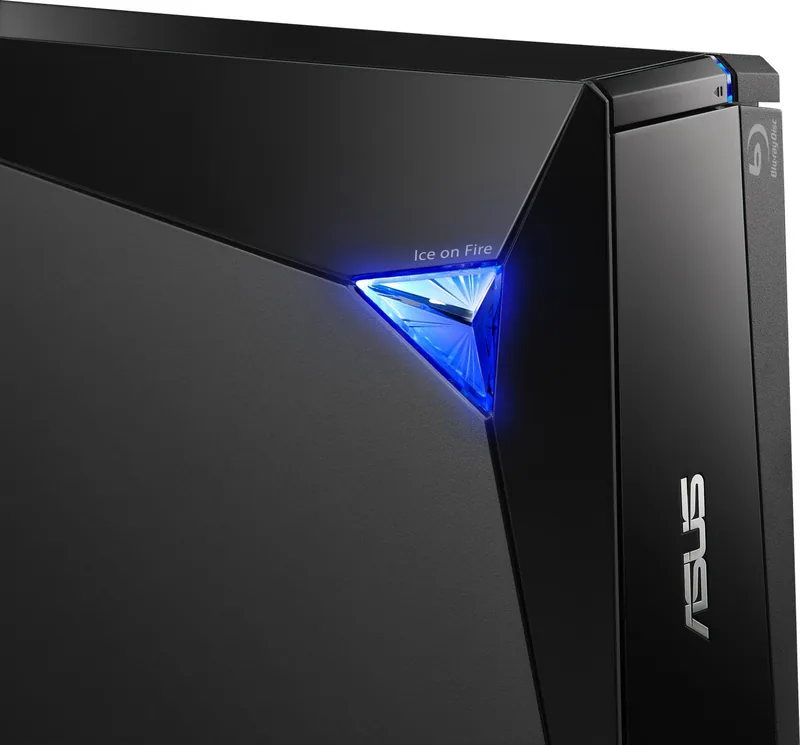
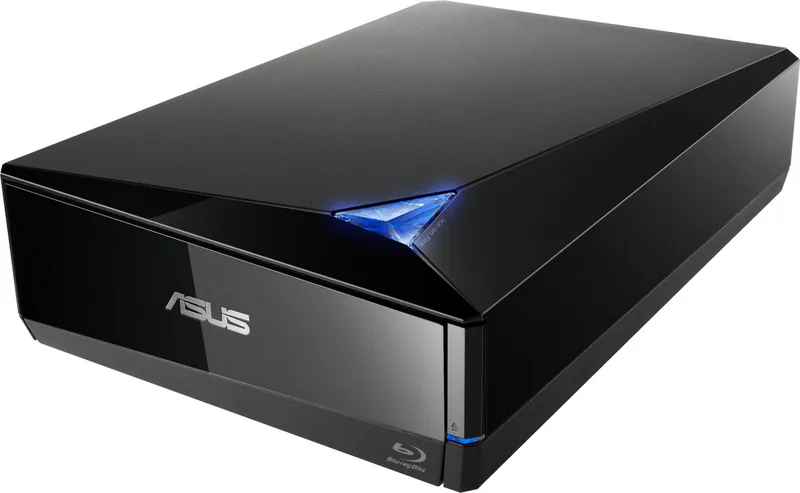
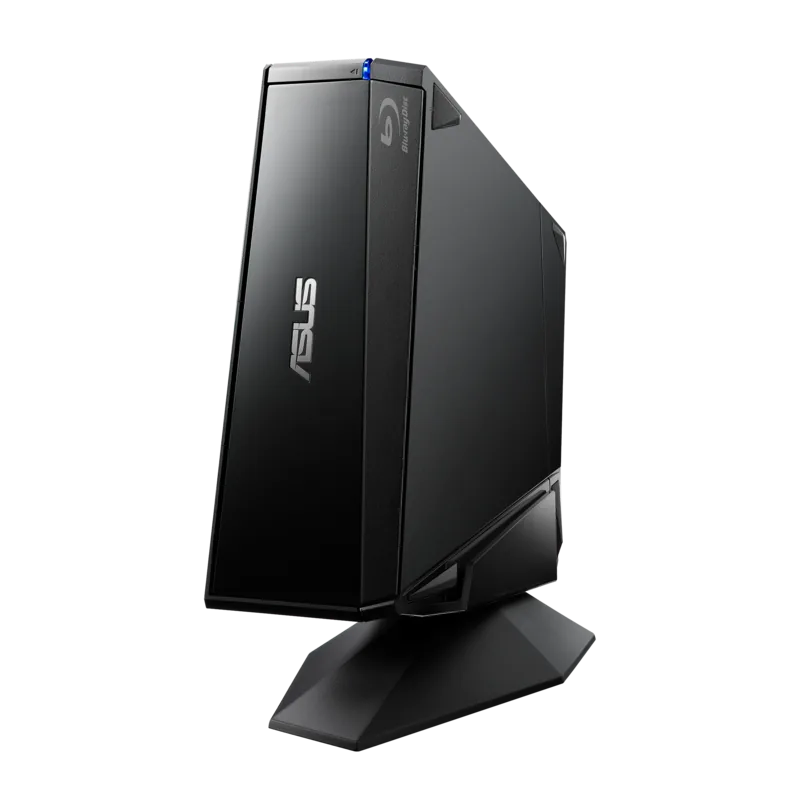
The ASUS BW-16D1X-U is an external USB 3.0 Blu-ray writer designed for users who need reliable optical media reading and writing across multiple platforms. With a sturdy half-height external enclosure, bundled USB 3.0 cable and power adapter, this drive combines 16x Blu-ray writing speed support with plug-and-play convenience. It’s built as a Class 1 laser product and emphasizes safe operation and broad compatibility with Windows and Mac systems.
The drive is optimized for fast data transfer when connected via USB 3.0, while retaining backward compatibility with USB 2.0. Inside the package you’ll find the optical drive, power adapter, power cord, USB 3.0 cable, software disc, and a quick install guide. System requirements for Blu-ray playback and burning are clearly stated: modern Windows versions (Windows 10/8/7/Vista/XP SP3) and Mac OS X 10.6+ are supported, and certain Blu-ray playback tasks may require third-party software and adequate CPU/GPU resources.
Setup is straightforward: connect the Type-A end of the included USB 3.0 cable to the computer and the Type-B end to the drive, then confirm detection through the OS (Disk Utility on Mac or Device Manager on Windows). Indicators on the front panel show power and activity status; the eject button operates the tray. The manual highlights practical handling guidance—avoid inserting damaged discs, protect the drive from liquids and extreme temperature changes, do not disassemble the unit, and wait for discs to reach room temperature before use.
For safe removal, follow OS-level safe-eject procedures (Safely Remove Hardware on Windows) and do not unplug the USB cable while the drive’s activity LED is blinking or the system is booting. The manual also includes regulatory, recycling, and REACH compliance information and notes about regional warranty and power cord variants.
Overall, the BW-16D1X-U positions itself as a dependable, portable optical solution for archival burning, media playback, disc duplication, and cross-platform compatibility needs. It’s especially suitable for users who require dedicated Blu-ray writing capability without installing an internal drive.
Notes
- Use the included USB 3.0 cable and a USB 3.0 port for maximum performance; USB 2.0 remains compatible but slower.
- Blu-ray movie playback on some systems may require third-party decoders and sufficient CPU/GPU power.
- Follow safe removal steps to avoid data corruption or device damage.
- The device is a Class 1 laser product—do not attempt disassembly.
Search for 67,706 Manuals online


Type-in Brand or Model
Dejon Wunsch
10 months ago
Does this external burner work with a PC that does not have a built-in disc drive?
Manual.ly
10 months ago
Yes. Reviewers report it works reliably even on PCs without an internal drive. Setup is straightforward: connect the cable, power on, and start using it. It should be recognized by the system without additional hassle, and users also note it is quiet and performs its job properly. If your PC has the required connection for the included cable, you should be able to install and run it immediately.