
Arcam ST60 Manual
PDF manual · 141 Pages
English



Quick check
Incorrect answer, please try again.
Chat with your Arcam ST60 manual using AI
Get instant AI answers from your Arcam ST60 manual
Ask anything about the Arcam ST60. Answers come from this manual, with the pages they are based on.
Ask a Question
Do you recommend ST60?
Yes NoFrequently Asked Questions
Connect via Ethernet cable to router or install Wi-Fi antennas and configure wireless settings using Apple or Google apps.
Is this answer helpful?
The unit supports up to 32-bit 192kHz over both optical and coaxial digital inputs for high resolution playback.
Is this answer helpful?
Enable OTA upgrades to update automatically overnight or use a USB stick to install updates manually.
Is this answer helpful?
Check battery charge and ensure the front panel window is visible with a clear line of sight to the receiver.
Is this answer helpful?
Connect your player to the digital inputs using a phono preamp then select the digital source on the unit.
Is this answer helpful?
This equipment is a Class II device and does not require a safety connection to electrical earth or ground.
Is this answer helpful?
Advantages and Disadvantages
Advantages

- High quality ESS9038 DAC supports 32-bit 192kHz audio files for superior resolution.
- Comprehensive connectivity includes Ethernet, Wi-Fi, USB, and dual digital inputs.
- Supports streaming via AirPlay 2 and Chromecast built-in for convenient mobile playback.
- Five year worldwide guarantee covers parts and labor when bought from authorized dealers.
- Allows home automation control through RS232 interface for integrated smart systems.
Disadvantages

- Digital audio outputs are disabled by default and require manual configuration in menu.
- Requires separate amplifier since it is a network streamer without built-in power.
- Wi-Fi connection necessitates external antenna installation if wireless mode is selected.
- Fixed volume mode can override manual level adjustments if enabled in settings.
- No internal phono pre-amp input for direct connection of turntables without external gear.
Product Specification
Type
Streaming Player
D/A Converter
32bit/192kHz
Tuner
No
Audio Formats
AAC, AIFF, ALAC, FLAC, MP3, MQA, WAV
Streaming Clients
Apple AirPlay 2, Google Cast, Roon
Audio Ports
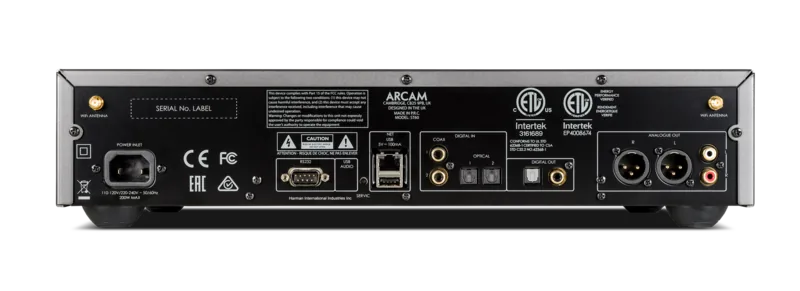
2x Digital Audio In (coaxial), 2x Digital Audio In (optical), Digital Audio Out (coaxial), Digital Audio Out (optical), Stereo Line Out (RCA), Stereo Line Out (XLR)
Additional Ports
USB-A 2.0, RJ-45, RS-232
Wireless
Wi-Fi 4 (Wireless LAN 802.11b/g/n)
Features
Remote Control
Color
Black
Dimensions
17.05x4.02x12.05in (WxHxD)
Weight
12.13 lbs
Product Description
Enhancing Your Audio Experience with Arcam
Welcome to the world of high fidelity audio with the Arcam ST60 Network Streamer. This sophisticated device serves as the centerpiece for modern music lovers wanting to connect digital Hi Fi separates with diverse internet streaming services. The Arcam ST60 Manual is your comprehensive guide to unlocking the full potential of this remarkable piece of equipment.
Arcam has produced award winning audio products for over four decades, and the ST60 continues this legacy. Drawing on extensive experience, this product employs high quality components and engineering practices to ensure reliable service and musical pleasure for years. It is designed to bring your music to life with a level of performance that truly captures the essence of the original recording. MQA technology enables playback of high resolution files for sound identical to the source material.
Installation begins with placing the unit on a level firm surface away from heat sources or direct sunlight. You must ensure the ventilation openings are not blocked to allow for proper heat dispersal. Connecting power involves plugging the IEC lead into the back inlet and the mains socket. It is crucial to check that the plug supplied fits your region. Interconnect cables should be high quality and screened to prevent unwanted noise. Keep power cables far away from audio cables during setup.
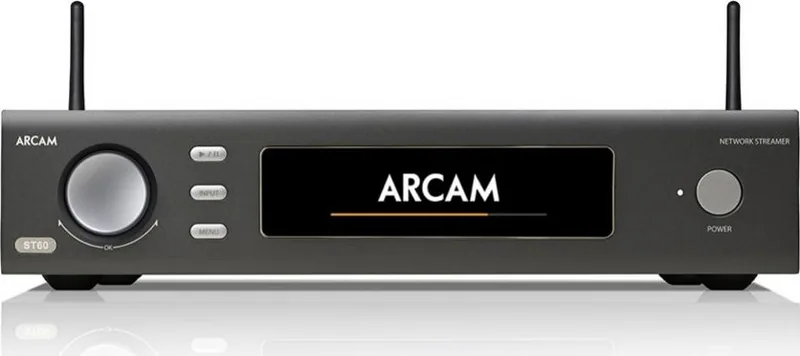
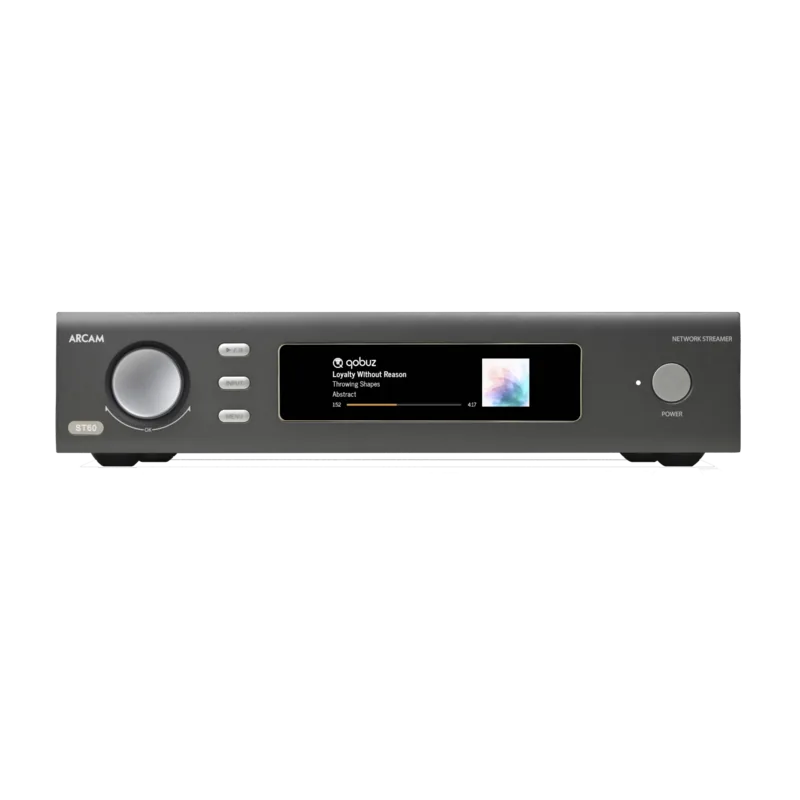
The front panel features a control knob and keys for switching inputs and navigating menus. The remote control allows for volume adjustments and media playback control. Network connections can be established via Ethernet or Wi Fi antennas. AirPlay and Chromecast built in capabilities enable seamless streaming from Apple and Google devices. USB playback is supported for files stored on pen drives. RCA and XLR outputs provide flexible connection options for amplifiers.
Audio specifications include balanced and unbalanced analogue outputs powered by an ESS9038 DAC. Digital inputs accept SPDIF signals via optical or coaxial connectors. Users can adjust digital filters to suit personal listening preferences. The setup menu allows configuration of standby times and audio settings like maximum volume limits. You can rename inputs to match connected sources easily for better organization.
Safety is paramount. The equipment is double insulated and meets strict international standards. Warning symbols indicate dangerous voltage inside. Do not remove covers as there are no user serviceable parts. Servicing must be done by qualified personnel. The guarantee covers five years on parts and labor from authorized dealers. Register your product online for warranty validation. Troubleshooting guides address no sound or remote issues. Clean only with a soft cloth and avoid chemicals. Ensure batteries in the remote are not mixed. Dispose of waste according to local regulations. Enjoy years of trouble free operation with the Arcam ST60.
Search for 67,732 Manuals online


Type-in Brand or Model