

Free Aquael Manuals – Read, Download & Print
18 Manuals
Manuals
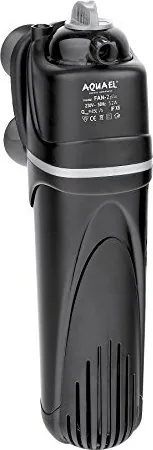
2 Pages
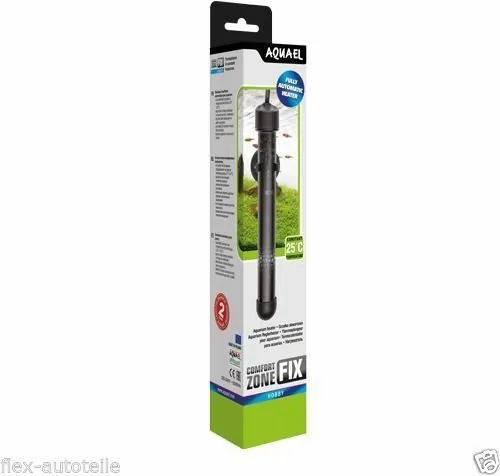
2 Pages
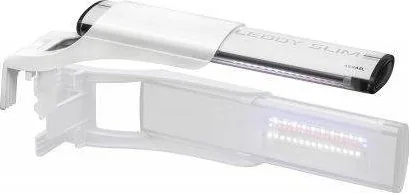
2 Pages

2 Pages
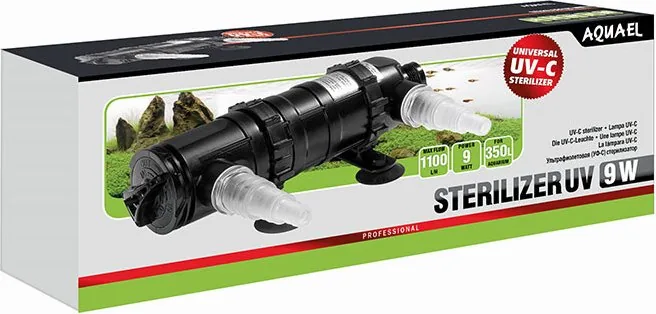
32 Pages
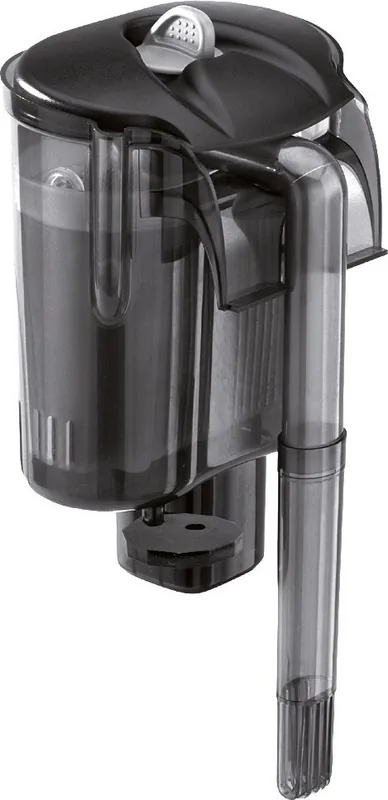
2 Pages
2 Pages

2 Pages
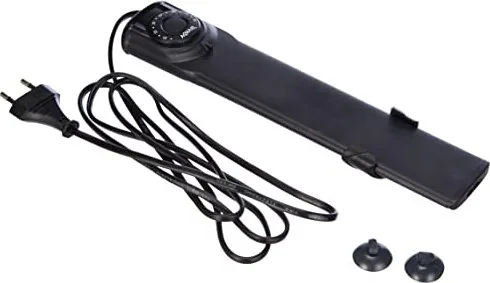
2 Pages
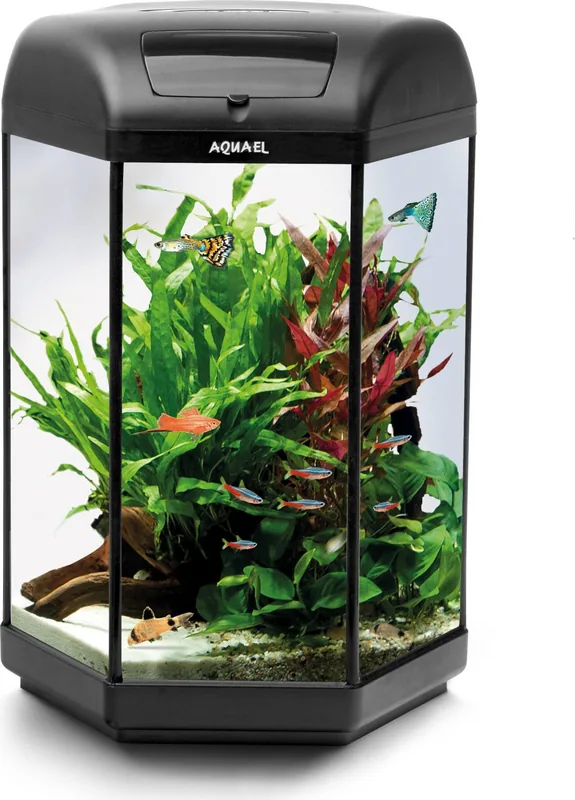
2 Pages
2 Pages
2 Pages
2 Pages
2 Pages
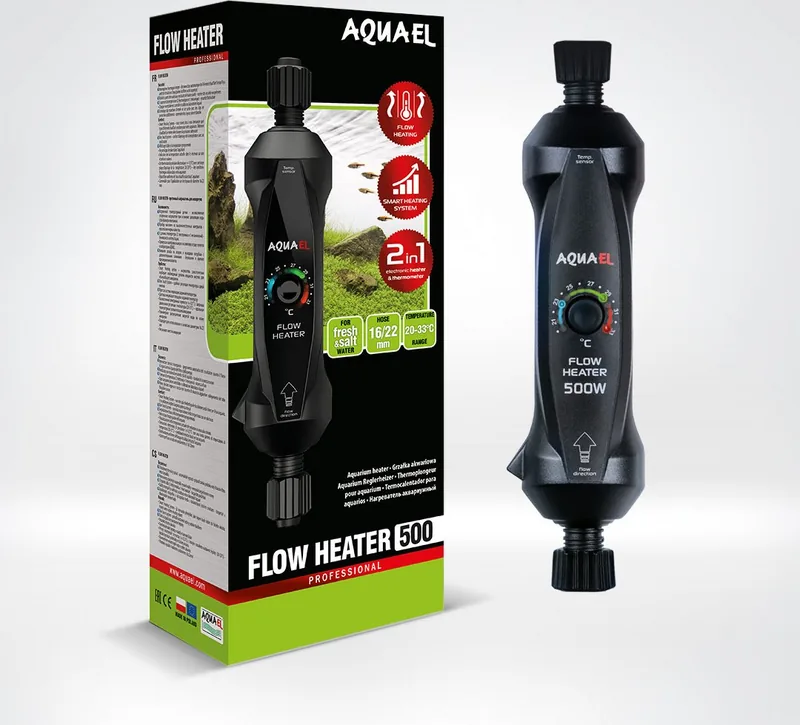
2 Pages
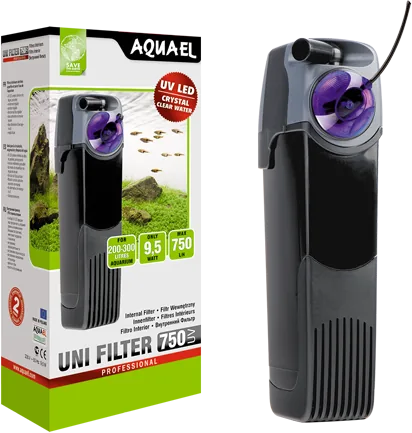
2 Pages
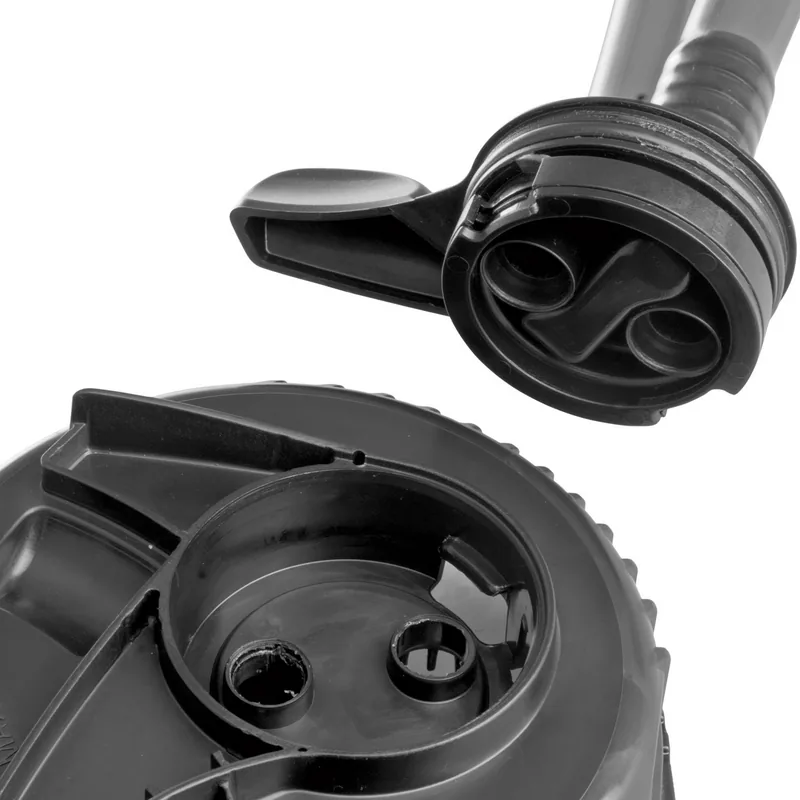
2 Pages
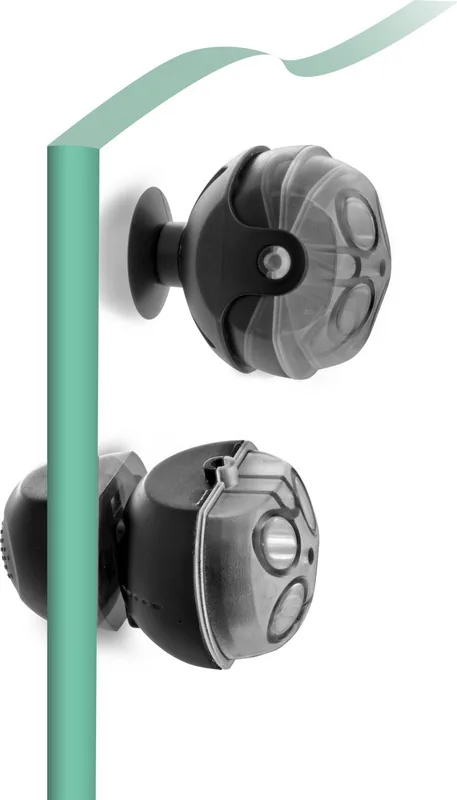
2 Pages
Categories

Free Aquael Manuals - Read, Download & Print
Find Helpful Aquael Product Documentation
Looking for Free Aquael Manuals - Read, Download & Print resources? This page is designed to help aquarium owners, pond keepers, pet owners, and equipment users locate practical documentation for Aquael products. Manuals are valuable references for understanding installation, daily operation, cleaning, maintenance, troubleshooting, and safe use of aquarium equipment. Whether you are setting up a new tank, replacing a filter cartridge, adjusting a heater, or checking a pump, the correct instructions can make every task easier.
Aquael produces a wide variety of aquatic and pet-care products, so instructions can differ significantly between models. Product manuals often include technical specifications, diagrams, warnings, recommended operating conditions, and maintenance schedules. Reading the documentation before using any electrical aquarium device helps protect fish, plants, equipment, and users.
Read Aquael Manuals Online
Reading an Aquael manual online is a convenient way to quickly check instructions without searching through paper documents. Digital manuals can be especially useful when you need to confirm a setup step, understand an indicator light, identify a replacement part, or review a safety notice. Many product guides are arranged by product type and model name, making it easier to find information for a specific unit.
Online manuals may cover aquarium filters, internal filters, external filters, air pumps, water pumps, heaters, lighting systems, aquarium sets, sterilizers, thermometers, pond equipment, feeders, and related accessories. Depending on the product, the documentation may also provide illustrations that show how components fit together.
Before following any instruction, confirm that the manual matches the exact model and version of your Aquael product. Similar-looking devices may have different controls, capacities, electrical ratings, or installation requirements. Check the label on the device, original packaging, receipt, or product identification plate for the full model name.
Benefits of Reading the Manual First
A manual provides more than a basic list of controls. It can explain where to position a device, how deeply it may be submerged, which parts must remain above water, and when to disconnect power. This information is important for equipment such as filters, heaters, pumps, and lighting units.
Reading the guide first can help you:
- Install equipment in the correct position.
- Use the appropriate voltage and power source.
- Assemble components in the intended order.
- Avoid damage caused by dry running or incorrect submersion.
- Select suitable maintenance intervals.
- Recognize normal and abnormal operating conditions.
- Use original or compatible replacement media and parts.
- Follow safety directions around water and electricity.
Download Aquael Manuals for Offline Access
Downloading a manual is useful when you want permanent access to instructions on a computer, tablet, or phone. An offline copy can be helpful in fish rooms, garages, basements, garden areas, or other locations where internet access may be limited. It also allows you to save important documents together with aquarium records, water test notes, purchase receipts, and maintenance logs.
When saving a manual, use a clear file name that includes the product model. For example, add the product category, model designation, and purchase date if needed. This makes it easier to find the correct guide later, especially if you own several tanks or multiple Aquael devices.
Organize Your Aquarium Documents
A simple folder system can make aquarium care more efficient. Create folders for filters, heaters, lights, pumps, water treatment equipment, and aquarium sets. Save manuals alongside warranty information and replacement-part details. If you maintain multiple aquariums, label each folder by tank name or location.
It is also helpful to keep a short maintenance record. Note when filter media was rinsed or replaced, when impellers were cleaned, when heater performance was checked, and when lighting settings were changed. The manual can help establish a reliable schedule, but aquarium conditions should always be monitored individually.
Print Aquael Manuals When You Need a Paper Copy
A printed manual is useful for hands-on work near an aquarium or pond. Paper instructions can be easier to consult while assembling equipment, cleaning a filter, or comparing a diagram with the parts in front of you. If you print a manual, consider printing only the pages you need, such as installation diagrams, safety instructions, troubleshooting tables, and maintenance sections.
Keep printed pages away from splashes and humidity. A plastic document sleeve or clear folder can protect frequently used instructions. For long-term reference, store printed manuals in a dry location with other aquarium supplies.
Print the Most Important Sections
For everyday use, the most useful pages often include:
- Product safety warnings.
- Installation and assembly diagrams.
- Control and adjustment instructions.
- Cleaning and maintenance procedures.
- Replacement part references.
- Troubleshooting guidance.
- Technical specifications.
- Warranty and service details.
Printing selected pages reduces clutter while still giving you a practical reference during routine care.
Common Aquael Manual Topics
Aquael product documentation typically focuses on safe operation and correct maintenance. The exact content depends on the equipment category, but several topics are common across aquarium devices.
Filters and Filtration Systems
Filter manuals may explain how to install intake tubes, outlet nozzles, filter media baskets, sponges, and seals. They can also describe priming procedures, flow adjustment, cleaning intervals, and impeller maintenance. A filter should generally be disconnected from electricity before disassembly or cleaning. Never assume that a filter can run dry or operate outside the water conditions stated by the manufacturer.
When cleaning filter media, avoid replacing all biological media at once unless the instructions specifically require it. Preserving beneficial bacteria supports stable aquarium filtration. Use aquarium water removed during a water change to rinse sponges or biological media when appropriate, rather than untreated tap water that may affect beneficial bacteria.
Heaters and Temperature Control
Heater instructions may list the suitable aquarium volume, temperature adjustment range, mounting position, minimum water level, and waiting period before switching on after installation. A heater can be damaged if operated outside the water or removed while hot. Always allow the device to cool before handling it during maintenance.
Use a separate aquarium thermometer to verify water temperature. Built-in settings and room conditions can affect actual aquarium temperature, so regular checks are important for fish health.
Lighting Systems
Lighting manuals may cover mounting methods, timer functions, brightness settings, color modes, water resistance, and cleaning precautions. Proper lighting supports aquarium viewing and may influence plant growth, algae development, and the daily rhythm of fish. Follow the manual's recommendations for placement and electrical safety, especially when using lights near open water.
Pumps, Aeration, and Pond Equipment
Water pumps and air pumps may require specific installation positions, hose connections, flow settings, and cleaning routines. Pond equipment can have additional requirements related to outdoor use, weather exposure, cable routing, and seasonal storage. Review the model-specific guide before using equipment outdoors or in environments where freezing temperatures are possible.
Troubleshooting Aquael Equipment
A manual can be a useful starting point when equipment does not perform as expected. Common concerns include reduced filter flow, unusual noise, air bubbles, heater temperature variation, pump vibration, or lighting that fails to turn on. Before attempting repairs, disconnect electrical equipment safely and inspect only the parts identified as user-serviceable in the manual.
For a filter with reduced flow, possible causes may include clogged media, a dirty impeller, blocked intake components, trapped air, or incorrect assembly. For a heater issue, check the water level, thermometer reading, power connection, and placement according to the manual. If a cable, housing, plug, seal, or electrical component appears damaged, stop using the device and seek appropriate service or replacement guidance.
Use Manuals Safely and Responsibly
Aquarium equipment combines water and electricity, so safety instructions should always take priority. Use grounded electrical outlets where required, create a drip loop in each power cable, and keep plugs and extension connections away from splashes. Disconnect equipment before placing hands in the aquarium or performing maintenance, unless the manufacturer specifically states otherwise for a particular task.
Do not modify electrical equipment, cut cables, bypass safety features, or use damaged devices. Keep manuals available for all major aquarium equipment so that anyone caring for the tank can follow the correct procedures.
Locate the Correct Manual for Your Aquael Model
To find the right Aquael manual, begin with the exact product name and model number. Search using both details along with the word "manual" or "instructions." Check the product label carefully, as a series name alone may not identify the precise version. If a guide is unavailable, contact the retailer or the manufacturer's official support channels with the product details.
Free Aquael Manuals - Read, Download & Print resources help make aquarium ownership more manageable. With the correct documentation close at hand, you can install equipment properly, maintain it with confidence, solve common issues efficiently, and create a safer environment for your aquatic pets.
Search for 67,706 Manuals online


Type-in Brand or Model