
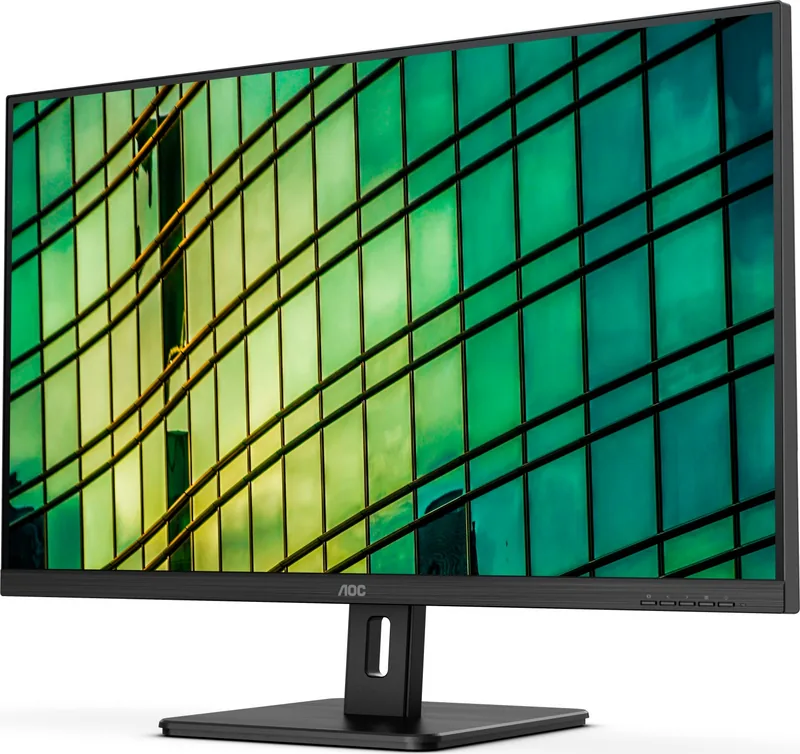
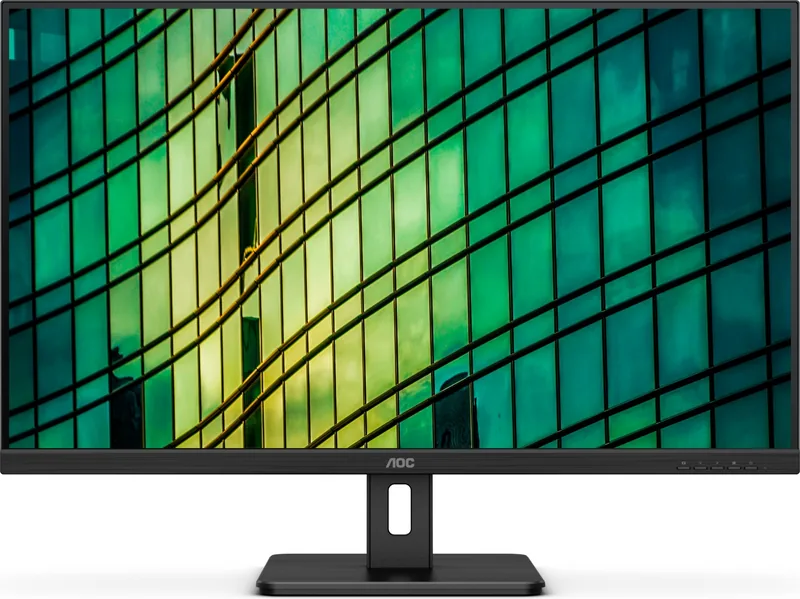
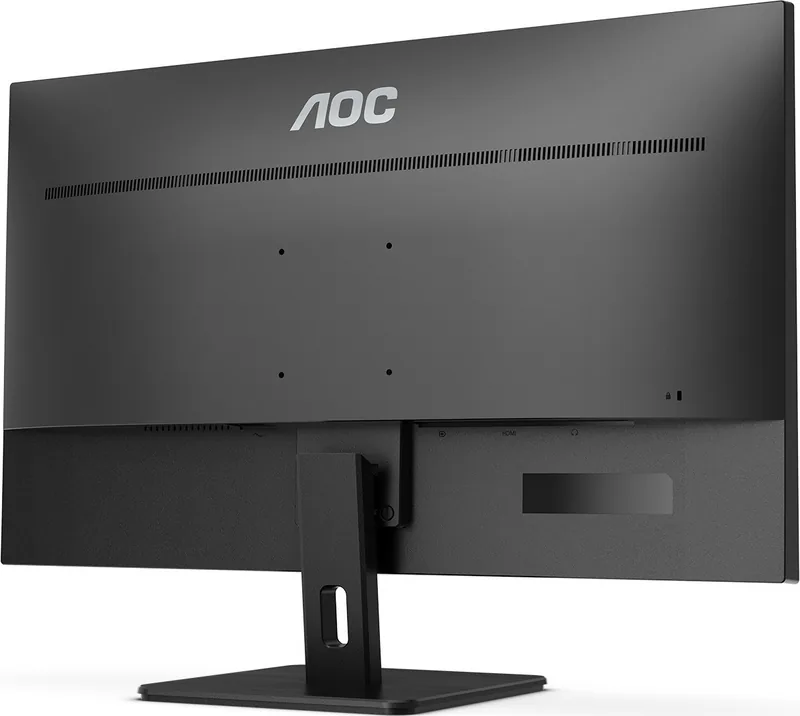
AOC U32E2N Manual
PDF manual · 30 Pages
English



Quick check
Incorrect answer, please try again.
Chat with your AOC U32E2N manual using AI
Get instant AI answers from your AOC U32E2N manual
Ask anything about the AOC U32E2N. Answers come from this manual, with the pages they are based on.
U32E2N Maintenance Schedule
Wipe the casing regularly with a soft cloth. For stubborn dirt, use a mild cleaning agent; do not use aggressive cleaners.
Ensure air vents are not blocked by furniture or curtains to prevent overheating and fire hazards.
Free maintenance reminders
Timed to your purchase date. Always free, unsubscribe anytime.
Ask a Question
Do you recommend U32E2N?
Yes NoFrequently Asked Questions
Connect a compatible AMD graphics card using a DisplayPort or HDMI cable. Then, navigate to the Game Setting menu in the OSD and turn Adaptive-Sync to On.
Is this answer helpful?
No, when HDR Mode is set to non-off in the Luminance settings, items such as Contrast, Brightness, and Gamma cannot be adjusted manually.
Is this answer helpful?
The monitor supports an optimal resolution of 3840x2160 at 60Hz, delivering full UHD quality for all content types.
Is this answer helpful?
Go to the Color Setup menu and select Low Blue Mode. You can choose from Multimedia, Internet, Office, or Reading presets to reduce blue light.
Is this answer helpful?
Yes, the monitor supports VESA mounting. You will need to remove the stand and purchase a compatible wall mount arm separately.
Is this answer helpful?
Check that the power cable is connected and the monitor is on. Verify that the video cable is securely plugged into both the PC and monitor, then restart the computer.
Is this answer helpful?
Advantages and Disadvantages
Advantages

- High resolution UHD 3840x2160 provides extremely sharp and detailed visuals.
- Adaptive-Sync technology ensures smooth gameplay by reducing screen tearing.
- Comprehensive OSD menu allows deep customization of colors and brightness.
- Low Blue Mode protects eyes during long hours of work or gaming.
- Flexible connectivity with HDMI and DisplayPort supports various devices.
Disadvantages

- HDR mode limits manual adjustment of contrast and brightness settings.
- Some advanced features like PIP require specific cable connections.
- Wall mounting requires purchasing a separate VESA arm kit.
- Clear Vision demo must be manually activated and deactivated via buttons.
- No built-in speakers mentioned in the core setup instructions.
Product Specification
Function
Monitor (stationary)
Diagonal
31.5" (80.0cm)
Resolution
3840x2160 (4K UHD), 16:9, 140ppi
Panel
VA (MVA)
Backlight
LED, blue light filter, flicker-free
Brightness
350cd/m^2 (typical)
Contrast
2,500:1 (static), 20,000,000:1 (dynamic)
Response Time
4ms (GtG)
Refresh Rate
60Hz (3840x2160)
Variable Synchronization
Adaptive Sync
Signal Frequency
30-140kHz (H) / 40-60Hz (V)
Connections
2x HDMI 2.0, 1x DisplayPort 1.2, 1x 3.5mm jack (Line-Out), 1x AC-In C13 (power input)
Shape
straight (flat)
Viewing Angle
178°/178°
Coating
non-glare (matte), hardness 3H
Color Depth
8bit (16.7 million colors)
FRC
unknown
sRGB
104%
Adobe RGB
77%
Speakers
Speakers (2x 3W)
Operation
mechanical buttons
Ergonomics
with stand, height adjustable N/A, pivot N/A, swivel N/A, tiltable (+24°/-6°)
VESA
100x100 (free)
Power Consumption
68W (max), 44W (typical), 0.3W (standby), 55W (energy label old A+++ to G)
Energy Efficiency SDR (A to G)
40kWh/1000h (G)
Energy Efficiency Old (A+++ to G)
80.3kWh (B)
Features
security lock (Kensington Security Slot)
Screen-to-Body Ratio
90.00% (calculated)
Dimensions
28.1x20.6x10.0in (WxDxH) with stand, 28.1x16.7x2.2in (WxDxH) without stand
Color
black (display frame) / black (lower bezel) / black (stand) / black (back)
Weight
18.39lbs (with stand)
Power Supply
internal
Warranty
three years
USB Spelling
Link
Product Description
Experience Clarity with the AOC U32E2N 31.5" Monitor
The AOC U32E2N is a stunning 31.5-inch LCD monitor designed to deliver exceptional visual performance for both professional and gaming environments. This device features a crisp UHD resolution of 3840x2160, ensuring that every detail in your images and videos is rendered with remarkable sharpness. Whether you are editing high-resolution photos, managing complex spreadsheets, or immersing yourself in the latest video games, this screen provides a spacious canvas that enhances productivity and entertainment alike.
One of the standout features of the AOC U32E2N is its robust connectivity and flexibility. It supports multiple input sources including HDMI and DisplayPort, allowing seamless integration with various devices. The monitor also boasts an Adaptive-Sync function, which significantly reduces screen tearing and stuttering when paired with compatible graphics cards, offering a smoother visual experience during fast-paced gaming sessions. For those who prioritize eye comfort, the built-in Low Blue Mode helps reduce harmful blue light emissions, making it ideal for extended usage periods without causing unnecessary strain.
Customization is at the heart of the user experience with this model. The On-Screen Display (OSD) menu offers extensive control over image settings. Users can adjust luminance, color temperature, and gamma levels to suit their specific preferences. The Picture Boost feature allows for additional enhancements like a bright frame to draw attention to key areas of the screen. Additionally, the Game Setting menu includes specialized modes for FPS, RTS, and Racing games, along with Shadow Control to reveal hidden details in dark scenes. The monitor also supports Picture-by-Picture (PIP) and Picture-in-Picture (PBP) modes, enabling users to view two different sources simultaneously on one large display.
Installation is straightforward, whether you choose to use the included stand or opt for a VESA wall mount. The stand offers a tilt range from -5 to 23 degrees, ensuring you can find the perfect viewing angle. Safety guidelines emphasize proper ventilation and stable placement to prevent overheating or tipping hazards. With its sleek design and powerful features, the AOC U32E2N Manual guides you through every step to maximize the potential of this versatile display.
Notes
- Ensure the monitor is connected to a grounded outlet for safety.
- Use only recommended cables for optimal signal transmission.
- Regularly clean the screen with a soft cloth to maintain clarity.
Search for 67,706 Manuals online


Type-in Brand or Model