
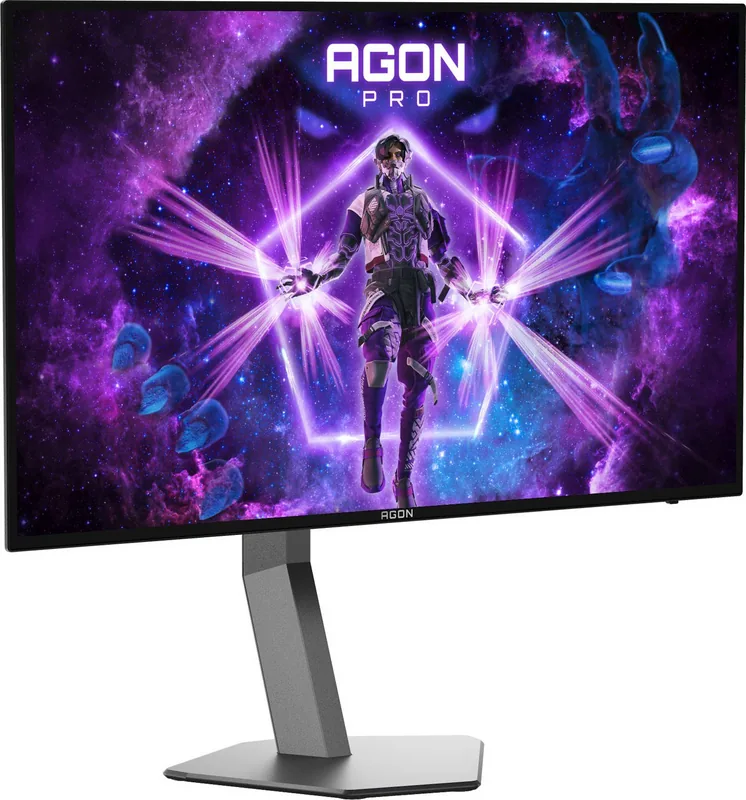
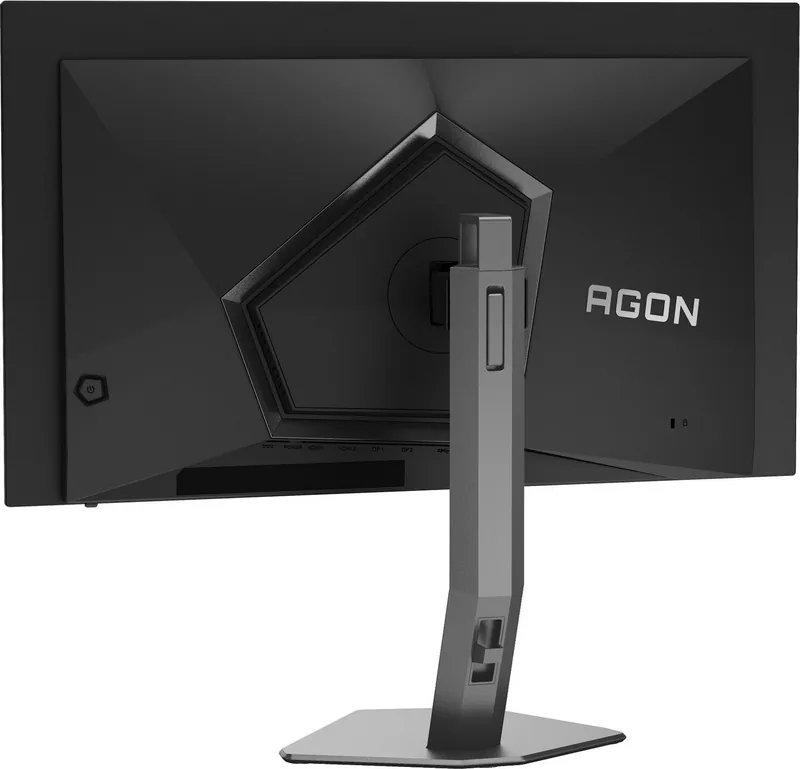
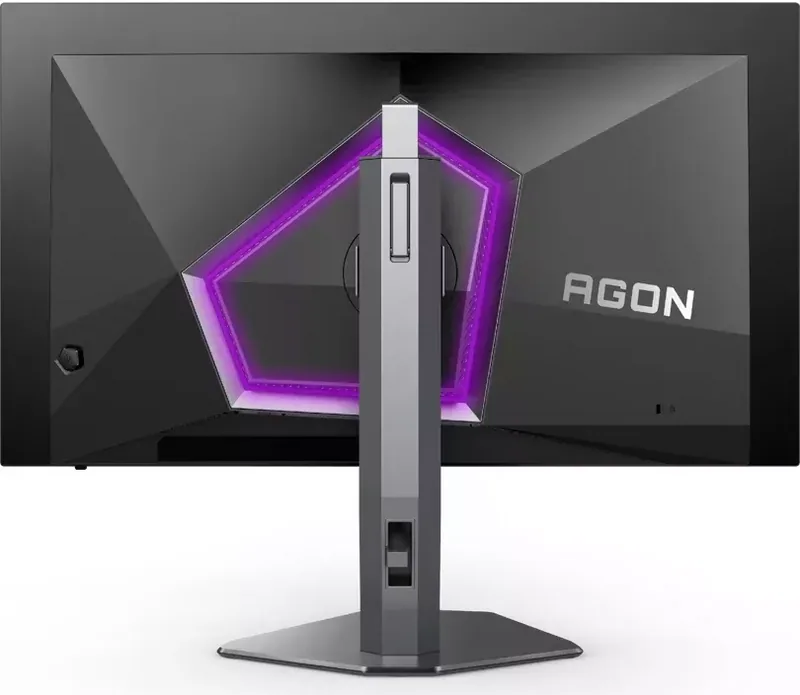
AOC Agon AG276QZD Manual
PDF manual · 38 Pages
English



Quick check
Incorrect answer, please try again.
Chat with your AOC Agon AG276QZD manual using AI
Get instant AI answers from your AOC Agon AG276QZD manual
Ask anything about the AOC Agon AG276QZD. Answers come from this manual, with the pages they are based on.
Agon AG276QZD Maintenance Schedule
The monitor prompts this every 4 cumulative hours. It runs automatically after standby if power is kept on for ~10 minutes.
Clean regularly with a water-dampened, soft cotton or microfiber cloth. Disconnect power before cleaning.
Ask a Question
Do you recommend Agon AG276QZD?
Yes No
Desmond Lowe
7 months ago
Does this OLED monitor automatically handle pixel refresh cycles, and should I enable HDR for the best viewing experience compared to SDR modes?

Manual.ly
7 months ago
The pixel refresh process is fully automatic and occurs every four hours during use, requiring no user intervention. While SDR modes function normally, the panel delivers superior contrast and color accuracy when using HDR. We recommend enabling HDR settings in your operating system to fully utilize the monitor's OLED capabilities.
Frequently Asked Questions
The monitor supports up to 240Hz using DisplayPort connections and 144Hz when using HDMI. This ensures fluid gameplay for competitive users.
Is this answer helpful?
Utilize built-in features like Orbit, LEA, and Off-RS found in the OSD menu. Avoid static images for long periods and take regular breaks.
Is this answer helpful?
There are two HDMI ports and two DisplayPort inputs for flexible connection of multiple devices and consoles.
Is this answer helpful?
Yes, it supports VESA standards for wall mounting. However, VESA screws may need to be purchased separately depending on your region.
Is this answer helpful?
Do not tilt the monitor more than five degrees downward. Exceeding this limit may cause physical damage and void the warranty.
Is this answer helpful?
Yes, the monitor is compatible with HDR10 format input signals for enhanced dynamic range content playback.
Is this answer helpful?
The Light FX feature allows you to customize color patterns and brightness to match your room environment.
Is this answer helpful?
Advantages and Disadvantages
Advantages

- OLED panel technology ensures deep blacks and superior contrast for vivid gaming visuals.
- NVIDIA G-SYNC compatibility eliminates screen tearing during high intensity gameplay.
- Supports refresh rates up to 240Hz via DisplayPort for smooth motion rendering.
- Integrated Light FX provides customizable ambient lighting effects around the monitor frame.
- Includes USB hub and multiple video inputs for versatile connectivity setups.
Disadvantages

- OLED screens require regular maintenance to prevent potential burn-in over time.
- Tilt angle is limited to minus five degrees downward to avoid warranty damage.
- Wall mount screws are not included for all regional model variations.
- Continuous usage beyond four hours increases risk of image retention.
- Specific HDR settings require resolution adjustments for optimal performance.
Product Specification
Function
Monitor (stationary)
Diagonal
26.5 in
Resolution
2560x1440 (QHD), 16:9, 111ppi
Panel
OLED (MLA, META Technology), Manufacturer: LG Display (LW270AHQ-ERG2)
Backlight
N/A
Brightness
150 cd/m2 (typical), 1000 cd/m2 (HDR)
Contrast
1,500,000:1 (static)
HDR
HDR10
Response Time
0.03ms (GtG)
Refresh Rate
240Hz (2560x1440)
Variable Synchronization
Adaptive Sync, AMD FreeSync Premium certified (48-240Hz via DisplayPort, 48-144Hz via HDMI, with LFC-Support, with HDR), NVIDIA G-Sync Compatible certified (48-240Hz via DisplayPort)
Blur Reduction Function
VESA ClearMR 13000
Signal Frequency
30-230kHz (H) / 48-240Hz (V)
Connectors
2x HDMI 2.0 (144Hz@2560x1440), 2x DisplayPort 1.4 (240Hz@2560x1440), 1x USB-B 3.0 (Upstream, 5Gb/s), 2x USB-A 3.0 (Downstream, 5Gb/s), 1x 3.5mm Jack (Line-Out), 1x DC-In Power Jack
Form
Flat
Viewing Angles
178 deg / 178 deg
Coating
Anti-Glare (Anti-Reflective), Hardness 2H
Color Depth
10bit (1.07 Billion Colors)
FRC
N/A (10bit native)
sRGB
137%
Adobe RGB
101%
DCI-P3
101%
LUT (Lookup Table)
Factory Calibration (Delta E <2)
Speakers
Speakers (2x 5W)
Controls
Joystick
Ergonomics
With Stand, Height Adjustable (5.12 in), Pivot (+/-90 deg), Swivel (+/-30 deg), Tilt (+22 deg / -4 deg)
VESA
100x100 (Occupied)
Power Consumption
35W (typical), 0.5W (Standby)
Energy Efficiency SDR (A to G)
26kWh/1000h (G)
Energy Efficiency HDR (A to G)
27kWh/1000h (G)
Features
Security Lock (Kensington Security Slot), Picture-in-Picture, Slim Bezel
Screen-to-Body Ratio
91.36% (Calculated)
Dimensions
23.80x15.61x9.21 in (WxHxD) with stand compressed, 23.80x13.80x2.81 in (WxHxD) without stand
Color
Black (Display Bezel) / Black (Lower Bezel) / Gray (Stand) / Black (Rear)
Weight
13.05 lbs (with stand)
Power Supply
External
Warranty
three years
USB Labeling
Left
Product Description
AOC Agon AG276QZD Comprehensive Overview
The AOC Agon AG276QZD delivers a premium 26.5-inch gaming experience driven by advanced OLED technology. This monitor brings exceptional contrast ratios with true blacks and vibrant colors suited for immersive gaming sessions. Professionals and enthusiasts will appreciate the high refresh rates reaching up to 240Hz through DisplayPort connections to ensure fluid motion. The NVIDIA G-SYNC compatibility ensures tearing-free visuals during intense competitive gameplay without screen artifacts.
Screen Maintenance and Image Protection
OLED panels require specific care to prevent potential screen retention effects over time. This unit includes integrated LEA and Orbit functions to protect the display from permanent image burn-in. Users are strongly advised to avoid static images like taskbars for extended periods continuously. The system automatically runs diagnostic compensations every few hours to ensure optimal longevity. System guidelines outline specific steps to enable Off-RS mode for deeper cleanup cycles if needed. Be aware that continuous usage beyond four hours requires breaks to maintain panel health. Regular cleaning with a microfiber cloth is recommended to keep the glass surface pristine without scratches.
Connectivity, Installation and Ergonomics
The device features two HDMI ports and two DisplayPort inputs for flexible multi-device setup. You can connect gaming consoles or PCs easily while utilizing the integrated USB hub for peripherals. Wall mounting is supported using VESA standards but specific screws may vary by region. Physical adjustments allow for height and tilt modifications within safe mechanical limits. Do not exceed the minus five degree downward tilt angle to maintain full warranty coverage validity. Cleaning instructions recommend a soft dry cloth without spraying liquid directly on the panel surface.
Color and Audio Configuration
Users can access detailed color settings including Low Blue Mode and various Color Gamuts. Options range from standard to sRGB and DCI-P3 for accurate professional work. Audio settings are also adjustable through the OSD menu to balance output levels. Light FX offers multiple patterns like Static Rainbow or Breathing to enhance room ambiance. These features are accessible via the quick access keys or the main On Screen Display interface.
Conclusion and Final Thoughts
Investing in the AOC Agon AG276QZD provides a top tier visual performance standard for gamers. Careful adherence to maintenance guidelines ensures long term reliability and vibrant picture quality. Enjoy high dynamic range content with native support for HDR10 input formats directly. The ambient Light FX feature adds a unique customizable aesthetic touch to any modern desk setup. This overview helps you maximize the potential of your new display technology safely. Remember to check all cables match your hardware requirements before powering on for the first time to avoid signal issues.
Search for 67,706 Manuals online


Type-in Brand or Model
Kai Mueller
5 months ago
The review mentions a Pixel Refresh reminder every 4 hours. Does this interrupt work, and is it necessary to keep this feature enabled?
Manual.ly
5 months ago
Yes, the Pixel Refresh cycle is an automatic maintenance process to protect the OLED panel from burn-in and maintain longevity. The 4-hour reminder is standard calibration. While it may briefly interrupt visuals, it requires no user intervention and ensures the high image quality and eye comfort you value. We recommend keeping this feature active for optimal performance.