
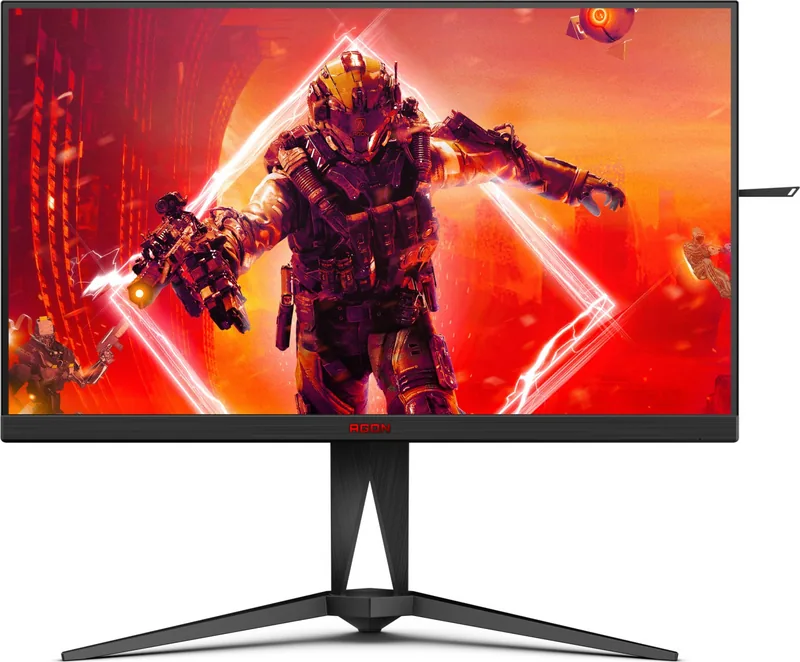
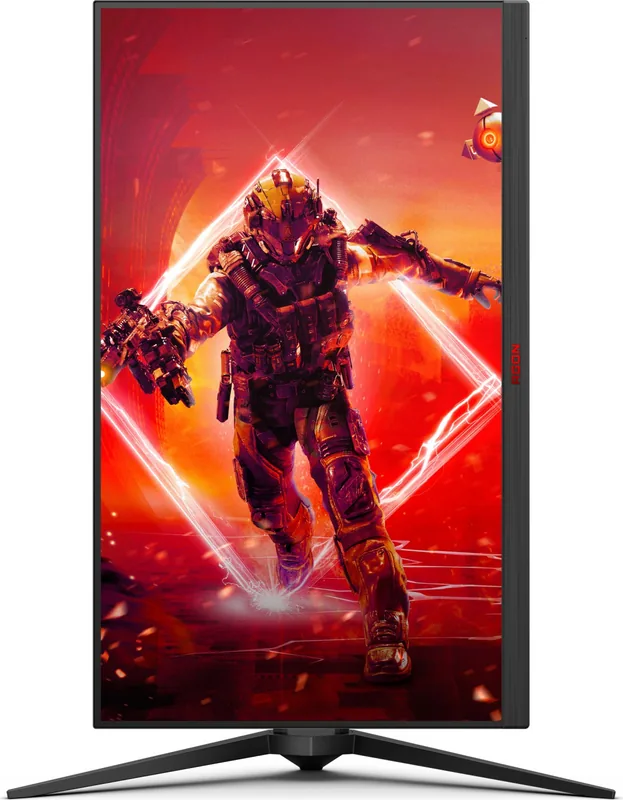
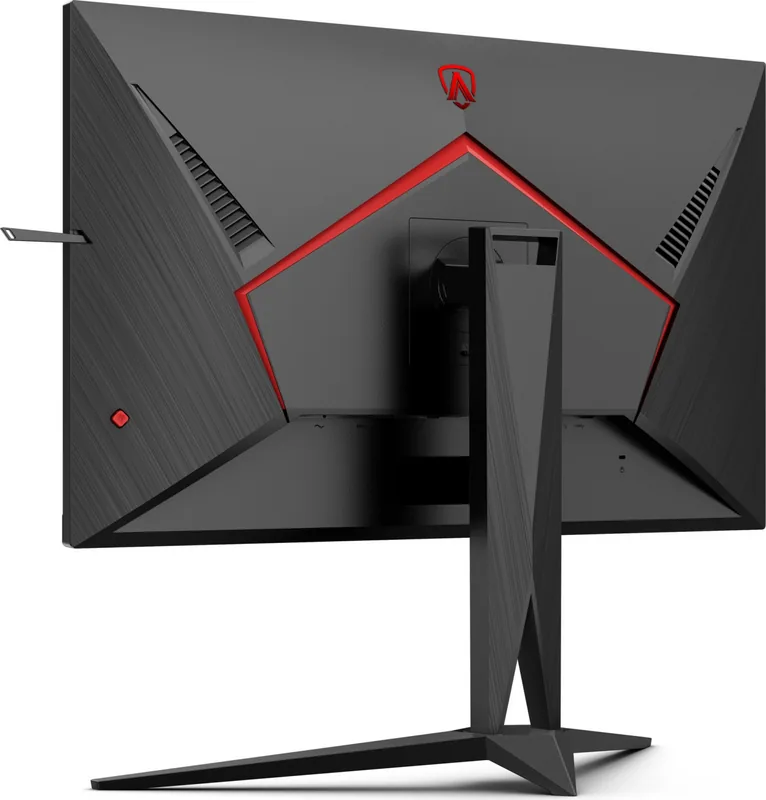
AOC Agon AG275QXN Manual
PDF manual · 34 Pages
English



Quick check
Incorrect answer, please try again.
Chat with your AOC Agon AG275QXN manual using AI
Get instant AI answers from your AOC Agon AG275QXN manual
Ask anything about the AOC Agon AG275QXN. Answers come from this manual, with the pages they are based on.
Ask a Question
Do you recommend Agon AG275QXN?
Yes No
jcorwin41
6 months ago
I read reviews mentioning coil whine at high refresh rates. Is this a known issue at 120Hz or above, and is it covered under warranty if it disturbs quiet office work?

Manual.ly
6 months ago
Thank you for your inquiry. Some users have reported coil whine at higher refresh rates. If you experience this, please contact our support team to check warranty coverage. We also recommend testing the refresh rate settings to see if a lower setting eliminates the noise while maintaining performance.
Frequently Asked Questions
The refresh rate varies by model. The AG275QXN supports up to 165Hz via DisplayPort and 144Hz via HDMI. The AG275QZN reaches 240Hz and the AG275QZ achieves 270Hz over the DisplayPort interface.
Is this answer helpful?
Yes, the monitor is G-SYNC Compatible. You need a separate NVIDIA GPU card that supports G-SYNC, such as a GeForce GTX 650 Ti Boost or higher, along with specific drivers and operating systems.
Is this answer helpful?
It is compatible with input signals in HDR10 format. The display may automatically activate HDR if the player and content are compatible. You can also manually select off or specific HDR profiles.
Is this answer helpful?
The monitor features two HDMI ports, two DisplayPort inputs, and a USB upstream port. It also includes USB downstream ports and a microphone output for PC connection.
Is this answer helpful?
Yes, it can be attached to a wall mounting arm purchased separately. You must remove the base first and follow the manufacturer instructions for the wall arm kit to align the mounting holes.
Is this answer helpful?
The optimal preset resolution is 2560 x 1440 at 60Hz. The maximum resolution is also 2560 x 1440 but at higher refresh rates depending on the connection type and specific model.
Is this answer helpful?
Connect the power cord to the display firmly. Turn off the computer and unplug it. Connect the signal cable to the video connector. Plug the power cord of both devices into a nearby outlet. Turn them on.
Is this answer helpful?
Advantages and Disadvantages
Advantages

- High refresh rate support up to 270Hz on select models for smooth gaming
- Compatible with AMD FreeSync and NVIDIA G-SYNC technologies
- HDR10 support improves contrast and color depth significantly
- USB 3.2 connectivity enables fast data transfer and charging
- Ergonomic stand with tilt adjustment allows comfortable viewing angles
Disadvantages

- Specific models may be required for maximum refresh rate specifications
- HDR performance requires compatible input device and software support
- No USB-C input port provided for single cable connectivity
- OSD menu navigation can require practice for beginners to master
- Wall mounting requires a separate VESA compliant arm purchase
Product Specification
Feature
Monitor (Fixed)
Diagonal
27.00 in (27.01 in)
Resolution
2560x1440 (QHD), 16:9, 109 ppi
Panel
VA
Backlight
LED, Blue Light Filter, flicker-free
Brightness
400 cd/m^2 (typical)
Contrast
3,000:1 (static), 80,000,000:1 (dynamic)
HDR
VESA DisplayHDR 400
Response Time
1 ms (GtG), 1 ms (MPRT)
Refresh Rate
165 Hz (2560x1440)
Variable Refresh Rate
Adaptive Sync, AMD FreeSync Premium certified (48-165Hz via DisplayPort, 48-144Hz via HDMI, with LFC Support, HDR)
Signal Frequency
30-250 kHz (H) / 48-170 Hz (V)
Ports
2x HDMI 2.0 (144Hz@2560x1440), 2x DisplayPort 1.4 (165Hz@2560x1440), 1x USB-B 3.0 (Upstream, 5 Gb/s), 1x USB-A 3.0 (Downstream, 5 Gb/s, BC), 3x USB-A 3.0 (Downstream, 5 Gb/s), 1x 3.5mm jack (Line-Out), 1x AC In C13 (Power)
Shape
Flat
Viewing Angle
178° / 178°
Surface
non-glare (matte)
Color Depth
8bit (16.7 Million colors)
FRC
Unknown
sRGB
98%
DCI-P3
94%
Controls
Joystick
Ergonomics
with stand, height adjustable (5.91 in), Pivot (+90°), swivel (±20°), tilt (+23°/-5°), headphone holder
VESA Mount
100x100 mm (Standard)
Power Consumption
42W (typical), 0.5W (standby)
SDR Energy Efficiency (A-G)
26 kWh/1000h (F)
HDR Energy Efficiency (A-G)
46 kWh/1000h (G)
Features
Security Lock (Kensington Security Slot), Slim Bezel
Screen-to-Body Ratio
89.59% (Calculated)
Dimensions
24.15 in x 16.19 in x 9.13 in (WxHxD) with stand folded, 24.15 in x 14.40 in x 1.98 in (WxHxD) without stand
Color
Black (Display Bezel) / Black (Lower Bezel) / Black (Base) / Black, Red (Rear)
Weight
12.81 lbs (5.81 kg)
Power Supply
Internal
Warranty
3 years
USB Position
Left
Product Description
Elevate Your Gaming With The AOC Agon AG275QXN 27 Monitor
Are you searching for a premium display solution that transforms your gaming sessions? The AOC Agon AG275QXN 27 offers an immersive visual experience for modern enthusiasts. This 27 inch panel delivers stunning clarity and precision. The Quad HD resolution ensures sharp details in every frame. Gamers demand speed, and this screen provides high refresh rates essential for competitive play.
Performance Features
Speed is critical in fast-paced titles. The monitor supports impressive refresh rates via DisplayPort. Competitive players will appreciate the low input lag feature significantly. AMD FreeSync technology eliminates screen tearing effectively. It also works seamlessly with NVIDIA G-SYNC systems. This versatility ensures smooth gameplay across different hardware setups. HDR10 support enhances contrast levels for cinematic effects. Bright highlights pop while dark shadows retain depth without crushing blacks.
Connectivity And Setup
Connecting devices is simple with HDMI and DisplayPort options. USB 3.2 ports offer convenient connectivity for peripherals. USB hub functionality allows easy connection of keyboards and mice. The included stand allows tilt adjustments for ergonomic comfort. You can also mount it on a wall using VESA standards. Ensure proper ventilation to prevent overheating during extended use. The OSD menu lets you customize game modes like FPS or Racing quickly.
Design And Usability
The aesthetic design fits modern desks perfectly with a sleek bezel. It features an LED indicator for power status visibility. Shadow control helps spot enemies in dark corners of games. Overdrive settings reduce motion blur for clearer trails. Color setup tools allow precise calibration for creators. The hotkeys enable quick access to essential functions without navigating menus deeply. Power consumption remains efficient during typical usage. Safety standards protect equipment during electrical surges.
This hardware represents a significant upgrade for enthusiasts globally. It balances price and performance effectively against competitors. Whether for esports or creative work, the 27 inch screen covers your needs comprehensively. Users report stable operation over long periods of stress. The packaging includes necessary cables for immediate setup upon arrival. Ensure your PC meets the minimum driver requirements for optimal function. Color temperature options include Warm and Cool settings for eye strain reduction.
Overall, this product stands out in the competitive monitor market. Its robust feature set justifies the investment for serious users. Enjoy fluid motion and vibrant colors with this unit. The display provides the edge you need to win.
Search for 67,706 Manuals online


Type-in Brand or Model
Klaus Weber
5 months ago
Is there a risk of coil whine noise at 120Hz refresh rate and is the stand base too wide for small desks?
Manual.ly
5 months ago
Thank you for your inquiry. Reports vary regarding coil whine at high refresh rates like 120Hz, so individual testing is advised. If noise sensitivity is a concern, headphones are recommended for a silent home office. The stand footprint is wider than standard monitors, so measure your available desk space before purchase. HDMI, DP, and USB cables are included for immediate setup.