
AOC Agon AG273QZ Manual
PDF manual · 34 Pages
English



Quick check
Incorrect answer, please try again.
Chat with your AOC Agon AG273QZ manual using AI
Get instant AI answers from your AOC Agon AG273QZ manual
Ask anything about the AOC Agon AG273QZ. Answers come from this manual, with the pages they are based on.
Ask a Question
Do you recommend Agon AG273QZ?
Yes NoFrequently Asked Questions
The monitor supports a maximum refresh rate of 240Hz when using the DisplayPort connection at QHD resolution. HDMI connections are limited to 144Hz at the same resolution.
Is this answer helpful?
Set the HDR option to non-off in Image Settings. Ensure your content and device support HDR10 for the function to activate automatically without additional drivers.
Is this answer helpful?
No. The Overdrive Boost setting is not available when Adaptive-Sync is enabled. You must choose one feature over the other based on your gaming priorities.
Is this answer helpful?
The box typically includes the power cable, HDMI cable, DP cable, USB cable, and microphone cable. Note that availability of signal cables varies by region and dealer selection.
Is this answer helpful?
Press the Game Mode key on the monitor buttons. You can select FPS, RTS, Racing, or custom gamer preset modes directly to adjust sensitivity and visual clarity.
Is this answer helpful?
Check the refresh rate and resolution settings. Ensure you are using the maximum refresh rate your monitor is capable of at the current resolution. Move electrical devices away to reduce interference.
Is this answer helpful?
Yes. Press and hold the Down button for 10 seconds while the OSD function is not active to lock or unlock the settings to prevent accidental changes.
Is this answer helpful?
Advantages and Disadvantages
Advantages

- High refresh rate of 240Hz over DisplayPort for incredibly smooth visuals
- Integrated USB 3.2 ports support fast charging and versatile connectivity
- HDR10 support enables enhanced color depth and contrast in games
- Multiple dedicated gaming modes optimize settings for different genres
- Customizable Light FX system allows unique background illumination patterns
Disadvantages

- Overdrive Boost function disables Adaptive Sync capability in certain settings
- HDR settings restricts adjustments to Game Settings when active
- Requires DisplayPort connection to achieve maximum 240Hz resolution
- Complex OSD menu may take time for new users to master
- Color Setup options cannot be changed when HDR is enabled
Product Specification
Function
Monitor (Stationary)
Diagonal
27" (27.01 inches)
Resolution
2560x1440 (QHD), 16:9, 109 ppi
Panel
TN, Manufacturer: AU Optronics (M270DTN02.7)
Backlight
LED, Blue Light Filter, Flicker-Free
Brightness
400cd/m2 (Typical)
Contrast
1,000:1 (Static), 80,000,000:1 (Dynamic)
HDR
VESA DisplayHDR 400
Response Time
0.5 ms (MPRT)
Refresh Rate
240Hz (2560x1440)
Variable Synchronization
Adaptive Sync, AMD FreeSync Premium Certified (48-240Hz via DisplayPort, 48-240Hz via HDMI, with LFC Support, with HDR)
Scan Frequency
30-360kHz (H) / 48-240Hz (V)
Ports
2x HDMI 2.0, 2x DisplayPort 1.4, 1x USB-B 3.0 (Upstream, 5Gb/s), 4x USB-A 3.0 (Downstream, 5Gb/s), 1x 3.5mm Jack (Line-Out), 1x 3.5mm Jack (Line-In), 1x AC In C13 (Power Inlet)
Shape
Flat
Viewing Angle
170 deg/160 deg
Coating
Anti-glare (Matte)
Color Depth
8bit (16.7 Million Colors)
Frame Rate Control
Unknown
sRGB
126%
Adobe RGB
93%
Speakers
Speakers (2x 5W)
Controls
Joystick
Ergonomics
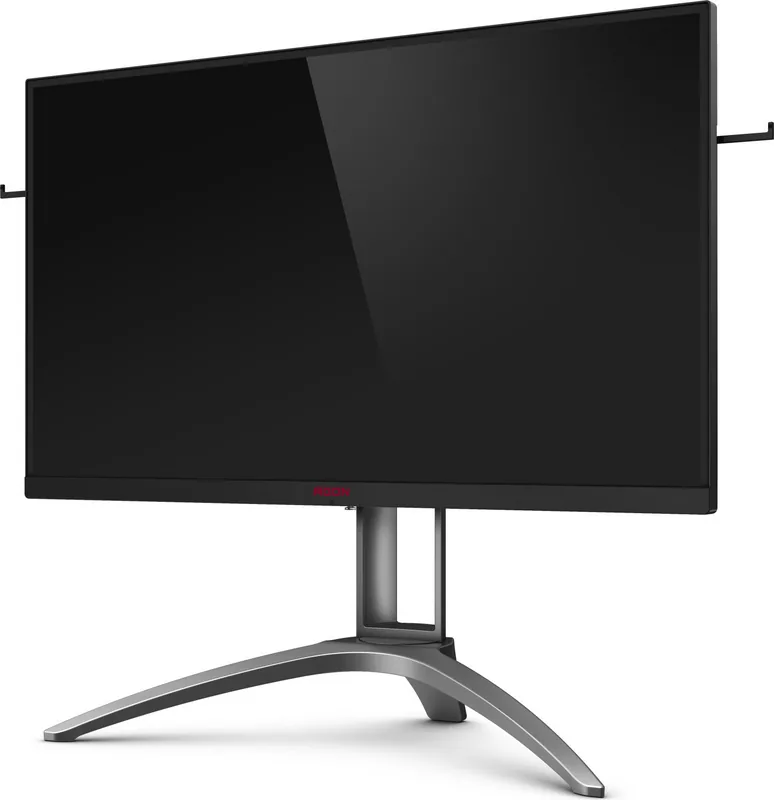
with Stand, Height Adjustable (4.33 inches), Pivot (+/- 90 deg), Rotate (+/- 30 deg), Tilt (+22 deg/-6 deg), Headphone Holder
VESA Mount
75x75 (Used)
Power Consumption
52W (Typical), 0.5W (Standby), 53W (Old Energy Label A+++ to G)
Energy Efficiency SDR (A to G)
31 kWh/1000h (G)
Energy Efficiency HDR (A to G)
45 kWh/1000h (G)
Energy Efficiency Old (A+++ to G)
77.4 kWh (C)
Features
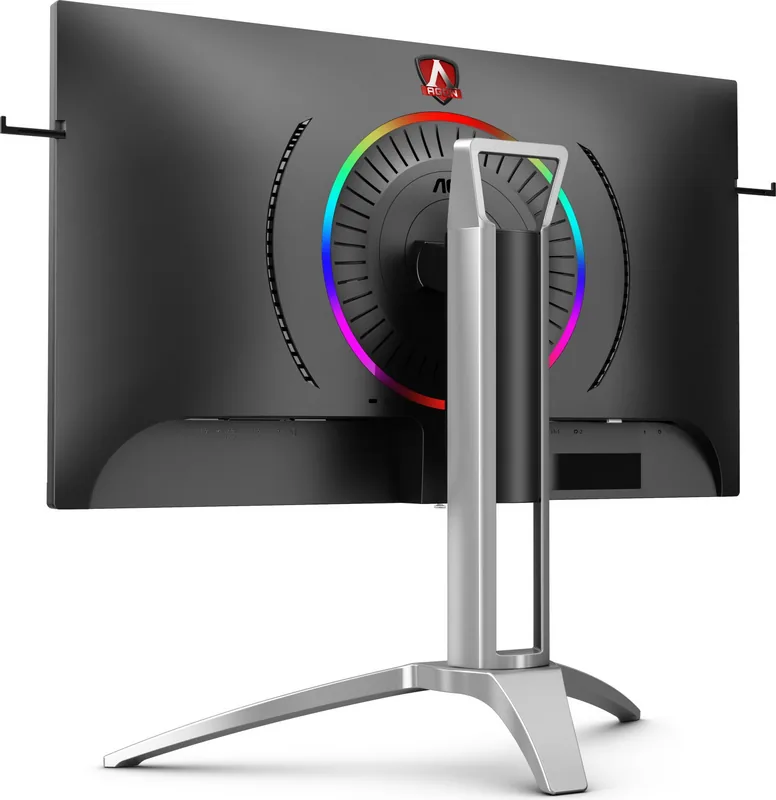
Security Lock (Kensington Security Slot), Rear Lighting (RGB)
Screen-to-Body Ratio
89.97% (Calculated)
Dimensions
24.13x22.13x11.38 inches (WxHxD) with stand compressed, 24.13x14.37x3.23 inches (WxHxD) without stand
Color
Black (Display Bezel) / Black (Bottom Bezel) / Silver (Stand) / Black (Back)
Weight
18.52 lbs (with stand), 12.79 lbs (without stand)
Power Supply
Internal
Warranty
Three Years
USB Labeling
Link
Product Description
Product Overview
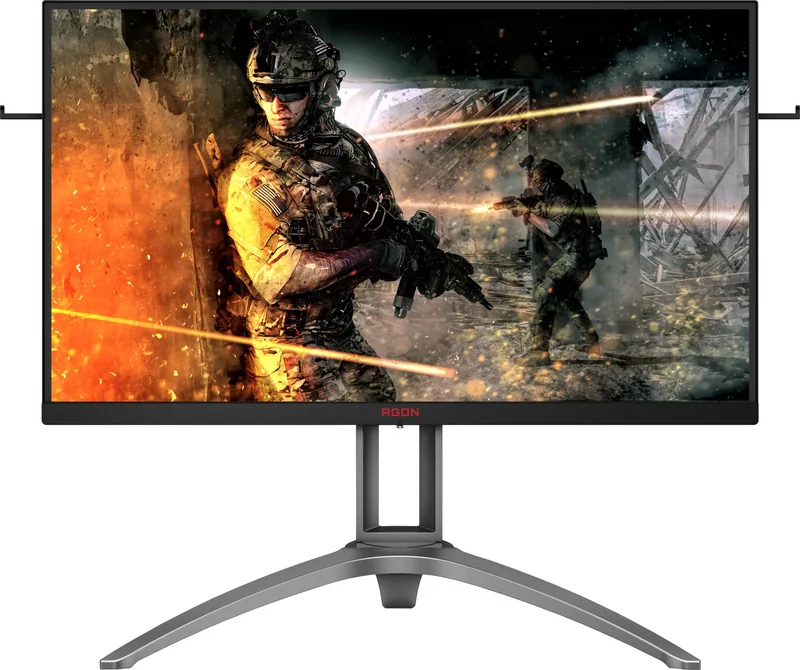
The AOC Agon AG273QZ represents a peak in gaming performance with its stunning 27-inch display. Understanding the full potential of this device requires knowledge found within the AOC Agon AG273QZ, 27" Manual. This comprehensive guide helps users navigate the complex settings of this high-end monitor. With a refresh rate reaching up to 240Hz over DisplayPort, users experience incredibly smooth gameplay essential for competitive gaming. The panel supports HDR10, allowing for a wider color gamut and deeper contrast in supported content. However, users must ensure their setup is compatible to activate these features properly. Compatibility lists for graphics cards are detailed for Adaptive-Sync function reliability.
Installation and Setup
Installation is straightforward when following the provided instructions. The manual details the contents of the box, including the stand, cables, and quick switch keypad. Safety warnings are prominent throughout the document, advising users on ventilation and proper power connections. Overheating can occur if air circulation is blocked, so maintaining space around the monitor is crucial. The design includes ergonomic adjustments for tilt and height. Connection options are robust, featuring HDMI, DisplayPort, and multiple USB 3.2 ports. These allow for versatile connectivity with PCs and peripherals while supporting fast charging. Physical installation requires a stable surface to prevent tipping hazards.
Gaming Features
Gaming is further enhanced through specific modes like FPS, RTS, and Racing. These presets optimize image parameters for different genres to provide a tactical advantage. Shadow Control and Motion Blur Reduction offer deeper customization for visual clarity. The OSD menu is navigable via hotkeys on the rear of the monitor. Light FX adds an aesthetic layer to the desk setup with customizable background illumination. Users can adjust patterns like Rainbow or Breathing for personalization. Audio settings include DTS Sound and an equalizer for immersive soundscapes without external speakers. Frequency adjustments allow fine-tuning of bass and treble. The OSD lock feature prevents accidental changes during intense sessions.
Support and Specs
Troubleshooting sections address common issues like flickering or color defects. Users are advised to check cable connections and update drivers if image issues persist. The specification sheet confirms the optimal resolution of 2560 by 1440 pixels. This QHD standard offers sharp visuals suitable for professional work and entertainment alike. While features like overdrive boost reduce input lag, they may impact adaptive sync functionality if not configured correctly. The OSD timeout and transparency settings offer privacy options. Ultimately, this monitor delivers speed and quality for demanding users. Proper setup ensures longevity and safety during extended gaming sessions. The manual remains the best resource for unlocking every capability of the hardware. LED indicators show power status clearly for quick checks.
Search for 67,706 Manuals online


Type-in Brand or Model