
Alphacool Eisblock XPX Pro Aurora Manual
PDF manual · 20 Pages
English



Quick check
Incorrect answer, please try again.
Chat with your Alphacool Eisblock XPX Pro Aurora manual using AI
Get instant AI answers from your Alphacool Eisblock XPX Pro Aurora manual
Ask anything about the Alphacool Eisblock XPX Pro Aurora. Answers come from this manual, with the pages they are based on.
Ask a Question
Do you recommend Eisblock XPX Pro Aurora?
Yes NoFrequently Asked Questions
It supports LGA 1700, 2066, 115x, 1200, 3647, TR4, SP3, AM4, and 4189.
Is this answer helpful?
No. The manual specifies to tighten hand-tight only to avoid damage.
Is this answer helpful?
No, you need a separate Digital RGB controller for the lights.
Is this answer helpful?
Connectors with a max diameter of 18mm are compatible.
Is this answer helpful?
Apply a pea-sized blob and spread it into a thin layer under 0.5mm.
Is this answer helpful?
Yes, all IN and OUT ports can be combined with each other.
Is this answer helpful?
It uses adhesive strips to fix the backplate to the motherboard rear.
Is this answer helpful?
Advantages and Disadvantages
Advantages

- Wide CPU socket compatibility including server options.
- Hand-tighten mounting prevents overtightening and damage.
- Digital RGB lighting adds aesthetic customization.
- 18mm fitting support offers flexible tubing options.
- Includes backplate for stable LGA 1700 mounting.
Disadvantages

- Digital RGB controller is not included in the package.
- Mounting screws must be hand-tightened only without tools.
- Fitting limit restricts users who prefer smaller diameter connections.
- Requires careful handling of protective film removal.
- Specific brackets must be selected for each socket type.
Product Specification
Type
CPU
Connectors
G1/4"
Lighting
LED (RGB)
Product Description
Experience Top-Tier Cooling Performance
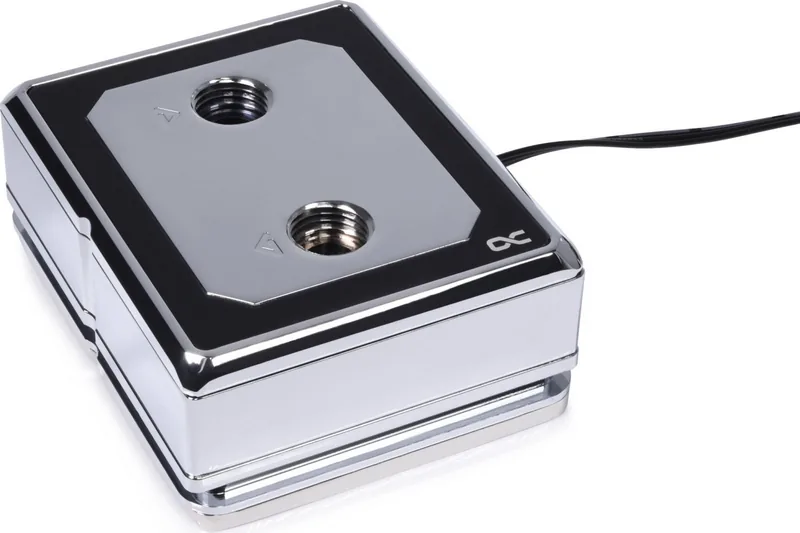
The Alphacool Ice Block XPX Pro Aurora is designed for enthusiasts who demand reliability and aesthetics in equal measure. When you review the Alphacool Ice Block XPX Pro Aurora Manual, you see a promise of precision engineering. This cooler is built to handle high thermal loads while fitting into a variety of PC configurations. The copper heat spreader ensures efficient heat transfer from your CPU to the cooling solution. The base plate is machined to ensure maximum contact with the processor surface for optimal temperatures.
Versatile Mounting Solutions
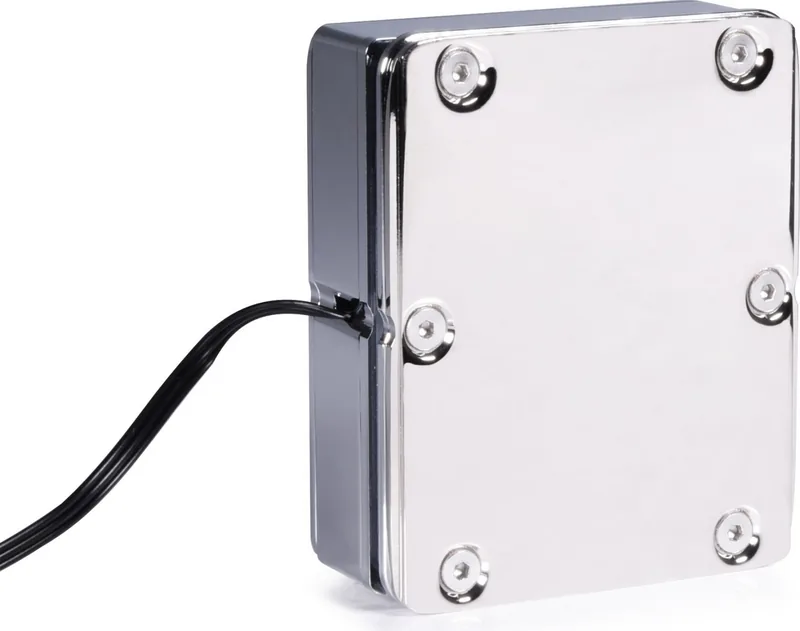
One of the standout features is the extensive compatibility list. Whether you are running Intel or AMD, there is a bracket for you. It supports LGA 1700, LGA 2066, AM4, and many server-grade sockets like TR4 and sWRX8. The instructions emphasize hand-tightening for all mounting points to prevent damage. This ensures that your investment remains protected during installation without the risk of overtightening screws. For LGA 1700 and AM4 sockets, a backplate is secured using adhesive strips, adding structural integrity to the mounting process for long-term stability.
Illuminated Aesthetics
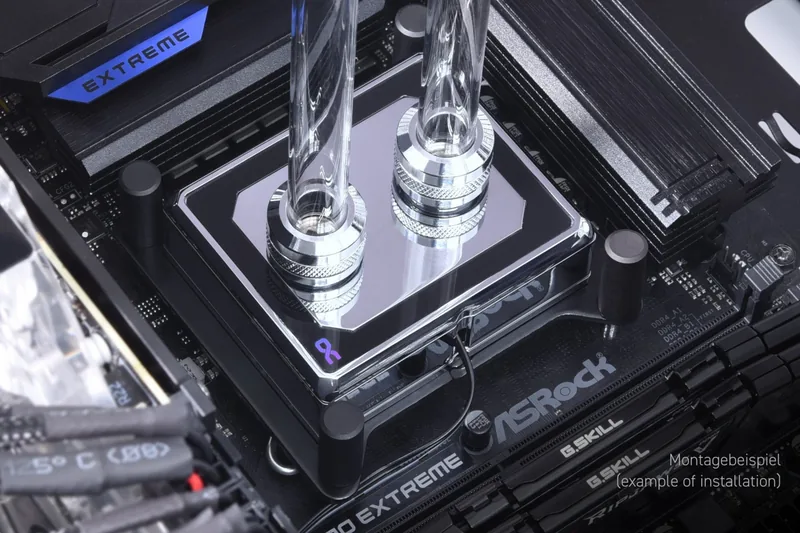
The Aurora series adds Digital RGB lighting to your build. This requires a specific adapter to connect to your controller system. The included adapter simplifies the process, allowing you to sync lighting with other components. The acrylic block lets the light shine through beautifully, creating a stunning visual effect inside your case. You can expand the lighting chain by connecting additional LEDs to the available ports. There are different acrylic finishes available, including Black and Chrome, to match your specific aesthetic preferences for a custom look.
Installation and Preparation
Preparing your system is straightforward if you follow the guidelines provided. You must remove the protective film from the base before installation begins. Cleaning the CPU surface thoroughly is a critical step to ensure optimal thermal paste adhesion. Apply a pea-sized amount of paste and spread it evenly. The fittings accept connections up to 18mm in diameter, offering flexibility for your tubing setup. All inlet and outlet ports can be combined, giving you great freedom in pipe routing design for your water cooling loops. Ensure all springs are seated correctly in the brackets before securing the nuts. Verify all components are tight but not forced.
Important Final Notes
This cooler represents a blend of performance and style. It is not just a collection of parts but a guide to building a better machine. By ensuring proper thermal contact and utilizing the provided hardware, you achieve a stable cooling platform for your hardware. The durability of the construction shines through every component listed in the supply package. Whether for a standard desktop or a compact 1U server, the XPX Pro delivers consistent results. Always disconnect power before starting.
Search for 67,706 Manuals online


Type-in Brand or Model