
Alphacool Core 10x 4-Pin PWM Splitter Manual
PDF manual · 2 Pages
English



Quick check
Incorrect answer, please try again.
Chat with your Alphacool Core 10x 4-Pin PWM Splitter manual using AI
Get instant AI answers from your Alphacool Core 10x 4-Pin PWM Splitter manual
Ask anything about the Alphacool Core 10x 4-Pin PWM Splitter. Answers come from this manual, with the pages they are based on.
Ask a Question
Do you recommend Core 10x 4-Pin PWM Splitter?
Yes NoFrequently Asked Questions
You can connect a maximum of ten fans to the controller unit. It distributes power and speed signals from a single motherboard header to allow all ten fans to run simultaneously.
Is this answer helpful?
The device requires a SATA power connector from your power supply unit to operate. It does not rely solely on the motherboard header for power delivery.
Is this answer helpful?
No, the installation is designed to be straightforward. You simply adhere the unit, connect the cables, and plug in the fans.
Is this answer helpful?
Yes, the controller can be detached at any time. The design includes a Velcro layer that allows for removal without damaging the chassis.
Is this answer helpful?
The splitter does not increase noise levels. It synchronizes the speed of all fans based on the master fan settings you apply.
Is this answer helpful?
The total power consumption limit for the connected fans is 54W. Ensure all connected fans do not exceed this combined draw to avoid issues.
Is this answer helpful?
Advantages and Disadvantages
Advantages

- Supports up to ten fans per single header.
- Includes Velcro for easy mount and removal.
- Simplifies cable management in PC builds.
- SATA power support for stable power delivery.
- Reduces motherboard header load significantly.
Disadvantages

- Requires SATA power connection available.
- Uses adhesive which may leave residue.
- Master fan determines speed for all units.
- Maximum power limit restricts high power fans.
Product Specification
Type
Controlled fan hub, light control
Form Factor
Internal
Fans
10
Channels
1 (RPM)
Power
Total max. 54W
Display
N/A
Power Supply
1x 15-Pin SATA
Fan Connector
10x 4-Pin PWM
Control via
4-Pin PWM (daisy-chained)
Front I/O
N/A
Product Description
Alphacool Core 10x Fan Splitter Overview
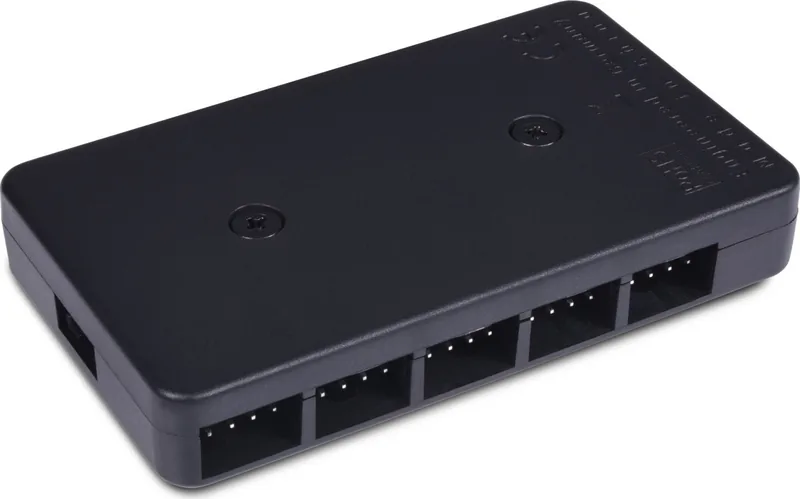
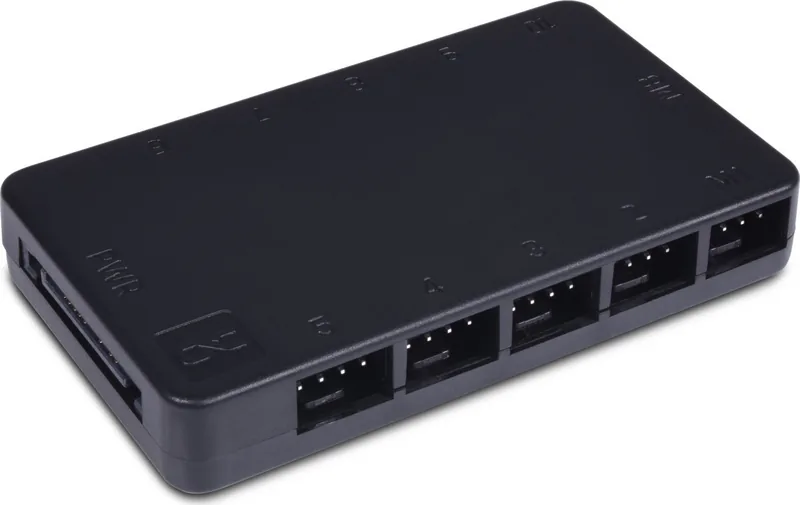
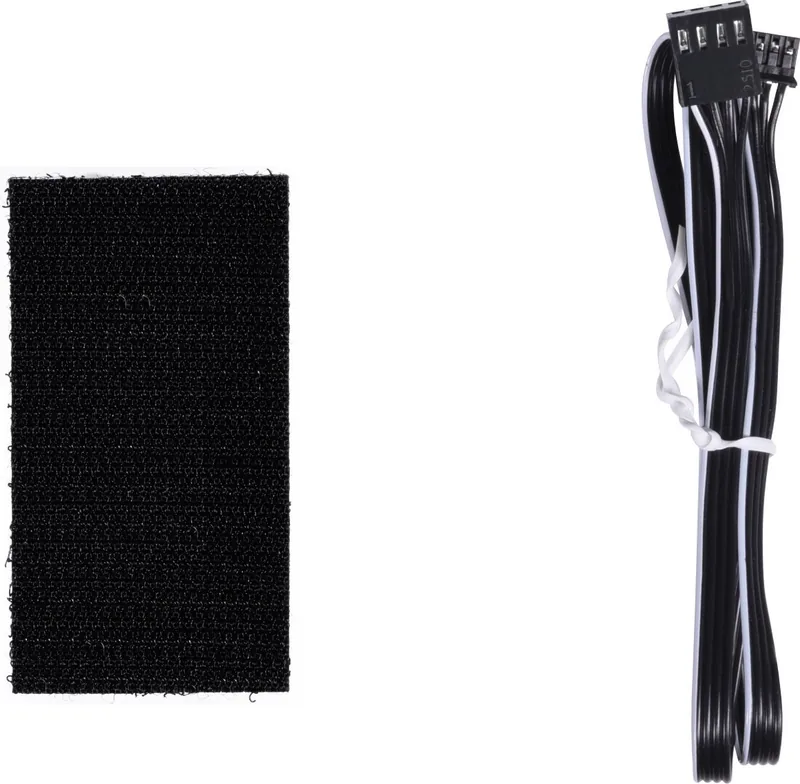
Managing fan speeds within a complex custom PC build can become difficult without the right hardware. You need efficient control solutions that do not clutter your motherboard with excessive headers. The Alphacool Core 10x 4-Pin PWM Splitter addresses this specific challenge effectively. It allows users to connect up to ten individual fans to a single header on the mainboard. This device simplifies cable management significantly while ensuring every connected fan operates in harmony with the desired speed curve. The installation process is designed to be straightforward and user-friendly for technicians. You start by removing the protective film from the adhesive tape located on the back of the unit carefully. Stick the controller unit under the chosen location on the computer chassis securely using the tape. The included Velcro fastener ensures easy removal if you decide to relocate the unit later for aesthetic reasons or maintenance needs. Next, connect the mainboard cable to an available free fan connector on your motherboard explicitly. Then, plug the SATA power connector from your power supply unit into the controller socket directly. Ensure all power is cut before opening the chassis to avoid electrical damage or injury.
The 54W power capacity supports most standard case fans simultaneously running at full load. One fan acts as the master for speed reading on the system via PWM signal. This ensures the remaining nine fans follow the RPM curve accurately based on the master input data received. Security is prioritized with clear warnings to unplug the power cord from the wall socket prior to handling any internal components. This prevents serious electrical hazards during the physical mounting process of the unit inside the case. Always check the manual for specific warnings regarding voltage and current before connecting.
Notes Please read safety instructions before starting installation to ensure safety for the operator. Verify all connections are secure before powering on the system to prevent shorts. Total Fan Count is limited to 10 units connected permanently. Maximum power Limit is 54W for the whole setup shared equally.
This splitter is ideal for users seeking a clean interior appearance without messy cables. It reduces the load on motherboard headers significantly during operation and saves slots. High airflow custom builds benefit immensely from this centralization of speed control logic. The Velcro layer allows detachment without damaging the chassis paint or finish. Optimizing your system performance requires attention to detail and proper planning during the stage. Proper installation ensures longevity and reliability over many years of usage. Total Fan Count: 10 Power Limit: 54W Connector Type: 4-Pin PWM
Search for 67,706 Manuals online


Type-in Brand or Model
expedita_quidem
7 months ago
Is it possible to control each fan individually or only all fans together?
Manual.ly
7 months ago
Thank you for your inquiry. This hub allows for group control of all connected fans via a single PWM signal. Individual fan speed control is not currently supported. You can adjust the speed of all units simultaneously.