
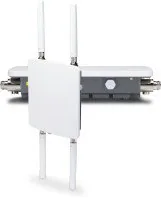
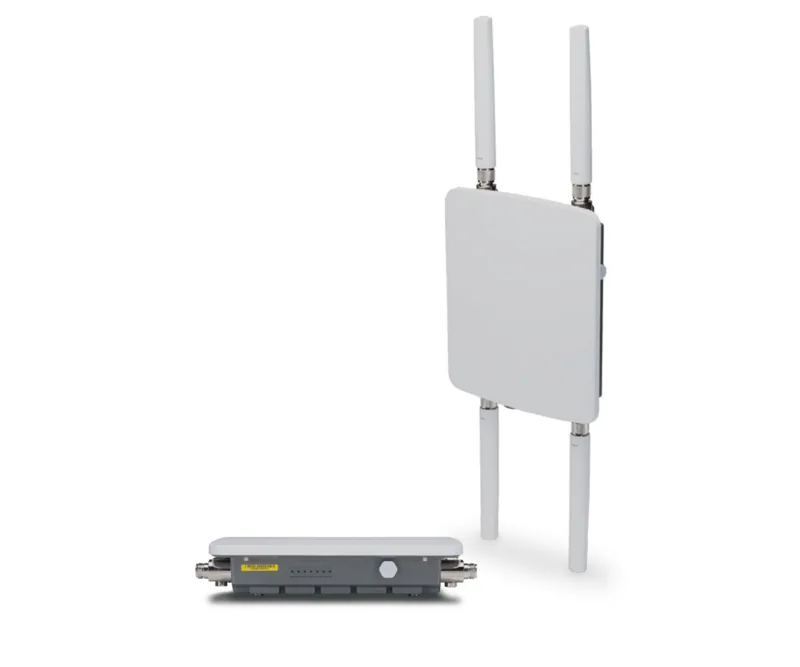
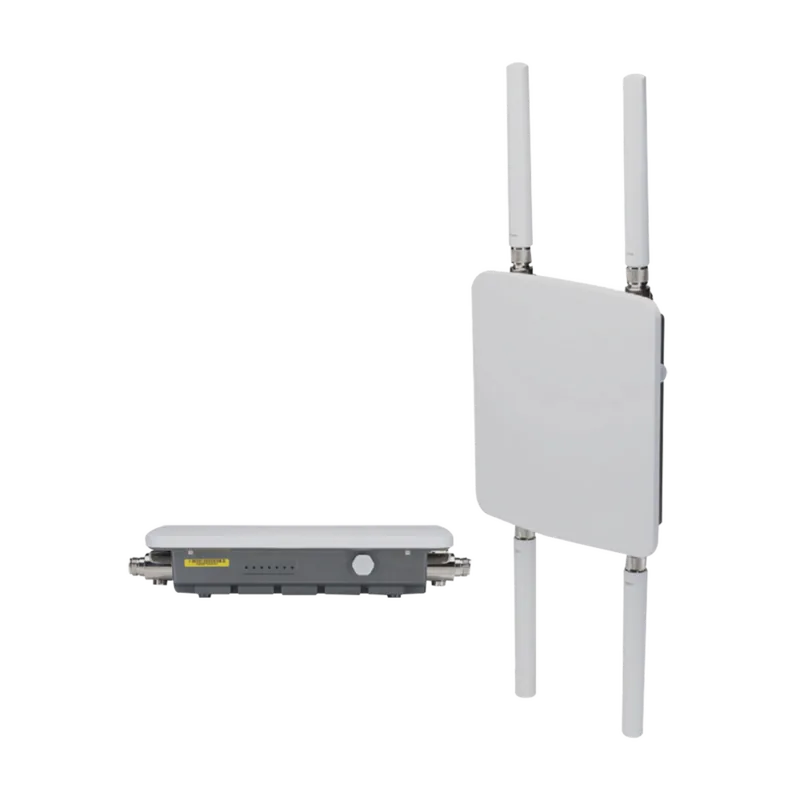
Allied Telesis AT-TQ4400e Manual
PDF manual · 58 Pages
English



Quick check
Incorrect answer, please try again.
Chat with your Allied Telesis AT-TQ4400e manual using AI
Get instant AI answers from your Allied Telesis AT-TQ4400e manual
Ask anything about the Allied Telesis AT-TQ4400e. Answers come from this manual, with the pages they are based on.
Ask a Question
Do you recommend AT-TQ4400e?
Yes NoFrequently Asked Questions
If your network lacks a DHCP server, the access point defaults to the IP address 192.168.1.230. You must manually configure your management PC to match this subnet to access the web interface.
Is this answer helpful?
Use the mounting base as a template to mark four holes, pre-drill them, and attach the base to the unit. Then secure the assembly to the wall using bolts, nuts, washers, and wall anchors suitable for concrete.
Is this answer helpful?
Yes, the unit features N-type female antenna connectors for both 2.4 GHz and 5 GHz bands, allowing you to replace antennas if needed for better signal direction or gain.
Is this answer helpful?
Yes, the Allied Telesis AT-TQ4400E is fully compliant with the European Union Restriction of Hazardous Substances (RoHS) directive 2011/65/EU.
Is this answer helpful?
The device is designed to operate in temperatures ranging from -40 degrees Celsius to 65 degrees Celsius, making it suitable for extreme weather conditions.
Is this answer helpful?
No, the US model has a preset country code that cannot be changed to comply with FCC regulations requiring fixed operational channels.
Is this answer helpful?
Advantages and Disadvantages
Advantages

- Supports dual radio operation with high-speed 867 Mbps on 5 GHz band
- Built-in Gore vent protects against moisture, dust, and pressure changes
- Metallic chassis resists ultraviolet radiation for long-term outdoor use
- Single PoE+ port simplifies power and data installation significantly
- Comprehensive security features including rogue AP detection and WPA2
Disadvantages

- Requires manual country code configuration for non-US models
- Antenna connectors require specific tools for replacement or adjustment
- Maximum power consumption may exceed some legacy PoE switch limits
- Initial setup requires specific IP configuration if no DHCP server exists
- Grounding cable installation adds complexity compared to indoor units
Product Specification
LAN
1x 1000Base-T (PoE PD)
Wireless
WLAN 802.11a/b/g/n/ac/h (Wi-Fi 5), simultaneous
Transfer Rate
300Mbps (2.4GHz), 867Mbps (5GHz)
Security
64/128bit WEP, WPA, WPA2
Antennas
4x external (detachable)
Connectors
N/A
Power Consumption
19.4W (operating consumption), no data provided (max power supply rating)
Dimensions
9.84x8.58x2.20 inches
Features
IPv6, TPC/DFS, Outdoor, IP67, VLAN, IPv6
Band Capability
Dual Band (simultaneous)
Product Description
Allied Telesis AT-TQ4400E Outdoor Wireless Access Point Overview
The Allied Telesis AT-TQ4400E stands as a robust enterprise-class solution designed specifically for expanding wireless networks into demanding outdoor environments. Whether you are managing connectivity at ski resorts, beachfront venues, sports arenas, or large corporate campuses, this device delivers reliable performance where it matters most. Engineered with dual radios supporting both 2.4 GHz and 5 GHz bands, the unit ensures comprehensive coverage while adhering to the latest IEEE 802.11a/b/g/n/ac standards.
At the heart of its operation is a powerful 2x2:2ss MIMO configuration, offering maximum capacities of 300 Mbps on the 2.4 GHz band and up to 867 Mbps on the 5 GHz band. This high throughput is essential for handling modern data demands without compromising speed. The device features a single PoE+ capable LAN port that simplifies installation by delivering both power and network connectivity through a single cable, eliminating the need for separate power adapters in remote locations.
Durability is a key focus for the AT-TQ4400E. Its metallic chassis is coated with plastic to repel ultraviolet radiation, ensuring longevity under direct sunlight. The housing includes Gore vent technology, which equalizes internal pressure while protecting against dust, humidity, and water intrusion. For added safety during stormy weather, the unit supports grounding cables to protect against lightning strikes and electrostatic discharge.
Installation flexibility is another hallmark of this access point. It can be mounted securely on concrete walls, regular walls, or vertical and horizontal poles using the included mounting brackets and clamps. The device also features N-type female antenna connectors, allowing users to replace antennas if necessary. Security features include MAC address filtering, WPA/WPA2 encryption, rogue access point detection, and support for RADIUS accounting, making it a secure choice for public and private networks alike.
Key Highlights
- Dual Radio Performance: Simultaneous 2.4 GHz and 5 GHz operation for maximum capacity.
- Outdoor Durability: UV-resistant casing and Gore vents for environmental protection.
- Flexible Mounting: Supports wall and pole installations with comprehensive hardware kits.
- Advanced Security: Includes WPA2, RADIUS, and rogue AP detection capabilities.
- PoE+ Power: Simplified cabling with Power over Ethernet Plus support.
Important Notes
Ensure that your PoE switch supports Class 4 power delivery for optimal operation. Always connect the ground cable before installing the mounting base to ensure electrical safety. The country code setting must be configured during the initial management session for non-US models to comply with local regulations.
Search for 67,732 Manuals online


Type-in Brand or Model