
3Dconnexion SpaceMouse Compact Manual
PDF manual · 12 Pages
English



Quick check
Incorrect answer, please try again.
Chat with your 3Dconnexion SpaceMouse Compact manual using AI
Get instant AI answers from your 3Dconnexion SpaceMouse Compact manual
Ask anything about the 3Dconnexion SpaceMouse Compact. Answers come from this manual, with the pages they are based on.
Ask a Question
Do you recommend SpaceMouse Compact?
Yes NoFrequently Asked Questions
It is used for navigating 3D environments more naturally. Users can pan, zoom, rotate, and tilt models or scenes with one hand while using a regular mouse with the other.
Is this answer helpful?
Yes. You connect it by USB, install the latest 3Dconnexion software, and then adjust settings as needed. The setup is designed to be quick for most users.
Is this answer helpful?
Yes. It supports application-specific behavior, which means settings and button assignments can adapt to the software you are using.
Is this answer helpful?
Yes. The device has programmable buttons that can be assigned commands, macros, or radial menus through the 3Dconnexion settings panel.
Is this answer helpful?
The device supports modes like Object Mode, Camera Mode, Target Camera Mode, and Helicopter Mode, giving users several ways to control movement in 3D space.
Is this answer helpful?
The SpaceMouse Compact supports Microsoft Windows and macOS, making it suitable for many desktop setups.
Is this answer helpful?
Advantages and Disadvantages
Advantages

- Six-degrees-of-freedom control makes 3D navigation more natural.
- Two programmable buttons support faster workflows and shortcuts.
- Application-specific settings allow detailed customization.
- USB connection and software setup are simple and practical.
Disadvantages

- Learning the motion-based control can take time for new users.
- Most benefits are strongest in compatible 3D software.
- Advanced features depend on installing and using 3Dconnexion software.
- Compact size may feel limited for users wanting more physical controls.
Product Specification
Type
3D mouse
Buttons
2 (2x programmable)
Connectivity
wired, USB
Power supply
USB
Dimensions (WxHxD)
3.03x2.13x3.03 in
Weight
1.06 lb
Product Description
3Dconnexion SpaceMouse Compact USB: Smooth 3D Control for Serious Work
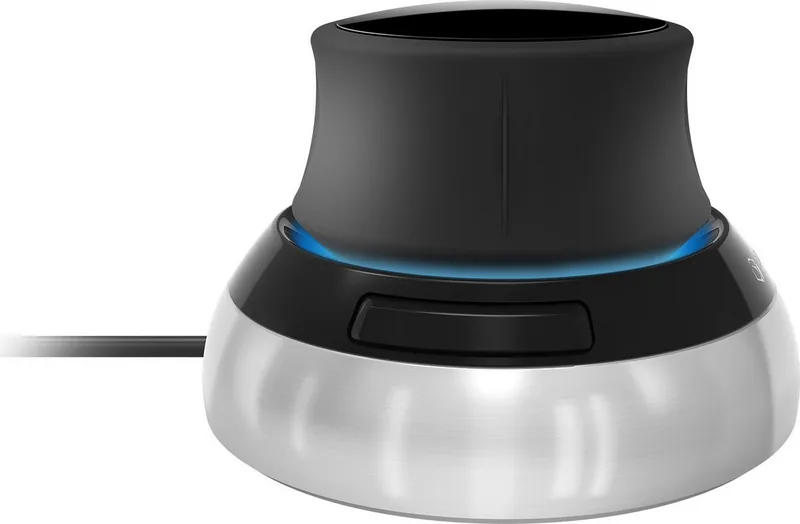
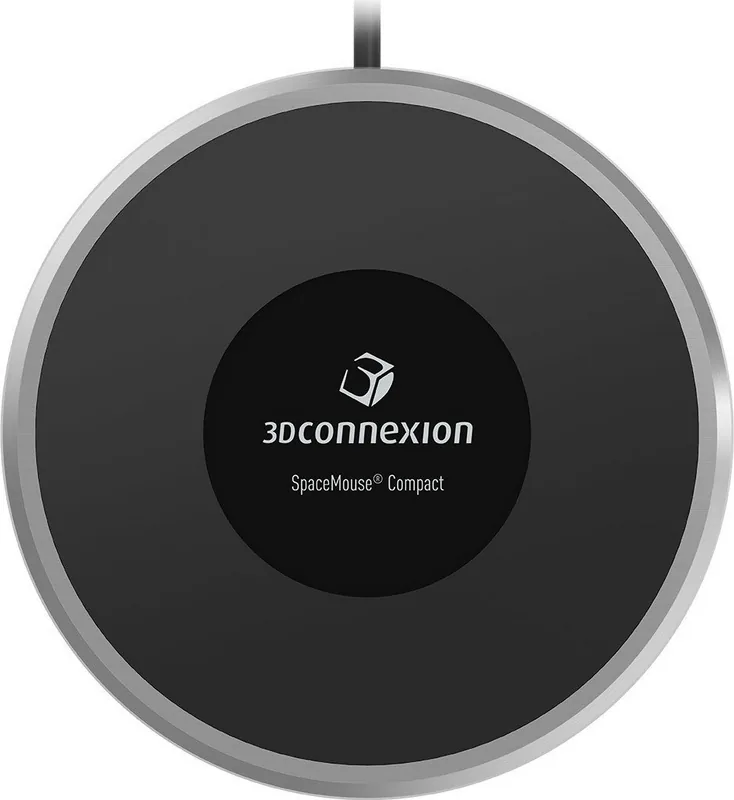
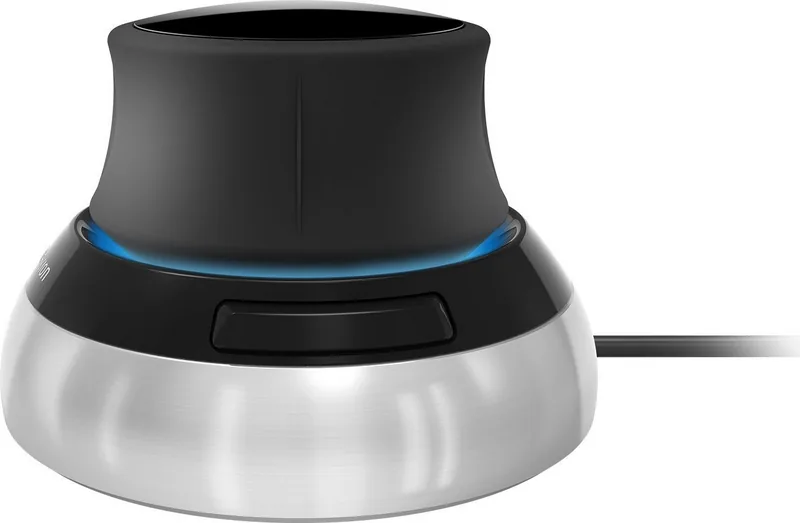
The 3Dconnexion SpaceMouse Compact USB Manual points to a device built for users who want more natural navigation in 3D environments. Instead of relying only on a standard mouse and keyboard, the SpaceMouse Compact adds a dedicated controller cap that lets you pan, zoom, rotate, and tilt with subtle hand movements. It is designed for CAD, 3D modeling, engineering, and other precision-focused workflows where speed and accuracy matter.
What makes the SpaceMouse Compact stand out is its six-degrees-of-freedom sensor. That means the controller can detect movement in multiple directions at once, giving a smoother and more immersive way to explore objects and scenes. The contoured cap is shaped to support comfortable finger placement, while the two programmable buttons help streamline common actions. With application-aware behavior, the device can adapt to different software environments and automatically assign useful commands.
Setup is straightforward. You connect it through USB, install the latest 3Dconnexion software, and then fine-tune the speed and navigation behavior from the settings panel. The software also offers advanced customization, including object mode, camera mode, target camera mode, helicopter mode, rotation center options, and application-specific control. This makes it easy to match the device to your preferred style of working.
For users who like personalization, the SpaceMouse Compact offers a lot of flexibility. You can assign quick macros, create radial menus, and customize button actions to fit different tasks. The included 3Dconnexion Home tools add extra value, with trainer resources, viewer access, settings, demos, and helpful learning tools that make the product easier to master over time.
Notes
- Best suited for 3D design, modeling, and technical visualization.
- USB connectivity keeps the setup simple and reliable.
- Software customization is a major strength for power users.
- Works with both Windows and macOS, making it broadly accessible.
Overall, the 3Dconnexion SpaceMouse Compact USB is a compact but capable companion for anyone who spends serious time inside 3D applications and wants smoother control, better comfort, and faster navigation.
Search for 67,706 Manuals online


Type-in Brand or Model
Sven Krüger
9 months ago
Is this 3D mouse suitable for CAD like SolidWorks, and can I customize the buttons/settings with the manufacturer software? Also, is it stable on a desk?
Manual.ly
9 months ago
Yes. Reviewers specifically used it with CAD workflows such as SolidWorks and found it offers a good feel (comfortable, solid haptics) for precise 3D navigation. The device can be configured in the manufacturer software, so you can map functions and adjust the controls to match your preferences and CAD shortcuts. It is also relatively heavy, which helps it stay in place on a desk during use. As a result, it tends to slide less than lighter 3D mice and feels more stable while working.