
Zyxel WRE6505 v2 Manual
PDF manual · 128 Pages
English



Quick check
Incorrect answer, please try again.
Chat with your Zyxel WRE6505 v2 manual using AI
Get instant AI answers from your Zyxel WRE6505 v2 manual
Ask anything about the Zyxel WRE6505 v2. Answers come from this manual, with the pages they are based on.
Ask a Question
Do you recommend WRE6505 v2?
Yes NoFrequently Asked Questions
It is used to extend an existing Wi-Fi network and improve coverage in weak-signal areas. It can also work as an access point when you want to create wireless access from a wired connection.
Is this answer helpful?
Yes. It works with both 2.4 GHz and 5 GHz networks, which helps users balance range and speed depending on the device and location.
Is this answer helpful?
The device supports Repeater mode and Access Point mode. Repeater mode expands an existing wireless network, while AP mode creates a wireless network from a wired LAN connection.
Is this answer helpful?
No. The device includes a browser-based configurator and an eaZy123 wizard that guide users through setup. WPS is also available for quick pairing with compatible devices.
Is this answer helpful?
The first step should be changing the default password. The manual strongly suggests using a stronger password to improve security and protect the network from unwanted access.
Is this answer helpful?
It explains setup, mode changes, security settings, WPS, troubleshooting, and maintenance options. It is especially useful if you want to customize the extender instead of using only the basic wizard.
Is this answer helpful?
Advantages and Disadvantages
Advantages

- Dual-band AC750 design helps extend both 2.4 GHz and 5 GHz wireless coverage.
- Repeater and Access Point modes offer flexible deployment in different network setups.
- WPS and eaZy123 wizard simplify first-time setup for most users.
- Useful admin tools include firmware upgrade, backup/restore, scheduling, and QoS.
Disadvantages

- Default login password is weak, so it must be changed immediately after setup.
- Advanced menus and security options may feel complex for beginners.
- Changing modes requires logging in again and the device restarts automatically.
- Wired clients in Repeater mode are limited to 2.4 GHz Wi-Fi access.
Product Specification
LAN
1x 100Base-TX
Wireless
WLAN 802.11a/b/g/n/ac (Wi-Fi 5), simultaneous
Data Transfer Rate
300Mbps (2.4GHz), 433Mbps (5GHz)
Security
64/128bit WEP, WPA, WPA2, WPS
Antennas
internal
Power Consumption
3W (consumption, operation), not specified (max. power supply output)
Dimensions
3.58x2.45x1.83in
Band Capability
Dual Band (simultaneous)
Product Description
ZyXEL WRE6505 V2: A Practical Dual-Band Range Extender for Smarter Coverage
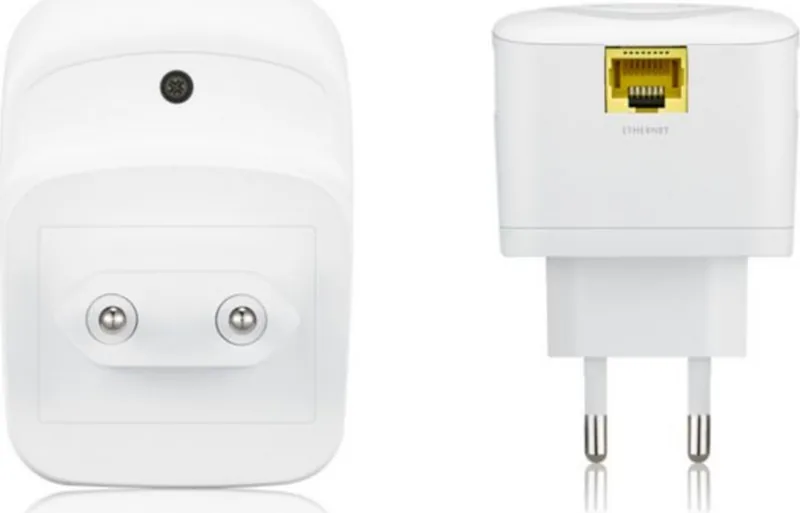
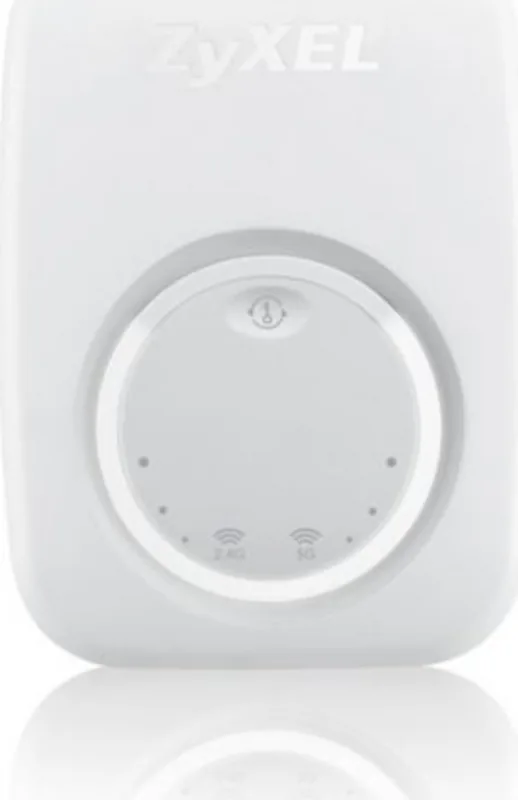
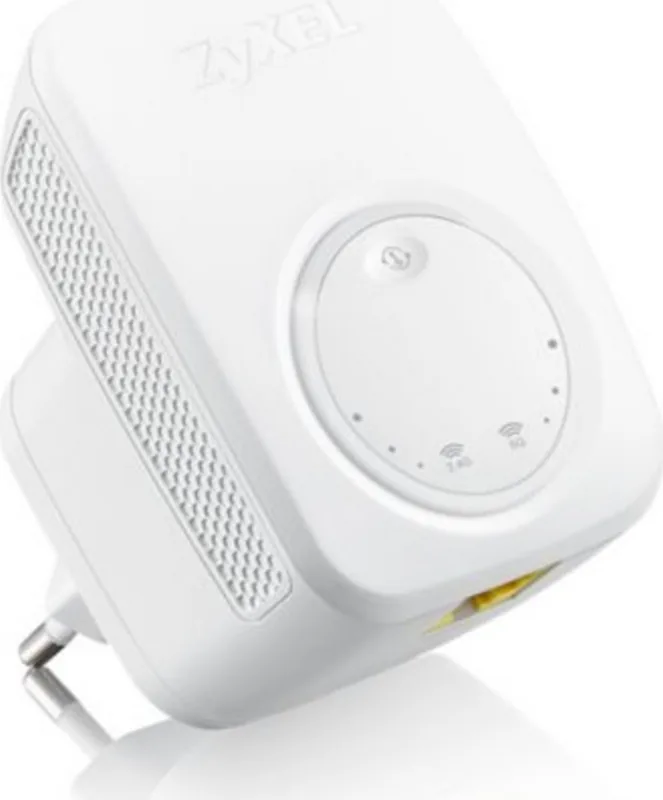
The ZyXEL WRE6505 V2 is built for homes and small offices that need stronger wireless coverage without complicated setup. As a Wireless AC750 range extender, it helps expand an existing network across both 2.4 GHz and 5 GHz bands, giving users more flexibility for browsing, streaming, and everyday connected tasks. Its compact plug-in design makes placement simple, while the signal LEDs help you find the best spot for reliable reception. The ZyXEL WRE6505 V2 Manual is especially useful here, as it explains how to balance convenience, range, and security from the start.
One of the most appealing parts of this device is its dual personality. In Repeater mode, it can connect to an existing router and rebroadcast the signal, helping weak corners of a building feel much more usable. In Access Point mode, it can bridge a wired network into a wireless one, which is ideal when you want to turn an Ethernet connection into a stable Wi-Fi zone. That flexibility makes it easy to match the device to different layouts and networking goals.
Setup is designed to be approachable. The web configurator can be opened through a browser, and the eaZy123 wizard walks users through connecting to an existing network, choosing wireless settings, and confirming changes. WPS support adds another fast pairing option for compatible devices, while the configuration menus let you manage security, MAC filtering, QoS, LAN IP settings, firmware updates, and backups. For users who want more control, these tools make the extender feel more like a complete network hub than a simple plug-in booster.
Security and maintenance are also well covered. The default password should be changed right away, and the device supports common protection choices such as WPA-PSK and WPA2-PSK. You can also adjust scheduling, review packet statistics, and restore settings if needed. Zyxel One Connect adds another modern touch by enabling auto-configuration for supported devices in the network, which can simplify management across multiple access points and repeaters.
Notes
- Change the default password immediately after first login.
- Use Repeater mode to extend Wi-Fi, or AP mode to create a fresh wireless zone from a wired source.
- Keep a backup of your settings before making major changes.
- If the device becomes inaccessible, the WPS button can help reset or restore factory defaults.
Search for 67,732 Manuals online


Type-in Brand or Model