
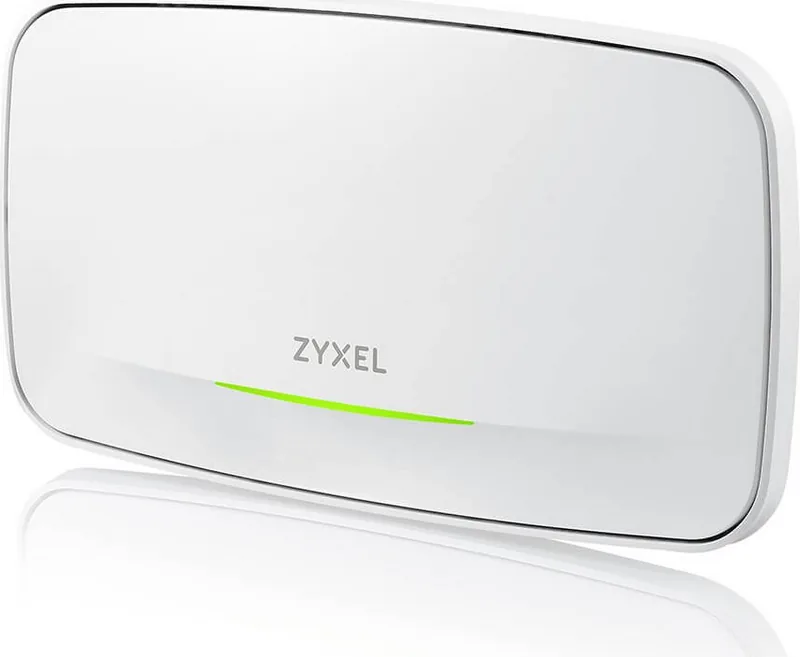
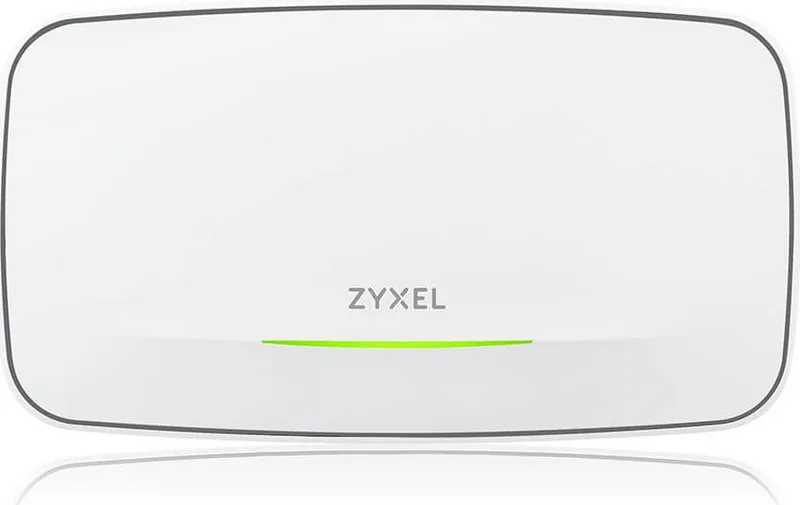
Zyxel WAX640S-6E Manual
PDF manual · 316 Pages
English



Quick check
Incorrect answer, please try again.
Chat with your Zyxel WAX640S-6E manual using AI
Get instant AI answers from your Zyxel WAX640S-6E manual
Ask anything about the Zyxel WAX640S-6E. Answers come from this manual, with the pages they are based on.
Ask a Question
Do you recommend WAX640S-6E?
Yes NoFrequently Asked Questions
The default username is admin and the default password is 1234. Ensure to change this immediately after initial setup for security.
Is this answer helpful?
The device supports Standalone mode using the web configurator, Nebula Control Center for cloud management, and AP Controller for local control.
Is this answer helpful?
IEEE 802.3at is recommended for full power operation. IEEE 802.3af may limit performance on certain models.
Is this answer helpful?
The device operates on 2.4 GHz, 5 GHz, and 6 GHz bands, supporting WiFi 6 and WiFi 6E standards for maximum throughput.
Is this answer helpful?
It supports WPA2 and WPA3 along with Enterprise Authentication settings to ensure safe connections for all users.
Is this answer helpful?
Press the Reset button on the back to restore factory defaults. This is useful if you lose password access or need clean setup.
Is this answer helpful?
Yes, the device supports VLAN settings for traffic segregation to isolate different user groups effectively.
Is this answer helpful?
Advantages and Disadvantages
Advantages

- Triple radio support for 2.4, 5, and 6 GHz bands providing maximum flexibility.
- Advanced WPA3 security protocols protect data integrity against modern threats.
- Flexible management options include Standalone, Nebula, and AP Controller modes.
- Built-in dashboard allows efficient network monitoring and troubleshooting.
- PoE support simplifies installation and reduces cabling complexity.
Disadvantages

- Requires high-powered PoE+ for full operational wattage output.
- 6 GHz frequency band has shorter range compared to 2.4 GHz.
- Advanced feature set may present a steep learning curve.
- Cloud management requires stable internet connection for sync.
- Cost is higher compared to standard WiFi 6 access points.
Product Specification
LAN Ports
1x 2.5GBase-T, 1x 1000Base-T (PoE++ PD)
Wireless
Wi-Fi 802.11a/b/g/n/ac/ax (Wi-Fi 6E), 2.4GHz+5GHz simultaneous or 2.4GHz+6GHz simultaneous
Data Rate
574Mbps (2.4GHz), 2402Mbps (5GHz), 4804Mbps (6GHz)
Security
WEP, WPA, WPA2, WPA3
Antennas
Internal
Ports
N/A
Power Consumption
No info (Consumption, Operation), 12V/2.5A/30W (max. PSU rating)
Dimensions
10.63 x 5.91 x 1.85 inches
Features
IPv6, VLAN, MU-MIMO, Roaming, Mesh (Shared Band)
Band Support
Tri Band (2.4GHz+5GHz simultaneous or 2.4GHz+6GHz simultaneous), Mesh (Shared Band)
Warranty
2 years
Transfer Rate 802.11ax (Wi-Fi 6 / Wi-Fi 6E) 2.4GHz
574Mbps (Spatial Streams: 2x2, Bandwidth: 40MHz, Modulation: 1024-QAM)
Transfer Rate 802.11ax (Wi-Fi 6 / Wi-Fi 6E) 5GHz
2402Mbps (Spatial Streams: 2x2, Bandwidth: 160MHz, Modulation: 1024-QAM)
Transfer Rate 802.11ax (Wi-Fi 6 / Wi-Fi 6E) 6GHz
4804Mbps (Spatial Streams: 4x4, Bandwidth: 160MHz, Modulation: 1024-QAM)
Note
Specification of transfer rate at 802.11ax at 2.4GHz, 5GHz and 6GHz. (802.11ax (2.4GHz) 2x2 40MHz 1024-QAM: 574Mbps, 802.11ax (5GHz) 2x2 160MHz 1024-QAM: 2402Mbps, 802.11ax (6GHz) 4x4 160MHz 1024-QAM: 4804Mbps)
Note #2
In some cases, the maximum consumption specification from the manufacturer corresponds only to the maximum output power of the power supply and is therefore not a meaningful indication for power consumption in daily use.
Product Description
Comprehensive Guide to the ZyXEL WAX640S-6E
The ZyXEL WAX640S-6E represents a significant leap in wireless networking technology designed specifically for high-density environments. This access point delivers exceptional performance with triple radios operating across the 2.4, 5, and 6 GHz bands efficiently. The AXE7800 classification ensures robust throughput capable of handling modern applications ranging from HD video streaming to virtual reality gaming without lag. It is built for reliability and speed.
Users often look for the ZyXEL WAX640S-6E, AXE7800 Manual to understand the full capabilities of this sophisticated device. The manual outlines extensive configuration options available through the intuitive web configurator. Whether you prefer standalone management for small sites or centralized control via Nebula Control Center for large enterprises, the setup offers flexibility for various network architectures. Standard administrative access utilizes default credentials for initial setup procedures.
Security is paramount in today's connected world. This device supports WPA3 and enhanced open modes, protecting data integrity. The integration of rogue AP detection adds a layer of defense against unauthorized network intrusions. Network administrators can monitor traffic efficiently using the built-in dashboard and detailed statistics widgets and ensure secure access.
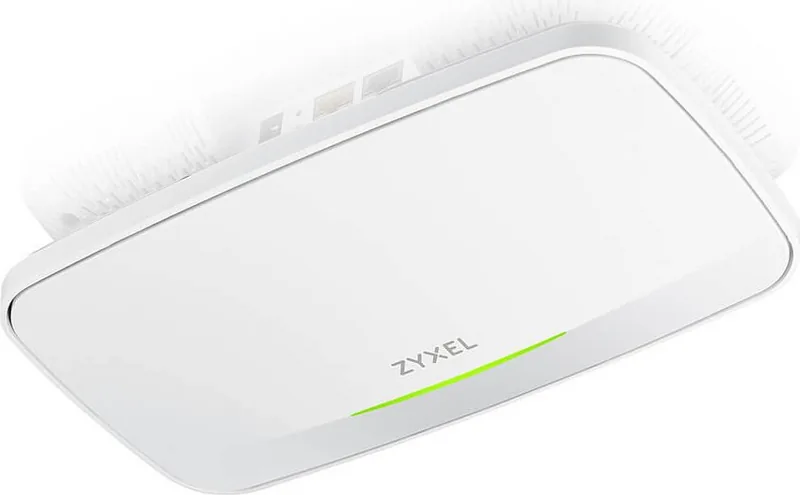
Hardware features include Power over Ethernet support for simplified cabling and installation. LED indicators provide clear visual status updates, aiding in troubleshooting. The physical design accommodates ceiling or wall mounting options suitable for various business settings.
Why Choose the WAX640S-6E
Scalability is a key advantage for growing organizations. You can manage multiple units easily if your network expands. The BandFlex feature allows dynamic channel allocation across frequency ranges. This adaptability minimizes interference and maximizes range coverage. Users enjoy consistent performance even under heavy loads.
For IT professionals, the Command-Line Interface integration offers advanced scripting capabilities. Firmware updates ensure long-term viability and security patching. The comprehensive guide details every aspect from rebooting to antenna switching configurations found in the maintenance menus. Advanced networking tasks are simplified with setup wizards that guide users through initial connections. Automated scripts enable faster deployment across larger scales quickly.
The support for Virtual Local Area Networks ensures traffic segregation for different user groups. Additionally, the device supports load balancing to maintain optimal performance during peak usage times. This ensures stability for critical business operations.
In conclusion, the ZyXEL WAX640S-6E is a robust solution for professional wireless deployments requiring reliability. Refer to the ZyXEL WAX640S-6E, AXE7800 Manual for step-by-step guidance on leveraging its full potential within your specific environment. Always verify settings before applying changes carefully if issues arise.
Search for 67,732 Manuals online


Type-in Brand or Model