
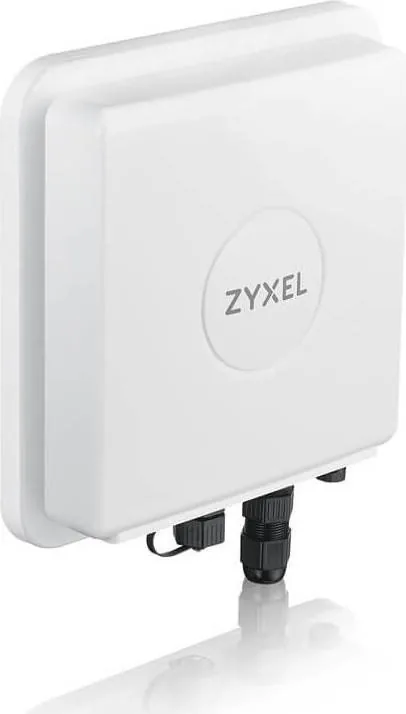
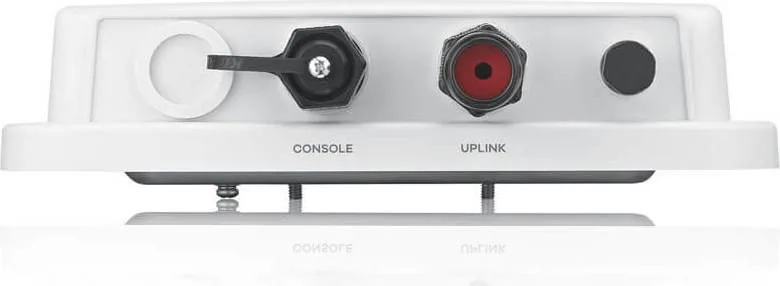
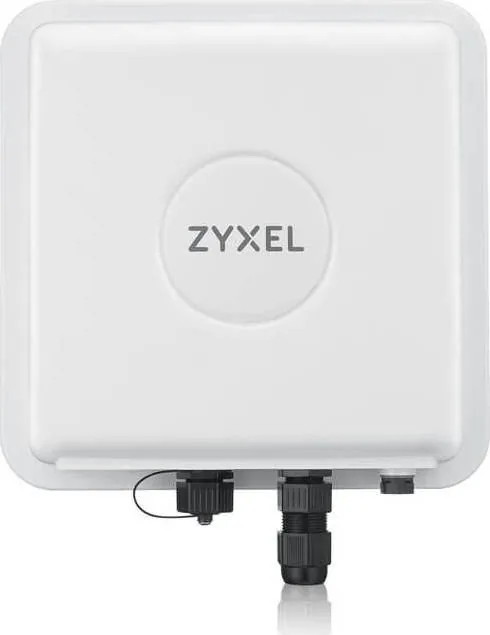
Zyxel WAC6552D-S Manual
PDF manual · 252 Pages
English



Quick check
Incorrect answer, please try again.
Chat with your Zyxel WAC6552D-S manual using AI
Get instant AI answers from your Zyxel WAC6552D-S manual
Ask anything about the Zyxel WAC6552D-S. Answers come from this manual, with the pages they are based on.
Ask a Question
Do you recommend WAC6552D-S?
Yes NoFrequently Asked Questions
It is used to provide reliable wireless coverage in business networks. It can serve as a normal access point, extend coverage as a repeater, or work under a wireless controller in managed environments.
Is this answer helpful?
Yes. It can run as a standalone access point or as a managed AP. In managed mode, configuration is handled by the controller, while standalone mode allows direct local administration.
Is this answer helpful?
The device supports 802.11a/b/g/n/ac. That gives it compatibility with legacy clients while still offering modern wireless performance for faster devices.
Is this answer helpful?
It uses multiple SSIDs and VLANs to create separate virtual networks. This helps isolate guests, staff, voice traffic, or other groups with different access and security needs.
Is this answer helpful?
It supports WPA2, WPA2-PSK, 802.1X, WEP, and MAC filtering. These options let administrators choose a security approach that fits the network’s policy and device mix.
Is this answer helpful?
You can use the web configurator, CLI, FTP, or SNMP. The interface also includes dashboards, logs, diagnostics, firmware upload tools, and a setup wizard for easier administration.
Is this answer helpful?
Advantages and Disadvantages
Advantages

- Supports standalone and managed AP modes for flexible deployment.
- Multiple SSIDs and VLANs make user separation easy.
- Includes rogue AP detection, load balancing, and channel tuning tools.
- Web-based management and diagnostics simplify setup and maintenance.
Disadvantages

- Default credentials are weak until changed.
- Some features vary by model and firmware version.
- Managed mode reduces local control because the controller owns configuration.
- Incorrect shutdown or grounding can cause stability or safety issues.
Product Specification
LAN
1x 1000Base-T (PoE PD)
Wireless
WLAN 802.11a/b/g/n/ac (Wi-Fi 5), simultaneous
Transfer Rate
300Mbps (2.4GHz), 867Mbps (5GHz)
Security
64/128bit WEP, WPA, WPA2
Antennas
internal (optional)
Connections
N/A
Power Consumption
15W (Consumption, Operation), not specified (max. power supply output)
Dimensions
10.08x10.04x2.60in
Special Features
IPv6, VLAN, Outdoor, IP67, Roaming
Band Capability
Dual Band (simultaneous)
Manufacturer's Warranty
lifetime (10 years in AT/DE)
Product Description
ZyXEL WAC6552D-S Manual Highlights
The ZyXEL WAC6552D-S is a business-focused wireless access point designed for dependable performance in busy environments. Built around 802.11ac technology, it offers strong wireless coverage, flexible deployment choices, and the kind of control network teams need when uptime matters.
One of its biggest strengths is adaptability. The device can operate in standalone AP mode or in managed AP mode under a controller. In practical terms, that means it can fit into a simple office network just as easily as a larger, centrally managed infrastructure. It also supports roles like root AP and repeater, making it useful when you need to extend coverage without adding more cabling.
The platform is made for segmentation and traffic control. Multiple SSIDs let administrators create separate virtual networks for staff, guests, or voice traffic, while VLAN support helps keep those groups isolated. Security options such as WPA2, 802.1X, and MAC filtering add extra layers of access control. Features like rogue AP detection, load balancing, and dynamic channel selection also help keep the wireless environment stable and efficient.
Management is straightforward through the web configurator, which includes a setup wizard, dashboard widgets, monitoring screens, logs, diagnostics, firmware tools, and reboot or shutdown controls. That makes the WAC6552D-S practical not only for deployment, but also for day-to-day maintenance and troubleshooting.
The ZyXEL WAC6552D-S Manual also emphasizes safe operation, including correct shutdown steps, default access details, and grounding guidance where required. For organizations that want a reliable access point with enterprise-style features and clear administrative control, this model stands out as a capable choice.
Notes
- Change the default password immediately after first login.
- Use the setup wizard for faster initial configuration.
- Follow shutdown and grounding guidance to protect the device.
Search for 67,732 Manuals online


Type-in Brand or Model