
Zyxel VMG4005-B50A Manual
PDF manual · 86 Pages
English



Quick check
Incorrect answer, please try again.
Chat with your Zyxel VMG4005-B50A manual using AI
Get instant AI answers from your Zyxel VMG4005-B50A manual
Ask anything about the Zyxel VMG4005-B50A. Answers come from this manual, with the pages they are based on.
Ask a Question
Do you recommend VMG4005-B50A?
Yes NoFrequently Asked Questions
Enter 192.168.1.1 in your web browser and use the username admin and password found on the device label.
Is this answer helpful?
The standard LAN IP address for this device is 192.168.1.1 for local network management.
Is this answer helpful?
Yes, DSL bonding aggregates two lines from the same ISP for increased bandwidth and transmission speeds.
Is this answer helpful?
Press and hold the reset button for more than five seconds until the power LED blinks to restore factory settings.
Is this answer helpful?
Download the .bin file from Zyxel and upload it via Maintenance > Firmware Upgrade in the web interface.
Is this answer helpful?
Yes, you can configure remote access via SSH and other services through the Maintenance menu settings.
Is this answer helpful?
Advantages and Disadvantages
Advantages

- Supports VDSL2 bonding for aggregating lines and higher bandwidth speeds
- Web Configurator provides easy management via supported web browsers
- Multiple user accounts enable distinct security privileges for different users
- Diagnostic tools assist in locating connectivity faults within the network path
- Firmware upgrade capability allows improved stability and security over time
Disadvantages

- ADSL and VDSL modes cannot operate simultaneously on the same device
- Forgotten password requires physical reset button access to restore factory settings
- Firmware upload process causes a temporary network disconnect for minutes
- Default admin login requires immediate password change to ensure security
- Changing IP address requires computer subnet adjustment for proper access
Product Specification
Modem
VDSL2/ADSL2+, Annex A
Modem Port
1x RJ-11
LAN
1x 1000Base-T
Phone
N/A
Ports
N/A
Power Consumption
12W (Operating), Not Specified (max. power supply wattage)
Dimensions
5.12 x 4.72 x 1.26 in
Features
VDSL2-Vectoring (Profile 17a), VDSL2-SuperVectoring (Profile 35b)
Product Description
Maximizing Network Performance with Modern Equipment
High Speed VDSL Support
The ZyXEL VMG4005-B50A provides exceptional internet access over standard telephone wires. It utilizes VDSL2 17a bonding which allows combining DSL connections. This feature combines resources from multiple lines to create a virtual connection with higher bandwidth. Speed is optimized even at longer distances from the service provider. Users gain stability and reduced latency during heavy data transfers.
Physical Interface Details
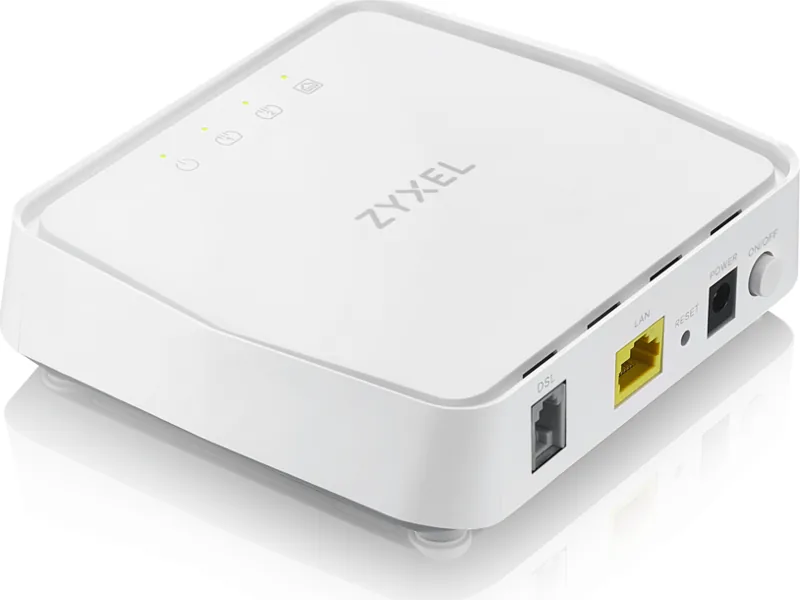
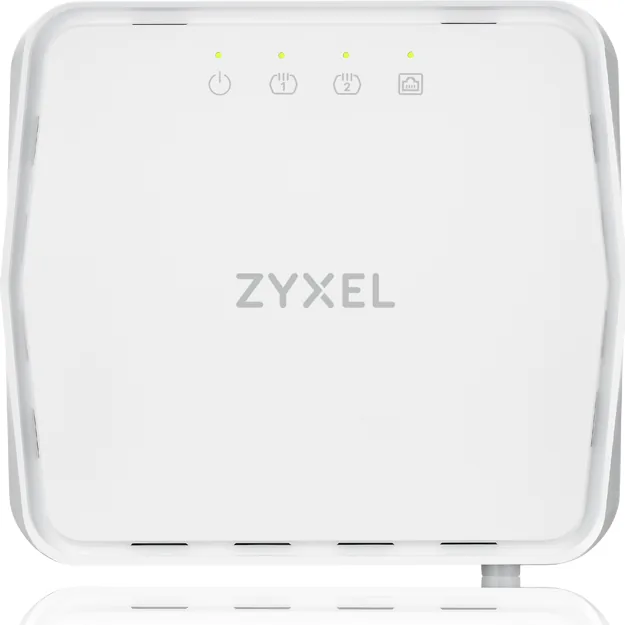
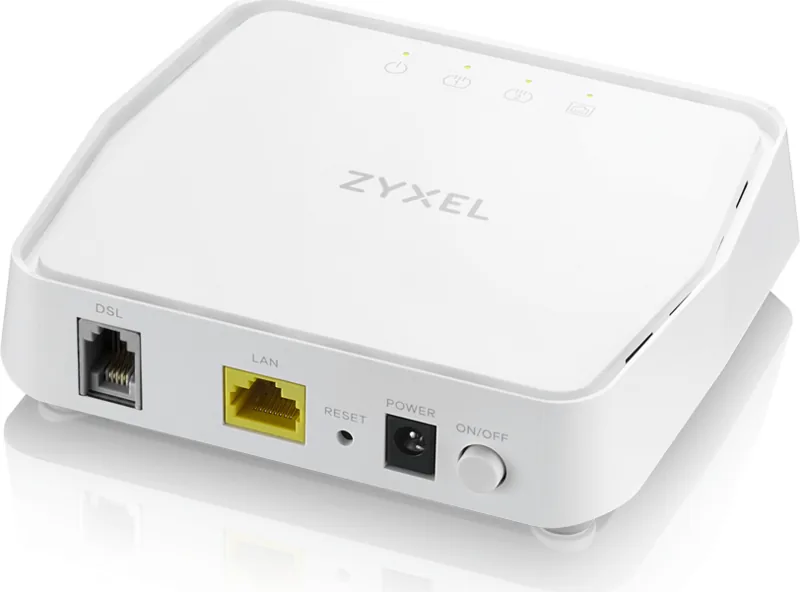
Physical connections are handled via ports on the bottom panel. The DSL port connects to the telephone jack for internet service. A dedicated LAN port links to routers or computers. LED indicators on the front panel show power and status. The reset button allows factory restoration if access is lost. These physical components ensure robust local networking capabilities.
Configuration and Access
Initial setup involves connecting hardware and accessing the web interface. The default LAN IP address is 192.168.1.1 for easy entry. Web browsers must allow pop-ups and JavaScript for full functionality. Users can configure time zones and internet settings through a quick start wizard. Subnet adjustments may be required if the default gateway changes.
Security Protocols
System protection involves multiple user accounts with varying privileges. Administrators can define specific names and passwords for each profile. Firewall settings manage security levels automatically. Remote management services allow access through specific protocols like SSH for encryption. Trust domains control which public IP addresses reach the device remotely.
Maintenance and Upgrades
Keeping software current prevents vulnerabilities and bugs. Firmware upgrades upload new code files to the device memory. This process may cause a temporary disconnect lasting two minutes. Backing up configuration files allows restoration if settings fail. System logs record events and help identify security alerts or errors over time.
Diagnostic Capabilities
Troubleshooting tools assist in identifying connectivity faults quickly. Ping and trace route functions test host reachability. Connectivity fault management helps locate issues in the network path. OAM ping verifies virtual circuits available for ATM connections. These tools reduce downtime by pinpointing where data stops flowing.
Final Setup Recommendations
Following established guidelines ensures a stable environment. Understanding the procedures typically found in the ZyXEL VMG4005-B50A Manual configuration helps prevent errors. Proper configuration leads to a reliable and secure home network infrastructure. Regular reviews of logs and settings maintain peak performance standards.
Notes on Maintenance
Regular updates prevent security risks associated with older firmware versions. Always verify LED status before assuming connection failures. Consult technical resources for advanced configuration tuning. These steps ensure consistent operation across the network.
Search for 67,732 Manuals online


Type-in Brand or Model