
Zyxel NWA130BE Manual
PDF manual · 331 Pages
English



Quick check
Incorrect answer, please try again.
Chat with your Zyxel NWA130BE manual using AI
Get instant AI answers from your Zyxel NWA130BE manual
Ask anything about the Zyxel NWA130BE. Answers come from this manual, with the pages they are based on.
Ask a Question
Do you recommend NWA130BE?
Yes NoFrequently Asked Questions
The default username is admin and the default password is 1234. You can access the web configurator via the IP address 192.168.1.2 or a DHCP-assigned address after connecting.
Is this answer helpful?
The device supports IEEE 802.11a, b, g, n, ac, ax, and be standards. This includes WiFi 6, WiFi 6E, and the new WiFi 7 standard for maximum compatibility with various clients.
Is this answer helpful?
Yes, the device supports management through the Nebula Control Center for cloud management and can also function as a standalone unit. It can also be managed by an AP Controller in the same subnet.
Is this answer helpful?
The 6 GHz band supports channel widths of 80, 160, and 320 MHz. This allows for extremely high data throughput suitable for bandwidth-intensive applications in crowded networks.
Is this answer helpful?
You can configure up to 64 SSID profiles to segment traffic. While specific user limits per SSID depend on client capacity, the profile structure allows for granular access control and prioritization of specific user groups.
Is this answer helpful?
The device supports the IEEE 802.3at Power over Ethernet standard. This simplifies installation by allowing the device to receive power through the Ethernet cable, reducing additional power adapter requirements.
Is this answer helpful?
Advantages and Disadvantages
Advantages

- Supports WiFi 7 (IEEE 802.11be) for highest speeds
- Triple-radio architecture for 2.4, 5, and 6 GHz bands
- Supports up to 64 simultaneous SSID profiles
- Integrated Nebula Control Center cloud management option
- Robust security with WPA3 and rogue AP detection
Disadvantages

- Internal antennas only, no external antenna options listed
- Power delivery limited to 802.3at standard
- Command-line interface requires specialized configuration tools
- Firmware upgrade process may require physical utility software
- Reset configuration requires manual physical button press
Product Specification
LAN
2x 2.5GBase-T (1x PoE+ PD)
Wireless
Wi-Fi 802.11a/b/g/n/ac/ax/be (Wi-Fi 7), simultaneous
Transmission Rate
688Mbps (2.4GHz), 4323Mbps (5GHz), 5764Mbps (6GHz)
Security
WEP, WPA, WPA2, WPA3
Antennas
Internal
Power Consumption
None specified (consumption, operation), 12V/2A/24W (max. PSU power)
Dimensions
9.84x6.30x1.85 inches
Features
IPv6, VLAN, MU-MIMO, Mesh (Shared Band)
Band Capability
Tri-Band (Simultaneous), Mesh (Shared Band)
Manufacturer Warranty
2 years
Transmission Rate 802.11be (Wi-Fi 7) 2.4GHz
688Mbps (Spatial Streams: 2x2, Bandwidth: 40MHz, Modulation: 4096-QAM)
Transmission Rate 802.11be (Wi-Fi 7) 5GHz
4323Mbps (Spatial Streams: 2x2, Bandwidth: 240MHz, Modulation: 4096-QAM)
Transmission Rate 802.11be (Wi-Fi 7) 6GHz
5764Mbps (Spatial Streams: 2x2, Bandwidth: 320MHz, Modulation: 4096-QAM)
Note
In some cases, the manufacturer's maximum power consumption claim only corresponds to the maximum output power of the power supply and is therefore not a meaningful indication of everyday power consumption.
Product Description
Unleashing Next-Gen Wireless Connectivity
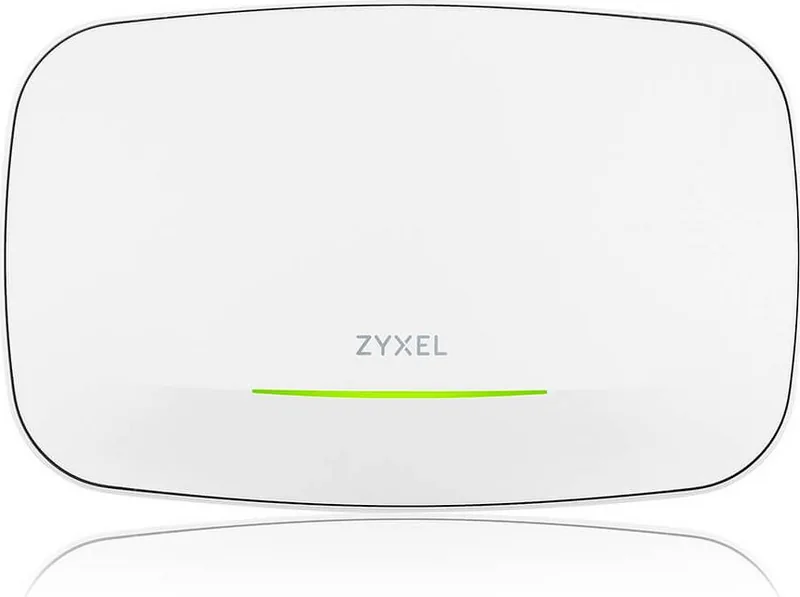
The ZyXEL NWA130BE stands out as a powerhouse in modern networking infrastructure. Designed specifically for enterprise environments, this access point delivers exceptional performance using the latest WiFi 7 standards. It supports 802.11be, ensuring blazing fast speeds across multiple frequency bands. Whether you are streaming high-definition video or running critical business applications requiring low latency, reliability is paramount for success. The device integrates seamlessly into existing corporate infrastructure while offering advanced features necessary for large-scale scalability.
One of the key technical advantages is its triple-radio architecture. Having three dedicated radios allows for simultaneous operation on 2.4, 5, and 6 GHz frequency bands. This capability ensures minimal interference and optimal efficiency for all connected clients. The 6 GHz spectrum is particularly valuable for reducing congestion in dense environments. Network administrators can utilize BandFlex technology to manage channel width effectively. With support for channel widths up to 320 MHz, data throughput is significantly enhanced compared to older WiFi generations like WiFi 6.
Management flexibility is another major highlight for IT teams. The equipment can operate in standalone mode or connect to the Nebula Control Center for centralized cloud management. This allows administrators to monitor and configure devices remotely without physical access. Local configuration remains a reliable option via the built-in web configurator. Security is robust, featuring WPA3 support and real-time rogue AP detection capabilities. Users setting up initial access usually reference the ZyXEL NWA130BE, BE11000 Manual for default login credentials and static IP settings.
Security settings include enterprise authentication protocols and enhanced-open modes. You can configure up to 64 SSID profiles to segment traffic effectively between different user groups. Guest networks and secure corporate networks can coexist on the same hardware without compromising safety. Load balancing helps distribute client connections evenly across available access points to prevent bottlenecks. This ensures consistent performance during peak usage times throughout the facility.
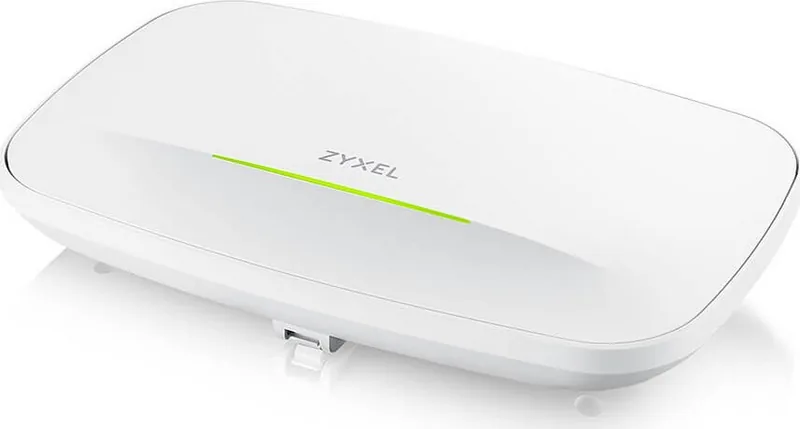
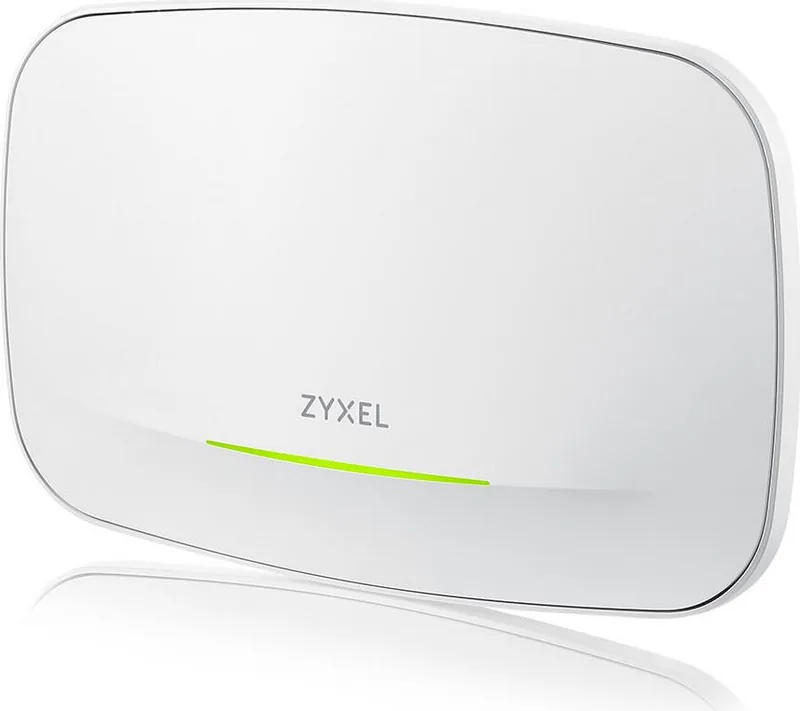
Physically, the unit is designed for secure ceiling or wall mounting. It supports Power over Ethernet standards to simplify cabling requirements significantly. The front face includes LED indicators that provide quick visual status updates on connectivity and power modes. Troubleshooting is streamlined with local diagnostic tools and remote capture capabilities for packet analysis. Overall, this access point represents a significant upgrade for organizations seeking high-density wireless coverage. It balances raw performance with ease of management.
Search for 67,732 Manuals online


Type-in Brand or Model
Freeda Beier
7 months ago
Are there any independent tests available for this device before purchase?
Manual.ly
7 months ago
Yes, verified user tests exist on YouTube. You can search for CLP-Tutorials to view detailed demonstrations of the device in action. These videos provide practical insight into its performance and capabilities.