
Zyxel NWA1123-AC HD Manual
PDF manual · 259 Pages
English



Quick check
Incorrect answer, please try again.
Chat with your Zyxel NWA1123-AC HD manual using AI
Get instant AI answers from your Zyxel NWA1123-AC HD manual
Ask anything about the Zyxel NWA1123-AC HD. Answers come from this manual, with the pages they are based on.
Ask a Question
Do you recommend NWA1123-AC HD?
Yes NoFrequently Asked Questions
It is a good fit for small to medium offices, shared workspaces, or multi-room environments that need reliable wireless coverage and easy network separation.
Is this answer helpful?
Yes. The NWA1123-AC HD supports dual-band operation, which helps balance range, speed, and channel usage across connected devices.
Is this answer helpful?
Yes. It can operate in standalone AP mode for local management, or in managed AP mode when used with a compatible controller.
Is this answer helpful?
Use the assigned DHCP address or the default static address, which is commonly 192.168.1.2 in standalone mode. The default login is admin with password 1234.
Is this answer helpful?
Yes. Multiple SSIDs and VLAN support make it possible to separate wireless groups, apply different security settings, and control access more precisely.
Is this answer helpful?
Use the shutdown option or the proper maintenance process before removing power. This helps protect the firmware and avoids corruption or unstable behavior.
Is this answer helpful?
Advantages and Disadvantages
Advantages

- Dual-band 802.11ac support helps deliver stable wireless performance across 2.4 GHz and 5 GHz.
- A 3-pack makes it easier to cover multiple rooms, floors, or work areas with consistent Wi‑Fi.
- Standalone and managed AP modes offer flexibility for simple setups or controller-based networks.
- Multiple SSIDs, VLANs, and WPA2 options support guest access and network segmentation.
Disadvantages

- Some advanced features are not available on the HD model, so it is less feature-rich than higher-end APs.
- Managed AP mode limits local configuration because the controller becomes the main point of control.
- Default credentials must be changed immediately to avoid an unnecessary security risk.
- Safe shutdown matters; powering off without proper steps can risk configuration or firmware issues.
Product Specification
LAN
2x 1000Base-T (PoE+ PD)
Wireless
WLAN 802.11a/b/g/n/ac (Wi-Fi 5), simultaneous
Transfer Rate
300Mbps (2.4GHz), 1300Mbps (5GHz)
Security
64/128bit WEP, WPA, WPA2
Antennas
internal
Ports
N/A
Power Consumption
15.5W (consumption, operation), not specified (max. power supply output)
Dimensions
8.78x8.31x1.54in
Special Features
IPv6, VLAN, MU-MIMO
Band Capability
Dual Band (simultaneous)
Manufacturer Warranty
lifetime (10 years in AT/DE)
Product Description
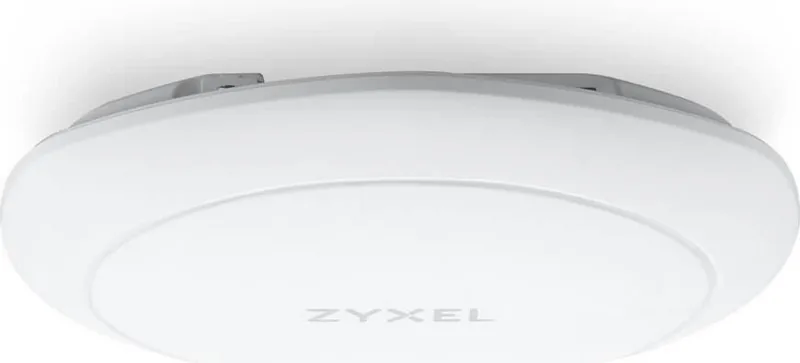
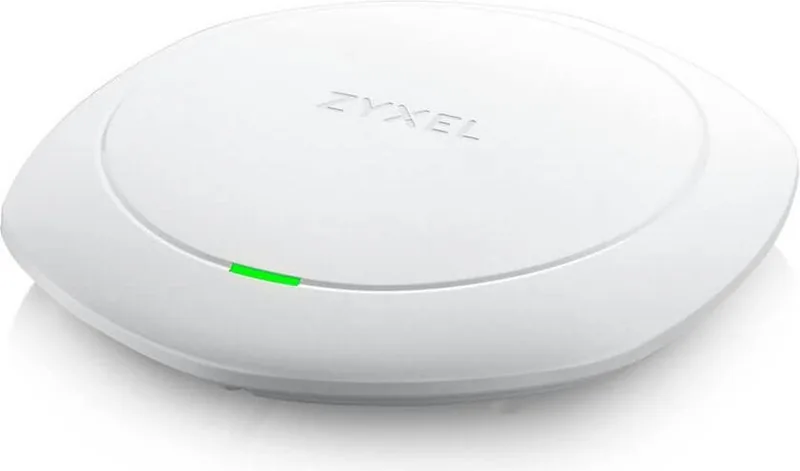
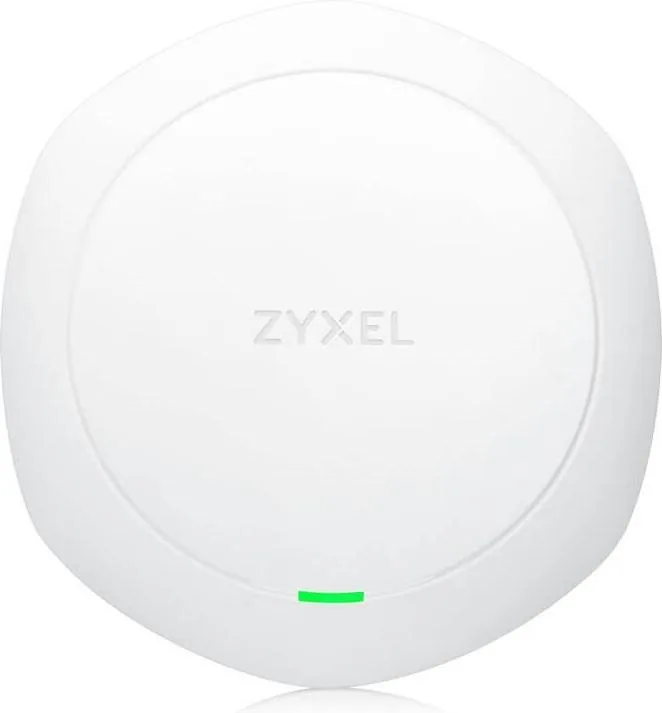
ZyXEL NWA1123-AC HD, 3-Pack
If you're searching for the ZyXEL NWA1123-AC HD, 3-pack Manual, this bundle is best understood as a practical wireless upgrade for offices, studios, and multi-room environments that need stable coverage without complicated hardware. The three access points give you the flexibility to place Wi‑Fi where people actually work, meet, and move, helping reduce dead zones and improve everyday connectivity.
Built around 802.11a/b/g/n/ac support, the NWA1123-AC HD focuses on balanced performance rather than flashy extras. It works across 2.4 GHz and 5 GHz bands, so you can spread traffic more effectively and keep demanding devices away from crowded channels. That makes the set a solid choice for teams that rely on email, cloud apps, video calls, and consistent wireless access throughout the day.
One of the strongest points of the NWA series is its flexibility. These access points can run in standalone mode for simple local management or in managed AP mode when a controller is available. The web-based configurator makes setup approachable, while features like multiple SSIDs, VLAN support, and WPA2 security help separate staff, guest, and specialized network traffic. In a busy business setting, that kind of segmentation is often just as important as raw speed.
The HD model is designed to stay useful in real-world deployments. Dashboard widgets, status monitors, logs, and setup tools make it easier to review performance, identify network issues, and keep an eye on connected clients. For administrators, the combination of browser access, CLI support, and FTP-based file handling creates a straightforward workflow for maintenance, backup, and firmware tasks.
Because this is a 3-pack, it is especially appealing for small organizations that want to cover multiple rooms or floors at once. Rather than relying on a single access point to do all the work, you can spread the load, improve signal consistency, and create a cleaner wireless experience for everyone on the network.
Notes
- Change the default login details as soon as possible.
- Back up settings before making major changes.
- Use proper shutdown steps to avoid configuration corruption.
- Some advanced features vary by model, so check the exact unit before planning deployment.
Search for 67,732 Manuals online


Type-in Brand or Model