
Zyxel Multy X WSQ50 Manual
PDF manual · 86 Pages
English



Quick check
Incorrect answer, please try again.
Chat with your Zyxel Multy X WSQ50 manual using AI
Get instant AI answers from your Zyxel Multy X WSQ50 manual
Ask anything about the Zyxel Multy X WSQ50. Answers come from this manual, with the pages they are based on.
Ask a Question
Do you recommend Multy X WSQ50?
Yes NoFrequently Asked Questions
No. In the Multy system, WSQ20 (Multy Mini) is designed for extender use only. It is meant to connect wirelessly to a primary Multy, such as the WSQ50 (Multy X).
Is this answer helpful?
Install the Zyxel Multy app on your phone, connect the first Multy device (WSQ50) to your modem or router, and then add the second device (WSQ20). The app helps you create WiFi credentials, places the extender, and runs a backhaul signal test.
Is this answer helpful?
Yes. After the Multy Site is set up, you can enable Guest WiFi and set a guest name and password. Guest devices can access the internet but do not access other devices connected to the same Multy Site.
Is this answer helpful?
Yes. You can set schedules to block access for selected clients, and you can also pause internet access with a timer for an individual client (for clients not already in a schedule group). Groups can be resumed or quick-blocked from the profiles.
Is this answer helpful?
Yes. The app provides speed tests (including internet speed via the Multy Site) and diagnostic tools to test connections between the primary Multy and extenders. You can also check backhaul WiFi signal strength to decide whether to move an extender.
Is this answer helpful?
You can configure custom DNS, enable port forwarding rules, set up DMZ, and switch between NAT and Bridge mode. These settings are applied to the entire Multy Site.
Is this answer helpful?
No. You can set up and use the Zyxel Multy app without a myZyxelCloud account. However, some features such as notifications and Alexa integration require logging in with myZyxelCloud.
Is this answer helpful?
Advantages and Disadvantages
Advantages

- App-guided mesh setup with installation steps, signal tests, and placement prompts.
- Works as a complete pairing: WSQ50 supports primary use and WSQ20 expands coverage as an extender.
- Supports guest WiFi, scheduling, and pause controls for clients and groups.
- Includes diagnostics such as internet and Multy connection speed tests and backhaul signal checks.
- Advanced network features available in the app, including custom DNS, port forwarding, and DMZ.
Disadvantages

- Limited scalability per Multy Site: up to four devices (one primary plus up to three extenders).
- WSQ20 cannot be the primary device, so you must pair it with a primary-capable unit like WSQ50.
- Some advanced settings only show when supported by the specific Multy devices in use.
Product Specification
Modem
N/A
WAN
1x 1000Base-T (Router, 1 Device)
LAN
3x 1000Base-T (Router, 1 Device), 1x 1000Base-T (Repeater, 1 Device)
Wireless
WLAN 802.11a/b/g/n/ac (Wi-Fi 5), simultaneous
Transfer Rate
400Mbps (2.4GHz), 867Mbps (5GHz)
Security
WPA2
Antennas
internal
Ports
1x USB 2.0 (1 Device), 1x USB-A Charging Port (Qualcomm Quick Charge 3.0, 1 Device)
Power Consumption
25W (Consumption, Operation), no data (max. power supply power)
Dimensions
9.29x7.01x2.05in
Special Features
Bluetooth 4.1/LE, MU-MIMO, Roaming (Qualcomm Wi-Fi SON), Mesh (separate Band)
Band Capability
Tri Band (Dual Band simultaneous + separate Mesh Band), Mesh (separate Band)
Set consists of
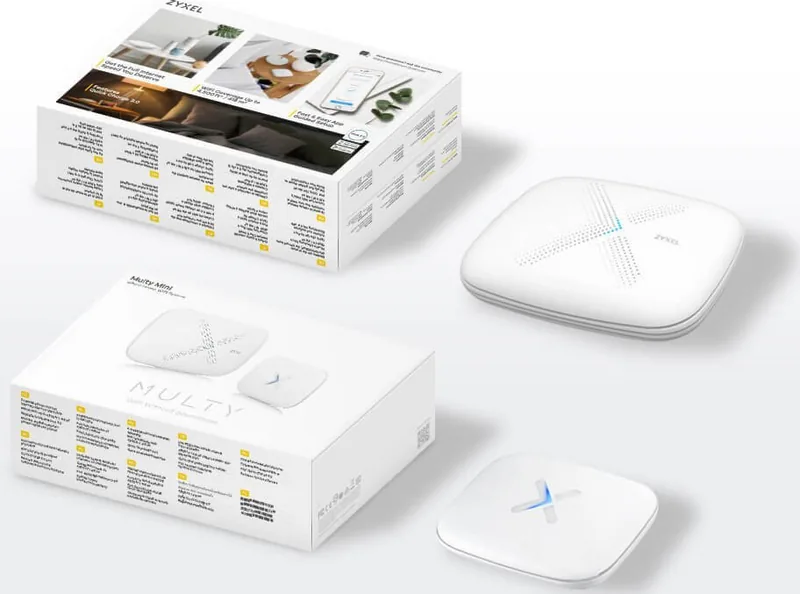
1x Router (ZyXEL Multy X, 1x 1000Base-T WAN, 3x 1000Base-T LAN), 1x Repeater (ZyXEL Multy Mini, 1x 1000Base-T LAN)
Mesh Base
1x Router (ZyXEL Multy X), Total Base Ports: 1x 1000Base-T WAN, 3x 1000Base-T LAN
Mesh Clients
1x Repeater (ZyXEL Multy Mini), Total Client Ports: 1x 1000Base-T LAN
Manufacturer Warranty
two years
Product Description
ZyXEL Multy X WSQ50 + Multy Mini WSQ20 Pack Mesh Bundle
Upgrade your home or small office WiFi with a ready-to-deploy mesh pair built around the ZyXEL Multy ecosystem: Multy X (WSQ50) plus Multy Mini (WSQ20). In a Multy Site, one device acts as the primary Multy and the rest act as extenders, wirelessly relaying coverage without extra cabling.
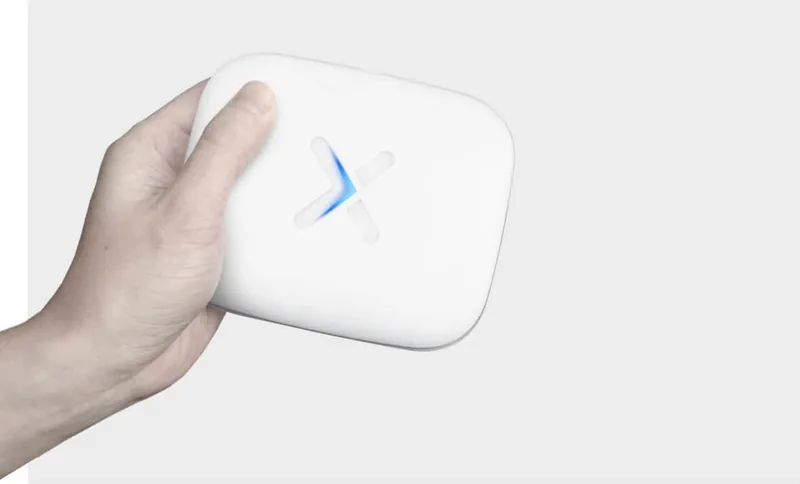
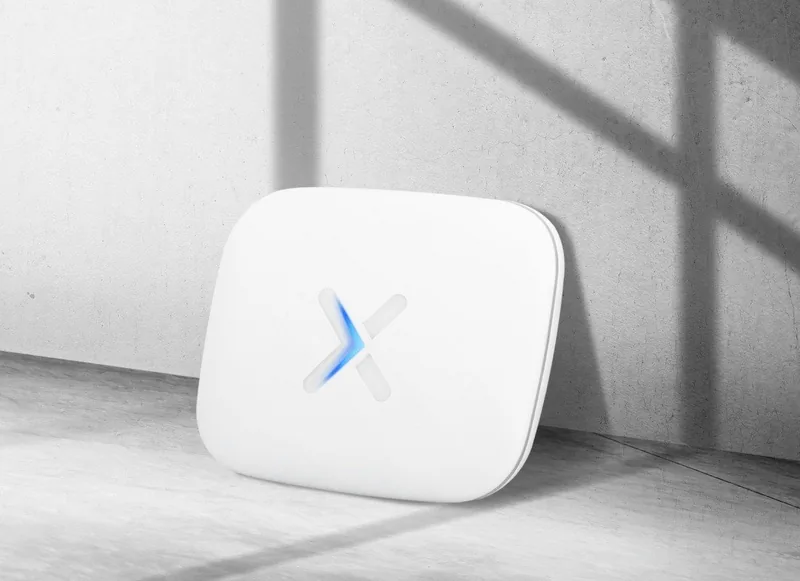
With this bundle, the WSQ50 (Multy X) can serve as your primary unit (it is designed for primary use) and delivers tri-band performance for stronger overall throughput across multiple wireless streams. The WSQ20 (Multy Mini) is an ideal extender companion, helping fill coverage gaps in rooms where signal drops, while keeping the setup simple through the ZyXEL Multy app.
What you can do with the system
From your smartphone, you can install and manage your Multy Site using the Zyxel Multy app (Android 5.0+ or iOS 9.0+). You can set up your WiFi name and password during installation, then add the second device to extend coverage and run a built-in signal check.
The app also supports practical daily controls, including Guest WiFi (guests get internet but not access to other devices), WiFi scheduling to automate access windows, and client-level or group-level pauses for focused downtime. For network tuning, you can configure custom DNS, view Multy configuration details, and check Multy-to-Multy backhaul signal strength to decide whether to move an extender.
For power users, the Multy app includes port forwarding and DMZ options, plus the ability to switch between NAT and Bridge mode depending on how your network is built. You can also manage device convenience features such as turning the LED on or off, and restart or remove a Multy device remotely from the app.
Top takeaways (results)
- Fast mesh expansion: use WSQ50 as primary and WSQ20 as an extender to reduce dead zones.
- App-guided deployment: add devices, test signal strength, and fine-tune placement.
- Smarter access control: guest WiFi, schedules, and pause options for individuals and groups.
- Network options: custom DNS, port forwarding, DMZ, and NAT/Bridge switching.
Pros and cons (based on system features)
Pros
- Easy setup and ongoing monitoring via the ZyXEL Multy app.
- Primary-capable WSQ50 plus extender-focused WSQ20 coverage expansion.
- Guest WiFi and parental-control style scheduling to manage client access.
- Built-in diagnostics like speed tests and signal-strength checks.
Cons
- A Multy Site supports up to four Multy devices (one primary and up to three extenders).
- WSQ20 is extender-only, so it cannot be used as the primary unit.
- Some advanced options depend on device capabilities (for example, topology features only appear when supported).
Notes
- Keep WiFi steering smooth by using the same 2.4G and 5G names during setup.
- A decent backhaul signal is typically not below -70 dBm.
Search for 67,732 Manuals online


Type-in Brand or Model