
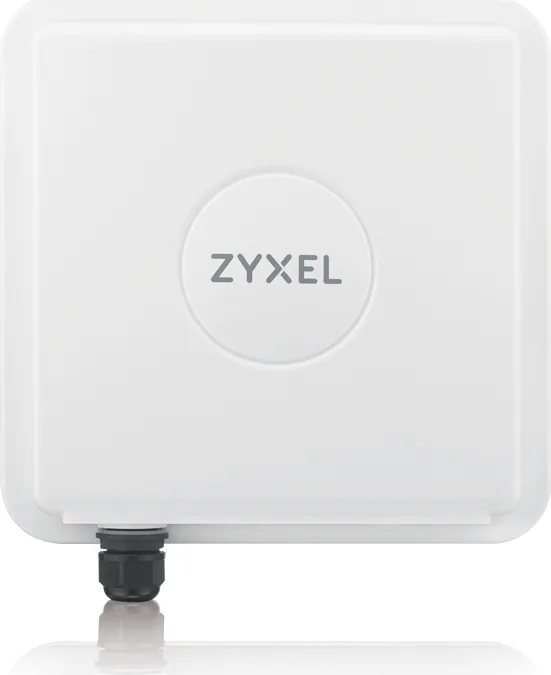
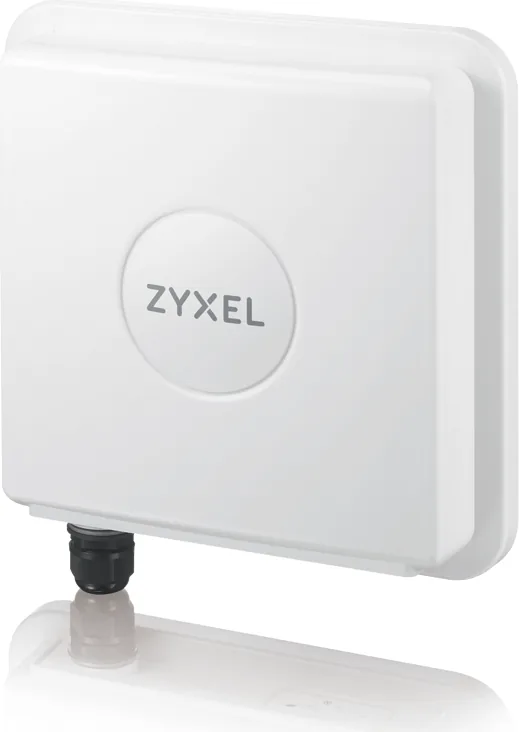
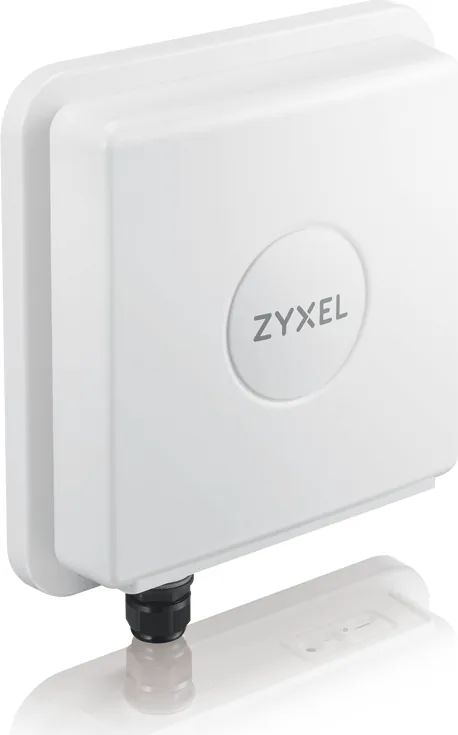
Zyxel LTE7480-M804 Manual
PDF manual · 305 Pages
English



Quick check
Incorrect answer, please try again.
Chat with your Zyxel LTE7480-M804 manual using AI
Get instant AI answers from your Zyxel LTE7480-M804 manual
Ask anything about the Zyxel LTE7480-M804. Answers come from this manual, with the pages they are based on.
Ask a Question
Do you recommend LTE7480-M804?
Yes NoFrequently Asked Questions
The default LAN IP address is 192.168.1.1. You can access the web configurator using the default username admin and the password found on the device label.
Is this answer helpful?
Yes, this specific outdoor model supports Power over Ethernet with a dedicated PoE injector for simplified deployment and power supply.
Is this answer helpful?
Press and hold the RESET button on the rear panel for approximately five seconds until the power LED blinks, which reloads the default configuration.
Is this answer helpful?
Yes, it supports Voice over IP and VoLTE services. You must install a SIM card with active data and configure the SIP account in the voice menu.
Is this answer helpful?
The LTE7480-M804 supports up to 400 Mbps downlink and 150 Mbps uplink using FDD-LTE technology, subject to network signal strength.
Is this answer helpful?
Yes, the unit is designed for wall mounting. Use the provided mounting holes and screws, ensuring the wall can support the device weight securely.
Is this answer helpful?
Advantages and Disadvantages
Advantages

- Supports high LTE download speeds up to 400 Mbps with Gigabit Ethernet capabilities.
- Includes Power over Ethernet injector and wall mounting options for flexible installation.
- Features advanced security with stateful packet inspection and parental controls.
- Allows multiple SSID configuration for distinct user groups or guest networks.
- Provides WAN backup functionality to maintain internet connectivity during outages.
Disadvantages

- Configuration via web interface may be complex for users without technical experience.
- Requires an active SIM card with data plan for primary internet connectivity.
- External antennas improve signal but add complexity to outdoor mounting setup.
- LED status indicators can be difficult to see in bright outdoor sunlight conditions.
- Some USB file sharing features may not function when LAN port is converted to WAN.
Product Specification
Modem
LTE (B1/B3/B5/B7/B8/B20/B28/B32/B38/B40/B41)
Network Standards
LTE-A
Bandwidth
600Mbps/50Mbps (LTE)
Interfaces
Wi-Fi 4 (WLAN 802.11b/g/n), 1x Gb LAN (PoE PD)
Dimensions
10.04x10x2.28 inches
Weight
2.43 lbs
SIM Form Factor
Mini-SIM
Power Supply
Power supply only via PoE PD
Features
Hotspot (32 devices), Antenna connector (Cellular), Outdoor, IP67 certified
Product Description
Outdoor Connectivity Redefined
Discover the power of the Zyxel LTE7480-M804 device for demanding network environments. This robust router offers exceptional performance for users requiring reliable broadband access in challenging outdoor situations. When setting up your infrastructure, you will reference the ZyXEL LTE7480-M804 Outdoor Manual for specific configuration steps. The device supports high-speed LTE connections reaching theoretical download rates of 400 Mbps on FDD networks. Users benefit significantly from Gigabit Ethernet ports and USB file sharing capabilities. Power over Ethernet injectors simplify installation in remote outdoor locations. The wall mounting design ensures durability against weather elements while external antenna ports improve signal strength. Managing the network is intuitive through the web configurator interface.
Administrators can establish multiple SSIDs for distinct user groups or guest access. Advanced security features include stateful packet inspection firewalls and parental controls for home safety. The firmware upgrade process allows for continuous feature enhancements without hardware changes. Backup and recovery options prevent data loss during unexpected system failures. Connectivity options include WAN backup to ensure uptime if the primary cellular link fails. This makes it ideal for small businesses or critical home internet needs. Signal strength indicators provide real-time feedback on connection quality. The LED status lights help diagnose issues quickly without needing software tools.
Overall, the LTE7480 represents a strong choice for scalable internet infrastructure. Setup is straightforward for users familiar with basic network concepts. The device integrates well with various ISP services globally. With support for dynamic DNS, remote access becomes secure and efficient. Voice over IP functionality adds value for users needing telephony solutions alongside data. The ZyXEL LTE7480-M804 Outdoor Manual settings encompass these extensive configurations. You can trust this equipment to maintain stable communications. It supports both bridge and router modes for flexibility in deployment scenarios. Ensure your SIM card is active for immediate service activation.
This comprehensive solution handles daily traffic loads effectively. Invest in reliable networking hardware that adapts to changing needs. The ZyXEL LTE7480-M804 Outdoor Manual details these capabilities thoroughly for informed decisions. Additional features like MAC filtering allow precise access control for devices. Policy routing directs traffic based on specific source rules. Application layer gateways assist with VoIP and other applications automatically. The device logs events for troubleshooting and security auditing. Network address translation handles multiple devices on one public IP. Static routes extend reach to remote office networks. The hardware design includes reset buttons for factory defaults. Configuration changes are saved securely on the internal memory. Power consumption is optimized for continuous operation.
You can monitor traffic status to identify bottlenecks instantly. The system supports Time of Day scheduling for internet access rules. Email notifications alert admins to critical system changes in the network. The user interface allows language selection for ease of use by everyone. Maintenance tasks like reboots are handled remotely for convenience. Firmware is upgradeable via automatic server protocols for latest security. Compatibility with standard web browsers streamlines administration tasks. Security protocols keep personal data protected from external threats effectively. This equipment stands as a premier choice for modern connectivity demands.
Search for 67,732 Manuals online


Type-in Brand or Model