
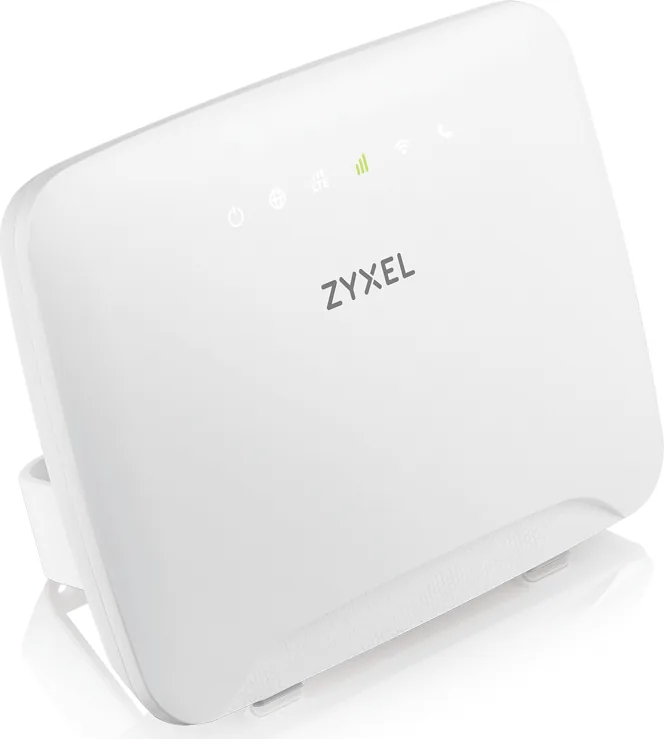
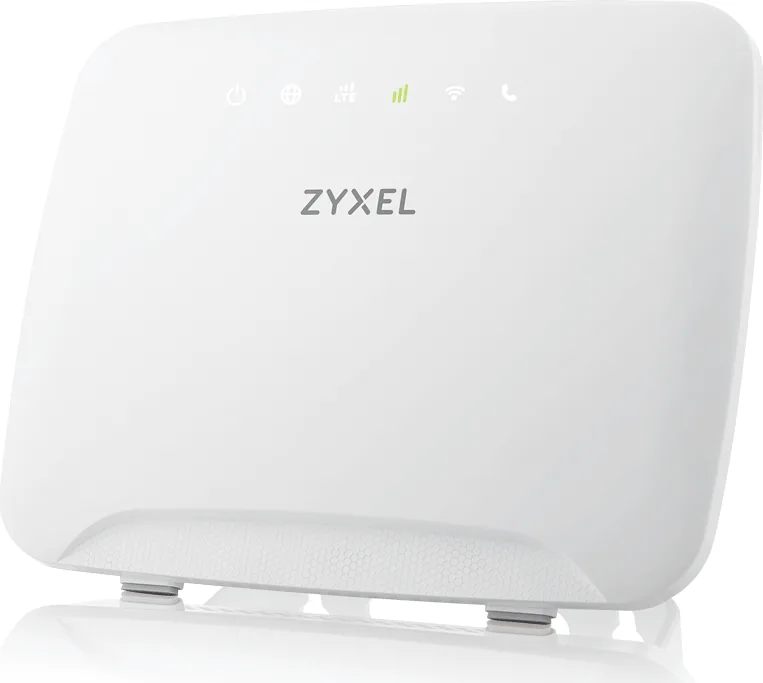
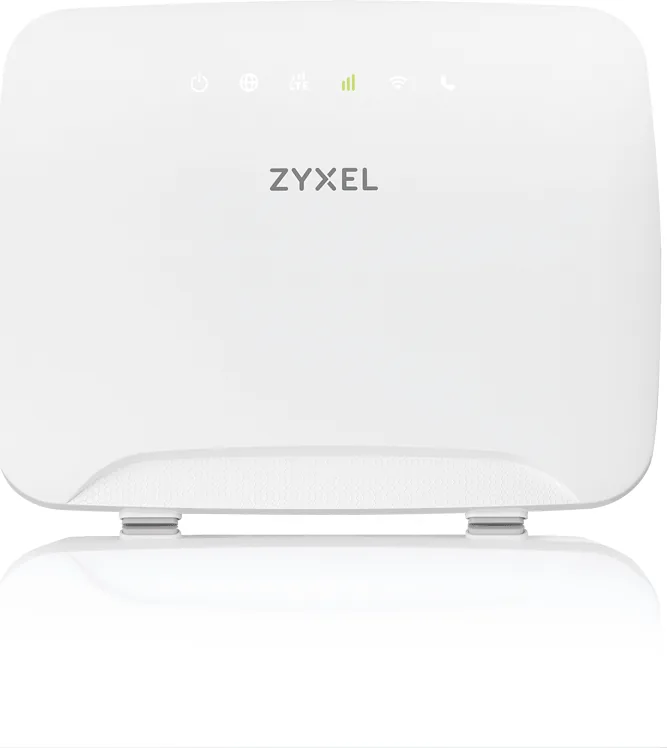
Zyxel LTE3316-M604 V2 Manual
PDF manual · 191 Pages
English



Quick check
Incorrect answer, please try again.
Chat with your Zyxel LTE3316-M604 V2 manual using AI
Get instant AI answers from your Zyxel LTE3316-M604 V2 manual
Ask anything about the Zyxel LTE3316-M604 V2. Answers come from this manual, with the pages they are based on.
Ask a Question
Do you recommend LTE3316-M604 V2?
Yes NoFrequently Asked Questions
Enter http://192.168.1.1 in a browser. Use admin and 1234 credentials for logging in. Ensure JavaScript is enabled.
Is this answer helpful?
Yes, it supports 2.4G and 5G wireless standards for flexible connections and optimal network performance.
Is this answer helpful?
Yes, it has mounting holes for secure wall installation using provided screw anchors if needed.
Is this answer helpful?
Insert SIM card and configure via web configurator or setup wizard for LTE connections.
Is this answer helpful?
It includes firewall and WPA2 security for protecting data traffic on the local network.
Is this answer helpful?
Monitor LED lights or use the Status screen for detailed signal metrics and network status.
Is this answer helpful?
Yes, LAN port 1 can be configured as an Ethernet WAN for backup when cellular fails.
Is this answer helpful?
Advantages and Disadvantages
Advantages

- Supports dual-band WiFi for enhanced coverage and speed.
- Built-in 4G LTE module enables instant mobile internet access.
- WPS allows quick secure wireless network setup without passwords.
- Web configurator offers easy management and monitoring tools.
- Supports wall mounting for flexible installation options.
Disadvantages

- External antennas must be purchased separately for signal boost.
- Default passwords like 1234 reduce initial security without change.
- Limited simultaneous WAN connection priorities in specific modes.
- WPS feature is disabled by default requiring manual enabling.
- Requires SIM card insertion before powering on the device.
Product Specification
Modem
UMTS (850/900/1800/2100), LTE (B1/B3/B5/B7/B8/B20/B28/B32/B38/B40/B41)
Network Standards
HSDPA, HSUPA, HSPA+, LTE-A
Bandwidth
300Mbps/50Mbps (LTE), 42Mbps/5.76Mbps (UMTS)
Interfaces
Wi-Fi 5 (WLAN 802.11a/b/g/n/ac), 4x Gb LAN (1x shared), 1x Gb WAN (shared), 1x Analog Phone
Dimensions
7.95x6.18x1.57 inches
Weight
14.11 ounces
SIM Form Factor
Micro-SIM
Power Supply
External Power Supply
Features
Hotspot (32 Devices), Antenna Connector (Mobile)
Product Description
ZyXEL LTE3316-M604 V2 Overview
Experience reliable internet connectivity with the ZyXEL LTE3316-M604 V2. This wireless router combines mobile network access with robust wired options for seamless home or business networking. Designed for flexibility, it features a built-in 4G LTE module allowing users to connect directly without traditional fiber lines. You simply insert your SIM card and enjoy immediate high-speed internet access. The device supports dual-band wireless networks, offering both 2.4G and 5G connections for optimal performance across various devices.
Management is straightforward through the embedded Web Configurator. You can monitor status, configure networks, and manage security settings easily. The dashboard provides real-time data on WAN connections, LAN status, and wireless clients. Advanced users can utilize multiple SSIDs to create separate networks for guests or specific equipment like VoIP devices. Security is a priority with built-in firewall capabilities and WPA2 encryption standards ensuring your data remains protected during transmission.
Installation provides multiple options. You can place the router on a desk or utilize the wall-mounted design for clean cable management. Hardware LEDs indicate connection status at a glance, helping you troubleshoot issues quickly. For setup, use ZyXEL LTE3316-M604 V2 Manual steps to configure your service provider. This tool guides you through selecting your service provider and setting a secure network name. You can prioritize your internet connection type, ensuring that LTE takes precedence if wired connections fail.
Voice capabilities are also included, letting you connect standard telephones for calling services over the network. The device supports various input methods for configuration including WPS for easy client pairing. Note that external antennas are not included but improve signal strength when needed. Regular maintenance involves backing up configurations to prevent data loss during resets. This solution empowers users with a comprehensive networking tool that adapts to modern connectivity demands effectively.
Notes:
- Change default passwords immediately for security.
- Ensure SIM card is active before powering on.
- Use supported browsers like Chrome or Firefox for management
Search for 67,732 Manuals online


Type-in Brand or Model