
ZAGG Pro Keys with Trackpad Manual
PDF manual · 19 Pages
English



Quick check
Incorrect answer, please try again.
Chat with your ZAGG Pro Keys with Trackpad manual using AI
Get instant AI answers from your ZAGG Pro Keys with Trackpad manual
Ask anything about the ZAGG Pro Keys with Trackpad. Answers come from this manual, with the pages they are based on.
Ask a Question
Do you recommend Pro Keys with Trackpad?
Yes NoFrequently Asked Questions
Ensure Bluetooth is on your iPad. Press and hold the Bluetooth 1 or 2 key on the keyboard for three seconds until the LED pulses blue. Select ZAGG Pro Keys from your device list to complete pairing.
Is this answer helpful?
Yes, the Pro Keys can pair with up to two devices at once. You can toggle between them by pressing the corresponding numbered Bluetooth key after initial setup.
Is this answer helpful?
The lithium polymer battery lasts up to three months of normal use without the backlight. Using the backlight feature will reduce this duration and require more frequent charging.
Is this answer helpful?
No, the USB Type-C charging cable is not included with the Pro Keys for the iPad 10.9-inch model. You will need to use your own compatible cable.
Is this answer helpful?
Press the fn key and the battery key simultaneously. The LED will flash green for 50%+, yellow for 25-49%, or red for less than 25% battery life.
Is this answer helpful?
Yes, the trackpad automatically turns on each time the keyboard is powered on. You only need to turn it off manually if you prefer not to use it.
Is this answer helpful?
Advantages and Disadvantages
Advantages

- Magnetic attachment allows for easy connection and detachment between the case and keyboard.
- Supports pairing with up to two devices simultaneously for seamless multitasking.
- Integrated trackpad enables precise cursor control and multi-touch gesture support.
- Foldable back flap provides three adjustable viewing angles for comfortable typing.
- Long battery life lasts up to three months with normal usage without backlighting.
Disadvantages

- USB Type-C charging cable is not included in the package.
- Backlit feature significantly reduces battery life requiring more frequent charging.
- Trackpad must be manually toggled off if desired, as it turns on automatically with the keyboard.
- Device removal requires specific pressure points which may feel stiff initially.
- No physical number pad is available for data-heavy entry tasks.
Product Specification
Layout
DE
Compatibility
Apple iPad Air 10.9 (2020), Apple iPad Pro 11
Type
Bluetooth Keyboard and Case
Material
Plastic
Dimensions
10x7.7x0.9 inches
Features
Stand function, Touchpad, Backlit keyboard, Chiclet keys, Integrated battery, Stylus holder
Manufacturer Warranty
two years
Product Description
Elevate Your iPad Air Experience with ZAGG Pro Keys
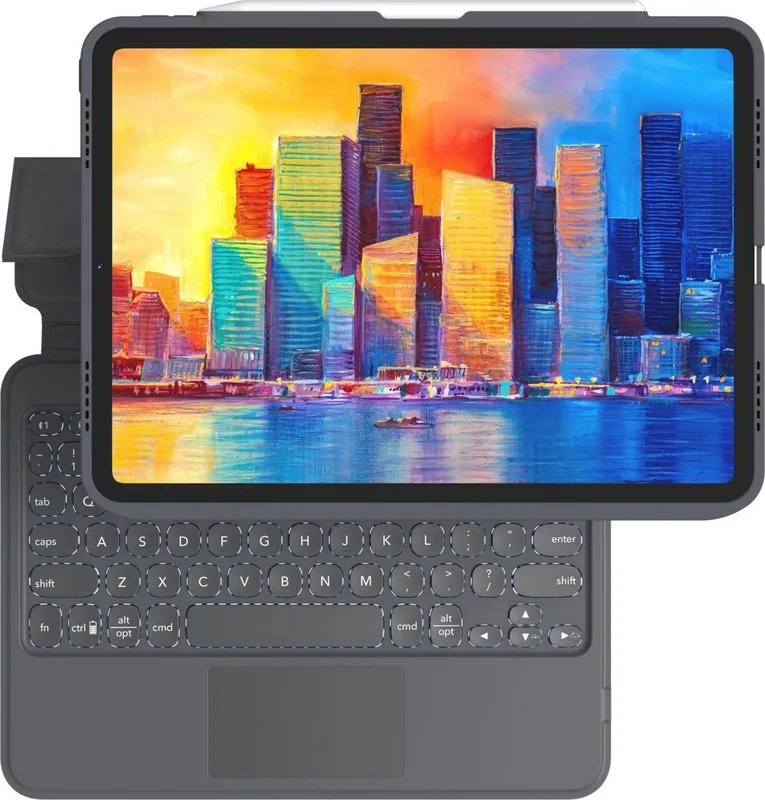
The ZAGG Pro Keys with Trackpad for Apple iPad Air 10.9 (2020) transforms your tablet into a versatile workstation. Designed with a sleek gray and black aesthetic, this accessory combines the protection of a rugged case with the productivity of a full-sized keyboard and an integrated trackpad. Whether you are drafting documents, managing emails, or browsing the web, this device offers a seamless typing experience that brings laptop-like functionality to your portable screen.
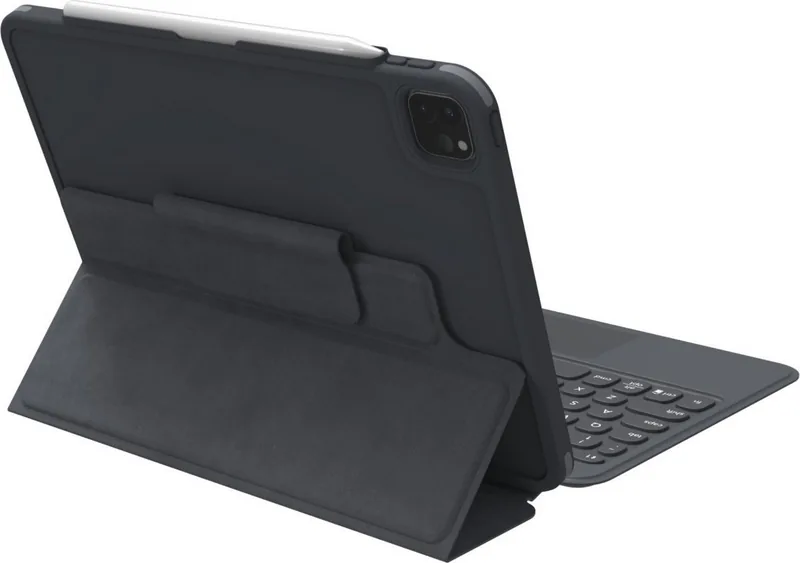
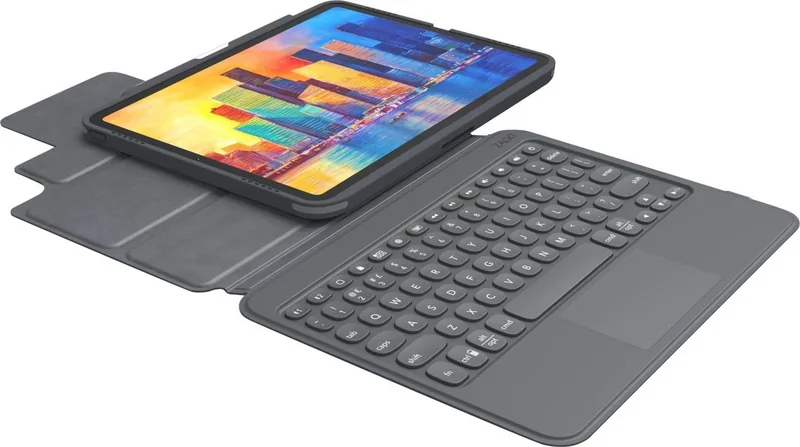
One of the standout features is the magnetic connectivity system. The keyboard attaches effortlessly to the iPad case, creating a stable surface for work. The included foldable back flap acts as a stand, offering three distinct viewing angles to suit your posture and environment. When you need to switch to a tablet-only mode, simply detach the keyboard and use the built-in stand to enjoy your content on the go.
Connectivity is handled via Bluetooth, allowing you to pair up to two devices simultaneously. This dual-device capability means you can seamlessly toggle between your iPad and another smartphone or tablet with just a press of a button. The battery life is impressive, supporting up to three months of normal use on a single charge, though using the customizable backlight will require more frequent top-ups via the USB Type-C port.
The integrated trackpad adds a layer of precision control often missing from standard tablet keyboards. It supports multi-touch gestures such as scrolling with two fingers, dragging items, and clicking, making navigation intuitive. Special function keys provide quick access to media controls, volume adjustments, and screen management tools like hiding the on-screen keyboard. With a one-year manufacturer warranty and robust safety guidelines, the ZAGG Pro Keys ensures durability and peace of mind for daily professional use.
Search for 67,706 Manuals online


Type-in Brand or Model