
ZAGG Messenger Folio 2 Manual
PDF manual · 11 Pages
English



Quick check
Incorrect answer, please try again.
Chat with your ZAGG Messenger Folio 2 manual using AI
Get instant AI answers from your ZAGG Messenger Folio 2 manual
Ask anything about the ZAGG Messenger Folio 2. Answers come from this manual, with the pages they are based on.
Ask a Question
Do you recommend Messenger Folio 2?
Yes NoFrequently Asked Questions
Access your iPad's Bluetooth settings, then press and hold the Bluetooth key on the keyboard for three seconds until a blue LED flashes. Select 'ZAGG Keyboard' from your device list to complete the pairing process.
Is this answer helpful?
Press Fn plus the battery key to check power. Three green flashes mean 50% or more, three yellow flashes indicate 25-49%, and three red flashes show less than 25% battery remaining.
Is this answer helpful?
No, you should never use the keyboard while operating a motorized vehicle such as a car, boat, or airplane due to safety risks that could lead to serious injury or death.
Is this answer helpful?
With normal use defined as approximately one hour per day, the lithium polymer battery lasts up to one year between charges. It has no memory effect and can be charged anytime.
Is this answer helpful?
Yes, the product comes with a one-year manufacturer warranty. You must register the product and keep your purchase receipt to activate coverage if bought outside ZAGG.com.
Is this answer helpful?
Advantages and Disadvantages
Advantages

- Compatible with multiple iPad models including 10.2, Air 3, and Pro 10.5
- Long battery life lasting up to one year with normal daily use
- Dedicated function keys for media control and app management
- Simple tool-free installation with secure clip-on design
- Includes one-year manufacturer warranty upon registration
Disadvantages

- Requires initial Bluetooth pairing which may take a few minutes
- Battery level indicators rely on LED flashes rather than a percentage display
- Cannot be used while operating a motorized vehicle for safety reasons
- Must be charged using a specific Type-C connector provided
- No memory function for battery so it must be charged whenever desired
Product Specification
Layout
DE
Compatibility
Apple iPad Pro 10.5, Apple iPad 10.2, Apple iPad Air 3 10.5
Type
Bluetooth Keyboard and Case
Material
Plastic
Dimensions
10.51x7.76x0.83 in
Weight
1.19 lbs
Features
Stand function, Chiclet keys, integrated battery (USB-C), stylus holder
Manufacturer warranty
two years
Product Description
The ZAGG Messenger Folio 2: Your Ultimate iPad Companion
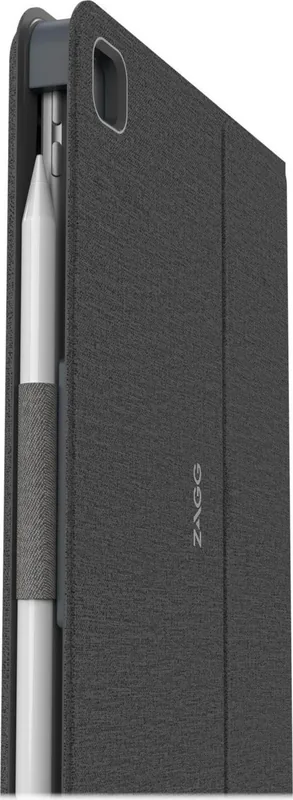
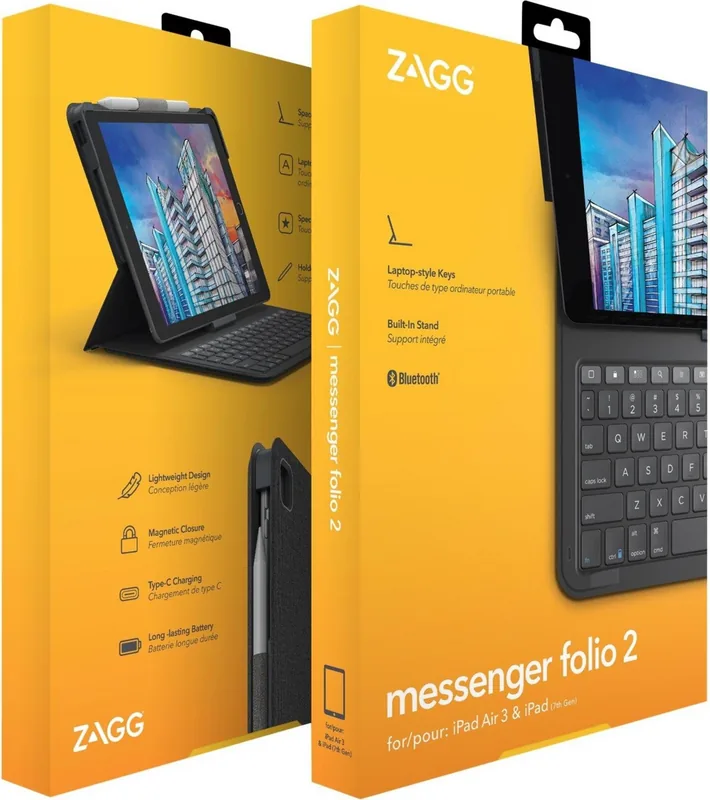
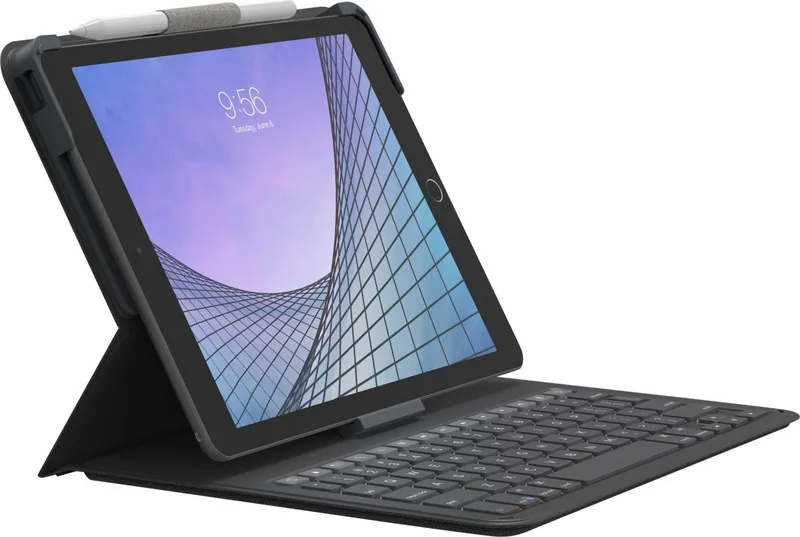
The ZAGG Messenger Folio 2 transforms your Apple iPad into a versatile productivity powerhouse. Designed specifically for the iPad 10.2, iPad Air 3, and iPad Pro 10.5, this sleek black folio combines robust protection with a full-featured keyboard. Whether you are drafting reports on the go or enjoying media in a cozy cafe, this device ensures your tablet remains secure while offering seamless typing capabilities.
Installation is intuitive and tool-free. Simply open the folio, position your iPad in landscape mode, and slide the top corners into the designated clips before snapping the bottom center into place. The fit is snug, ensuring your device stays put during transport yet allows for easy removal when needed. Once secured, the integrated keyboard powers up instantly with a single press of the top-right button, indicated by a brief green LED glow.
Connectivity is handled via Bluetooth, requiring only a one-time pairing process. By holding the Bluetooth key, the folio enters pairing mode, flashing a blue light until your iPad recognizes it as "ZAGG Keyboard." Beyond basic typing, the Messenger Folio features specialized function keys that give you direct control over your device. You can toggle between apps, access the home screen, hide the on-screen keyboard, and even manage media playback without touching your tablet's glass surface.
Powering the experience is a high-capacity lithium polymer battery designed to last up to one year with normal daily use. A red indicator light confirms charging status via the included USB-C cable, while a combination of Fn and the battery key reveals remaining power levels through distinct LED flash patterns. This long-lasting battery life means you can work for days without hunting for a charger.
Safety and durability are paramount. The folio protects against scratches and impacts, though we recommend adding InvisibleShield screen protection for maximum safety. Always keep the device away from water, heat sources, and liquids to prevent damage. With a one-year manufacturer warranty included, the ZAGG Messenger Folio 2 stands as a reliable choice for iPad owners seeking efficiency and style.
Important Notes
- Ensure you register your product within one year to activate the warranty.
- Use only Type-C USB chargers rated at 5V.
- Do not disassemble the unit or attempt repairs yourself.
- Clean the keyboard only with a soft, dry cloth.
Search for 67,706 Manuals online


Type-in Brand or Model