
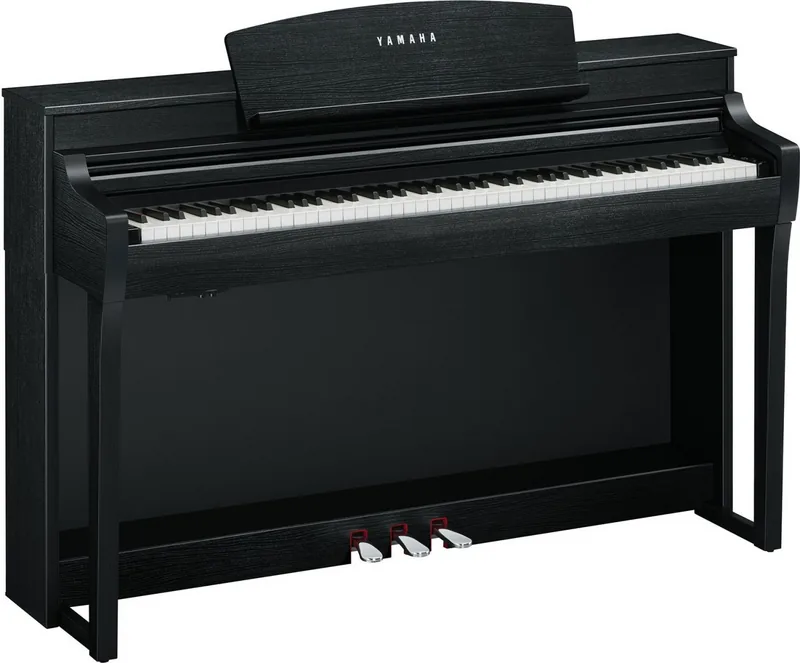
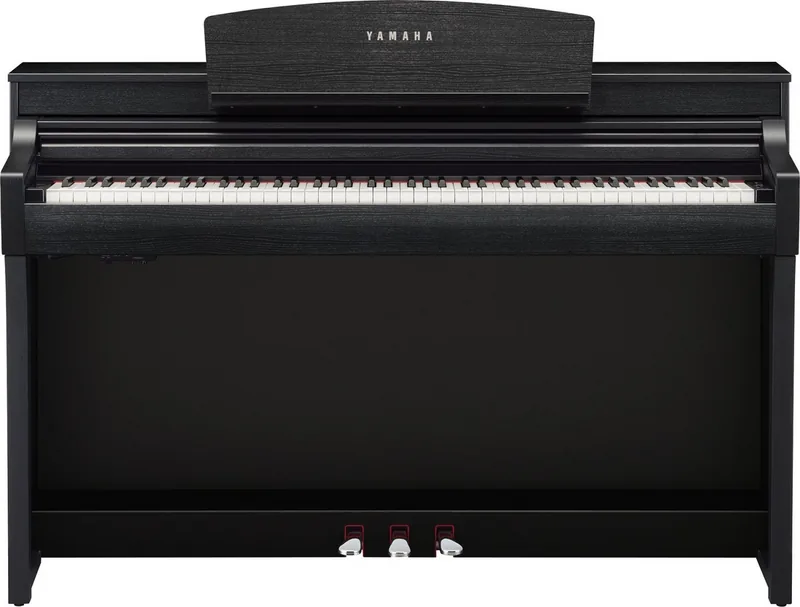
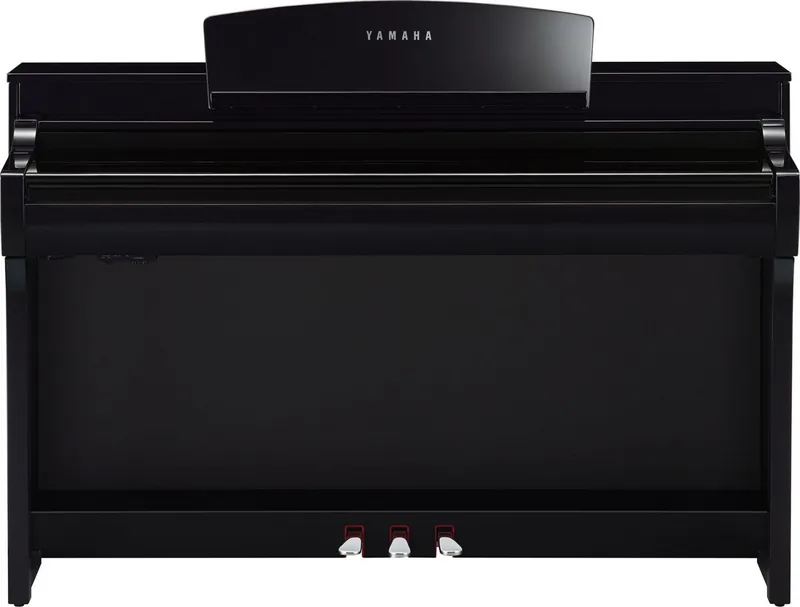
Yamaha CSP-255 Manual
PDF manual · 64 Pages
English



Quick check
Incorrect answer, please try again.
Chat with your Yamaha CSP-255 manual using AI
Get instant AI answers from your Yamaha CSP-255 manual
Ask anything about the Yamaha CSP-255. Answers come from this manual, with the pages they are based on.
Ask a Question
Do you recommend CSP-255?
Yes NoFrequently Asked Questions
You can connect via Bluetooth or USB cable. For Bluetooth, ensure the device is paired. For USB, use a Type C cable to connect directly to the terminal. The Smart Pianist app guides you through the Connection Wizard for setup.
Is this answer helpful?
This technology recreates subtle sound changes based on your playing touch, such as key release noise and damper resonance. It makes the digital sound more expressive and similar to a real acoustic grand piano performance.
Is this answer helpful?
Yes, you can play stand-alone using the internal Voices, Songs, and Styles. However, some settings and recording features are best managed through the app. Disconnect the app to use panel controls directly.
Is this answer helpful?
Hold the FUNCTION button and press the G5 key to toggle between settings like Soft 2, Medium, or Hard 2. This adjusts how the sound responds to your playing strength without changing the physical key weight.
Is this answer helpful?
No. The unit is heavy and lifting requires multiple people to prevent injury. You should have sufficient personnel to transport it safely and easily, especially when assembled.
Is this answer helpful?
Turn off the power. Hold the highest white key C7 and turn the power back on. This resets all settings to default, except Bluetooth pairing and each key settings.
Is this answer helpful?
Advantages and Disadvantages
Advantages

- Smart Pianist app integration offers expanded control and features
- Stream Lights provide visual guidance for song playback
- Grand Expression Modeling mimics acoustic piano dynamics
- Bluetooth Audio allows streaming music through speakers
Disadvantages

- Unit is heavy and requires multiple people for assembly
- Full features depend on connection to Smart Pianist app
- Specific USB cables needed for optimal performance
- No acoustic piano soundboard for physical resonance
- Bluetooth range can be limited by distance and obstacles
Product Specification
Type
Digital Piano
Stand
Wooden Stand
Keys
88
Polyphony
256 voices
Tones
819
Styles
495
Pedals
3
Speakers
2x 40W (2 Speakers)
Display
No
Features
Metronome, Transposition, Fine Tuning, Temperament, Dual/ Layer, Split, Learning Function, MIDI Recorder, Audio Recorder (WAV, AAC)
Audio Ports
AUX In (3.5mm Jack), Mic/ Line In (6.35mm Jack), 2x Line Out (6.35mm Jack), 2x Headphones (6.35mm Jack)
Additional Ports
2x USB-A (USB to Device), USB-C (USB to Host), Bluetooth, MIDI In / Out / Thru
Special Features
Practice Songs
Dimensions
60.83 x 24.45 x 22.83 in (WxHxD)
Weight
127.87 lbs
Product Description
Discovering the Yamaha CSP-255 Digital Experience
The Yamaha CSP-255 represents a significant step forward in digital piano technology, blending the elegance of an acoustic instrument with modern smart connectivity. To truly unlock its potential, understanding the capabilities described in the Yamaha CSP-255 Manual is essential for a superior setup experience. Proper knowledge ensures safety and maximizes longevity. It fits seamlessly into any home environment.
Smart Integration and Control
One of the standout features is the deep integration with the Smart Pianist application. By connecting your smart device via Bluetooth or Wi-Fi, you gain access to additional functions. This app allows for intuitive controls, enabling you to manage voices, styles, and recording settings directly from your tablet or smartphone. The connection process is streamlined, ensuring music production becomes accessible to players. It also features an Audio to Score tool.
Visual Learning Aid
For those looking to learn popular songs quickly, the Stream Lights feature provides a visual guide. Embedded above the keys, these lights illuminate during song playback. This helps you identify exactly which key to play and when, making practice sessions efficient. The guide function pauses playback until you play the correct notes, allowing for self-paced learning. This visual cue system supports various genres.
Sound Modeling and Quality
The instrument utilizes Grand Expression Modeling to recreate subtle nuances of an acoustic grand piano. When you press and release the keys, the sound responds dynamically. Along with Voices sampled from the Yamaha CFX and Bösendorfer, the instrument offers a rich tonal palette. The internal sound engine handles simulation effectively for concert hall or church pipe organ sounds. Stereophonic Optimizer enhances headphone listening.
Setup and Safety
Assembly requires careful attention to detail. The unit is heavy, so ensure procedures are followed to avoid injury. Lifting requires multiple people to prevent strain. Always rotate floor adjusters to secure the unit firmly and prevent rattling. Connect the power cord using the designated jack and ensure the AC outlet is easily accessible. The three foot pedals provide dynamic control over sustain.
Important Notes
Follow safety guidelines regarding power supply. Keep the instrument away from heat sources. Disconnect power cord for extended non-use. Keep smart devices stable. This instrument serves as a versatile tool for musicians whether recording or performing. Regular maintenance ensures optimal performance. Adhering to guidelines ensures years of service. Always use a soft cloth for cleaning.
Search for 67,706 Manuals online


Type-in Brand or Model