
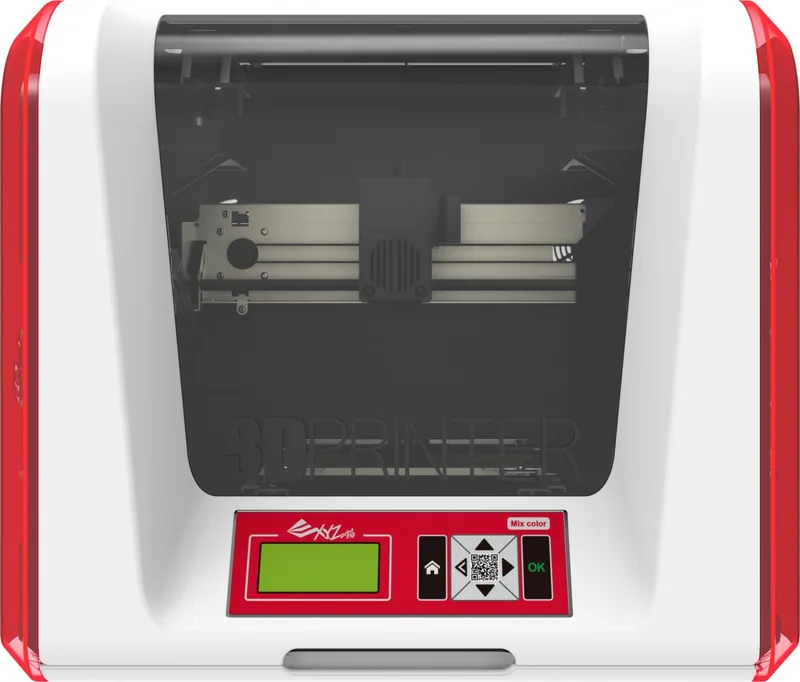
XYZprinting da Vinci Jr. 2.0 Mix Manual
PDF manual · 23 Pages
English


Quick check
Incorrect answer, please try again.
Chat with your XYZprinting da Vinci Jr. 2.0 Mix manual using AI
Get instant AI answers from your XYZprinting da Vinci Jr. 2.0 Mix manual
Ask anything about the XYZprinting da Vinci Jr. 2.0 Mix. Answers come from this manual, with the pages they are based on.
da Vinci Jr. 2.0 Mix Maintenance Schedule
Clean the nozzle after every printing session to remove carbon deposits or filament dust buildup that may decrease performance.
Use the cleaning brush to scrub the feed gear and replace the wire if feeding becomes difficult or impossible after heavy use.
Ask a Question
Do you recommend da Vinci Jr. 2.0 Mix?
Yes NoFrequently Asked Questions
Its main appeal is easy home-friendly 3D printing with multicolor and blending capabilities. It combines a compact design, PLA compatibility, and flexible connectivity for creative everyday use.
Is this answer helpful?
Yes. It includes a dual-feed, single-nozzle setup that supports multicolor mode and blending mode. This makes it useful for decorative prints and colorful prototypes.
Is this answer helpful?
PLA is the recommended material. It is low-temperature, eco-friendly, and well suited to home use. The manual also notes that very warm or humid storage conditions can affect PLA quality.
Is this answer helpful?
It supports USB, SD card, and Wi-Fi connections. Users can also work through XYZware software to manage files, updates, and printing tasks.
Is this answer helpful?
Setup is manageable, but it does require attention to detail. Users need to remove packing materials, install the guide tubes and extruder properly, load filament, and perform calibration if needed.
Is this answer helpful?
Regular nozzle cleaning, feed-path cleaning, and correct filament unloading are the most important maintenance tasks. These steps help prevent clogs, improve print quality, and extend the printer's lifespan.
Is this answer helpful?
Advantages and Disadvantages
Advantages

- Dual-feed multicolor printing expands creative options for models, prototypes, and educational projects.
- Compact footprint and 12 kg weight make it suitable for home desks, classrooms, and small workspaces.
- USB, SD card, and Wi-Fi support give users flexible ways to start and manage prints.
- PLA printing keeps the process relatively eco-friendly and easy to use for beginners.
Disadvantages

- The 15 x 15 x 15 cm build volume is limited for larger parts or big batch projects.
- Multicolor blending works best with clear filaments; opaque colors can reduce visual quality.
- Setup, loading, and calibration require careful steps to avoid feed or leveling issues.
- Regular cleaning and maintenance are important to prevent clogs and printing problems.
Product Specification
Method
Fused Deposition Modeling FFF
Configuration
1x movable print head (left/right, up/down), 1x movable print bed (forward/backward)
Construction
Ready-made model, closed print chamber (front door, front viewing window), control unit in device, 2x integrated filament holder
Manufacturer's Recommended Materials
0.0689 in Filament, open system, PLA
Print Size
5.91x5.91x5.91in (WxHxD)
Extrusion System
1x print head (1x print nozzle with dual-feed, 0.0157 in, brass, replaceable, 122-500°F, max. 446°F recommended), 2x Bowden extruders
Layer Height
0.0079-0.0157in
Accuracy X
12.5µm
Accuracy Y
12.5µm
Accuracy Z
0.4µm
Print Bed
square, glass
Interfaces
USB 2.0, Card Reader (SD Card), WLAN (802.11b/g/n)
Power Supply
100-240V, 72W
Operating Environment
59-90°F, 30-60% rel. humidity
Dimensions
16.54x14.96x16.93in (WxHxD)
Weight
28.66 lb (empty)
Color
red/white (housing)
Product Description
XYZprinting da Vinci Junior 2.0 Mix: Creative 3D Printing for the Home
The XYZprinting da Vinci Junior 2.0 Mix Manual introduces a compact 3D printer built for families, hobbyists, and anyone who wants to turn ideas into real objects without a steep learning curve. This model blends approachable design with practical features, making it a strong option for home studios, classrooms, and creative desks.
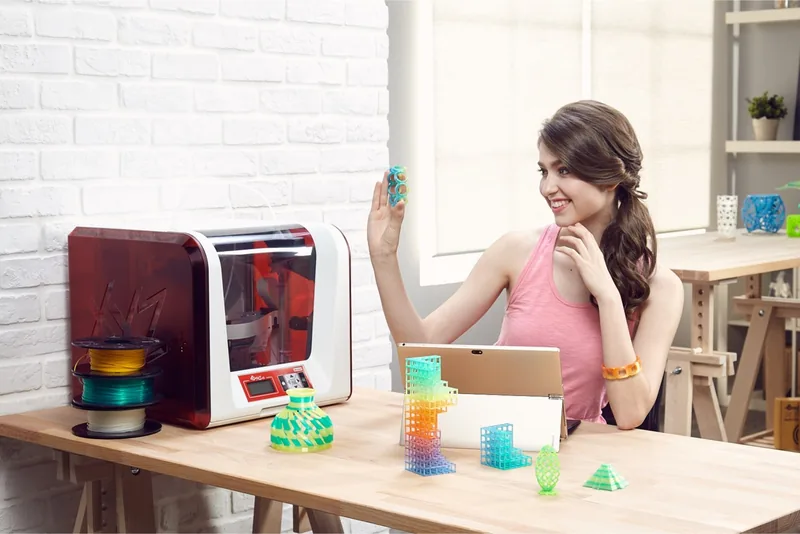
One of its biggest strengths is the dual-feed, single-nozzle system that supports multicolor printing and blending mode. That opens the door to more expressive results, whether you are producing decorative models, learning projects, or quick prototypes. The printer works with PLA filament, a material valued for its eco-friendly profile and low-temperature printing, which makes it especially appealing for everyday use.
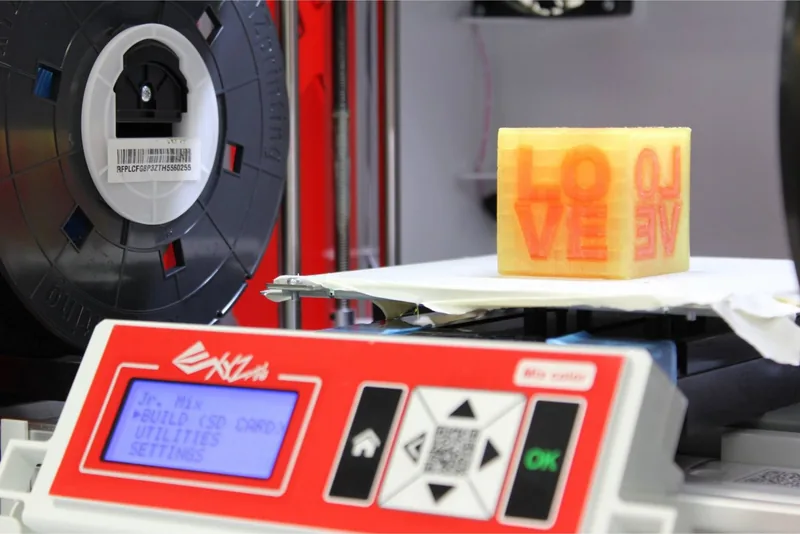
The machine is designed for convenience as much as creativity. It supports USB, SD card, and Wi-Fi connections, giving users flexible ways to send files and manage prints. The front display and control panel make basic tasks easier, while features like calibration, auto-level support, and temperature monitoring help improve print consistency. With a build volume of 15 x 15 x 15 cm, it is compact enough for smaller spaces yet still useful for many common models.
Setup and maintenance are clearly emphasized in the product guidance. Users are encouraged to remove packaging materials carefully, install the filament guide tubes correctly, and load both filaments before starting a job. Regular cleaning, nozzle care, and proper filament handling are important for keeping the printer in good shape. The design also focuses on safety, with reminders to keep the front door closed during operation and avoid touching internal moving or heated parts.
For makers who want a friendly entry into 3D printing, this model offers a balanced mix of simplicity and creative potential. It is not built for massive industrial jobs, but it is well suited to learning, experimenting, and making colorful prints at home.
Notes
- Best results come from careful calibration and clean filament paths.
- PLA is the recommended material for most projects.
- Multicolor and blending features work best with compatible filament choices.
Search for 67,706 Manuals online


Type-in Brand or Model