
XPand X105-RF-X1 Manual
PDF manual · 8 Pages
English



Quick check
Incorrect answer, please try again.
Chat with your XPand X105-RF-X1 manual using AI
Get instant AI answers from your XPand X105-RF-X1 manual
Ask anything about the XPand X105-RF-X1. Answers come from this manual, with the pages they are based on.
Ask a Question
Do you recommend X105-RF-X1?
Yes NoVideo Manual
7 Best Active 3D Glasses 2019
Frequently Asked Questions
The XPand X105 works with RF-enabled 3D hosts such as RF-capable 3D TVs and RF emitters. It does not work with infrared (IR-only) 3D TVs or IR emitters.
Is this answer helpful?
Place the glasses within about 1 meter of the 3D host, turn them on, then press and hold the button for at least one second. The LED will blink slowly; successful association is shown by six short LED blinks.
Is this answer helpful?
Battery life is rated at more than 100 hours. Charging via the supplied micro-USB cable typically takes up to two hours; the LED remains steady while charging and the glasses cannot be used during charging.
Is this answer helpful?
When the host emits a Dual View signal, double-click the button to toggle between player 1 and player 2. For normal 3D signals, double-click cycles player 1, player 2, and normal 3D. LED blink patterns indicate the selected mode.
Is this answer helpful?
A bright LED indicates power on or charging (steady when charging). Slow blinking indicates pairing or reconnection attempts. Occasional flashes during operation signal low battery. Specific blink patterns denote player modes.
Is this answer helpful?
No. The XPand X105 battery is not user-replaceable. The manufacturer warns against disassembling the glasses or exposing the battery to fire or mistreatment.
Is this answer helpful?
Follow viewing guidelines: take regular breaks, stop if you experience headache, dizziness, nausea or double vision, adjust room lighting and seating, and supervise children’s viewing to minimize discomfort and fatigue.
Is this answer helpful?
Advantages and Disadvantages
Advantages

- RF synchronization ensures stable wireless pairing and reduces interference common with IR systems.
- Very long battery life (over 100 hours) for extended viewing sessions between charges.
- Lightweight frame (37 g) and compact lenses for comfortable, prolonged wear.
- Dual View Mode enables split-screen competitive gaming and flexible viewing options.
- Clear LED indicators convey power, pairing, charging, battery low, and mode changes.
Disadvantages

- Incompatible with IR-only 3D TVs and emitters—requires RF-enabled hosts.
- Battery is not user-replaceable, limiting long-term serviceability.
- Cannot be used while charging, which may interrupt extended viewing needs.
- Pairing requires proximity (about 1 m), which can be inconvenient in some setups.
- Limited control: single button handles power, pairing and mode toggles, which can be unintuitive initially.
Product Specification
Type
Active-Shutter
Product Description
XPand X105 — Sleek, Reliable Active 3D Glasses
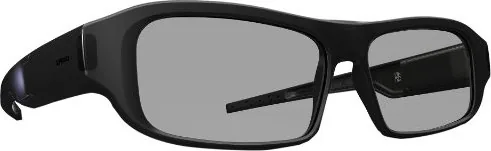
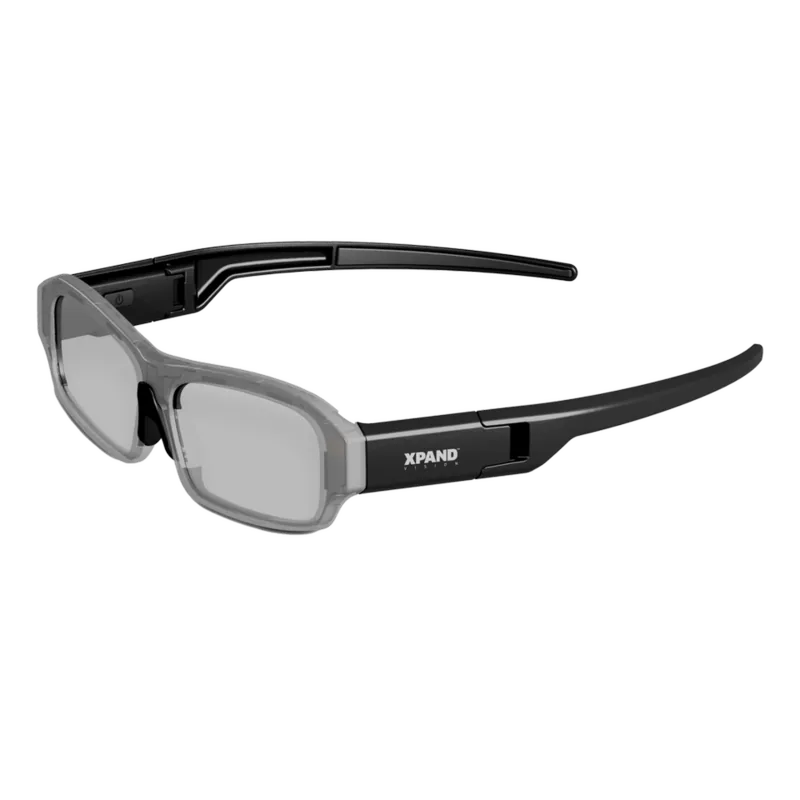
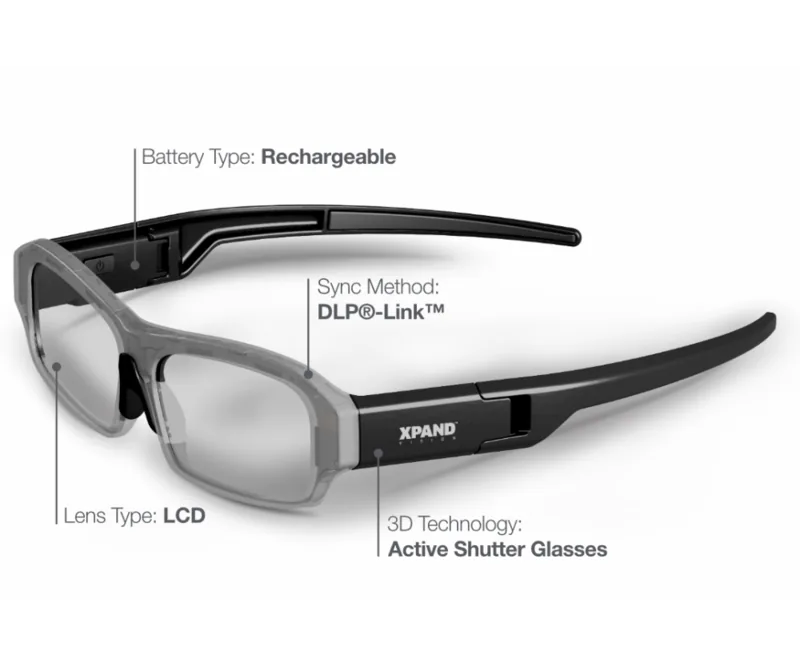
The XPand X105 is a lightweight active shutter 3D eyewear designed for comfortable, long-term viewing and dual-player gaming. With RF syncing (not infrared), a rechargeable lithium-ion polymer battery, and a slim black frame, the X105 balances performance and portability for home theaters and gaming setups. Its 2.2" LCD lenses and robust shuttering frequency (96–144 Hz) deliver stable stereoscopic imagery with minimal flicker when paired with compatible RF-enabled displays or emitters.
Power and pairing behaviors are simple and predictable. A single on/off/pairing button on the inner right earpiece controls power, pairing, and Dual View mode. A red status LED on the outer right earpiece indicates power, pairing status, battery level, charging, and mode changes. The glasses automatically seek and reconnect to an associated host; proximity pairing requires the glasses to be within about 1 meter of the 3D source.
Dual View Mode makes the X105 useful for competitive or split-screen gaming: when the host emits a Dual View signal, a double-click toggles between player 1 and player 2; when the host emits a normal 3D signal, double-click cycles player 1, player 2, and normal 3D. LED blink patterns clearly signal mode selection and successful association.
Battery life is rated well over 100 hours of use; charging via the included micro-USB cable typically completes in about two hours. Charging is indicated by a steady LED; low battery is shown by occasional LED flashes. Note the glasses cannot be used while charging and the battery is not user-replaceable.
The frame is ultra-light at 37 g (1.3 oz) with compact dimensions suitable for extended wear. Operating temperature range is 5–45°C. The X105 complies with FCC, Industry Canada, and EU directives and includes safety guidance on use, breaks during viewing, and cautions about symptoms like dizziness or double vision.
Notes
- Use only with RF-capable 3D hosts—IR-only systems are not compatible.
- Keep glasses within 1 m for initial pairing and expect automatic reconnection afterward.
- Do not attempt to open or replace the battery; follow manufacturer charging recommendations.
Search for 67,706 Manuals online


Type-in Brand or Model
Anna Keller
8 months ago
Will this 3D glasses model work reliably with Sony 3D TVs and projectors, and what should I do if pairing/registration fails after a TV update?
Manual.ly
8 months ago
Based on user reports, the glasses work smoothly with Sony 3D devices, including 55-inch Sony TVs and Sony Beamers. If you run into initial registration problems on the TV, check whether the TV recently performed a system update. In that case, restart the TV, then try the 3D glasses registration again. After a restart, the setup typically succeeds. Also note that the glasses are comfortable and can be used by people wearing prescription glasses because they include a removable nose piece.