
XP-Pen Artist 24 Manual
PDF manual · 12 Pages
English



Quick check
Incorrect answer, please try again.
Chat with your XP-Pen Artist 24 manual using AI
Get instant AI answers from your XP-Pen Artist 24 manual
Ask anything about the XP-Pen Artist 24. Answers come from this manual, with the pages they are based on.
Ask a Question
Do you recommend Artist 24?
Yes NoFrequently Asked Questions
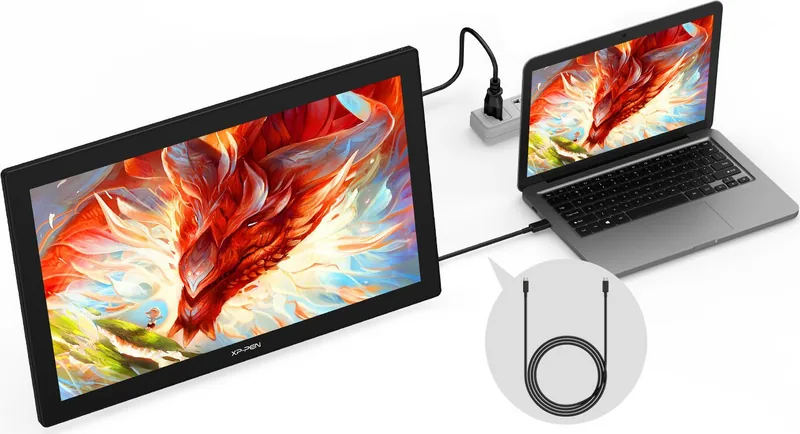
You can connect via HDMI using a USB-A to USB-C cable and a power adapter, or use a full-featured USB-C cable along with the power adapter. Ensure the power jack is connected to the wall outlet.
Is this answer helpful?
Yes, the driver allows you to customize pen keys, shortcut keys, and roller functions. You can assign specific commands for different applications or set them to act as keyboard shortcuts.
Is this answer helpful?
Yes, the XP-Pen Artist 24 2K QHD supports Windows Ink, which is enabled by default. This allows compatible drawing software to utilize the pen pressure and tilt features effectively.
Is this answer helpful?
Temporarily close antivirus software and firewalls before installing. Uninstall any previous drivers first, then run the installer. Restart your computer after installation is complete.
Is this answer helpful?
Open the driver software and navigate to the Work Area section. Select the Calibration option to adjust the offset between the stylus tip and the cursor on the screen.
Is this answer helpful?
Yes, you can customize the Roller 1 and Roller 2 functions within the driver settings. You can assign key combinations or disable them entirely based on your workflow needs.
Is this answer helpful?
Advantages and Disadvantages
Advantages

- Large 24-inch QHD screen provides ample space for detailed artwork
- Comprehensive driver software with extensive customization options
- Supports both HDMI and USB-C connections for versatile setups
- Includes tilt recognition and precision mode for fine control
Disadvantages

- Requires manual configuration for multi-monitor setups in extended mode
- Driver installation may be interrupted by aggressive antivirus software
- Roller function customization requires specific key mapping steps
Product Specification
Type
Graphics tablet with screen
Active area
20.74x11.67in
Stylus
wireless, tip, 2 buttons, eraser function
Resolution
5080lpi
Sensitivity levels
8192
Tilt range
60°
Max stylus distance
0.39in
Display
23.8", 2560x1140, IPS, tiltable (16°-90°)
Signal input
HDMI
Brightness
250cd/m²
Contrast
1000:1
Buttons
5 buttons
CPU
N/A
RAM
N/A
Storage
N/A
Graphics
N/A
Host connection
USB-C
Other connections
1x 3.5mm jack
Wireless
N/A
Card reader
N/A
Webcam
N/A
Operating system
N/A
Power consumption
20W (typical), 1.0W (standby), 0.3W (sleep)
Battery
N/A
Dimensions
23.23x14.21x1.34in
Features
stand, VESA mount (100x100)
Package contents
main unit, stylus (PA6), pen holder, 8 replacement tips, USB-C to USB-C cable, USB-C to USB-A cable, HDMI cable, power adapter, power cord, glove, cleaning cloth
Energy efficiency class SDR (A to G)
F
SDR energy consumption
20kWh/1000h
Product Description
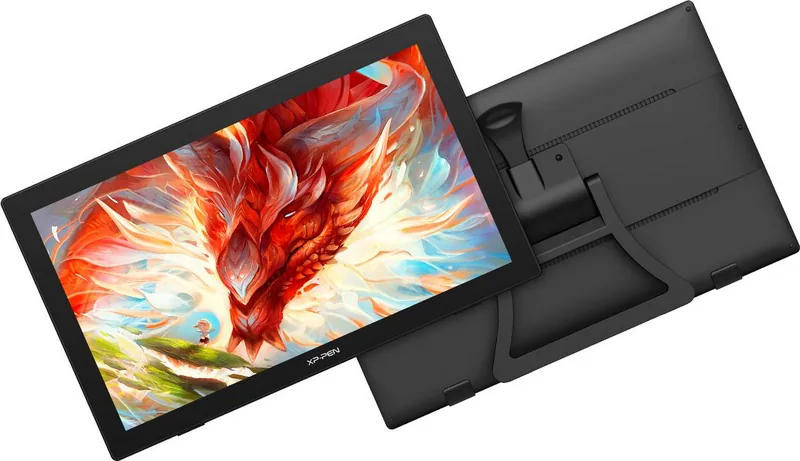
XP-Pen Artist 24 2K QHD: A Professional Digital Canvas
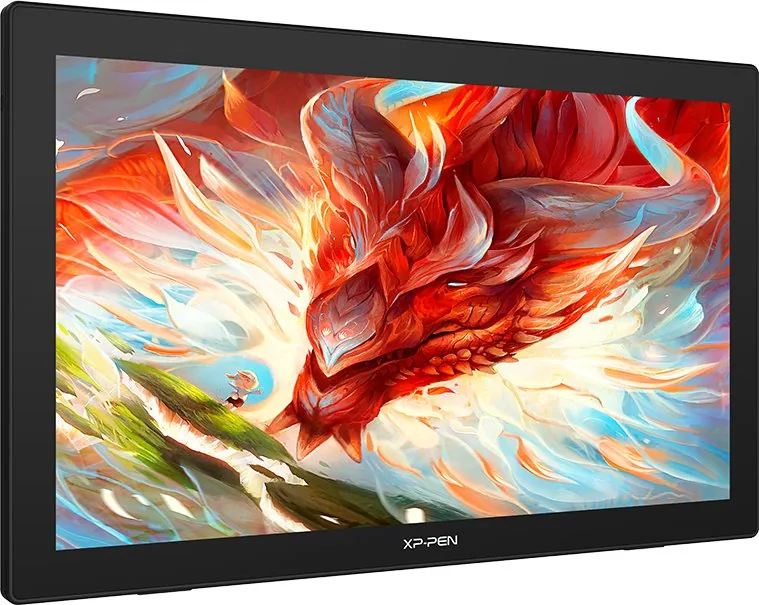
The XP-Pen Artist 24 2K QHD is a premium pen display designed to elevate the creative workflow for digital artists, designers, and illustrators. With its expansive 24-inch screen delivering stunning QHD resolution, this device offers a vivid workspace where colors pop and details come alive. The large active area allows creators to work naturally without constant hand-eye coordination issues, making it an ideal choice for those seeking precision and comfort during long drawing sessions.
Setting up your XP-Pen Artist 24 2K QHD is straightforward. You can connect via HDMI using a USB-A to USB-C cable or utilize a full-featured USB-C port for a cleaner setup. Once connected, installing the driver from the official website unlocks the full potential of the hardware. The software suite provides extensive customization options, allowing you to map specific applications, adjust pressure sensitivity, and configure shortcut keys to match your personal style.
The driver interface is robust, offering features like work area calibration, rotation settings for different orientations, and precise color temperature adjustments. Whether you are working in Photoshop, Clip Studio Paint, or 3D modeling software, the ability to assign custom functions to the pen buttons and roller ensures a seamless experience. The inclusion of Windows Ink support further enhances compatibility with modern creative tools, ensuring that every stroke feels natural and responsive.
Beyond the basics, the XP-Pen Artist 24 2K QHD supports advanced features such as tilt recognition and precision modes for intricate detailing. The built-in diagnostic tools help maintain optimal performance, while the ability to import and export configurations makes it easy to switch between multiple setups or computers. This display is not just a monitor; it is a powerful extension of your creativity.
Notes
- Ensure antivirus software is temporarily disabled during driver installation for best results.
- Regularly update drivers from the official website to access new features and fixes.
- Use the diagnostic tool if you encounter any connectivity or functionality issues.
Search for 67,706 Manuals online


Type-in Brand or Model