
XP-Pen Artist 22E Pro Manual
PDF manual · 12 Pages
English



Quick check
Incorrect answer, please try again.
Ask a Question
Do you recommend Artist 22E Pro?
Yes NoVideo Manual
The BEST DRAWING TABLET I’ve Ever Owned!!? XP-Pen Artist 22e Pro Review
Frequently Asked Questions
The Artist 22E Pro supports Windows 7, 8, and 10, and macOS 10.8 or later. Always download the latest driver from the XP-Pen support page for best compatibility.
Is this answer helpful?
Download the latest driver from www.xp-pen.com, extract the .zip, then run the .exe (Windows) or .pkg (macOS). Disable antivirus during installation if needed and reboot after uninstalling/reinstalling. On macOS, allow the installer in Security & Privacy if blocked.
Is this answer helpful?
Ensure the tablet is powered and connected, the driver is installed and active (driver icon appears), and test pen pressure inside the tablet settings. Reinstall the driver with admin rights, disable antivirus, and confirm your drawing app supports pen pressure.
Is this answer helpful?
Open the tablet driver, go to the Monitor or Calibration tab, select the correct monitor mapping (Monitor1/Monitor2 or Artist22E Pro), then run the calibration tool and follow on-screen prompts to align pen input with the display.
Is this answer helpful?
Yes. The driver provides Express Keys and Barrel Button settings where you can assign keyboard shortcuts, program custom keystrokes, or reset to default mappings tailored for common software like Photoshop.
Is this answer helpful?
Avoid liquids, extreme temperatures (below 5℃ or above 40℃), strong solvents, magnetic/metal objects, and heavy impacts. Do not disassemble the tablet. Replace pen tips carefully using the pen stand; improper cleaning or disassembly may void the warranty.
Is this answer helpful?
Driver updates and support resources are available at www.xp-pen.com. For direct assistance, contact [email protected] or follow XP-Pen's support procedures outlined in the product documentation.
Is this answer helpful?
Advantages and Disadvantages
Advantages

- Full HD 1920×1080 display with a large 21.5-inch active drawing area for detailed work.
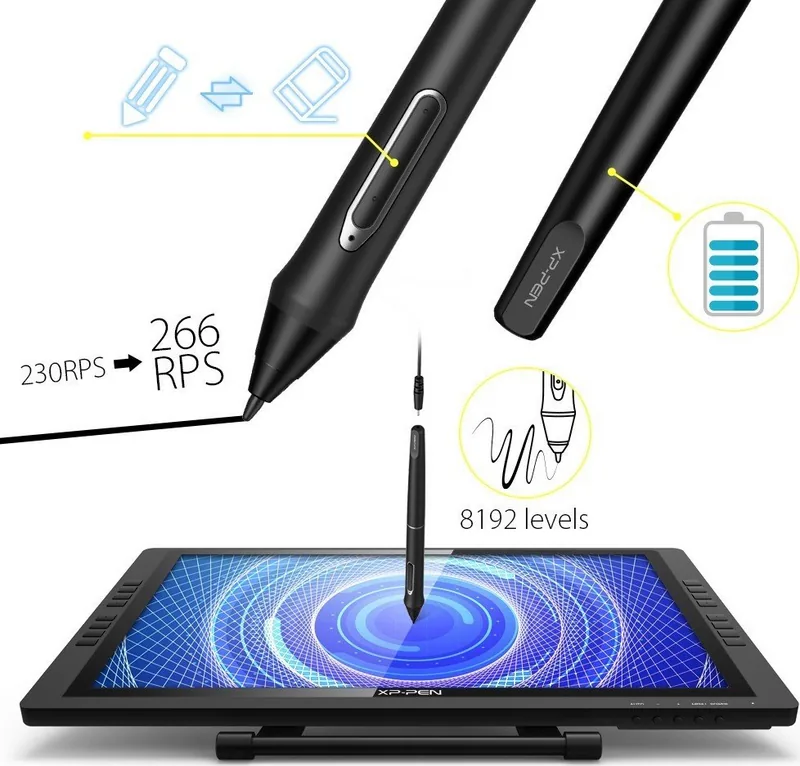
- Battery-powered stylus with pressure sensitivity and customizable barrel buttons for natural drawing control.
- Configurable driver: monitor mapping, calibration, express keys, pen pressure testing, and Windows Ink support.
- Affordable pen display option with multi-OS support (Windows 7/8/10 and macOS 10.8+).
- Includes physical express keys and straightforward tip replacement with storage in the pen stand.
Disadvantages

- Requires HDMI/USB/power connections and may need display scaling set to 100% for some Windows apps.
- Driver installation can be blocked by antivirus or macOS security settings; may require extra steps to authorize.
- No built-in touch or tilt support documented; relies on driver for many customizations.
- Cannot adjust color temperature or advanced color settings from the tablet — needs video card software.
- Disassembly voids warranty; sensitive to liquids, extreme temperatures, and magnetic/metal objects.
Product Specification
Type
Graphics tablet with screen
Active Area
18.74x10.55in
Pen
wireless, tip, 2 buttons, eraser function
Resolution
5080lpi
Sensitivity Levels
8192
Max. Pen Distance
0.59in
Display
21.5", 1920x1080, IPS
Signal Input
HDMI, mini DisplayPort (via Adapter)
Contrast
1000:1
Response Time
14ms
Buttons
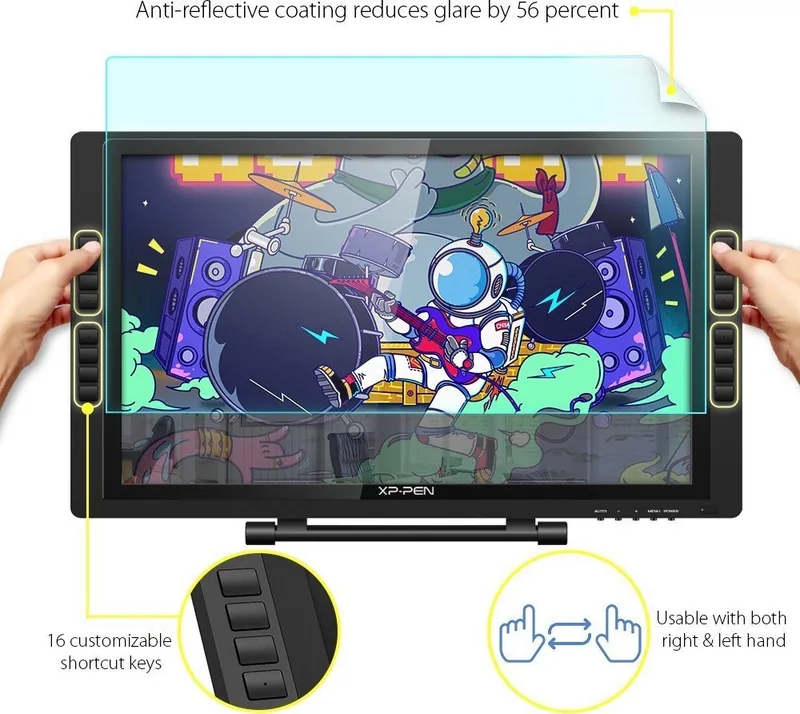
16x Button
CPU
N/A
RAM
N/A
Storage
N/A
Graphics
N/A
Host Connection
USB-B 1.1
Other Connections
N/A
Wireless
N/A
Card Reader
N/A
Webcam
N/A
Operating System
N/A
Battery
N/A
Dimensions
22.32x12.83x1.18in
Special Features
VESA Mount (75x75)
Scope of Delivery
Main Unit, 2x Pen (P02S), 1x Pen Charging Cable, 8x Replacement Nibs, Pen Holder, USB Cable, VGA Cable, HDMI Cable, HDMI to mini DisplayPort Adapter Cable, Power Cable, Power Adapter, Glove, Cleaning Cloth
Note
Different country versions possible.
Product Description
XP-Pen Artist Display 22E Pro — Versatile Creative Display
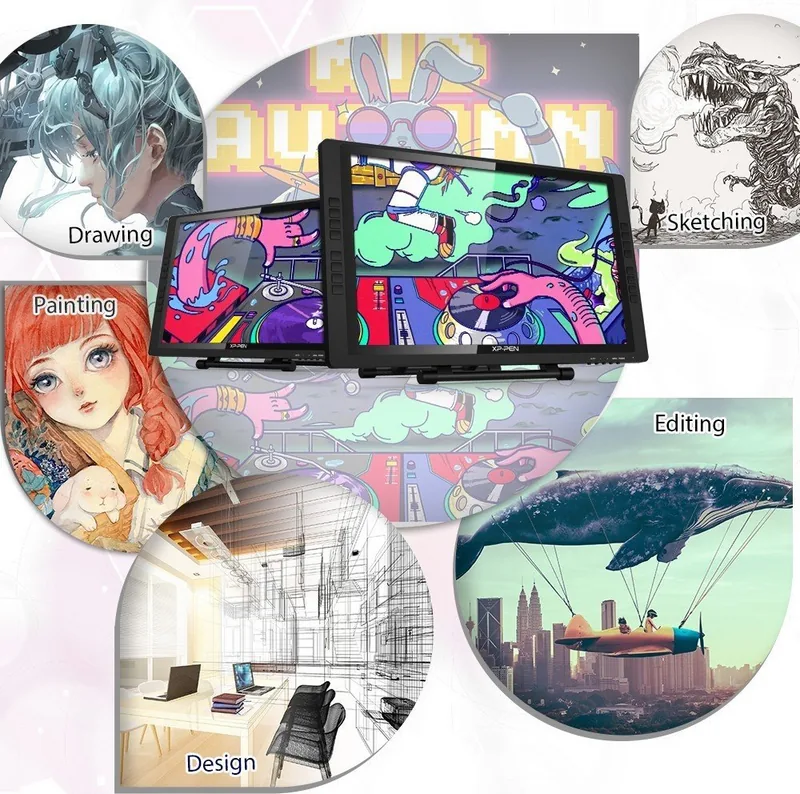
The XP-Pen Artist Display 22E Pro is a 21.5-inch pen display built for digital artists, illustrators, and designers seeking a large, affordable working surface. With a full HD 1920×1080 resolution and an active drawing area that maps directly to your monitor, the Artist 22E Pro provides precise pen-to-screen control. The battery-powered stylus offers customizable barrel buttons, pressure sensitivity for natural brush dynamics, and easy tip replacement. The display includes eight express keys and driver software that lets you map keys, calibrate the screen, and configure pen behavior for both Windows and macOS.
Setting up the Artist 22E Pro is straightforward: connect HDMI (or VGA), USB, and power, then install the official driver from the XP-Pen website. The driver supports monitor mapping (single or dual-display setups), display rotation, calibration, and toggling Windows Ink. The driver UI allows customization of barrel buttons, express keys, pen pressure curves, and monitor mapping, and provides a pen pressure test and calibration tools. For macOS users, the manual outlines security settings to allow installation from an unidentified developer and steps to set the tablet as the active monitor.
Safety and care are emphasized: avoid extreme temperatures, liquids, magnetic objects, and heavy impact. The pen should not be struck or gripped excessively; pen tips can be replaced via the pen stand. Disassembly is prohibited and will void the warranty. Cleaning should avoid alcohol or strong solvents. The manual also explains uninstall procedures for both Windows and macOS and recommends rebooting after driver removal before reinstalling.
For troubleshooting, common issues are covered: ensuring the tablet is turned on and recognized, reinstalling drivers, disabling antivirus during installation, setting display scaling to 100% on Windows for compatibility with some apps, enabling Windows Ink where needed, and confirming the drawing application supports pen pressure. XP-Pen provides multi-language manual support and direct customer contact via their website or support email for unresolved issues.
Notes
- The Artist 22E Pro defaults to standard Photoshop shortcuts on express keys but these are fully reprogrammable.
- Tip replacements and spare tips are stored in the pen stand for convenience.
- Driver updates are indicated in the driver UI by a visible update arrow.
Search for 67,706 Manuals online


Type-in Brand or Model