
Xigmatek Windpower Pro Manual
PDF manual · 2 Pages
English



Quick check
Incorrect answer, please try again.
Chat with your Xigmatek Windpower Pro manual using AI
Get instant AI answers from your Xigmatek Windpower Pro manual
Ask anything about the Xigmatek Windpower Pro. Answers come from this manual, with the pages they are based on.
Ask a Question
Do you recommend Windpower Pro?
Yes NoDo you recommend Windpower Pro?
Yes NoFrequently Asked Questions
This cooler supports Intel LGA 1700, 1200, 115x, 2011, and 2066 sockets, as well as AMD AM3, AM4, and AM5 platforms.
Is this answer helpful?
You can use the Cooling Fan Installation B scheme provided in the manual to reposition the fans and avoid interference with tall memory modules.
Is this answer helpful?
Yes, the package includes thermal paste that should be applied evenly to the CPU surface after removing the protective film from the base.
Is this answer helpful?
Yes, you can use the included Mini ARGB LED Controller to manage lighting modes and speeds independently via its buttons.
Is this answer helpful?
The cushion pad is placed on the bottom of the fan screw holes to prevent vibration noise when the fan top touches the RGB cover.
Is this answer helpful?
It is recommended to remove the dual fans during initial installation to ensure no parts interfere, though they can be reinstalled later using the clips.
Is this answer helpful?
Advantages and Disadvantages
Advantages

- Supports a wide variety of CPU sockets including Intel 1700 and AMD AM5
- Dual 120mm RGB PWM fans provide excellent airflow and low noise levels
- Reinforced metal backplate ensures stability and protects the motherboard
- Includes flexible fan mounting options to avoid component interference
- Compatible with Mini ARGB controller for independent lighting control
Disadvantages

- Installation requires careful alignment of backplate and mounting brackets
- Alternative fan mounting may be needed for motherboards with unique layouts
- ARGB synchronization depends on compatible motherboard headers or controller
- Large size may obstruct some memory modules depending on case clearance
- Thermal paste application must be done manually for optimal performance
Product Specification
Type
Tower Cooler
Dimensions with Fan
4.92x6.18x4.33 in (WxDxH)
Dimensions without Fan
4.80x5.98x2.56 in (WxDxH)
Fan
2x 4.72x4.72x0.98 in, 800-1800rpm, 58.5 CFM, 58.5 CFM, 25.3dB(A), 0.09 inches of water, 3.8W, hydrodynamic bearing
Connection
4-Pin PWM, 3-Pin ARGB (+5V/DATA/GND)
AMD Socket
AM5, AM4, AM2/AM2+/AM3/AM3+
Intel Socket
2011-v0/v1/v3/2066, 1700, 1150/1151/1155/1156/1200
TDP Rating
200W
Lighting
RGB
Features
6 Heatpipes (6mm), Direct-Touch Heatpipe, black heatsink
Product Description
Xigmatek Windpower Pro: Mastering Air Cooling Performance
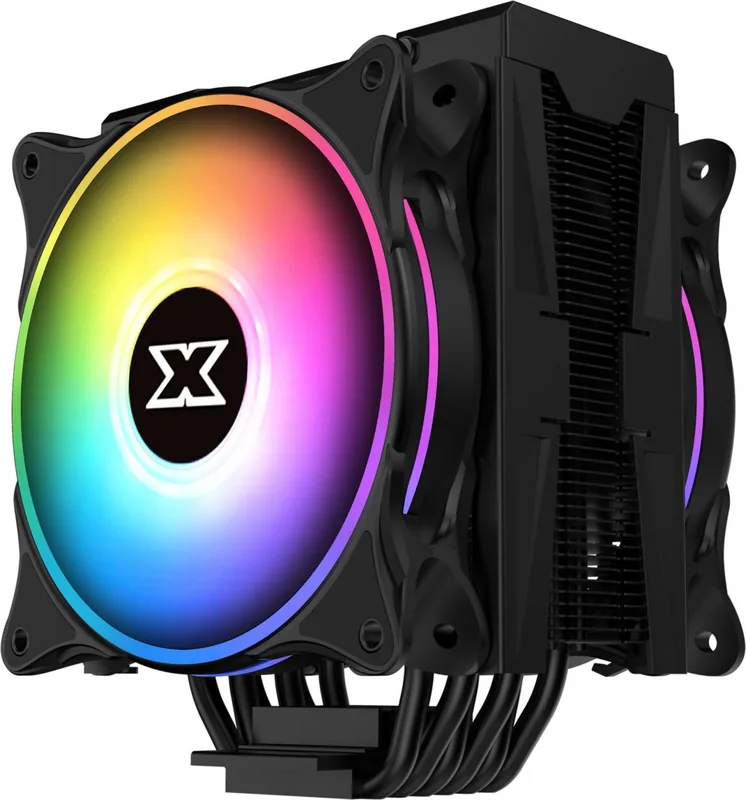
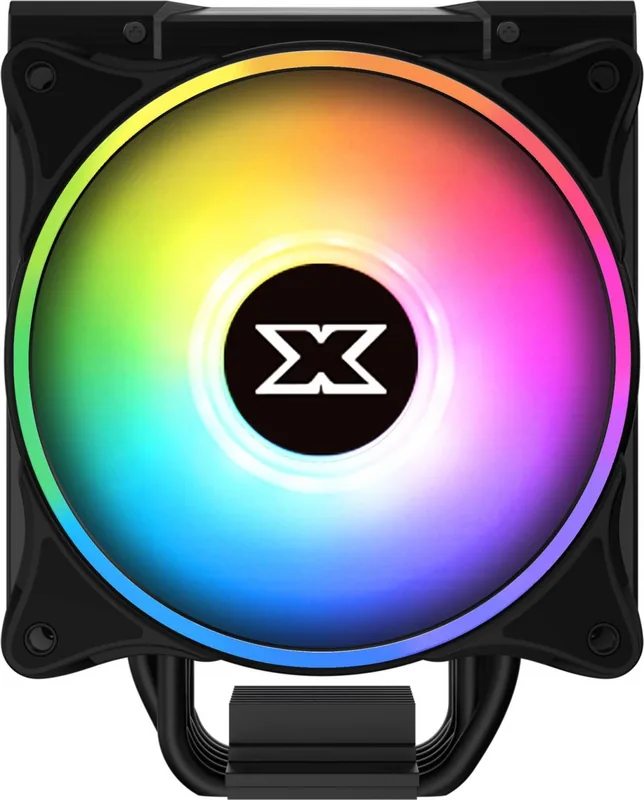
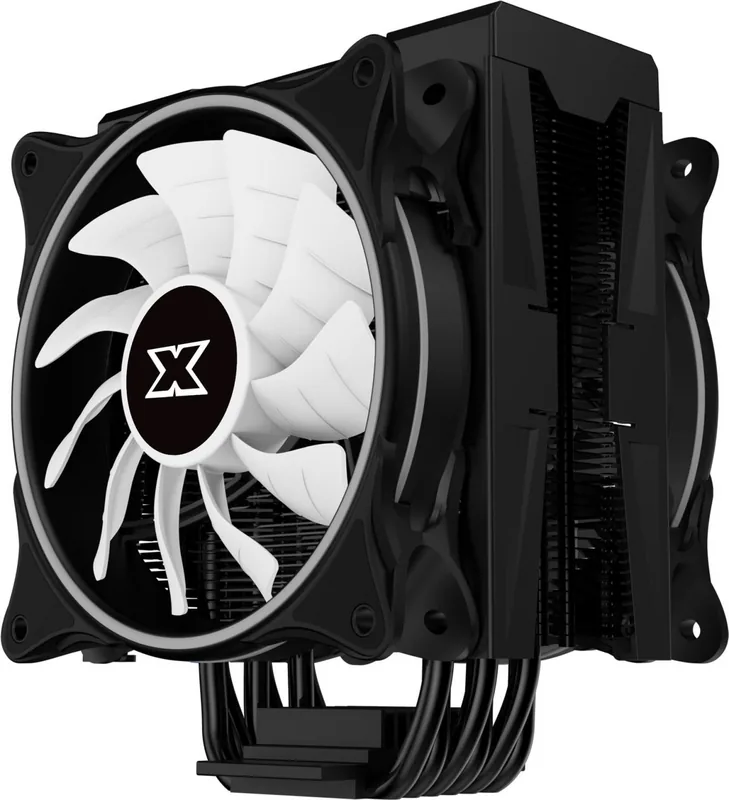
The Xigmatek Windpower Pro stands as a pinnacle of thermal engineering, designed specifically for enthusiasts who demand silent operation without compromising on cooling efficiency. This air cooler is engineered to handle the heat output of modern processors across a wide range of sockets, including Intel LGA 1700, 1200, 115x, and AMD AM4/AM5 platforms. Its robust construction features a dual-fan setup equipped with 120mm RGB Rainbow LED PWM fans, ensuring that your system not only runs cool but also looks stunning with customizable lighting effects.
Installation is straightforward yet precise, requiring attention to detail for optimal thermal transfer. The process begins with securing the reinforced metal backplate to the motherboard, which provides essential structural support and prevents PCB bending under heavy loads. Users must carefully align the mounting brackets before applying thermal paste to the CPU surface. A thin, even layer is crucial for maximum heat dissipation. The cooler is then seated onto the CPU, secured by spring screw nuts that ensure consistent pressure distribution across the entire contact area.
One of the standout features of this manual-guided installation is the flexibility it offers for different motherboard layouts. For systems where standard fan placement might interfere with tall RAM modules or other components, an alternative Cooling Fan Installation B scheme allows for repositioning. Additionally, the kit includes specific clips and cushion pads to prevent noise from vibrations, especially when the fan housing touches the top RGB cover. Connectivity is seamless, with dedicated 4-pin PWM connectors for speed control and ARGB cables for synchronized lighting, compatible with both mini controllers and direct motherboard sync.
Whether you are building a high-performance gaming rig or a quiet workstation, the Xigmatek Windpower Pro delivers reliability and style. The included Mini ARGB LED Controller adds an extra layer of customization, allowing users to toggle between various display modes and adjust speeds with simple button presses. By following the detailed steps provided in the Xigmatek Windpower Pro Manual, users can ensure their hardware operates at peak efficiency while enjoying the aesthetic appeal of vibrant RGB illumination.
Important Notes
- Always remove the protective film from the cooler base before installation.
- Ensure the ARGB cable connects to an ARGB SYNC certified header for proper functionality.
- Use the included thermal paste sparingly for best results.
Search for 67,732 Manuals online


Type-in Brand or Model