
Wortmann Terra LED 2775W PV Manual
PDF manual · 19 Pages
English



Quick check
Incorrect answer, please try again.
Chat with your Wortmann Terra LED 2775W PV manual using AI
Get instant AI answers from your Wortmann Terra LED 2775W PV manual
Ask anything about the Wortmann Terra LED 2775W PV. Answers come from this manual, with the pages they are based on.
Ask a Question
Do you recommend Terra LED 2775W PV?
Yes NoFrequently Asked Questions
It supports WQHD 2560x1440 pixel resolution as the maximum setting, delivering clear images.
Is this answer helpful?
You can tilt the screen ten degrees up and five down, lift it 130mm, and swivel to find your best angle.
Is this answer helpful?
No, the HDMI cable is optional and not supplied in the box with this specific monitor configuration.
Is this answer helpful?
Yes, USB-C supports data, video, and power delivery if your computer port supports the necessary protocols.
Is this answer helpful?
Keep it dry, avoid magnets, unplug before cleaning, and do not open the cabinet to avoid electric shock.
Is this answer helpful?
Press the Power button to turn on, then use the designated buttons on the front panel to navigate settings.
Is this answer helpful?
The maximum vertical frequency is 60Hz, which ensures stable image display without flickering.
Is this answer helpful?
Advantages and Disadvantages
Advantages

- WQHD 2560x1440 resolution provides sharp visuals for high-detail work.
- Ergonomic stand allows tilt, lift, swivel, and pivot adjustments.
- Multiple connectivity options including DisplayPort, HDMI, and USB-C.
- Built-in ECO mode reduces energy consumption efficiently.
- Anti Blue Light feature protects eyes during extended use.
Disadvantages

- HDMI cable is optional and must be purchased separately.
- Integrated speakers are only 3W which limits audio volume.
- Changing OSD settings may increase power consumption.
- USB-A devices require USB-C connection first for functionality.
- Power cable must be grounded to meet safety compliance standards.
Product Specification
Function
Monitor (Stationary)
Diagonal
27" (27.0 inches)
Resolution
2560x1440 (QHD), 16:9, 109ppi
Panel
IPS
Backlight
LED, Blue Light Filter, flicker-free
Brightness
300cd/m2 (typical)
Contrast
30,000,000:1 (dynamic)
Response Time
5ms (GtG)
Refresh Rate
60Hz (2560x1440)
Ports
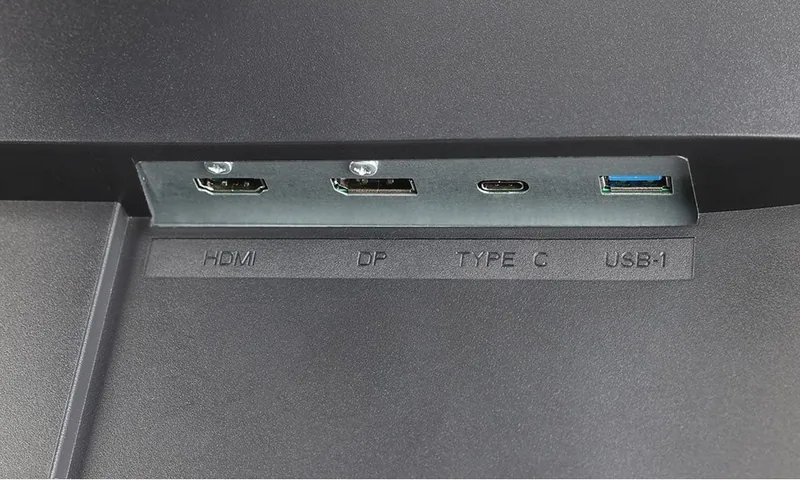
1x HDMI 1.4 (60Hz@2560x1440), 1x DisplayPort 1.2 (60Hz@2560x1440), 1x USB-C 3.0 with DisplayPort 1.2 (Upstream, 5Gb/s), 3x USB-A 3.0 (Downstream, 5Gb/s), 1x 3.5mm Jack (Line-Out), 1x AC-In C13 (Power)
Shape
Straight (Flat)
Viewing Angle
178deg/178deg
Coating
Non-glare (Matte)
Color Depth
10bit (1.07 Billion Colors)
FRC
Unknown
Speakers
Speakers (2x 2W)
Controls
Mechanical Buttons
Ergonomics
With Stand, Height Adjustable (5.12 inches), Pivot (+90deg), Swivel (+/-45deg), Tilt (+20deg/-5deg)
VESA
100x100 (Mounted)
Power Consumption
25W (typical), 0.3W (Standby)
Energy Efficiency SDR (A to G)
25kWh/1000h (F)
Features
Security Lock (Kensington Security Slot), Slim Bezel
Screen-to-Body Ratio
89.97% (Calculated)
Dimensions
24.1x15.4x7.5 inches (WxHxD) with Stand Compressed, 24.1x14.4x1.7 inches (WxHxD) without Stand
Color
Black (Display Frame) / Black (Lower Bezel) / Black (Stand) / Black (Back)
Weight
14.77 lbs (with Stand), 10.14 lbs (without Stand)
Power Supply
Internal
Warranty
Two Years (On-site Exchange Service)
USB Reference
Link
Product Description
Elevate Your Workspace with the Wortmann Terra LED 2775W PV
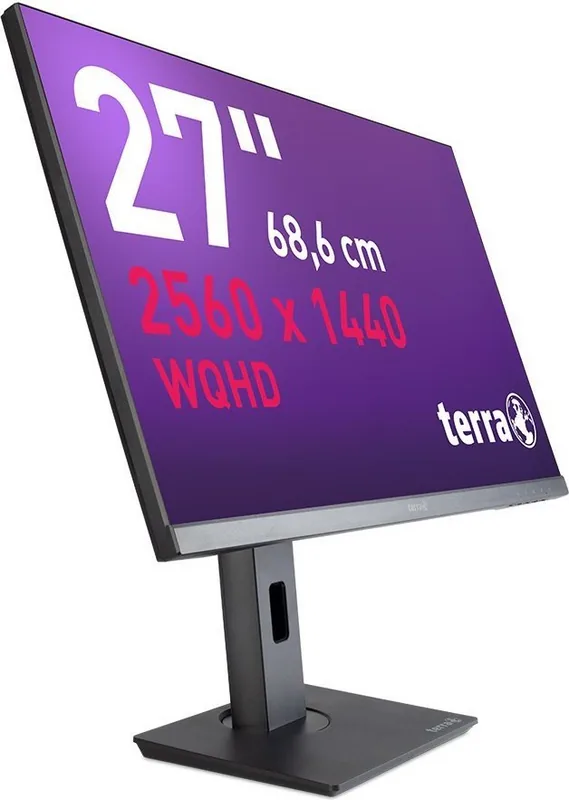
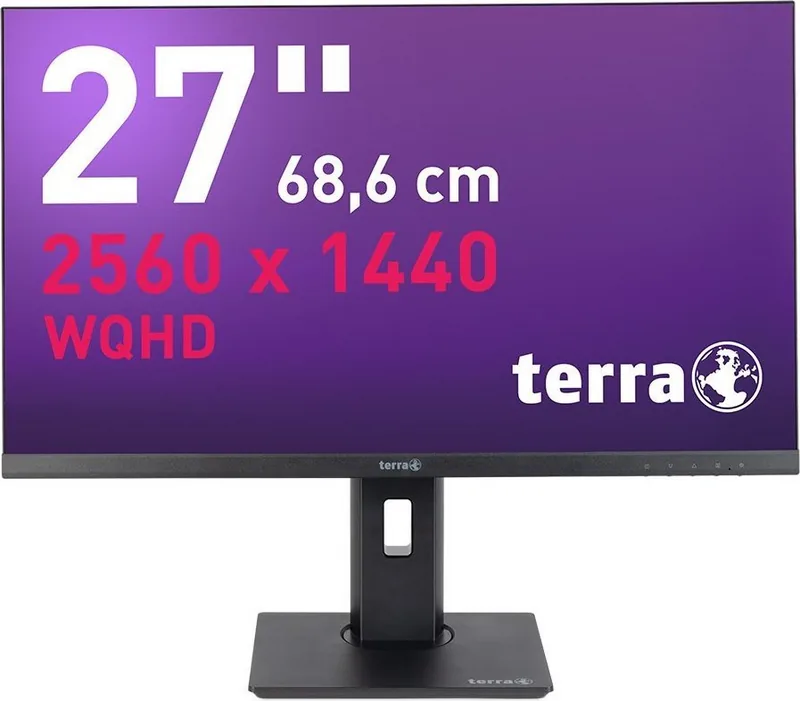
Finding the perfect monitor for professional tasks or casual entertainment requires balancing screen size, resolution, and connectivity options. The Wortmann Terra LED 2775W PV, 27" stands out as a robust solution designed for clarity and comfort. This high-resolution multi-scan color monitor delivers stunning visuals through its WQHD display, ensuring every detail is crisp and vibrant. Whether you are editing photos, coding, or watching movies, the 2560 by 1440 pixel resolution provides ample workspace and visual fidelity.
Connectivity is a major highlight for users seeking versatility. This display supports multiple input methods to accommodate various devices. You can connect via DisplayPort for direct high-speed data transfer or utilize the USB-C port for video and power delivery on compatible laptops. While an HDMI cable is optional, it remains a standard choice for many users. When setting up your system, referencing the Wortmann Terra LED 2775W PV, 27" Manual helps ensure all connections are secure for optimal performance. The USB inputs allow for peripheral integration, provided the USB-C cable is connected first to enable data functionality.
Ergonomics play a significant role in long-term comfort during extended usage sessions. The included stand allows for significant adjustment capabilities to match your seating position. You can tilt the screen twenty degrees up or five degrees down. It lifts by 130mm and swivels up to 45 degrees each side. Additionally, the pivot function supports portrait mode viewing for documents. The On-Screen Display menu allows users to customize brightness, contrast, and color temperatures. You can select presets for games, cinema, or text editing. ECO mode helps manage power consumption, while Anti Blue Light features protect your eyes from strain during late-night sessions.
Safety remains a priority during installation and daily use. The monitor complies with CE marks and various international safety standards. Users should avoid exposing the device to direct sunlight or placing heavy objects on the cable. Proper ventilation is essential to prevent overheating. If any abnormal noises occur, power should be cut immediately to prevent damage. Recycling instructions follow WEEE regulations, emphasizing environmental responsibility at the end of the product lifecycle.
Notes:
This product contains software complying with GPL version 2. Always unplug before cleaning.
Search for 67,706 Manuals online


Type-in Brand or Model