
Webasto Unite Manual
PDF manual · 37 Pages
English



Quick check
Incorrect answer, please try again.
Chat with your Webasto Unite manual using AI
Get instant AI answers from your Webasto Unite manual
Ask anything about the Webasto Unite. Answers come from this manual, with the pages they are based on.
Unite Maintenance Schedule
Do not use the charging station if it is damaged. Immediately notify Webasto Customer Service if the station, cable, or coupling is damaged.
Lock the coupling in the remote dock and loosely wind the cable so it does not touch the floor.
Ask a Question
Do you recommend Unite?
Yes NoFrequently Asked Questions
The Unite supports up to 22 kW on a three‑phase 400 V supply (32 A per phase) and 7.4 kW on a single‑phase 230 V supply (32 A). The hardware current limiter and web UI allow configuring the maximum current between 6–32 A.
Is this answer helpful?
Yes. The Unite supports OCPP 1.6 for backend integration over Ethernet or Wi‑Fi. Configure OCPP credentials and connection settings in the Web UI. Remote actions like start/stop, resets, and unlocking are supported if the server implements those features.
Is this answer helpful?
Local load management supports Master/Slave clustering and Modbus TCP (EMS). The Master can distribute available current via selected algorithms (equally shared, FIFO, combined) and can use external meters (Power Optimizer, Klefr, Garo) for dynamic balancing.
Is this answer helpful?
The Unite includes a 6 mA DC leakage sensor, welded contactor detection with a 230 V shunt‑trip output, grounding and phase checks, configurable load‑shedding input (potential‑free contact), and requires dedicated circuit protection per installation recommendations.
Is this answer helpful?
Access the configuration via the Webasto Charger Setup app or the built‑in web UI over Ethernet or Wi‑Fi hotspot. The default HMI IP is 192.168.0.100 (or 172.20.0.1 for hotspot). Settings include current limits, earthing type, OCPP, network, firmware updates, and maintenance tools.
Is this answer helpful?
The status LED uses colors and blink patterns to show states: blue variants for ready/connected/charging, green for authorized charging, purple for thermal or power limits, red for faults or firmware updates, and combined patterns for reserved or configuration modes. Refer to the manual LED table for specifics.
Is this answer helpful?
Yes. The unit supports lockable cable behavior and several standalone modes: Autostart (free charging), RFID local list, or Accept All RFIDs. A master RFID card is supplied for adding or removing user cards; lost master card recovery requires a service procedure.
Is this answer helpful?
Advantages and Disadvantages
Advantages

- High charging power: up to 22 kW three-phase (7.4 kW single-phase) for faster EV charging.
- Flexible connectivity: Ethernet, Wi‑Fi (2.4 & 5 GHz) and hotspot for local web UI and remote OCPP management.
- Advanced load control: local Master/Slave and Modbus TCP support plus power optimizer via external meter.
- Robust safety features: 6 mA DC leakage detection, welded contact sensing with shunt-trip output, and configurable load shedding.
- Versatile installation: IP54/IK10 rated enclosure, wall or pole mount, and selectable single- or three-phase wiring.
Disadvantages

- Requires qualified electrician: installation, commissioning and wiring must be done by a professional.
- Optional accessories needed: power optimizer and some metering features require separate external meters.
- Limited hotspot users: Wi‑Fi hotspot access is limited and works only on 2.4 GHz band.
- Complex configuration: many DIP/web settings and cluster options may require technical knowledge to optimize.
- Physical constraints: correct grounding, cable gland sealing and weather protection depend on installer diligence.
Product Specification
Number of charging points
1
Max. charging power
22kW 3-phase, 7.4kW 1-phase
Charging mode
IEC 61851-1 (Mode 3)
Number of phases
3-phase
Voltage
400V (AC)
Max. current per phase
32A
Current limit
adjustable 10-32A
Connector type
Type 2
Connection type
Socket
Mounting
Wall mounting
Authorization
App, RFID
Interfaces
Modbus TCP, RS-485, RJ-45, Wi-Fi (WLAN)
Special features
Display, Shutter, Electricity meter
Protection class
IP54
Dimensions
12.40x18.11x5.31in (WxHxD)
Weight
11.02lb
Product Description
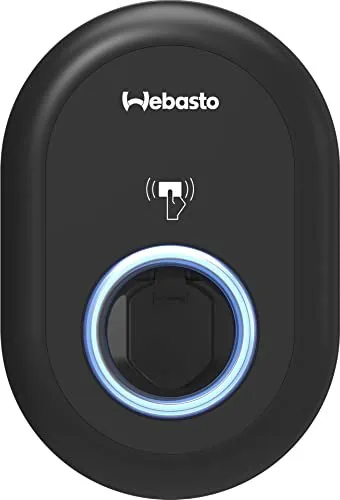
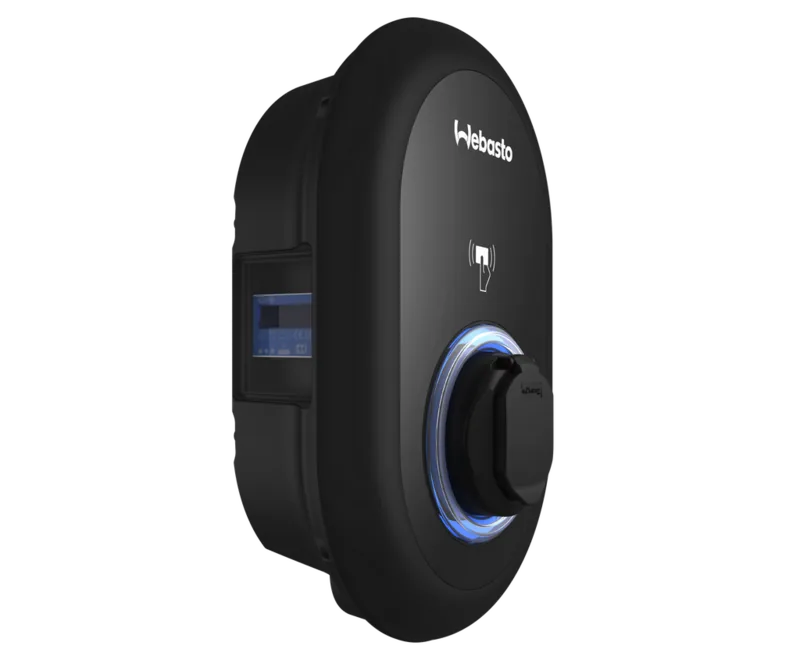
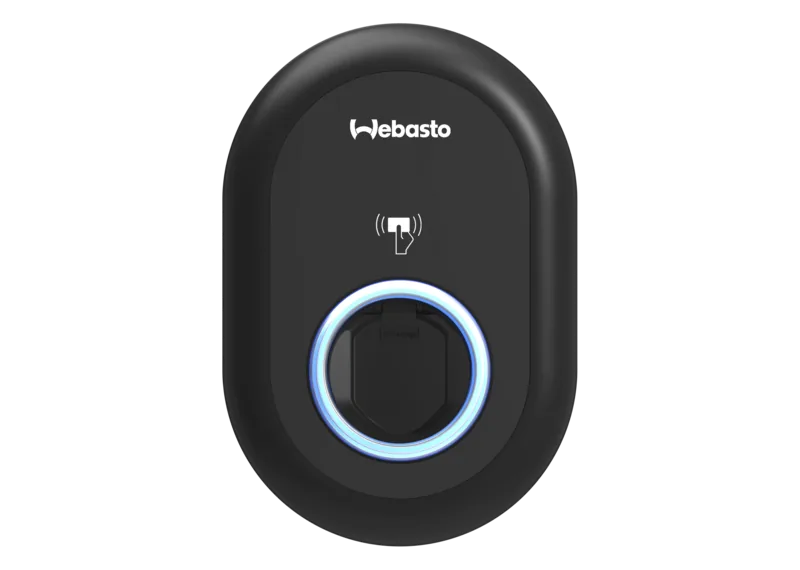
Webasto Unite 22kW Ladedose Manual
The Webasto Unite 22kW charging station is a versatile, installation-focused EV charger designed for home and commercial use. Delivering up to 22 kW on a three-phase supply (or 7.4 kW single-phase variants), the Unite supports IEC 61851-1 Mode 3 charging and ships with RFID authentication, Ethernet and Wi‑Fi connectivity, and optional MID or Eichrecht metering. It’s built for indoor and outdoor installation (IP54, IK10) and includes safety features such as a 6 mA DC leakage sensor, welded contactor detection with shunt-trip output, and configurable load-shedding interfaces.
Product overview and features
The Unite offers flexible installation and operation options: wall or pole mounting, single- or three-phase wiring, and a user-configurable current limiter (hardware rotary switch and web/app settings). It supports OCPP 1.6 for backend integration, local standalone modes (autostart, RFID-local, accept-all), and local load management (Master/Slave and Modbus TCP). Connectivity includes 10/100 Mbps Ethernet and 2.4/5 GHz Wi‑Fi with hotspot mode for direct access. The unit includes a status LED ring with detailed codes, and a compact plastic enclosure with mounting hardware.
The charger’s configuration is accessible via the Webasto Charger Setup app or the built-in web UI (static or DHCP IP), allowing adjustment of LED dimming, earth/installation type (TN/TT/IT), current limits, power optimizer/external meter settings, OCPP credentials, and cluster load management. DIP switches support fallback/static options (e.g., lockable cable, load-shedding enable, web UI enable, power optimizer bits), while firmware updates, logs, backups, and factory resets are manageable from the System Maintenance section.
Safety and installation notes
Installation and commissioning must be carried out by a qualified electrician. The manual emphasizes correct earthing, circuit protection per charger rating (recommended C‑curve MCB sizing), ESD precautions during assembly, correct cable glands and ingress protection, and adherence to local electrical and fire regulations. Regular self-tests (including DC leakage) and guidance for troubleshooting, disposal, and cleaning are provided.
Final remarks
The Webasto Unite 22kW is a robust, configurable charging solution aimed at installers and site operators who need a secure, network-ready charger with flexible load management and metering options. With RFID control, OCPP support, and local cluster management, it fits residential and small commercial installations requiring reliable charging and integration into energy management systems.
Notes
- Comes with mounting kit, security torx screws, RJ45 connector, master and user RFID cards.
- Optional external meters and accessories required for power optimizer and some load-management features.
- Always follow local regulations and use a qualified electrician for installation.
Search for 67,706 Manuals online


Type-in Brand or Model