

Free We-Vibe Manuals – Read, Download & Print
4 Manuals
Manuals

Categories

Free We-Vibe Manuals - Read, Download & Print
Find Clear Guidance for Your We-Vibe Product
Looking for a We-Vibe manual can make setup, charging, pairing, cleaning, and everyday care much easier. This page is designed to help users locate free We-Vibe manuals to read online, download for later reference, or print when a paper copy is more convenient. Product documentation can be especially useful when the original booklet has been misplaced, when a device is being used after a long period of storage, or when you need to confirm a specific feature.
We-Vibe manuals typically provide practical information in a clear, step-by-step format. Depending on the model, they may cover first-time use, battery charging, power controls, vibration settings, remote operation, app connectivity, safety information, cleaning instructions, storage recommendations, and troubleshooting. Reading the correct manual for your exact product helps ensure that its functions are understood and that it is used and maintained appropriately.
Why Download a We-Vibe Instruction Manual?
A downloadable manual offers a simple way to keep important product information available whenever it is needed. Instead of searching for a printed leaflet or trying to remember button combinations, you can save a digital copy to a phone, tablet, or computer. This can be helpful at home, while traveling, or when sharing product information with an adult partner.
Digital manuals can also be easier to search than paper guides. Many PDF documents allow users to search for terms such as "charging," "pairing," "cleaning," "remote," or "warranty." This makes it faster to find the section that answers a particular question. If you prefer physical documentation, a downloaded manual can usually be printed in full or printed one page at a time.
Common reasons to consult a We-Vibe manual include:
- Identifying the buttons, indicators, and charging contacts.
- Checking how long to charge a device before initial use.
- Learning how to turn the product on, off, or lock its controls.
- Understanding available intensity levels and pattern settings.
- Reviewing remote-control or compatible app instructions.
- Confirming proper cleaning and storage methods.
- Resolving common connection, charging, or performance questions.
Read Manuals Online Before You Download
Reading a manual online is useful when you only need a quick answer. Online access can help you review essential instructions without saving a file or using printer paper. Look for the model name and compare the product images, shape, controls, and included accessories with your item before relying on any guide.
Because We-Vibe has released multiple product versions over time, manuals can differ between generations. A guide for one model may not apply fully to another, even if the names are similar. Features such as charging systems, remote layouts, app support, waterproof ratings, and control methods may vary. Always select documentation that matches the exact product and version whenever possible.
Official manufacturer support pages are generally the best source for current instructions, product specifications, and care guidance. Retailer listings, community uploads, and archived documents may be useful for older items, but they should be checked carefully for accuracy. If a manual appears incomplete or does not match your product, consult the manufacturer support resource for confirmation.
Download and Print for Convenient Reference
Downloading a manual allows you to create your own personal reference library. Save the document with a recognizable file name, such as the product model and date, so it can be found easily later. A folder for appliance, electronics, and personal product manuals can help keep all household documentation organized in one place.
Printing is useful for users who prefer to follow instructions away from a screen. A paper copy can be stored in a private drawer, kept with original packaging, or placed in a labeled household manual folder. Before printing, consider selecting only the pages you need, such as charging instructions, cleaning directions, or troubleshooting steps. This can save paper while preserving the information most relevant to you.
When printing a manual, make sure images and diagrams remain readable. Use portrait or landscape orientation according to the document layout, and select a scaling option that does not cut off page edges. If the guide includes small icons or control diagrams, printing at full size can improve clarity.
What Information Is Usually Included?
Setup and Charging
Most manuals begin with basic setup. This may include a list of included components, an overview of the product controls, and instructions for charging. Charging guidance is important because rechargeable products may require a full initial charge before use. Manuals may also explain indicator lights, magnetic charging connections, USB cable compatibility, and approximate charging times.
Use the charging cable or charging method recommended for the product. Avoid forcing connectors or using damaged cables. If the device does not appear to charge, check that charging contacts are clean, properly aligned, and fully connected. The troubleshooting section of the correct manual may provide additional steps.
Controls, Modes, and Remote Features
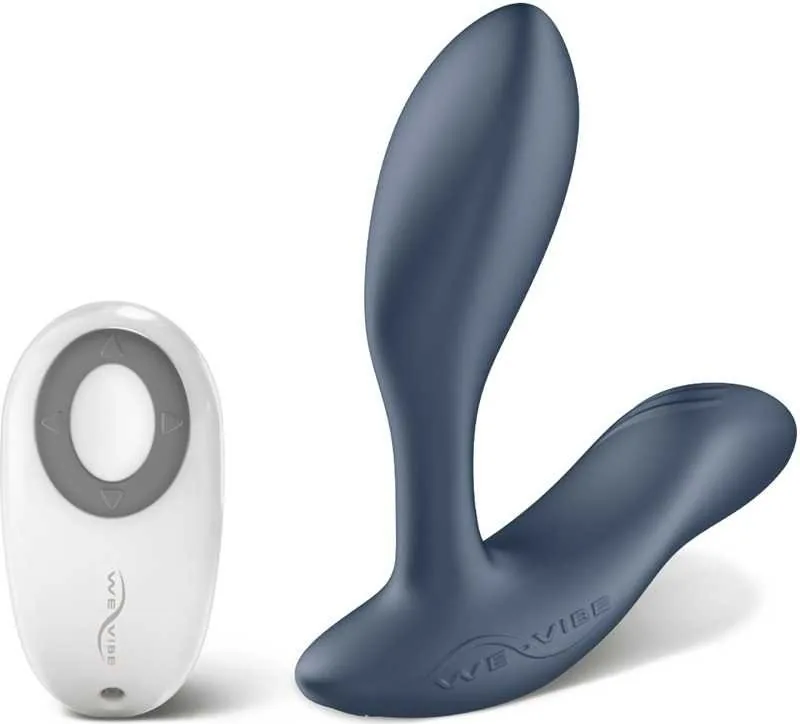
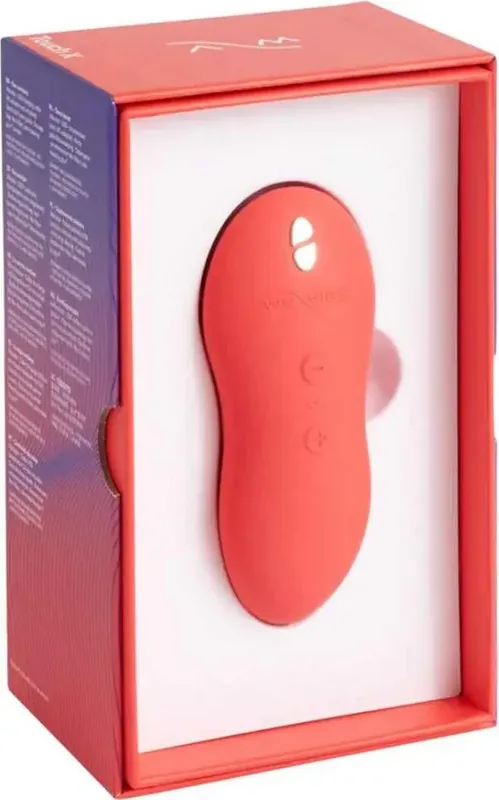
We-Vibe products may offer a range of controls, including button-operated settings, wireless remotes, or app-based features. Manuals can explain which button controls power, how to cycle through modes, how to adjust intensity, and how to activate travel lock functions where available.
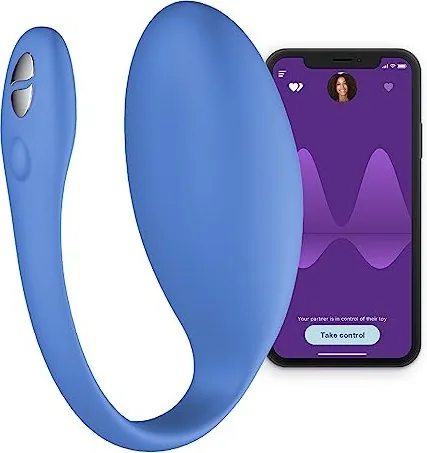
For products with a remote, the manual may include pairing instructions and battery details. For app-enabled models, it may explain compatible devices, account setup, Bluetooth pairing, permissions, firmware updates, and connection troubleshooting. Compatibility can change as mobile operating systems and applications are updated, so official support information is useful for the latest details.
Cleaning and Product Care
Proper cleaning is an important part of product care. Manuals commonly recommend cleaning before and after use with warm water and a mild, product-safe cleanser, subject to the product's specific waterproof rating and instructions. Do not assume every electronic product can be submerged. Check the manual to confirm the appropriate cleaning method for your model.
Allow the product to dry completely before storing it. Store it in a clean, dry location away from direct sunlight, extreme heat, and materials that could damage the surface. If a storage pouch was included, it may help protect the product from dust and contact with other items.
Safety and Responsible Use
A product manual may include important safety notices, intended-use information, and age-related guidance. Read these sections carefully. Do not use a product if it is visibly damaged, if the charging system is compromised, or if it behaves unusually. Follow the manufacturer's recommendations regarding charging, storage, and maintenance.
For personal comfort and hygiene, use products only as intended. If discomfort occurs, stop using the product. Consult a qualified healthcare professional for medical concerns or questions related to personal health.
Troubleshooting Common Questions
Many issues can be resolved by reviewing the troubleshooting section of a We-Vibe manual. If a device will not power on, verify that it has been charged correctly and that any travel lock has been disabled. If a remote or app will not connect, make sure the product is charged, nearby, and in pairing mode if required. Restarting the device or reviewing the pairing steps from the beginning may help.
If buttons seem unresponsive, check whether the manual describes a hold time rather than a quick press. Some products require pressing and holding a power button for several seconds. If performance remains inconsistent, stop using the item and contact official customer support for model-specific assistance.
Use the Correct Manual for the Best Results
Free We-Vibe manuals provide a practical way to understand product features and care requirements. Whether you choose to read online, download a PDF, or print a copy, the right guide can help you set up your device, use its controls confidently, maintain it properly, and address basic questions. For the most accurate information, match the manual to your exact model and refer to official We-Vibe support resources for current documentation, updates, and assistance.
Search for 67,706 Manuals online


Type-in Brand or Model