
Vogel's THIN 550 Manual
PDF manual · 24 Pages
English



Quick check
Incorrect answer, please try again.
Chat with your Vogel's THIN 550 manual using AI
Get instant AI answers from your Vogel's THIN 550 manual
Ask anything about the Vogel's THIN 550. Answers come from this manual, with the pages they are based on.
Ask a Question
Do you recommend THIN 550?
Yes NoFrequently Asked Questions
It is a slim wall mount designed to hold a TV close to the wall while keeping the setup stable, neat, and adjustable for better viewing comfort.
Is this answer helpful?
Yes. The TV can be tilted to a preferred position, which helps improve the viewing angle and can reduce glare from lights or windows.
Is this answer helpful?
The mount includes a cable path and a clip so cables can be guided neatly behind and below the TV, helping the installation look organized.
Is this answer helpful?
Read the warnings, confirm the wall type, use the drilling template correctly, and make sure all parts are tightened according to the instructions.
Is this answer helpful?
Yes, within the stated limits. The instructions show a maximum load of 70 kg, so the TV must stay within that range.
Is this answer helpful?
Yes. The TV can be lifted off the wall mount by loosening and removing the nuts in the correct order, following the reverse of the installation steps.
Is this answer helpful?
Advantages and Disadvantages
Advantages

- Slim wall-mount design keeps the TV close to the wall for a clean, modern look.
- Tilt adjustment helps improve viewing comfort and reduce reflections.
- Cable channel and clip support tidy cable management.
- Drilling template and labeled parts make installation more structured.
- Supports a high load and includes guidance for special mounting setups.
Disadvantages

- Installation requires drilling and careful alignment, so it is not a quick no-tools job.
- The setup depends on following the instructions closely for safe use.
- Weight and compatibility limits must be respected to avoid problems.
- Some mounting cases may need an optional double-stud adapter.
- The TV must be removed and resecured carefully if adjustments are needed later.
Product Specification
Type
Wall mount
Number of monitors
1
Screen size
40-100"
Mobility
tiltable (0°, +20°), swiveling (120°), extendable
Distance to wall
2.28-24.80in
Max. load capacity
154.32lb
VESA
100x100, 100x200, 200x100, 200x200, 300x200, 300x300, 400x200, 400x300, 400x400, 500x200, 500x300, 500x400, 600x200, 600x300, 600x400
Special features
Cable management
Color
black, silver
Product Description
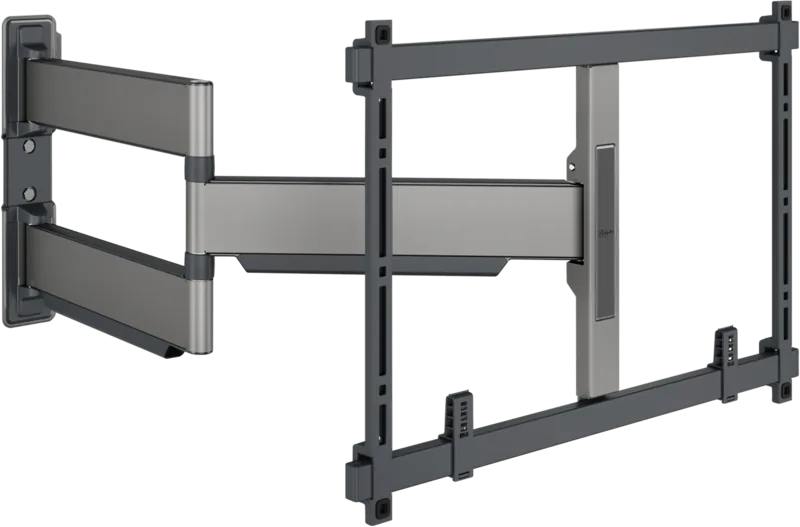
Vogel's THIN 550: slim design for a clean TV setup
The Vogel's THIN 550 is built for people who want their television to sit close to the wall while still feeling stable, practical, and easy to live with. It combines a low-profile look with a thoughtful mounting system, making it a strong choice for modern living rooms where neat lines and minimal visual clutter matter.
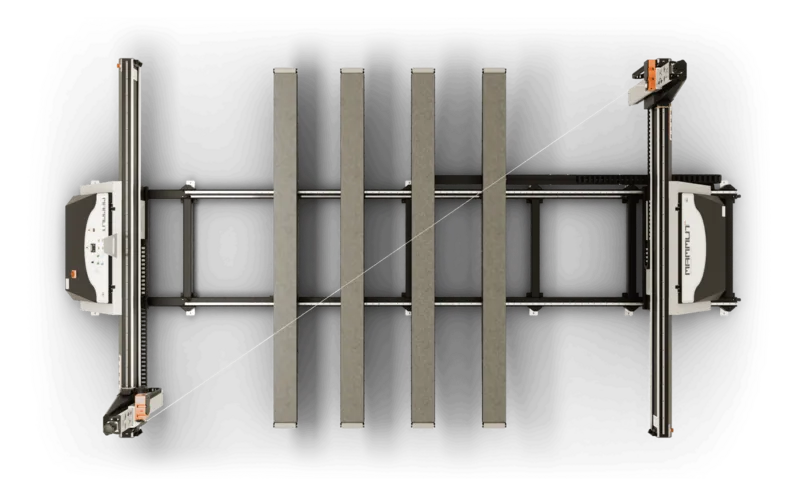
What stands out in the Vogel's THIN 550 Manual is how clearly the mount is meant to guide the installation process. The system uses strips, bars, and a drilling template to help position the TV accurately before it is secured to the wall. That approach helps reduce guesswork and supports a more precise fit, especially when you want the screen centered and level.
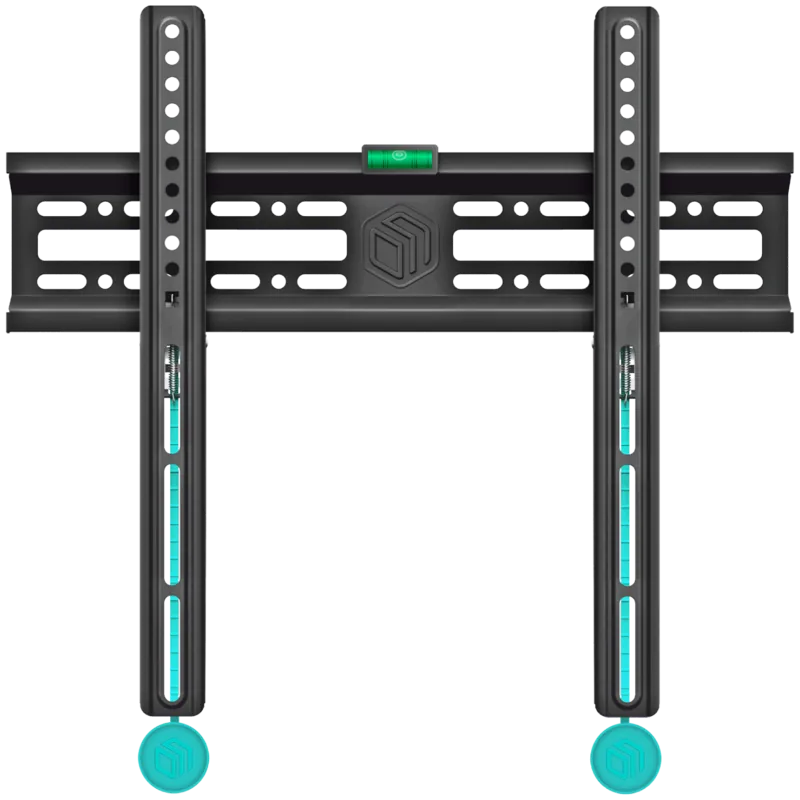
Beyond the slim appearance, the mount also focuses on usability. The TV can be tilted into a preferred viewing position, which is useful for improving comfort and reducing glare. Cable routing is another smart detail: cables can be guided through the conduit and clipped neatly below, helping the setup look organized from every angle. The included cover keeps the wall mount area looking tidy once everything is in place.
The THIN 550 is also designed with safety and compatibility in mind. The instructions emphasize reading the warnings first, using the correct drilling pattern, and tightening all hardware properly. It supports a substantial TV weight and even mentions an optional double-stud adapter for specific wall conditions. That makes it a flexible solution for many home installations, as long as the wall type and hardware requirements are respected.
For anyone wanting a refined mounting solution, the Vogel's THIN 550 offers more than a simple bracket. It is a combination of slim styling, practical cable management, and controlled tilt adjustment, wrapped in a design that aims to make the television blend into the room rather than dominate it.
Notes
- Check the wall type and mounting points before drilling.
- Follow the sequence carefully for the safest result.
- Use the cable channel and clip to keep the setup clean.
- Keep the original hardware and instructions for future reference.
Search for 67,706 Manuals online


Type-in Brand or Model
Thérèse Meyer
10 months ago
Does this wall mount feel wobbly or shaky, and will the included screws fit my TV's VESA pattern?
Manual.ly
10 months ago
Most buyers report the mount stays solid and can be adjusted smoothly when it is installed correctly. A few reviews mention front-to-back wobble or screws not fitting; that usually points to an incorrect VESA screw/spacer selection, incomplete tightening, or an assembly issue. Before mounting, confirm your TV's VESA size and use the correct included hardware exactly as the manual shows (for example, do not add spacers where the guide says none are needed). Also mount into suitable structure (studs/brick/concrete) and use the right anchors for your wall type. If the screws truly do not match your VESA pattern or you still notice noticeable play after correct installation, please contact support with your TV model and photos so we can arrange the right parts or a replacement.