
Venta Original Connect AH55 Manual
PDF manual · 344 Pages
English



Quick check
Incorrect answer, please try again.
Chat with your Venta Original Connect AH55 manual using AI
Get instant AI answers from your Venta Original Connect AH55 manual
Ask anything about the Venta Original Connect AH55. Answers come from this manual, with the pages they are based on.
Ask a Question
Do you recommend Original Connect AH55?
Yes NoFrequently Asked Questions
It humidifies indoor air through cold evaporation. A fan moves room air through rotating disk stacks in water, where clean water evaporates and particles such as dust and pollen are captured and washed into the basin.
Is this answer helpful?
The AH550 and AH555 are rated for rooms up to 60 square meters, based on a maximum ceiling height of 2.5 meters. Actual performance can vary with room layout, ventilation, temperature, and starting humidity.
Is this answer helpful?
Yes. It supports WiFi and the free Venta Home app, allowing compatible functions and device information to be accessed remotely after network setup.
Is this answer helpful?
It requires a 2.4 GHz WiFi network or a combined 2.4/5 GHz network. The built-in WiFi module does not support a standalone 5 GHz network. The router should support 802.11b/g/n.
Is this answer helpful?
Automatic mode regulates fan speed according to room humidity. You can set a target from 30% to 70% in 5% steps. The default target is 50%, and the fan stops after about 60 seconds if humidity exceeds the target by more than 5%.
Is this answer helpful?
The SERVICE reminder appears every 14 days. Empty residual water, rinse the basin and disk stack, refill with water, add the recommended hygiene additive, and reset the reminder. A deeper cleaning is recommended about every six months.
Is this answer helpful?
Advantages and Disadvantages
Advantages

- Cold evaporation humidifies without visible mist, hot steam, or lime deposits when used correctly.
- Touch display provides humidity readings, speed selection, sleep mode, automatic control, and maintenance alerts.
- Venta Home app and WiFi support enable remote control and device information access.
- AH550 and AH555 cover rooms up to 60 square meters and include a 10-liter water capacity.
- Low listed power consumption of 3, 5, or 8 watts supports efficient daily operation.
Disadvantages

- WiFi works only with 2.4 GHz or combined 2.4/5 GHz networks, not standalone 5 GHz networks.
- Routine care is required, including rinsing the basin and disk stack when the 14-day service reminder appears.
- The unit should not be used outdoors, near pools, or in areas with explosive, aggressive, or solvent-heavy atmospheres.
- A full water basin must not be tilted or transported, which can make relocation less convenient.
- Humidity should not remain above 60% for long periods, particularly during winter.
Product Specification
Type
Evaporative principle
Power
8 W
Recommended room size
up to 646 sq ft
Power levels
3 (automatic power control)
Water tank capacity
2.64 gal
Filtration
Air purification through water
Display
Yes
Special features
Touch controls, night mode, humidistat
Smart home
App control
Noise level
24-45 dB(A)
Dimensions
17.72 x 12.99 x 11.81 in (W x H x D)
Weight
11.46 lb
Product Description
Venta AH55 Original Connect - Read, Download & Print Free
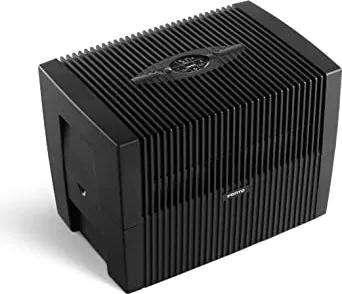
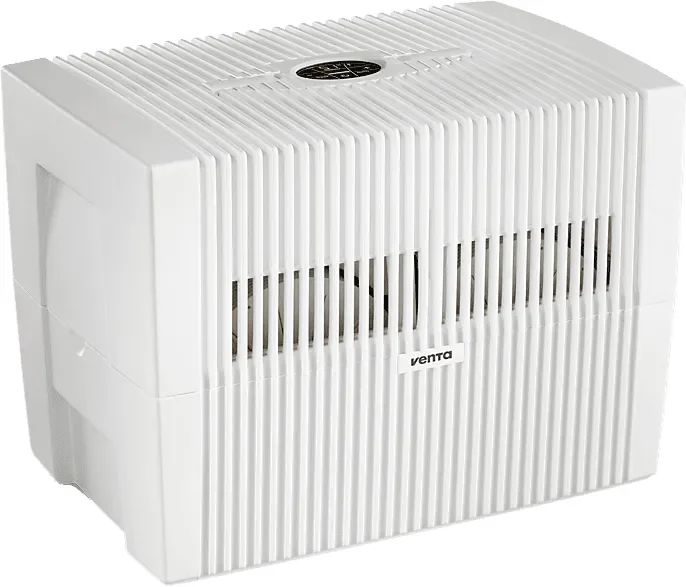
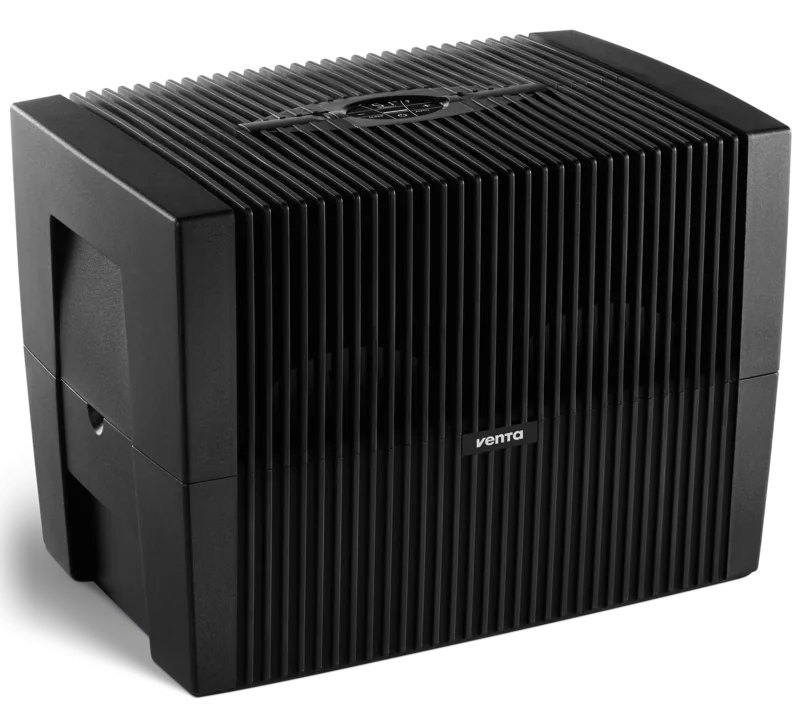
The Venta AH55 Original Connect is a high-performance air humidifier designed to support comfortable indoor humidity while helping reduce airborne particles such as dust and pollen through cold evaporation. Its rotating disk stack draws room air through water, allowing hygienically clean water to evaporate naturally while particles are collected in the water basin. This approach avoids hot steam, visible mist, and lime residue when the unit is used correctly.
The Venta AH55 Original Connect - Read, Download & Print Free guide highlights a practical combination of everyday humidification and connected control. An interactive touch display shows the current room humidity, selected power level, and maintenance reminders. Users can choose from three fan speeds, activate a dimmed sleep mode, or use automatic operation to maintain a selected humidity target between 30% and 70% in 5% increments. The default automatic setting is 50% humidity.
WiFi compatibility adds convenient remote management through the free Venta Home app. After connecting the humidifier to a compatible 2.4 GHz network, users can access device information and operate supported functions from a smartphone or tablet. The unit also offers a hotspot mode to simplify initial network setup. This makes the AH55 Original Connect a useful option for people who want to monitor indoor comfort at home or while away.
The AH550 and AH555 models are intended for rooms up to 60 square meters, based on a maximum ceiling height of 2.5 meters. They feature a 10-liter water capacity, three power levels plus automatic mode, and low energy use rated at 3, 5, or 8 watts depending on speed. Noise output is listed at approximately 24 to 45 dB(A), supporting use in living areas, bedrooms, and workspaces.
Regular care is an important part of reliable operation. The humidifier indicates when the water level is low and automatically switches off when refilling is needed. A SERVICE reminder appears every 14 days, prompting users to rinse the water basin and disk stack, refresh the water, and add the recommended Venta hygiene additive. For deeper maintenance, Venta recommends periodic cleaning with its dedicated cleaner.
Notes
- Use the humidifier indoors on a stable, dry, level surface.
- Keep at least 50 cm of clearance from walls and nearby objects.
- Do not maintain humidity above 60% for extended periods, especially in winter.
- WiFi setup requires a 2.4 GHz or combined 2.4/5 GHz network; standalone 5 GHz networks are not supported.
Search for 67,706 Manuals online


Type-in Brand or Model