
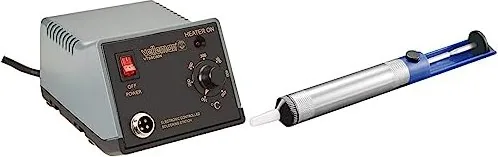
Velleman VTSSC50N Manual
PDF manual · 17 Pages
English



Quick check
Incorrect answer, please try again.
Chat with your Velleman VTSSC50N manual using AI
Get instant AI answers from your Velleman VTSSC50N manual
Ask anything about the Velleman VTSSC50N. Answers come from this manual, with the pages they are based on.
VTSSC50N Maintenance Schedule
Remove and clean the tip after heavy or moderate use. Clear excess solder from the tip assembly.
Clean the tip with a wet sponge prior to use if it has been stored.
Always tin the tip before returning it to the holder, prior to deactivating the station or in case of long periods of inactivity.
Ask a Question
Do you recommend VTSSC50N?
Yes NoFrequently Asked Questions
The soldering station offers a manual temperature range of 150 to 420 C. For tip longevity, the guidance recommends avoiding temperatures above 400 C during regular use.
Is this answer helpful?
The maximum heater power for the soldering iron element is 48 W. The station is specified for 230 V, 50 Hz mains supply.
Is this answer helpful?
Common causes mentioned include insufficient tinning, wiping on dirty or dry sponges, contact with organic or chemical substances, impurities in solder, or solder with low tin content. Proper tinning and regular cleaning help prevent these issues.
Is this answer helpful?
Remove and clean the tip after moderate or heavy use, and clean it daily if you solder every day. Clear excess solder, tin the tip before storing, and clean with a wet sponge before starting. Avoid files and abrasives.
Is this answer helpful?
Yes. The stand and holder are designed for either left- or right-handed use, helping you position the iron naturally on the workbench.
Is this answer helpful?
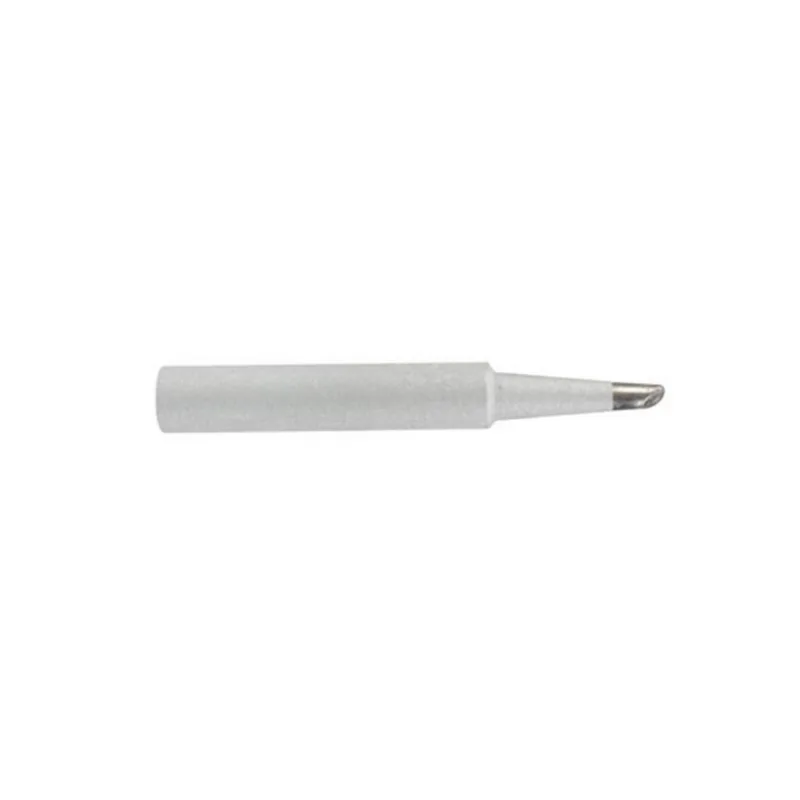
Yes. The text lists replacement bits BITC50N1, BITC50N3, and BITC50N4. It also advises using original accessories only.
Is this answer helpful?
Advantages and Disadvantages
Advantages

- Manual temperature setting from 150 to 420 C for practical control
- Ceramic heating element with 48 W max power for efficient bench use
- LED power indication plus on/off switch for clear operating state
- Stand designed for left- or right-handed positioning
- Included standard tip (BITC50N2, 1.0 mm) covers many common soldering tasks
Disadvantages

- Tip life can be shortened if you routinely exceed 400 C
- Heating element may be damaged at 430 C, so higher settings require caution
- Tip failure risks increase with poor tinning, contamination, or dirty cleaning surfaces
- Results depend heavily on proper tip cleaning and usage technique
- Uses a specific low-voltage iron (24 V) and only original accessories are recommended
Product Specification
Power
48W (230V)
Temperature
302-788°F
Weight
4.08 lb
Package contents
Soldering iron, Soldering iron stand
Product Description
Velleman VTSSC50N Soldering Station Manual
If you are looking for a straightforward, reliable soldering station for electronics work, the Velleman VTSSC50N Soldering station Manual is designed to make daily soldering easier and more consistent. It uses a ceramic heating element and provides manual temperature control, so you can dial in the heat level for your job rather than relying on a fixed setting.
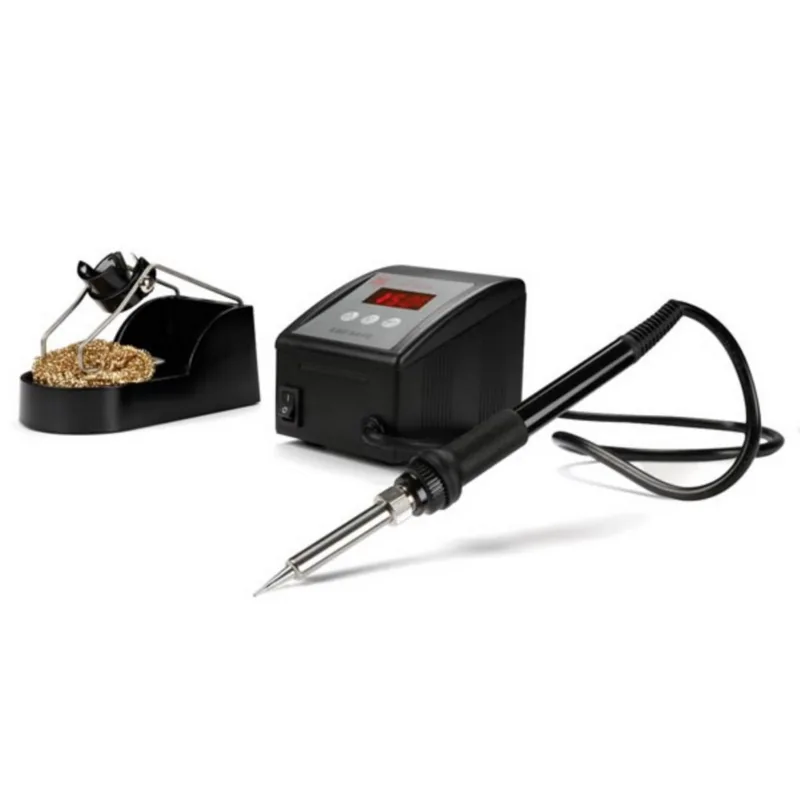
The station includes a power-on LED indication and a dedicated on/off switch for clear operation. A built-in stand allows safe placement of the soldering iron between tasks, and the holder supports both left-handed and right-handed use. This flexibility helps when you are working at a bench for repairs, hobby projects, or prototype builds.
In terms of performance, the VTSSC50N targets a temperature range of 150 to 420 C. With a maximum heater power of 48 W and a low-voltage iron rated at 24 V, it is built for controlled, bench-friendly soldering. A standard tip is included, with a nominal 1.0 mm size, making it suitable for many common electronics connections.
A key part of getting good results is tip care. The station and its included tip are intended to be kept properly tinned, cleaned regularly, and protected from contamination. The text highlights that insufficient tinning, exposure to dirty or dry sponges, contact with organic or chemical substances, and impurities or low tin content in solder can contribute to tip failure. It also notes that the heating element may be damaged if temperatures reach 430 C.
Key takeaways
- Manual control with LED power indication helps you match temperature to the component and solder type.
- Ceramic heating element and 48 W power support responsive bench soldering within 150-420 C.
- Stand with left/right holder improves ergonomics and safe placement between joints.
- Tip longevity depends on correct tinning, daily cleaning during regular use, and avoiding excessive temperatures.
- Recommended replacement tips (BITC50N1, BITC50N3, BITC50N4) keep the station serviceable.
Notes for better longevity
- Tin the tip before placing it back in the holder and during long idle periods.
- Clean with a wet sponge before use and remove excess solder after working.
- Avoid temperatures over 400 C for longer life, and do not press too hard on the tip.
- Do not clean the tip with files or abrasive materials.
Pros and cons (quick view)
Pros and cons are also listed below for easy scanning.
Search for 67,706 Manuals online


Type-in Brand or Model
Hans Müller
8 months ago
At this price, is it actually good for soldering PCB components, and will it last as well as a Weller iron?
Manual.ly
8 months ago
Yes, it is well-suited for soldering on printed circuit boards. Users report that it works very smoothly with the included tip and produces good solder joints for fine PCB work. The housing is also described as visually attractive, and the iron is smaller and more handy than some comparable Weller models, which helps for controlled work. Durability is a longer-term factor; one review only had about a day of usage, so long-term lifespan cannot yet be confirmed from that alone. For best results, use the correct tip for your work, keep the tip tinned and clean, and avoid overheating.