
V7 Vertical Ergonomic Bluetooth Mouse Manual
PDF manual · 1 Pages
English


Quick check
Incorrect answer, please try again.
Chat with your V7 Vertical Ergonomic Bluetooth Mouse manual using AI
Get instant AI answers from your V7 Vertical Ergonomic Bluetooth Mouse manual
Ask anything about the V7 Vertical Ergonomic Bluetooth Mouse. Answers come from this manual, with the pages they are based on.
Ask a Question
Do you recommend Vertical Ergonomic Bluetooth Mouse?
Yes NoFrequently Asked Questions
Hold the function key and press one of the channel number keys to toggle between paired Bluetooth devices or the USB dongle connection easily.
Is this answer helpful?
This mouse requires standard AA batteries to operate. Please insert two batteries according to the polarity marked inside the compartment.
Is this answer helpful?
Yes, the V7 mouse is compatible with macOS. It works with standard drivers and supports all basic clicking and scrolling functions.
Is this answer helpful?
The Bluetooth and 2.4GHz connection supports a range of up to 10 meters in an open space without significant signal loss.
Is this answer helpful?
It is designed primarily for right-handed use. Left-handed users might find the ergonomic shape uncomfortable for extended periods.
Is this answer helpful?
No, the buttons are integrated into the casing. Do not attempt to disassemble the device as it voids the warranty immediately.
Is this answer helpful?
Standard optical tracking works best on textured surfaces. Glass might require a mousepad to ensure precise movement for the sensor.
Is this answer helpful?
Advantages and Disadvantages
Advantages

- Ergonomic vertical design helps reduce wrist strain and promotes better posture.
- Dual connectivity options provide flexibility with Bluetooth and 2.4GHz wireless.
- Multi-device support allows easy switching between different computers.
- Uses standard AA batteries ensuring long life without charging cycles.
- Sleek black finish looks professional on any modern desk setup.
Disadvantages

- Requires purchase of separate AA batteries which are not included.
- Vertical shape may require a period of adjustment for new users.
- Some users may find the size too large for very small desks.
- Limited color variations are available for personal customization.
- Wireless performance may occasionally suffer in areas with interference.
Product Specification
Hand Orientation
Right Hand (Vertical)
Buttons
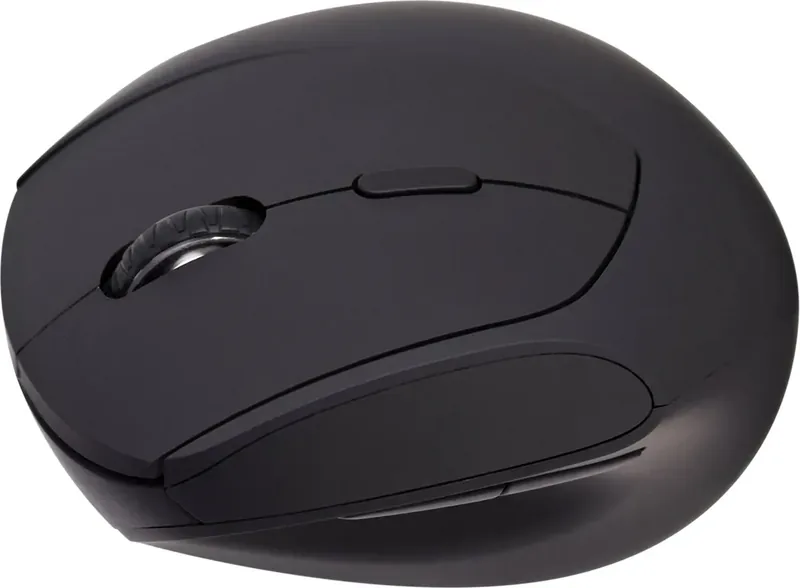
6 (total), 2 (main), 1 (top), 2 (left), 1 (scroll wheel click)
Scroll Wheel
1x 2-Way
Tracking
LED-red/IR
Resolution
1600dpi, reducible to 1200/800dpi
Lighting
N/A
Connection
Wireless (2.4GHz), USB-A (USB-A Receiver) or Wireless (Bluetooth)
Battery
1x AA
Dimensions (W x H x D)
3.03 x 2.83 x 4.57 in
Approximate Volume
10.25 in^3 (approximate shape)
Weight
3.88 oz
Color
solid, black, logo
Features
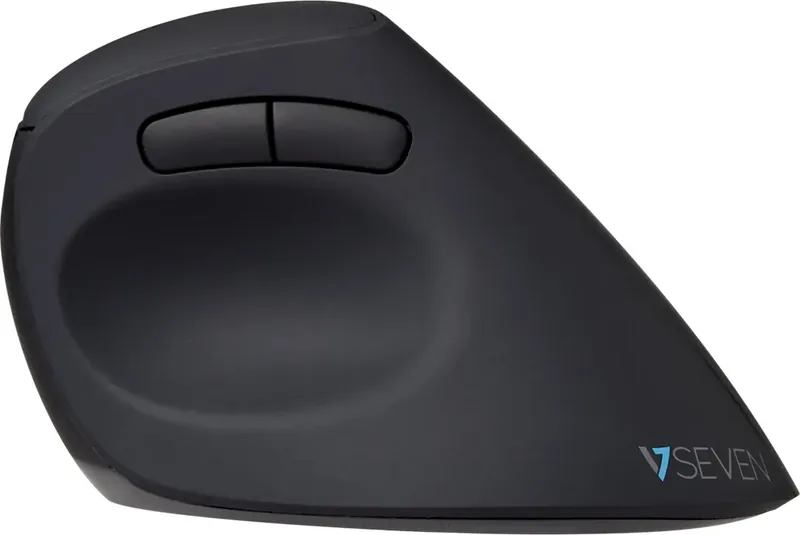
Thumb rest, non-slip surface (sides/top rubberized), receiver with dust cover
Product Description
Discover the V7 Vertical Ergonomic Bluetooth Mouse
Revolutionize Your Workspace Experience
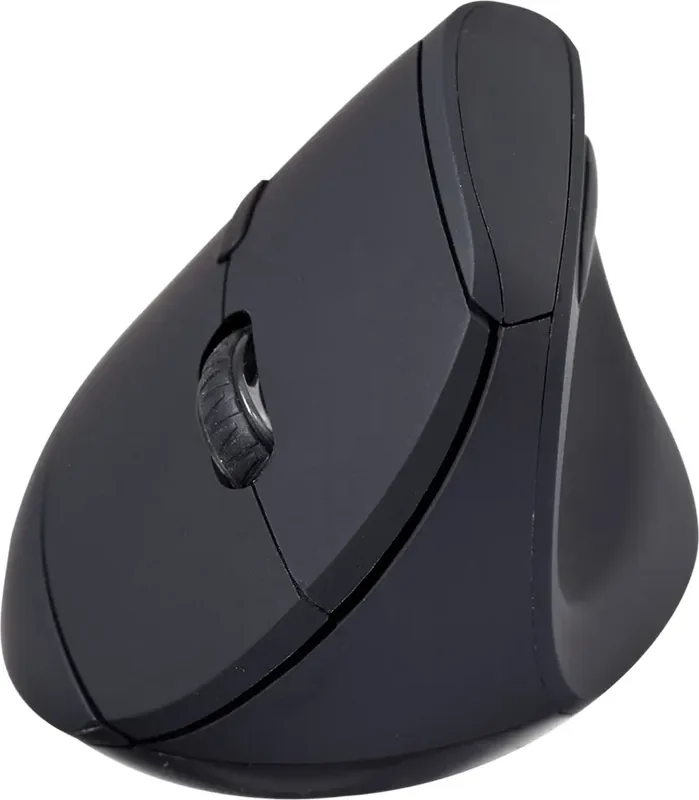
The V7 Vertical ergonomic Bluetooth mouse black version represents a significant leap forward for computer users seeking comfort and high-performance productivity. Designed with advanced health-conscious engineering, this device promotes a natural handshake posture that effectively reduces wrist strain during extended working hours. Whether you are a graphic designer, software developer, or administrative office professional, the vertical orientation helps prevent repetitive stress injuries that are commonly associated with traditional horizontal mouse usage patterns found in standard desks.
Seamless Dual Connectivity Options
This unit offers versatile connection methods to suit various technical setups and user preferences. Users can connect via standard Bluetooth technology for a completely wireless experience without cluttering USB ports with physical dongles. This is ideal for laptops with limited connectivity options. Alternatively, the included USB receiver ensures a rock solid stable 2.4GHz connection for those who prefer a low-latency wired-like feel without the restriction of an actual cable. The interface allows switching between multiple devices easily using specific keyboard shortcuts, enhancing productivity across different computers or tablets simultaneously.
Easy Installation and Usability
Getting started with this peripheral requires simple steps involving standard AA batteries. Once power is correctly inserted, the pairing process becomes intuitive for everyone. You can activate Bluetooth mode by holding the function key and selecting channel numbers for your specific needs. For the USB dongle connection, simply insert the receiver into the port and use the designated shortcut key combination. The mouse features tactile buttons that provide clear feedback while maintaining a sleek professional black aesthetic that fits any modern desk arrangement perfectly.
Long Term Health Benefits and Productivity
Investing in vertical mice improves overall posture significantly over time. By maintaining the spine and arm in a neutral position, users experience significantly less fatigue throughout the day. The battery configuration allows for long-term portability without sacrificing performance. This tool is ideal for remote workers who travel frequently or home office users needing a reliable peripheral for daily tasks. It combines style with substance, offering a comprehensive solution that prioritizes physical well-being alongside modern technological capability for all users. Productivity features include multi-device switching which streamlines workflow. No need to search for connection settings every time you switch machines. Channel selection simplifies managing multiple computers. This level of convenience ensures that focus remains on the work rather than the tool. The ergonomic design reduces the risk of Carpal Tunnel Syndrome. Overall, this mouse delivers on its promise of comfort. It is built for durability and consistent performance. Regular cleaning of the surface sensors ensures the tracking remains accurate for all surfaces. The software drivers are minimal and allow plug and play functionality for immediate use without complex setup procedures.
Search for 67,706 Manuals online


Type-in Brand or Model