
V7 L238E-2K Manual
PDF manual · 60 Pages
English



Quick check
Incorrect answer, please try again.
Chat with your V7 L238E-2K manual using AI
Get instant AI answers from your V7 L238E-2K manual
Ask anything about the V7 L238E-2K. Answers come from this manual, with the pages they are based on.
L238E-2K Maintenance Schedule
Always unplug the monitor before cleaning it to ensure safety.
Clean the cabinet with a clean, dry cloth. Apply non-ammonia based cleaner onto the cloth, not directly onto the glass screen.
Ask a Question
Do you recommend L238E-2K?
Yes NoFrequently Asked Questions
The monitor supports a maximum displayable resolution of Full HD 1920 x 1080 pixels at a vertical frequency of up to 60Hz.
Is this answer helpful?
The specifications list audio output capabilities but do not explicitly confirm the presence of internal speakers. Audio is typically handled via external connections.
Is this answer helpful?
Yes, the monitor is VESA 100x100 compatible, meaning you can use a standard VESA mount arm or wall bracket to install it securely.
Is this answer helpful?
It supports multiple input signals including HDMI, DVI, VGA, and DisplayPort, offering flexibility for connecting various devices.
Is this answer helpful?
You can restore factory defaults by accessing the OSD menu and selecting the Memory Recall option, which resets video and audio controls.
Is this answer helpful?
Yes, the V7 L238E-2K meets Energy Star requirements and consumes less than 0.5 watts in off mode to save energy.
Is this answer helpful?
Check that all video cables are securely connected and inspect them for damage. Try connecting the monitor to a different computer to rule out source issues.
Is this answer helpful?
Advantages and Disadvantages
Advantages

- Full HD 1920x1080 resolution for crisp and detailed images
- Multiple connectivity options including HDMI, DVI, VGA, and DisplayPort
- Energy Star certified with low power consumption in off mode
- VESA 100x100 compatible for flexible mounting solutions
- Five preset picture modes optimized for different usage scenarios
Disadvantages

- No built-in USB hub or speakers mentioned in specs
- Tilt range is limited compared to height-adjustable models
- No HDR support for enhanced dynamic range content
- Response time not explicitly specified in technical data
- Screen coating may show fingerprints under bright lighting
Product Specification
Function
Monitor (stationary)
Diagonal
23.8" (60.5cm)
Resolution
1920x1080 (FHD), 16:9, 93ppi
Panel
IPS (ADS)
Backlight
LED
Brightness
250cd/m^2 (typical)
Contrast
1,000:1 (static)
Response Time
5ms (GtG)
Refresh Rate
60Hz (1920x1080)
Signal Frequency
83kHz (H)
Connections
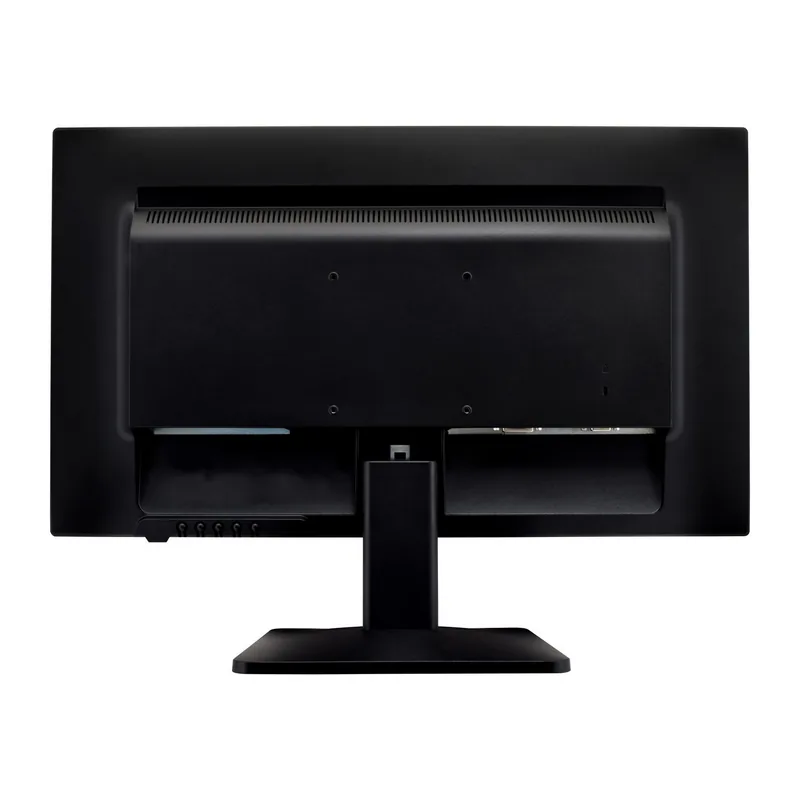
1x VGA (60Hz@1920x1080), 1x HDMI 1.4, 1x DisplayPort 1.2, 1x DVI, 1x 3.5mm Jack (Line-Out), 1x 3.5mm Jack (Line-In), 1x AC-In C13 (Power)
Shape
straight (flat)
Viewing Angle
178°/178°
Coating
non-glare (matte)
Color Depth
8bit (16.7 million colors)
FRC
unknown
Speakers
Speakers (2x 1.5W)
Controls
mechanical buttons
Ergonomics
with stand, height adjustable N/A, pivot N/A, swivel N/A, tiltable (+20°/-5°)
VESA
100x100 (free)
Power Consumption
35W (max), 19W (typical), 0.5W (standby)
Energy Efficiency SDR (A to G)
18kWh/1000h (E)
Features
Security lock (Kensington Security Slot)
Screen-to-Body Ratio
88.93% (calculated)
Dimensions
21.5x15.9x8.3in (WxDxH) with stand, 21.5x12.6x1.8in (WxDxH) without stand
Color
black (display frame) / black (bottom bezel) / black (stand) / black (back)
Weight
12.12lbs (with stand), 11.02lbs (without stand)
Power Supply
internal
Warranty
three years
USB Spelling
Link
Product Description
V7 L238E-2K: Your Gateway to Crisp Full HD Visuals
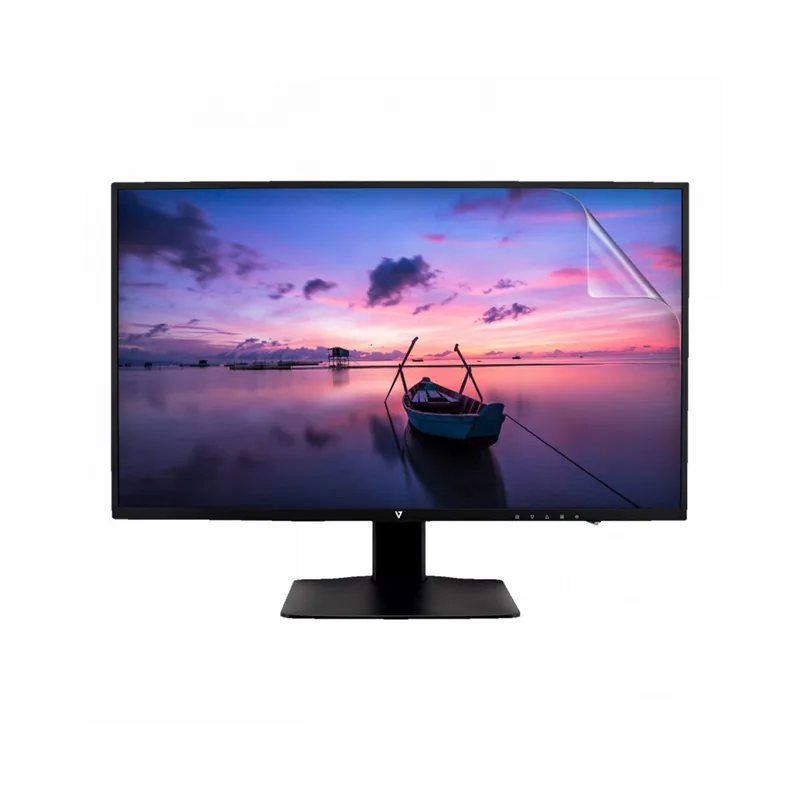
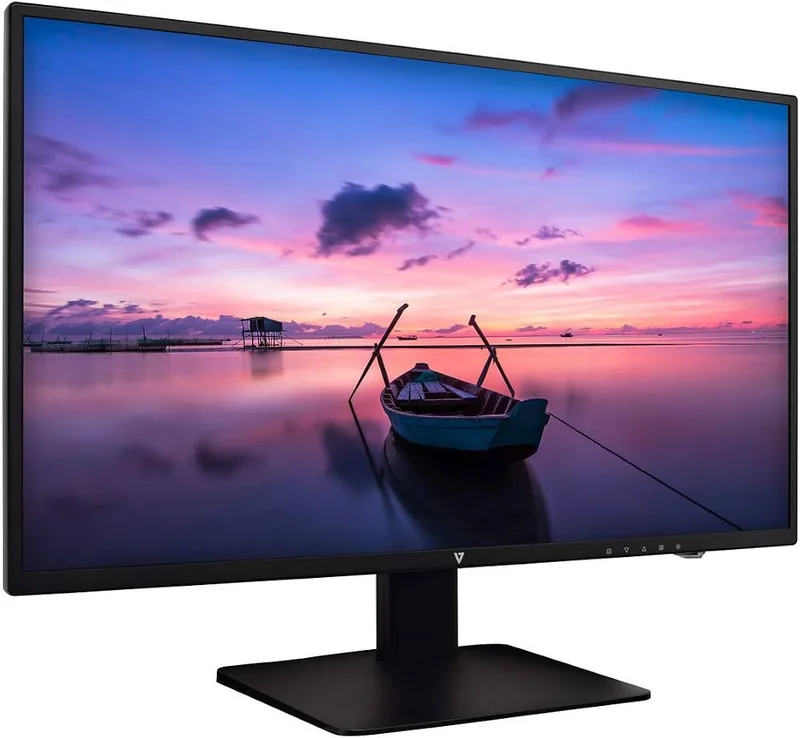
The V7 L238E-2K is a sleek 23.8-inch Slim HD Widescreen Monitor designed to elevate your daily computing experience. Whether you are diving into immersive PC games, editing documents, or streaming your favorite movies, this display delivers sharp clarity and vibrant colors that bring content to life. With its modern LED backlight technology, the monitor offers an energy-efficient solution without compromising on visual performance.
This monitor features a stunning Full HD resolution of 1920 x 1080 pixels, ensuring that every detail is rendered with precision. The slim profile not only saves desk space but also adds a touch of elegance to any workspace. Connectivity is seamless, thanks to a versatile array of ports including HDMI, DVI, VGA, and DisplayPort, allowing you to connect easily to laptops, desktops, gaming consoles, and other devices. The built-in audio inputs and outputs provide added convenience for multimedia consumption.
User control is intuitive with the On-Screen Display (OSD) menu system. You can effortlessly adjust brightness, contrast, color temperature, and picture modes tailored for specific tasks like gaming, video viewing, or text editing. The ECO mode helps reduce power consumption while maintaining image quality, aligning with eco-friendly practices. Additionally, the monitor supports VESA 100x100 mounting, giving you the flexibility to attach it to compatible arms or wall mounts for optimal ergonomics.
Built with safety and durability in mind, the V7 L238E-2K adheres to strict FCC and CE standards. It includes comprehensive troubleshooting guides and safety precautions to ensure long-term reliability. From its robust construction to its thoughtful design, this monitor stands as a reliable companion for both work and play.
Key Highlights
Experience the perfect balance of performance and value with the V7 L238E-2K. Its compact size and powerful features make it an ideal choice for home offices, student setups, and professional environments alike.
Notes
- Ensure the use of shielded cables for optimal FCC compliance.
- Clean the screen only with a dry cloth and non-ammonia cleaner.
- Dispose of the product at designated recycling centers according to local regulations.
Search for 67,706 Manuals online


Type-in Brand or Model