
V7 CKU700 Manual
PDF manual · 1 Pages
English


Quick check
Incorrect answer, please try again.
Chat with your V7 CKU700 manual using AI
Get instant AI answers from your V7 CKU700 manual
Ask anything about the V7 CKU700. Answers come from this manual, with the pages they are based on.
CKU700 Maintenance Schedule
Press FN + F10 to lock keys before wiping or washing. Press same keys again to exit lock.
Attach cap to USB connector prior to washing to keep it dry.
Allow device to air dry completely before using after any washing process.
Ask a Question
Do you recommend CKU700?
Yes NoFrequently Asked Questions
IP68 indicates the combo is fully protected against dust ingress and can withstand immersion in water up to 30 cm (1 foot) deep for up to 120 minutes, making it suitable for thorough wet cleaning and short submersion scenarios.
Is this answer helpful?
Yes. The V7 CKU700 is dishwasher-safe when following the stated limits: up to 90°C (194°F) for one minute or 80°C (176°F) for up to ten minutes. Always install the rubber cap on the USB connector before washing and allow full air-dry before use.
Is this answer helpful?
Press FN + F10 to enable the cleaning lock, which prevents keys from activating during wiping or rinsing. Press FN + F10 again to exit the lock and resume normal use.
Is this answer helpful?
No. The antimicrobial additive inhibits microbial growth on device surfaces but does not sterilize them or protect the user. Continue routine handwashing and hygiene practices as recommended.
Is this answer helpful?
Fit the supplied rubber cap securely over the USB connector prior to any washing or immersion to keep the connector dry and prevent damage when cleaning the devices.
Is this answer helpful?
Allow the keyboard and mouse to air-dry completely before reconnecting and powering on. Drying time depends on conditions; ensure no residual moisture remains in or around the USB connector.
Is this answer helpful?
Advantages and Disadvantages
Advantages

- IP68-rated: dustproof and submersible up to 30 cm for 120 minutes.
- Washable at high temperatures: 90°C for 1 minute or 80°C for 10 minutes; dishwasher-safe.
- Integrated antimicrobial additive to inhibit microbial growth on surfaces.
- Keyboard lock (FN + F10) prevents accidental key activation during cleaning.
- Plug-and-play USB DE layout for immediate, familiar use.
Disadvantages

- Rubber USB cap must be fitted before washing; user action required.
- Antimicrobial protection is surface-only and doesn't replace hand hygiene.
- Air-drying required after washing, which may cause short downtime.
- Limited submersion depth (30 cm) — not for deep-water exposure.
- Washing guidelines require adherence to temperature/time limits to avoid damage.
Product Specification
Package contents
Mouse, Keyboard
Layout
DE
Connection
wired, USB 2.0
Sensor (Mouse)
LED-red/IR
Special features
Numeric keypad, splash-proof + IP68, antibacterial coating
Product Description
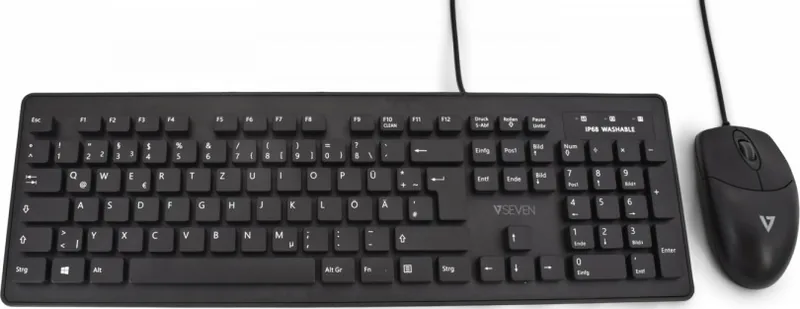
V7 CKU700 Washable Keyboard and Mouse Combo (USB, DE Manual)
The V7 CKU700 is a rugged, IP68-rated keyboard and mouse combo designed for environments that demand easy sanitation and reliable performance. Built to withstand dust and short submersion, this USB DE-layout set is fully washable and dishwasher-safe, offering a practical solution for healthcare, labs, kitchens, classrooms, and other high-hygiene settings. With an integrated antimicrobial additive applied during injection molding, the surfaces inhibit microbial growth to help maintain a cleaner workspace.
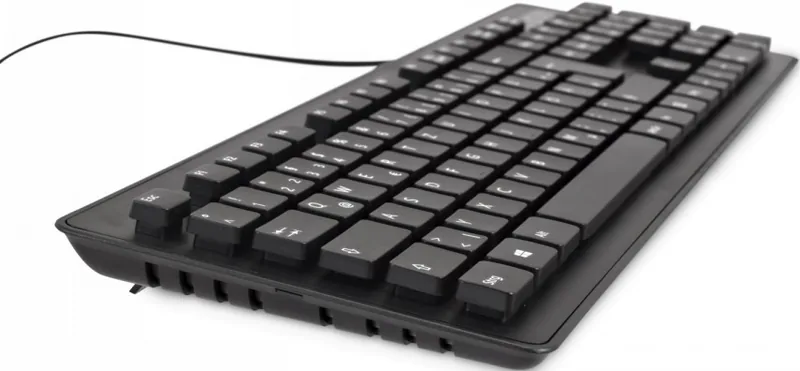
Constructed for frequent cleaning, the keyboard tolerates washing at 90°C (194°F) for up to one minute or 80°C (176°F) for up to ten minutes, and can be submerged up to 30 cm (1 ft) for 120 minutes without damage. Prior to washing, a rubber cap should be fitted over the USB connector to keep it dry; allow the devices to air-dry completely before reconnecting. The combo is USB-powered and straightforward to set up, making it an efficient choice where quick sanitation cycles are needed.
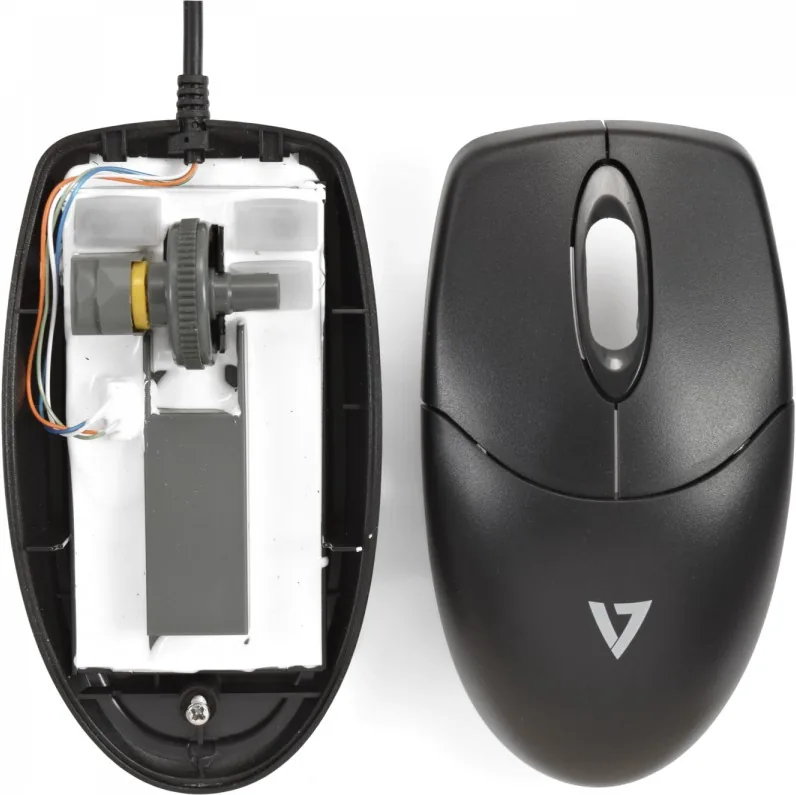
Practical features include a keyboard lock for cleaning: press FN + F10 to disable key input while wiping or rinsing, and press the same keys again to reactivate. The mouse shares the washable construction and benefits from the same antimicrobial treatment. These protective properties are surface-applied during manufacturing and do not replace personal hygiene practices—users should continue regular handwashing and hygiene protocols.
Beyond durability and cleanliness, the V7 CKU700 provides familiar DE-layout key placement and dependable USB connectivity for immediate plug-and-play use. Its resilient construction and integrated protections make it ideal for shared workstations, point-of-care stations, food prep areas, or any place where devices must be cleaned frequently without downtime.
Notes
- Always fit the rubber USB cap before washing to protect the connector.
- Ensure both keyboard and mouse are fully air-dry before powering them on.
- Use FN + F10 to lock/unlock the keyboard during cleaning.
- Antimicrobial treatment reduces surface microbial growth but is not a substitute for hand hygiene.
Search for 67,706 Manuals online


Type-in Brand or Model