
uHoo Smart Air Monitor Manual
PDF manual · 11 Pages
English



Quick check
Incorrect answer, please try again.
Chat with your uHoo Smart Air Monitor manual using AI
Get instant AI answers from your uHoo Smart Air Monitor manual
Ask anything about the uHoo Smart Air Monitor. Answers come from this manual, with the pages they are based on.
Ask a Question
Do you recommend Smart Air Monitor?
Yes NoDo you recommend Smart Air Monitor?
Yes NoFrequently Asked Questions
Mount the device three to six feet off the ground and keep it five to ten centimeters from nearby walls for best results.
Is this answer helpful?
Locate the reset button on the front panel and wait until the LED turns solid blue to confirm completion.
Is this answer helpful?
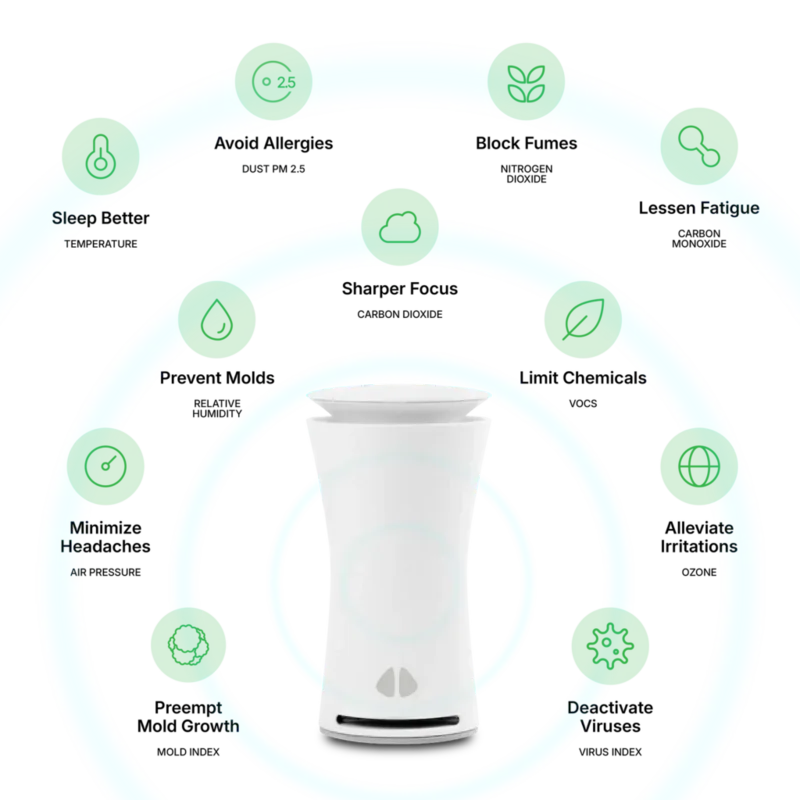
It detects carbon dioxide, volatile organic compounds, temperature, humidity, atmospheric pressure, and general indoor air pollutants.
Is this answer helpful?
The mobile app is available on the Apple App Store and Google Play Store for compatible devices.
Is this answer helpful?
Yes, it integrates with Google Assistant allowing users to check readings via voice commands.
Is this answer helpful?
You will receive an email link shortly after registration to activate your account securely on the cloud.
Is this answer helpful?
Check the troubleshooting guides online for detailed steps to resolve Wi-Fi interference and connectivity issues.
Is this answer helpful?
Advantages and Disadvantages
Advantages

- comprehensive indoor air measurement for residential safety and comfort levels
- smartphone app integration for remote monitoring on iOS and Android
- Google Assistant support for convenient voice control capabilities at home
- simple reset procedure indicated by solid blue LED status
- access to official troubleshooting guides and online support resources
Disadvantages

- requires specific placement height between three to six feet off ground
- needs minimum five centimeter distance from walls to prevent interference
- potential Wi-Fi interference issues may affect connection stability
- account activation process requires email verification before use
- manual configuration instructions are necessary for proper initial setup
Product Specification
Type
Sensor
Standard
Wi-Fi (802.11b/g/n)
Functions
Air Quality (CO2, CO, NO2, VOCs, Ozone, Dust), Temperature, Humidity
Dimensions
3.35 x 6.34 x 3.35 in
Special Features
App-controlled (iOS, Android)
Product Description
Improving Indoor Air Quality
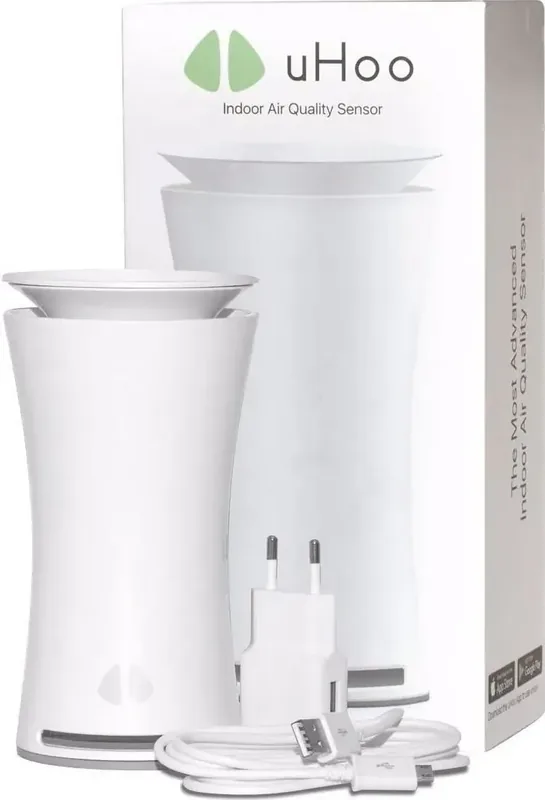
Many families struggle to identify invisible toxins without specialized equipment like this unit. Living in today's modern world requires significant attention to various environmental factors that impact personal health daily. The uHoo Smart Air Monitor provides comprehensive insights into your local atmosphere to help you maintain a healthy home. This device monitors multiple parameters continuously to ensure safety, comfort, and well-being for everyone in the household.
Users often refer to the uHoo Smart Air Monitor, Air Quality Sensor Manual for setup guidance during the initial configuration process. Reading the instructions thoroughly prevents accidental damage during the mounting procedure on walls. It helps configure the device efficiently so that it functions correctly from the very beginning. Following the guide ensures optimal performance from the start and avoids common installation errors that might occur otherwise.
The unit detects common indoor air pollutants found in residential households reliably and accurately. Additionally, it measures atmospheric pressure to provide context for weather changes affecting indoor air. It tracks temperature and humidity levels alongside volatile organic compounds throughout the day. Carbon dioxide readings help maintain ventilation standards to prevent stuffiness. This ensures that every breath you take is as clean as possible.
Proper positioning is crucial for accuracy because placement affects data reliability significantly. Wall proximity might block sensors or cause inaccurate heat transfer readings during testing phases. The device works best three to six feet off the ground for optimal sensor reading. Keep it five to ten centimeters from nearby walls for best results during operation. This distance prevents interference from surrounding surfaces while allowing free airflow.
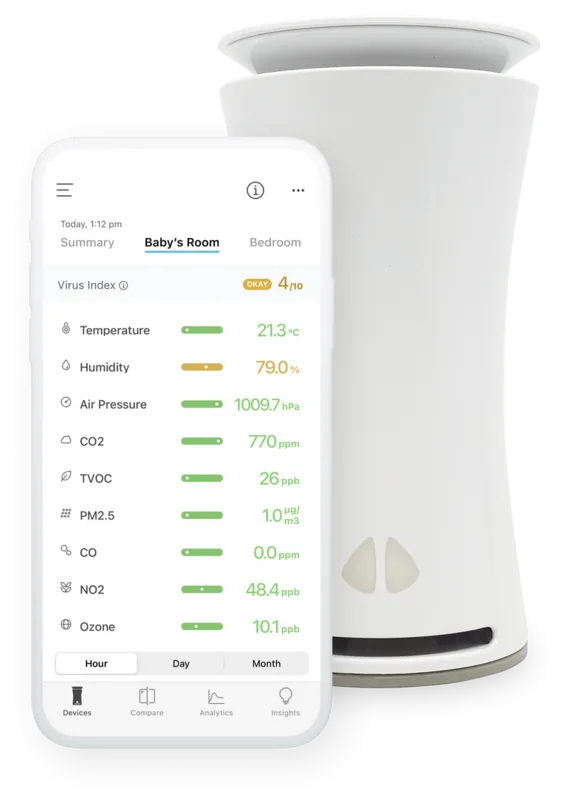
Smartphone integration allows remote monitoring via the mobile app available on various platforms. Integration with Google Assistant enables voice control capabilities for convenience and ease of use. Troubleshooting guides are available online for connection problems or Wi-Fi interference scenarios. This support network ensures you stay connected regardless of network issues.
If issues occur during setup, locate the reset button on the front panel of the unit. Wait until the device LED turns solid blue to confirm completion of the reset cycle. Account activation occurs shortly via an email link sent after registration is verified by the system. This process ensures secure access to your data on the cloud.
Prioritizing air quality protects your family health from undetected hazards in everyday environments. This sensor offers peace of mind through constant monitoring and automatic alerts when levels rise. Visit the official website for more details on firmware updates and new feature rollouts over time. Check the website regularly for notifications regarding maintenance schedules or new sensor features.
Taking proper care of the air you breathe is essential for long-term wellness at home. It is a must-have for modern households seeking clean living conditions.
Search for 67,732 Manuals online


Type-in Brand or Model