
Ubiquiti UniFi Video IR Range Extender UVC-G3-LED Manual
PDF manual · 20 Pages
English



Quick check
Incorrect answer, please try again.
Chat with your Ubiquiti UniFi Video IR Range Extender UVC-G3-LED manual using AI
Get instant AI answers from your Ubiquiti UniFi Video IR Range Extender UVC-G3-LED manual
Ask anything about the Ubiquiti UniFi Video IR Range Extender UVC-G3-LED. Answers come from this manual, with the pages they are based on.
Ask a Question
Do you recommend UniFi Video IR Range Extender UVC-G3-LED?
Yes NoFrequently Asked Questions
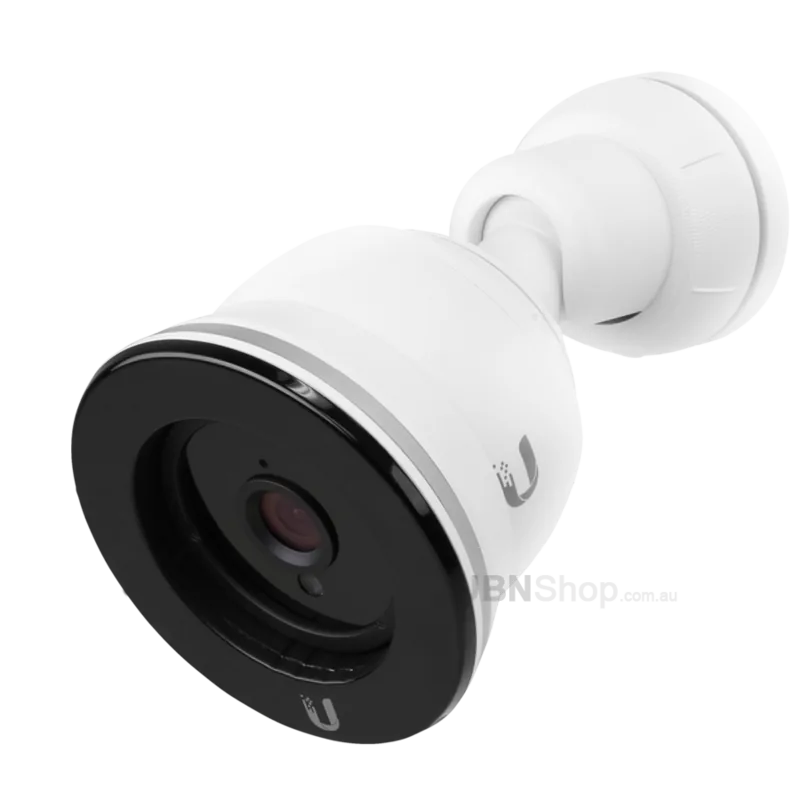
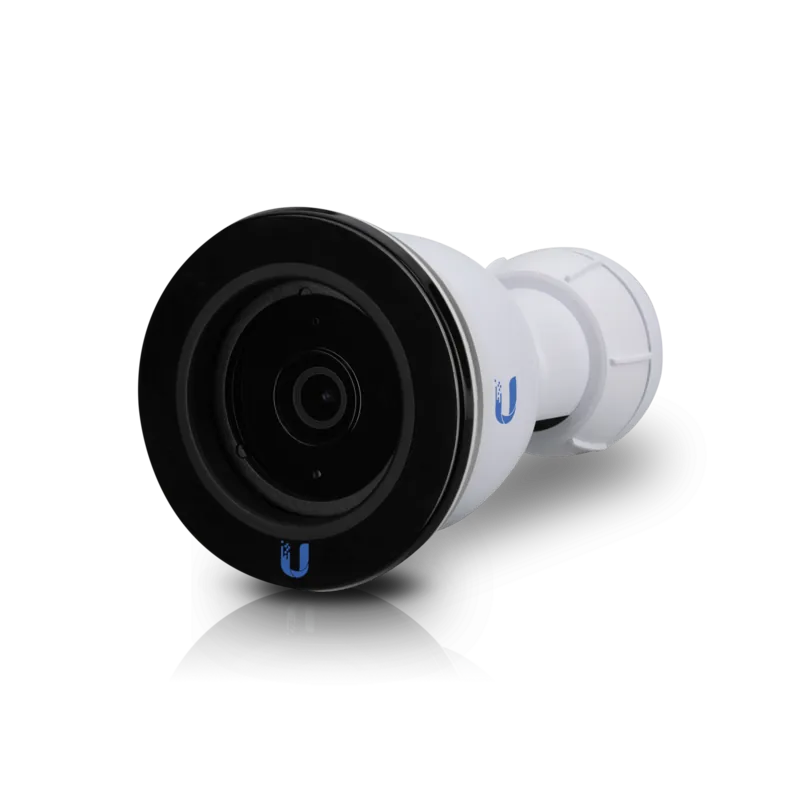
It is designed specifically for the UniFi Video Camera G3, model UVC-G3. The accessory connector is intended for that camera only, so it should not be used with other devices.
Is this answer helpful?
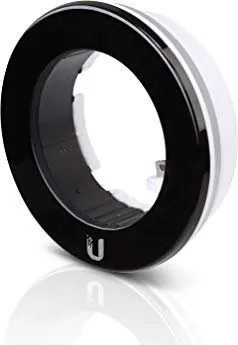
It adds six high-intensity infrared LEDs around the camera lens area. These LEDs boost illumination in low light, helping the camera capture clearer images at night or in dark areas.
Is this answer helpful?
No. It draws power and IR control through the camera’s accessory connector, so there is no separate power adapter required for the extender itself.
Is this answer helpful?
You can enable them in UniFi Video or through the camera UI. After enabling the external accessory option, the LEDs will turn on automatically when light levels are low.
Is this answer helpful?
Make sure the LED ring is aligned correctly, and do not overtighten the screws. If the screws protrude into the ring space, back them out slightly before fitting the accessory.
Is this answer helpful?
The extender is rated for an infrared range of up to 25 meters, or about 82 feet, depending on placement and environmental conditions.
Is this answer helpful?
Advantages and Disadvantages
Advantages

- Extends night vision with six infrared LEDs and up to 25 m of IR range.
- Direct accessory-port connection keeps installation clean and avoids extra power adapters.
- Automatic low-light activation helps the camera respond without constant manual control.
- Compact, lightweight design fits neatly around the UVC-G3 camera body.
Disadvantages

- Works only with the UVC-G3 camera, so compatibility is very limited.
- Installation requires careful screw adjustment to avoid fit or damage issues.
- Must be enabled in software before the IR LEDs will operate.
- Not suitable for submerged or harsh misuse conditions.
Product Specification
Type
IR-Range Extender (82.02 ft)
Product Description
Ubiquiti UniFi IR-Range Extender: Better Night Vision for UniFi G3
The Ubiquiti UniFi IR-Range Extender is a smart add-on for the UniFi Video Camera G3, built to push infrared performance further when lighting drops. Instead of relying on the camera alone, this accessory adds six high-intensity IR LEDs that help the G3 capture clearer scenes after dark. For homes, offices, warehouses, and storefronts, that extra reach can make the difference between a blurry outline and usable footage.
What stands out most is how closely this accessory is matched to the G3 platform. It connects directly through the camera’s accessory port, draws power from the camera, and is designed to work only with the UVC-G3 family. The result is a tidy installation with no separate power brick or messy cabling. If you are searching for the Ubiquiti UniFi IR-Range Extender Manual, the core idea is simple: mount it carefully, lock it in place, and enable the external accessory in UniFi Video or through the camera interface.
The hardware design is compact and practical. The LED ring sits around the front of the camera, while pre-installed screws keep it secure once fitted. When installed correctly, the extender can improve infrared coverage up to 25 meters, giving the camera a stronger reach in low-light conditions. That makes it especially useful for entryways, driveways, loading areas, and other spaces where dependable night surveillance matters.
Setup is straightforward, but it still rewards attention to detail. The sun visor must be removed first, the accessory port cover taken off, and the LED ring aligned before the connector is inserted. It is also important not to overtighten the screws, since too much force can damage the accessory or the camera body. Once installed, the feature can be turned on from the software side so the LEDs activate automatically when light levels fall.
Why it appeals to security-focused users
This extender is not about flashy extras; it is about extending the value of an existing UniFi camera. It offers a clean physical fit, automatic low-light activation, and a purpose-built design that keeps the system compact. With a temperature range of -30 to 70° C and a lightweight form factor, it is suited to demanding environments where reliable night vision is essential.
Notes
- Compatible only with the UniFi Video Camera G3.
- Do not connect other devices to the accessory port.
- Avoid overtightening the mounting screws.
- External IR turns on automatically after software activation.
Search for 67,706 Manuals online


Type-in Brand or Model