
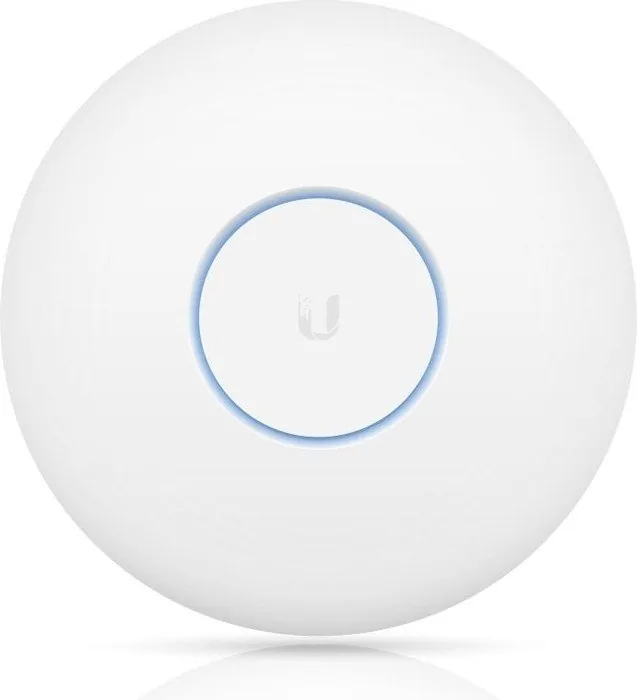
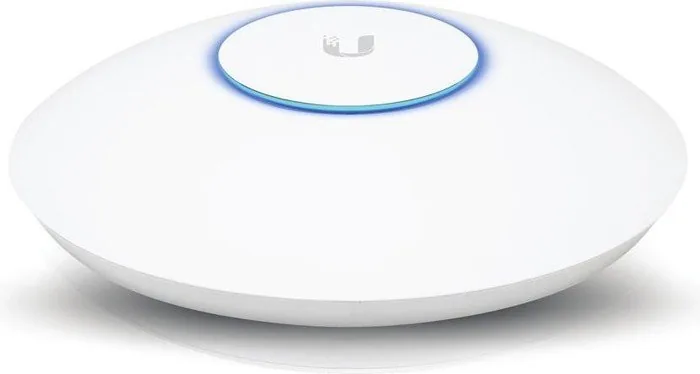
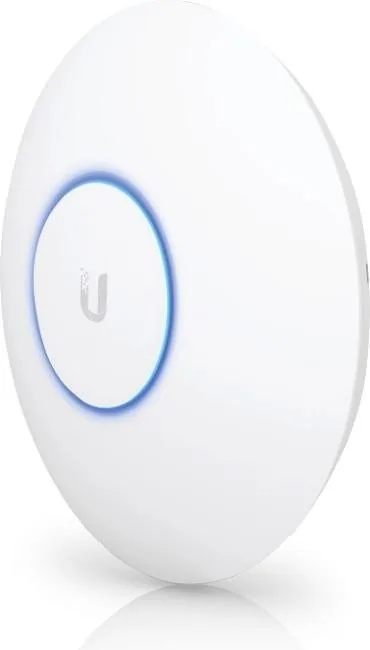
Ubiquiti UniFi AP AC HD UAP-AC-HD Manual
PDF manual · 28 Pages
English



Quick check
Incorrect answer, please try again.
Chat with your Ubiquiti UniFi AP AC HD UAP-AC-HD manual using AI
Get instant AI answers from your Ubiquiti UniFi AP AC HD UAP-AC-HD manual
Ask anything about the Ubiquiti UniFi AP AC HD UAP-AC-HD. Answers come from this manual, with the pages they are based on.
Ask a Question
Do you recommend UniFi AP AC HD UAP-AC-HD?
Yes NoFrequently Asked Questions
It is best for high-density environments such as offices, classrooms, hotels, and event spaces where many users connect at once and stable performance is important.
Is this answer helpful?
Yes. It requires UniFi Controller v5.3 or newer for full setup and management. The UniFi mobile app can also help with basic provisioning and remote access.
Is this answer helpful?
It uses 802.3at PoE+ power. You can connect it to a compatible PoE+ switch or use the included Gigabit PoE adapter in the single-pack version.
Is this answer helpful?
Yes. The unit supports both wall and ceiling mounting, and the package includes the necessary mounting hardware for those installation types.
Is this answer helpful?
It can be installed outdoors only in a protected area, such as under an eave. It should not be placed in an open environment exposed to weather.
Is this answer helpful?
Its main advantages are Wave 2 performance, strong management through UniFi tools, PoE+ convenience, and hardware designed for demanding multi-user networks.
Is this answer helpful?
Advantages and Disadvantages
Advantages

- Supports 802.11ac Wave 2 for better performance in busy networks.
- Dual-band design helps balance client load across 2.4 GHz and 5 GHz.
- PoE+ support simplifies installation with fewer power cables.
- Works with UniFi Controller for centralized monitoring and management.
Disadvantages

- Requires UniFi Controller v5.3 or newer to fully manage the device.
- Professional installation and grounding are recommended for warranty compliance.
- Not compatible with some lower-power UniFi switches like US-8 and US-8-60W.
- Outdoor use is limited to protected locations, not open exposure.
Product Specification
LAN
2x 1000Base-T (PoE+ PD)
Wireless
WLAN 802.11a/b/g/n/ac/h (Wi-Fi 5), simultaneous
Transfer Rate
800Mbps (2.4GHz), 1733Mbps (5GHz)
Security
WEP, WPA, WPA2, WPA3
Antennas
internal
Ports
1x USB-C 3.0
Power Consumption
17W (consumption, operation), no data (max. power supply output)
Dimensions
8.66x8.66x1.89in
Special Features
MU-MIMO, TPC/DFS, VLAN, Mesh (shared band)
Band Capability
Dual Band (simultaneous), Mesh (shared band)
Manufacturer Warranty
one year
Note
Configuration only via configuration software or via control unit. WPA3 after firmware update (5.43+ FW).
Product Description
Ubiquiti UniFi AP AC HD: Built for High-Density Wireless Performance
The Ubiquiti UniFi AP AC HD is designed for environments where many users need fast, dependable Wi-Fi at the same time. It brings 802.11ac Wave 2 capability, dual-band operation, and enterprise-focused management into a compact access point that fits neatly on a wall or ceiling. For offices, schools, hospitality spaces, and busy shared networks, it stands out as a strong choice when coverage and stability matter as much as speed.
What makes this model especially appealing is its balance of flexibility and control. The Ubiquiti UniFi AP AC HD Manual highlights practical details such as PoE+ power support, mounting options, and controller requirements, all of which help simplify deployment for network teams. It works with the UniFi Controller ecosystem, giving administrators a clear way to monitor devices, manage wireless settings, and review performance across the network. That makes it more than just a wireless radio—it becomes part of a larger managed infrastructure.
Hardware-wise, the access point includes two Gigabit Ethernet ports, a reset button, and support for 802.3at PoE+ power. It can be installed on a ceiling or wall, and the included mounting kit makes that process straightforward when the location is prepared correctly. The device is also built with outdoor-protected placement in mind, as long as it is installed under an eave or similar sheltered area and used with shielded cabling. These details show that the product is engineered for real-world deployment, not just lab performance.
From a wireless perspective, the UniFi AP AC HD is tuned for strong throughput and efficient client handling in crowded spaces. Dual-polarity antennas, solid transmit power, and modern security options help it serve demanding users with confidence. Whether you are upgrading from an older UniFi AP or planning a new installation, it offers a professional-grade foundation that can scale with your environment.
Notes
- Requires UniFi Controller v5.3 or newer
- Professional installation is recommended
- Use shielded Ethernet for outdoor or grounded installations
- PoE+ power is required for proper operation
Search for 67,706 Manuals online


Type-in Brand or Model
Lena Schneider
10 months ago
How do I configure the controller correctly for this to work well? I heard the advanced features and WLAN group must be set, but I want to know the exact steps for radios and band steering.
Manual.ly
10 months ago
In the controller, you need to enable the "advanced features" first. Then preconfigure the WLAN group there. After that, the radio settings will be provisioned to the access point (AP), including band steering. Once those controller settings are in place and the AP is applied, setup runs smoothly and the system can handle many simultaneous users (for example, up to around 80 per AP in reported testing).