
Ubiquiti UniFi AP AC Education UAP-AC-EDU Manual
PDF manual · 28 Pages
English



Quick check
Incorrect answer, please try again.
Chat with your Ubiquiti UniFi AP AC Education UAP-AC-EDU manual using AI
Get instant AI answers from your Ubiquiti UniFi AP AC Education UAP-AC-EDU manual
Ask anything about the Ubiquiti UniFi AP AC Education UAP-AC-EDU. Answers come from this manual, with the pages they are based on.
Ask a Question
Do you recommend UniFi AP AC Education UAP-AC-EDU?
Yes NoFrequently Asked Questions
The UniFi AP AC EDU is a ceiling‑mounted dual‑band 802.11ac access point with an integrated speaker assembly for public announcements. It combines Wi‑Fi connectivity and paging in one device, managed centrally via the UniFi Controller and UniFi EDU app.
Is this answer helpful?
Paging and EDU app features require UniFi Controller version 4.9.5 or newer and UniFi AP AC EDU firmware 3.4.18 or higher. The mobile UniFi EDU app (iOS/Android) must be on a device located on the same Layer‑2 network as the controller and APs.
Is this answer helpful?
The AP supports 802.3at PoE+ (recommended). It can be powered by a UniFi PoE+ switch, any 802.3at PoE+ compliant switch, or the Gigabit PoE adapter included with single‑pack units. Ensure the power source meets the specified voltage range and PoE type.
Is this answer helpful?
Yes. The UniFi EDU app lets you create broadcast groups, schedule announcements, record messages for later use, and adjust volume per AP. The app connects to the UniFi Controller (typically via port 8443) to initiate broadcasts on the same Layer‑2 network.
Is this answer helpful?
Use CAT5 or higher for Ethernet runs and follow local building and safety codes. The AP is designed for drop‑tile ceiling mounts with included clamp brackets and safety wire; installers should avoid attaching safety wires to ceiling T‑bars and must verify compliance with local regulations.
Is this answer helpful?
The AP supports WEP, WPA‑PSK, and WPA/WPA2 Enterprise (TKIP/AES), up to four BSSIDs per radio, firmware upgrades via UniFi Controller, remote reset options, and centralized network monitoring and configuration through the UniFi management platform.
Is this answer helpful?
The device carries CE, FCC, and Industry Canada approvals. Operating temperature ranges from -10 to 70°C and humidity from 5–95% non‑condensing. Antenna gains are 3 dBi for both 2.4 GHz and 5 GHz; maintain at least 20 cm separation from people for RF exposure compliance.
Is this answer helpful?
Advantages and Disadvantages
Advantages

- Integrated speaker and Wi‑Fi AP simplifies installations by combining network and paging in one ceiling unit.
- Dual‑band 802.11ac radios (2.4/5 GHz) with MIMO deliver high throughput for dense educational environments.
- Centralized management via UniFi Controller and UniFi EDU app enables group broadcasts, scheduling, and volume control.
- Ceiling‑mount hardware and clamp brackets fit drop‑tile installations with safety wire for secure mounting.
- Supports 802.3at PoE+ for flexible power options and easy integration with UniFi switches or PoE adapters.
Disadvantages

- Speaker and AP share physical space, which can complicate replacement or servicing of one component.
- Requires UniFi Controller v4.9.5+ and specific firmware/app versions for full paging features.
- Performance claims (speed/range) depend on optimal conditions and may vary in real deployments.
- Single‑pack includes PoE adapter; bulk deployments require separate PoE+ infrastructure purchase.
- Installation requires ceiling cutout and adherence to local safety/cabling standards, adding labor complexity.
Product Specification
LAN
2x 1000Base-T (PoE PD)
Wireless
WLAN 802.11a/b/g/n/ac (Wi-Fi 5), simultaneous
Transfer rate
450Mbps (2.4GHz), 1300Mbps (5GHz)
Security
WEP, WPA, WPA2, WPA3
Antennas
internal
Ports
N/A
Power consumption
No information (consumption, operation), no information (max. power supply output)
Dimensions
11.34x11.34x4.96in
Special features
VLAN, Mesh (shared band)
Band capability
Dual Band (simultaneous), Mesh (shared band)
Note
Configuration only via configuration software or via control unit. WPA3 after firmware update (5.43+ FW).
Product Description
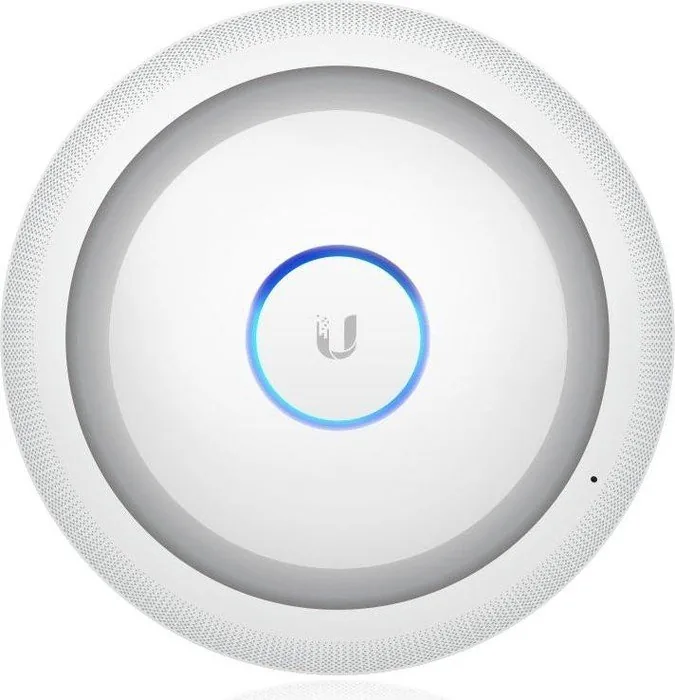
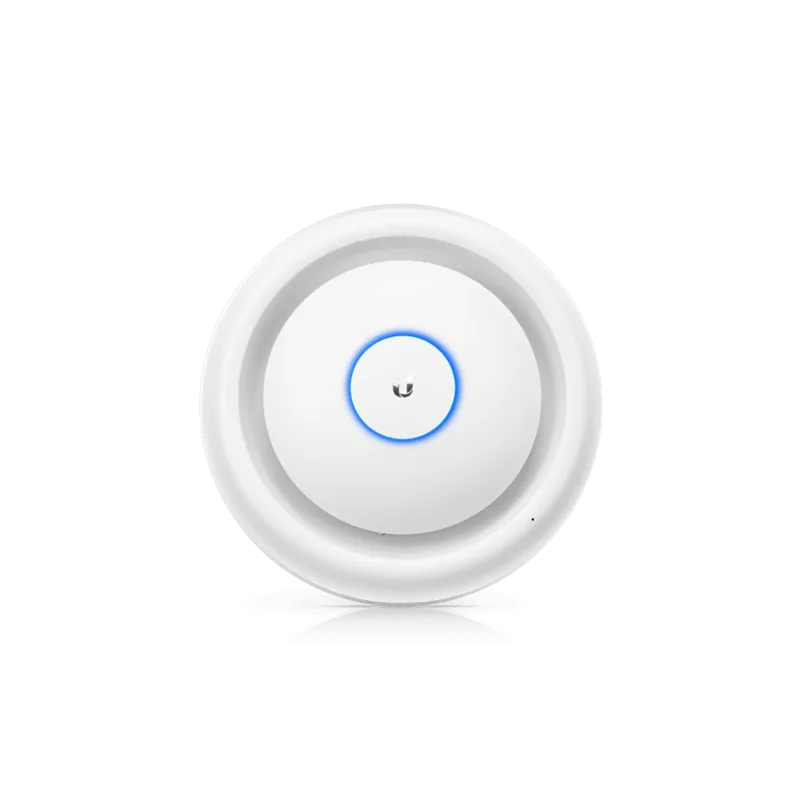
Ubiquiti UniFi AP AC Education with Speaker
The Ubiquiti UniFi AP AC Education with Speaker is a ceiling-mounted, dual-band 802.11ac access point designed for educational and institutional environments that need integrated public-address capability. Combining robust Wi‑Fi performance with an onboard speaker system, the AP enables administrators to manage wireless networks while broadcasting announcements directly from mobile devices via the UniFi EDU app. It supports 2.4 GHz and 5 GHz radios (with MIMO), delivers up to 450 Mbps on 2.4 GHz and 1300 Mbps on 5 GHz under optimal conditions, and includes internal antennas and dual Gigabit Ethernet ports for power and data.
Key features and setup
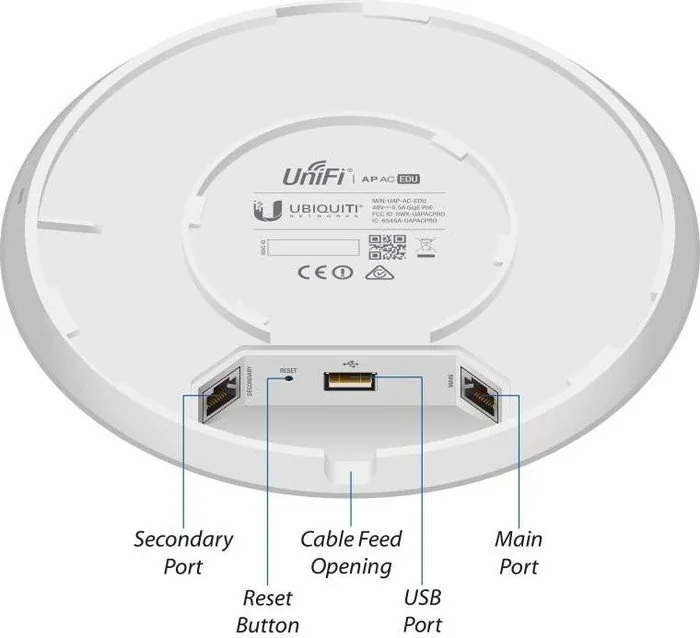
Installation is tailored for drop‑tile ceilings using included mounting kits and clamp brackets, with safety wire attachment recommended for secure mounting. Power options include 802.3at PoE+ switches, UniFi switches, or the optional Gigabit PoE adapter. Device indicators (white/blue LEDs) show provisioning and operational states. The AP integrates with the UniFi Controller (v4.9.5+) for centralized management, and the UniFi EDU mobile app (iOS/Android) lets staff create broadcast groups, schedule announcements, record messages, and control per‑AP volume on the same Layer‑2 network.
Performance and reliability
With a compact footprint and ceiling‑mountable design, the AP is optimized for classroom and common‑area coverage. Security features include WPA/WPA2 and enterprise options, up to four BSSIDs per radio, and options for controller‑driven provisioning and firmware upgrades. The hardware supports reset options (local and remote), a USB port for speaker support, and compliance with major regulatory standards (FCC, CE, Industry Canada). Environmental tolerances and safety notices emphasize correct grounding, cabling (CAT5 or above), and adherence to local installation codes.
Use cases and management
Ideal for schools, training centers, auditoriums, and campus common areas, this model streamlines network connectivity and group messaging. Administrators can manage multiple APs and broadcast to selected groups or all devices, schedule automated announcements, and maintain firmware via the UniFi Controller. The included specifications and compliance guidance make it suitable for enterprise deployments where centralized control and emergency paging are important.
Notes:
- Requires UniFi Controller v4.9.5 or newer and EDU app compatibility (firmware 3.4.18+).
- Use CAT5/6 cabling and follow local safety and RF regulations.
- Single‑pack units may include a Gigabit PoE adapter; larger deployments should use PoE+ switches.
Search for 67,706 Manuals online


Type-in Brand or Model